


Calculator for oil enhanced
Chơi trên PC với BlueStacks - Nền tảng chơi game Android, được hơn 500 triệu game thủ tin tưởng.

Trang đã được sửa đổi vào: Jul 7, 2025
Run Calculator for oil enhanced on PC or Mac
Upgrade your experience. Try Calculator for oil enhanced, the fantastic Tools app from MooringMarineConsultancy, from the comfort of your laptop, PC, or Mac, only on BlueStacks.
About the App
If you work anywhere near tankers, survey bunkers, or just need to crack tricky oil calculations on the job, Calculator for oil enhanced from MooringMarineConsultancy was built with you in mind. No-nonsense, no ads, just a reliable app that helps you sort out cargo numbers and conversions—fast. Whether you’re double-checking volumes or running density adjustments, this app’s here to make your life a little easier.
App Features
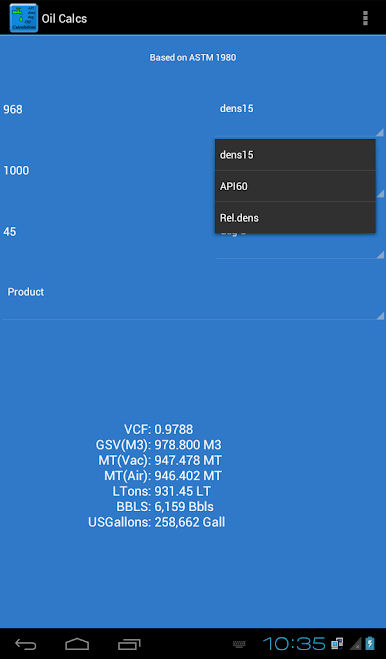
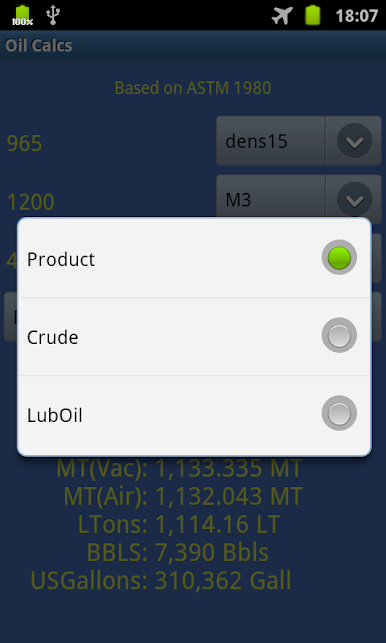
- Precise Oil and Cargo Calculations: Crunch numbers for crude oil, lubes, and other products using ASTM 1980 tables—right from your phone or even your computer with BlueStacks.
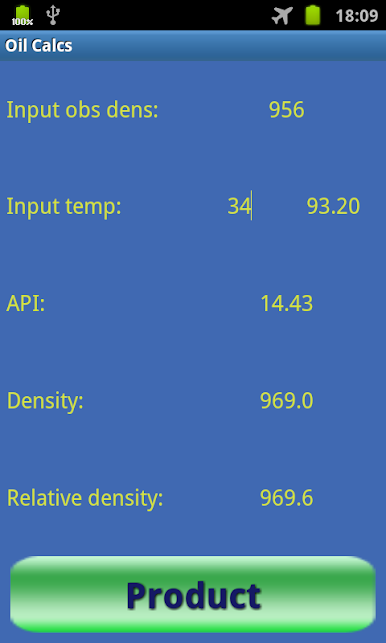
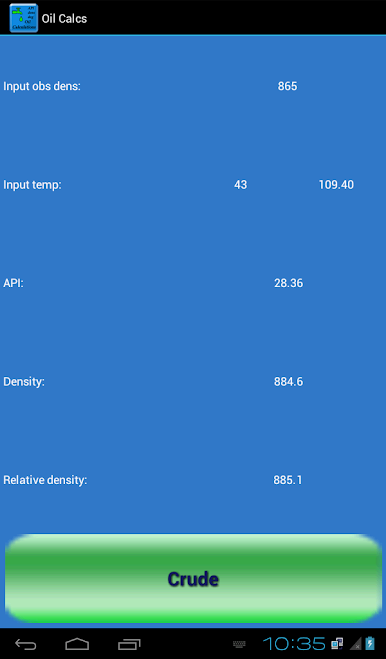
- Customizable Data Inputs: Switch easily between API gravity and density@15°C, work in metric or imperial units, and flip between Celsius and Fahrenheit without breaking your workflow.
- Multiple Industry Tables: Use whichever table fits your job—ASTM Table 6A/6B/6D or 54A/54B/54D—for volume and density conversions exact to the standard.
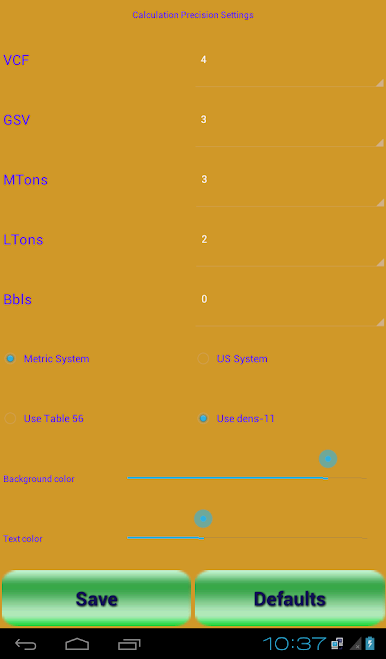
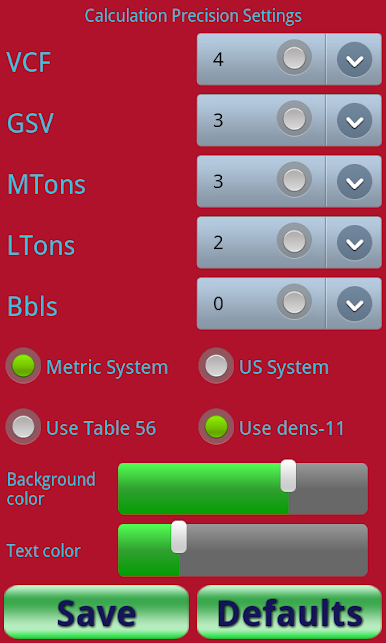
- Accurate Tonnage Calculations: Get metric tons in air or vacuum, with options to use Table 56 or the traditional “density in vacuo minus 11 points” method.
- API and Density Conversion: Drop in an API or density value and instantly convert—no manual math, no headaches.
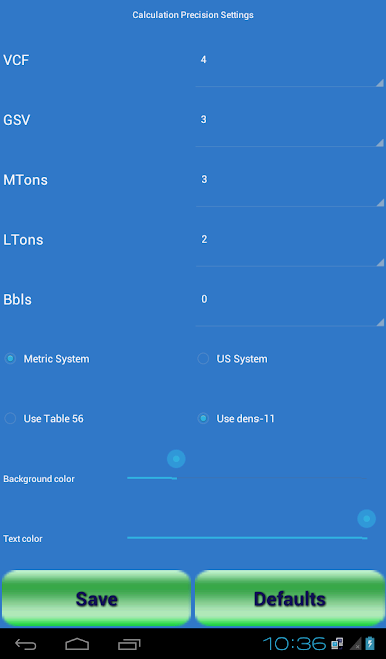
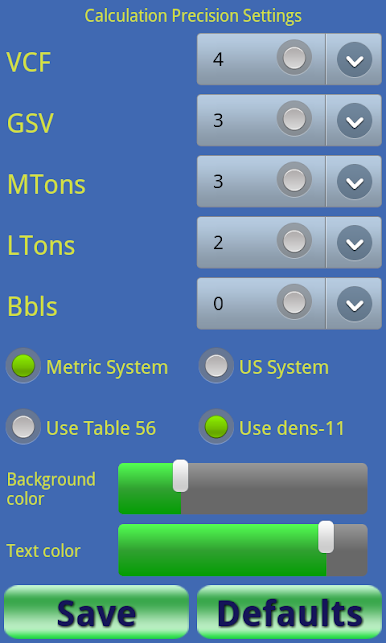
- Volume Correction Factor (VCF): Adjust VCF calculations to different decimal places, just the way your reports require.
- Multiple Output Formats: Instantly get totals in barrels, metric tons, long tons, gallons, or cubic meters at standard temps, depending on what your paperwork asks for.
- Flexible Settings: Personalize the look with custom background and text colors, and set your preferred level of precision to save time next session.
- Save Your Preferences: Whatever settings you pick stick around for the next time you open the app, so you’re ready to go—no set-up hassle.
Calculator for oil enhanced keeps things straightforward, saves your settings, and brings useful conversions to your fingertips without clutter. It’s a practical tool in the Tools genre, designed with real-world workflows in mind.
Big screen. Bigger performance. Use BlueStacks on your PC or Mac to run your favorite apps.


Chơi Calculator for oil enhanced trên PC. Rất dễ để bắt đầu
-
Tải và cài đặt BlueStacks trên máy của bạn
-
Hoàn tất đăng nhập vào Google để đến PlayStore, hoặc thực hiện sau
-
Tìm Calculator for oil enhanced trên thanh tìm kiếm ở góc phải màn hình
-
Nhấn vào để cài đặt Calculator for oil enhanced trong danh sách kết quả tìm kiếm
-
Hoàn tất đăng nhập Google (nếu bạn chưa làm bước 2) để cài đặt Calculator for oil enhanced
-
Nhấn vào icon Calculator for oil enhanced tại màn hình chính để bắt đầu chơi

