


Gaming VPN: For Online Games
Chơi trên PC với BlueStacks - Nền tảng chơi game Android, được hơn 500 triệu game thủ tin tưởng.

Trang đã được sửa đổi vào: Feb 9, 2025
Play Gaming VPN: For Online Games on PC
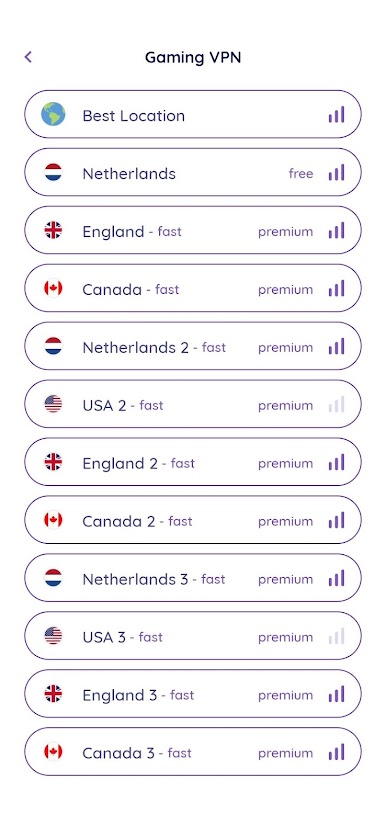
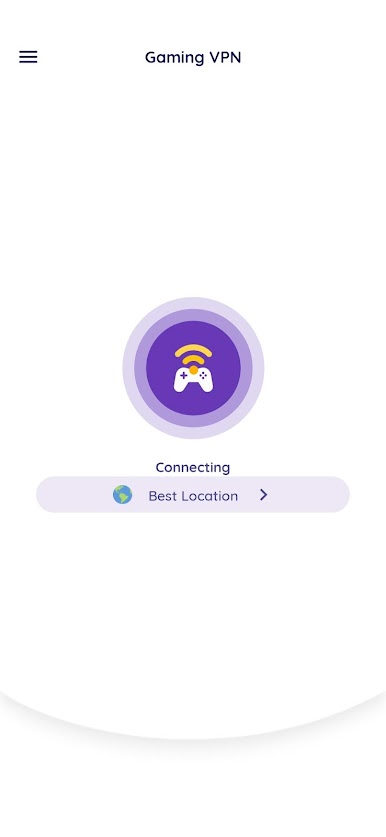
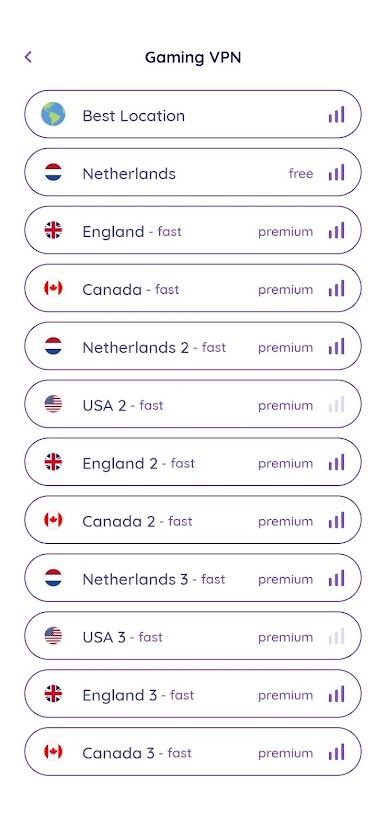
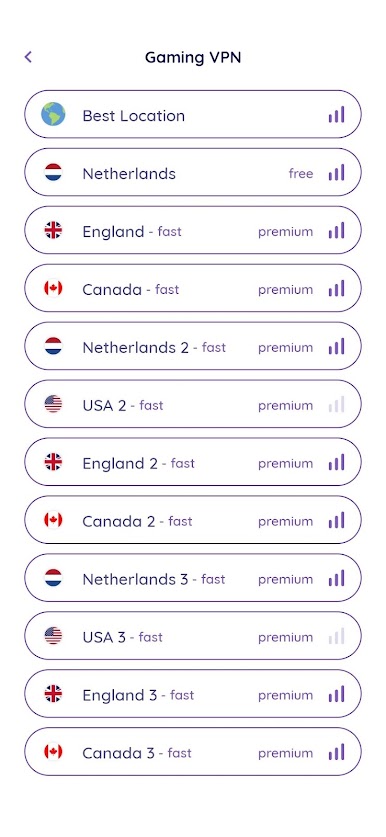
Gaming VPN is a VPN specifically designed & optimized for gamers that solves connection problems and resolves high PING issues (minimizes connectivity lag).
If you’re looking for a VPN primarily for gaming, speed will likely be a priority – but privacy doesn’t have to take a back seat. Thanks to excellent speeds, low ping times, plus powerful privacy features, Gaming VPN is a winning combination.
⇨ Why Should I Use Gaming VPN?
✓ Gaming VPN is specifically optimized for mobile gaming. Generally, using a VPN means having to deal with slightly slower connection speeds. It’s important to find a provider that offers high bandwidth servers specifically optimized for online gaming. This is where Gaming VPN shines!
✓ Gaming VPN helps you to reduce ping in-game connections without slowing down your internet speed thanks to its high bandwidth.
✓ If the ISP from which you receive service does not choose the shortest path in the data transfer of your data, you will experience serious delays in the game connection. Gaming VPN eliminates this problem.
✓ You can minimize latency by connecting to Gaming VPN servers.
⇨ Why Gaming VPN Is Better For Gaming Compared To Other VPN Services?
Our VPN service runs special cache mechanisms related to game servers and keeps performance at the highest level.
⇨ Unique Features Of Gaming VPN
✓ Connection Advantage In Popular Online Games: Gaming VPN is specially optimized for PUBG, Minecraft, Mobile Legends: Bang Bang, Call of Duty: Mobile and Wild Rift. It can also be used in other online games.
✓ Play Your Online Games With A Secure Connection: Gaming VPN provides highly secure encryption for all your online gaming traffic. In this way, you are protected from attacks such as DDoS on your connection by other players and you can play your favorite games safely.
Required Permissions And Privacy Notes
VPNService: Gaming VPN uses VPNService base class to create VPN connection. Gaming VPN opens an encrypted (meaning crypto) tunnel from its physical location to the opposite network. Information transmitted through this tunnel is encrypted and cannot be viewed from the outside. Gaming VPN acts as a virtual network adapter with the help of the specialized network driver on your android device, giving you an IP number from the opposite network.
Chơi Gaming VPN: For Online Games trên PC. Rất dễ để bắt đầu
-
Tải và cài đặt BlueStacks trên máy của bạn
-
Hoàn tất đăng nhập vào Google để đến PlayStore, hoặc thực hiện sau
-
Tìm Gaming VPN: For Online Games trên thanh tìm kiếm ở góc phải màn hình
-
Nhấn vào để cài đặt Gaming VPN: For Online Games trong danh sách kết quả tìm kiếm
-
Hoàn tất đăng nhập Google (nếu bạn chưa làm bước 2) để cài đặt Gaming VPN: For Online Games
-
Nhấn vào icon Gaming VPN: For Online Games tại màn hình chính để bắt đầu chơi

