

AutomationManager for IoT
Chơi trên PC với BlueStacks - Nền tảng chơi game Android, được hơn 500 triệu game thủ tin tưởng.

Trang đã được sửa đổi vào: Oct 22, 2025
Run AutomationManager for IoT on PC or Mac
Multitask effortlessly on your PC or Mac as you try out AutomationManager for IoT, a Tools app by MikeP on BlueStacks.
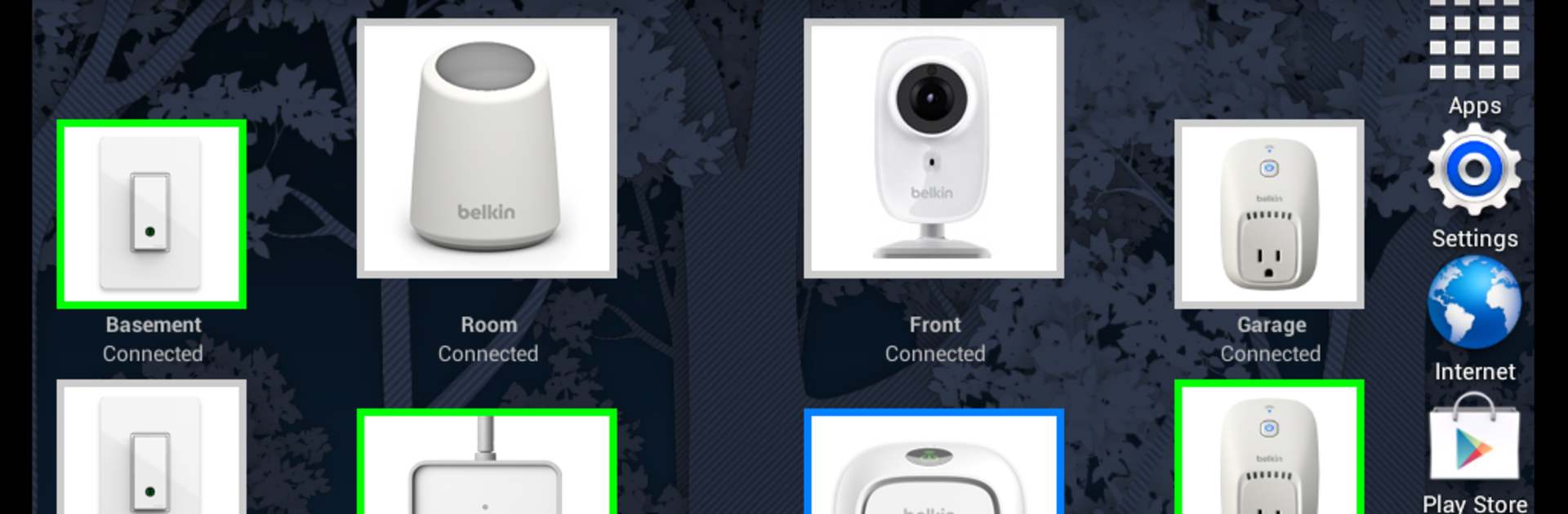
AutomationManager for IoT feels like handing the smart home back to its owner. Instead of sending every light switch and plug command through someone else’s cloud, it runs everything local so scenes fire fast and still work when the internet drops. It is clearly aimed at folks who are tired of vendor lock‑ins and half baked rule sets. The app turns a phone, PC, Mac, or even a little rPi into a home server that lives on the same network as the devices, so privacy stays at home and reliability jumps. It is not the official app for any single brand, and that is the point. The only catch is devices still need their original app once to join Wi‑Fi, because of that locked onboarding step many brands use.
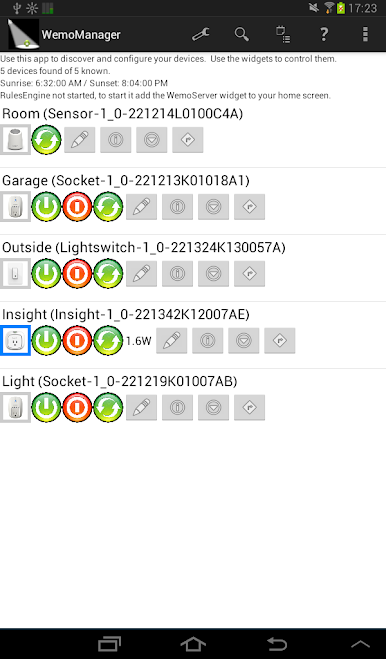
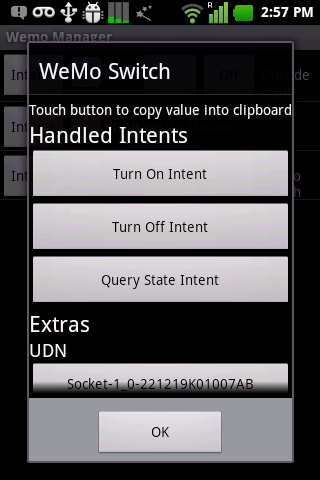
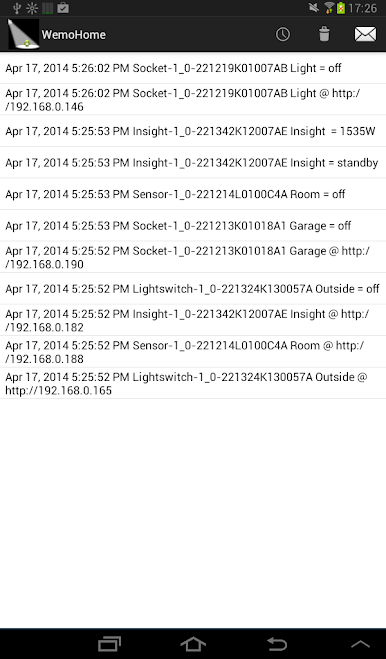
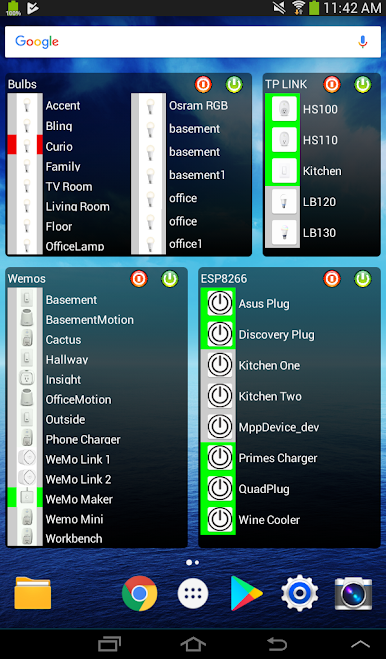
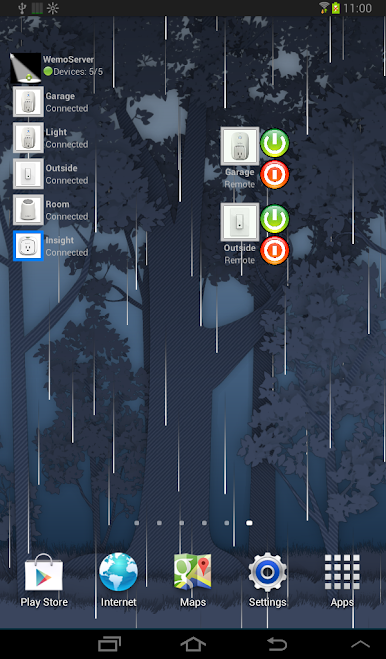
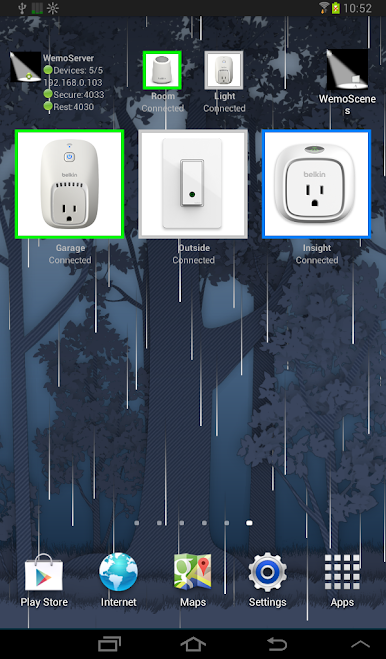
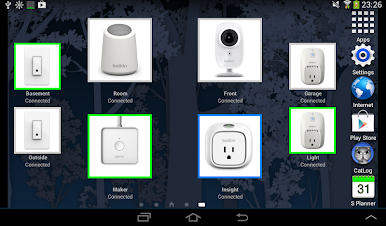
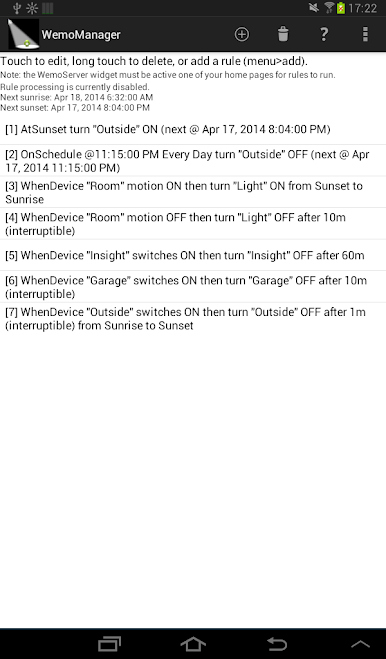
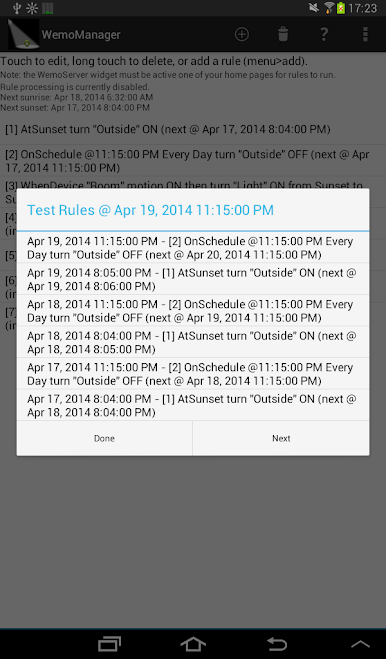
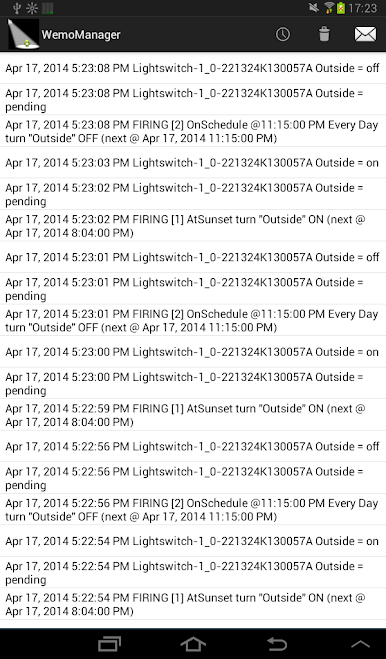
What stands out is the toolbox. There is a manager screen for day to day control, custom widgets to build a simple control panel, a local Alexa bridge that responds quickly, remote access that does not feel sketchy, scenes that flip a bunch of things at once, plus an event log so it is easy to see why something turned on. It talks to a lot of gear like TP‑Link Kasa and Tapo, Wemo, Philips Hue and Wiz, LIFX, Yeelight, some Tuya gear in beta, and Tasmota or ESPurna devices for the tinker crowd. It can also hook into HomeKit through HomeBridge, or use IFTTT and Google Assistant through an add‑on, with optional logging to Drive. On a PC with BlueStacks, building dashboards and editing rules with a keyboard is just nicer, and seeing a whole room at once on a big screen helps. It is a paid app with no ads and no data mining vibes, which makes sense if privacy matters. There is even a simple refund path if it is not a fit. It does ask for a bit of setup brain power, but once rules are in place, it feels solid and very much under the user’s control.
Ready to experience AutomationManager for IoT on a bigger screen, in all its glory? Download BlueStacks now.
Chơi AutomationManager for IoT trên PC. Rất dễ để bắt đầu
-
Tải và cài đặt BlueStacks trên máy của bạn
-
Hoàn tất đăng nhập vào Google để đến PlayStore, hoặc thực hiện sau
-
Tìm AutomationManager for IoT trên thanh tìm kiếm ở góc phải màn hình
-
Nhấn vào để cài đặt AutomationManager for IoT trong danh sách kết quả tìm kiếm
-
Hoàn tất đăng nhập Google (nếu bạn chưa làm bước 2) để cài đặt AutomationManager for IoT
-
Nhấn vào icon AutomationManager for IoT tại màn hình chính để bắt đầu chơi

