


Message Bible by Olive Tree
Chơi trên PC với BlueStacks - Nền tảng chơi game Android, được hơn 500 triệu game thủ tin tưởng.

Trang đã được sửa đổi vào: Nov 7, 2025
Play Message Bible by Olive Tree on PC
Here are 5 ways you’ll be set up for studying God’s Word:
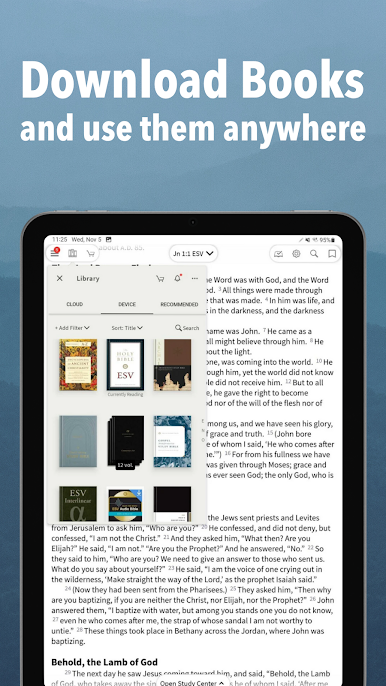
NO WIFI
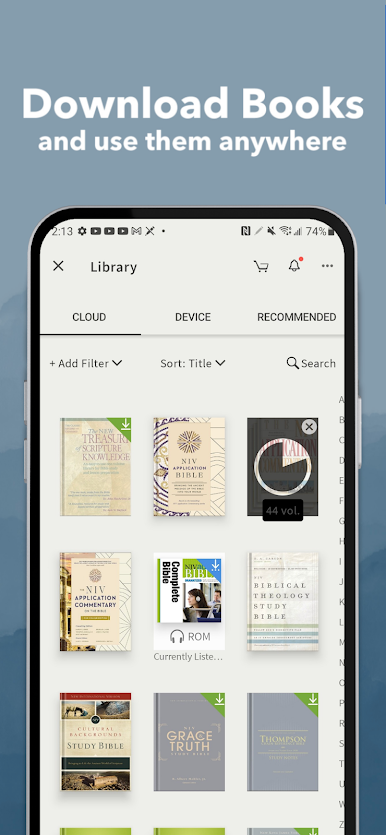
You don’t need a WiFi connection to access your Bible, audio Bible, or any other Bible study tools. If your phone is working, so is your offline Bible app.
MORE THAN JUST A BIBLE
God has been speaking to His people, through His people, for thousands of years… and that takes some research to understand! That is why we provide 1000s of resources (free & paid) to help you go deeper into God’s Word.
And when we say “resources,” we mean:
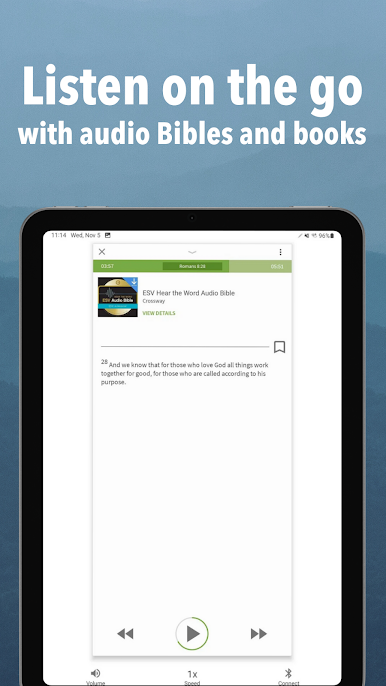
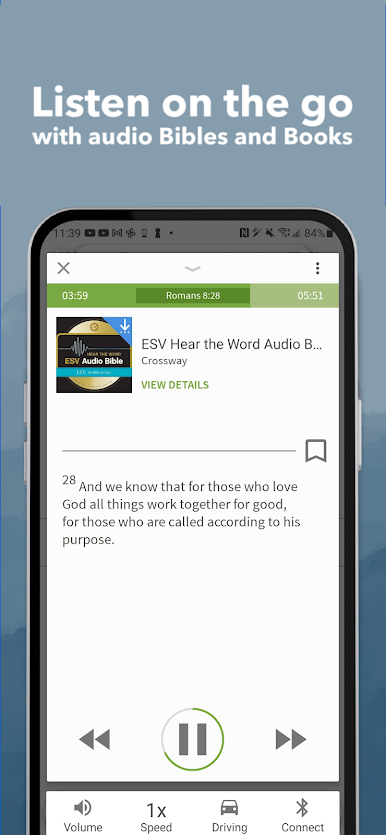
-AUDIO BIBLES
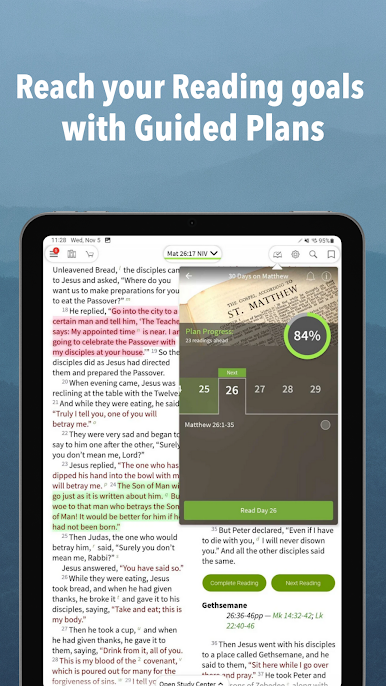
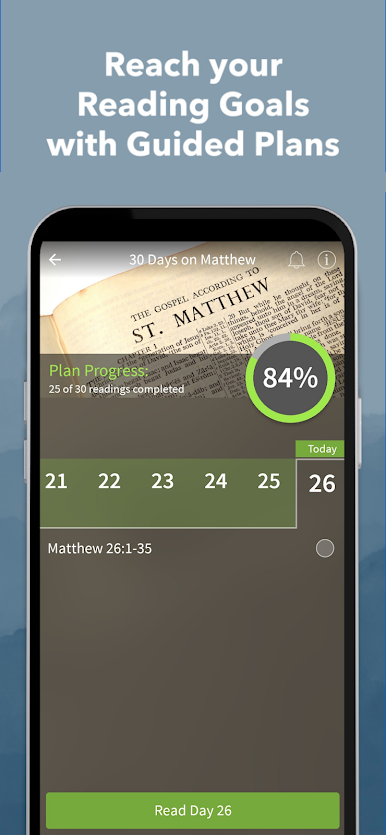
-READING PLANS
-DEVOTIONALS
-BIBLE MAPS
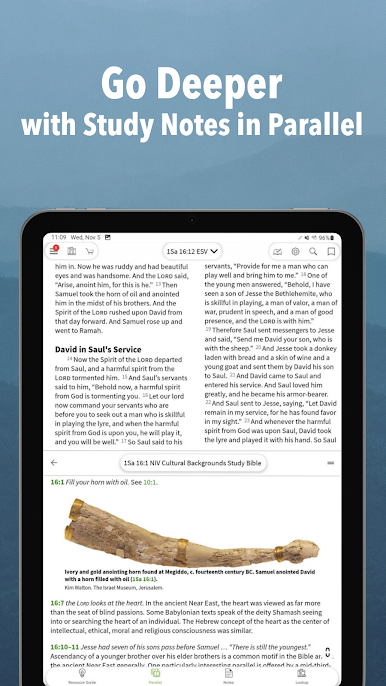
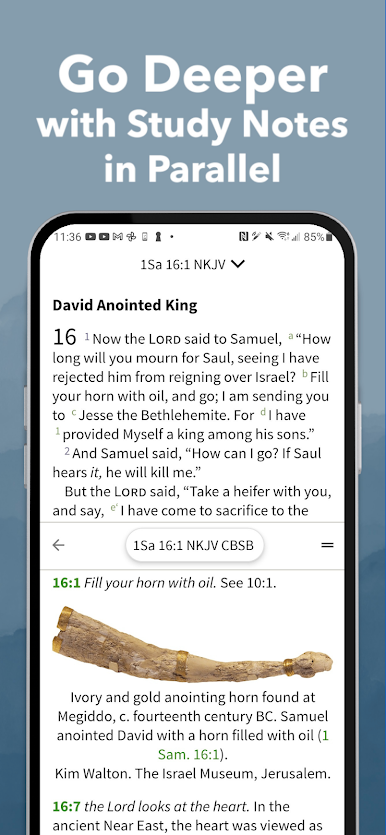
-STUDY BIBLES
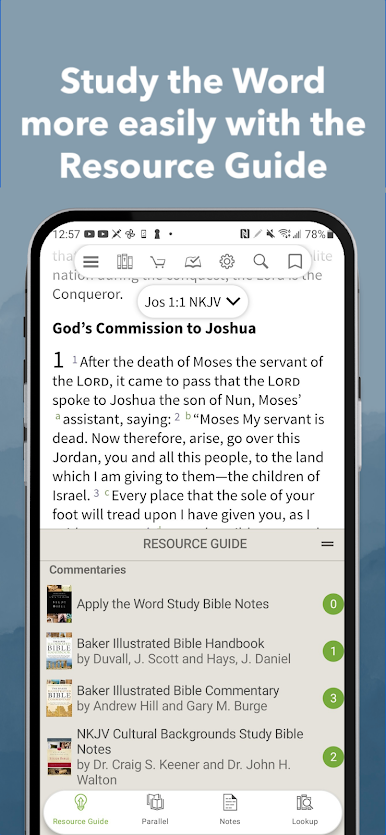
-COMMENTARIES
-EBOOKS & AUDIOBOOKS
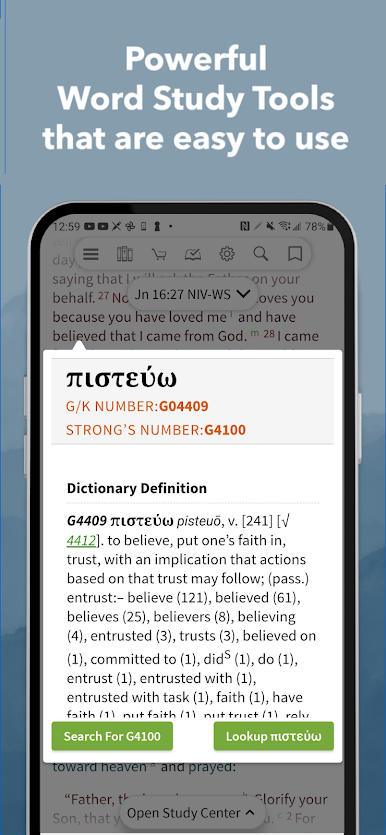
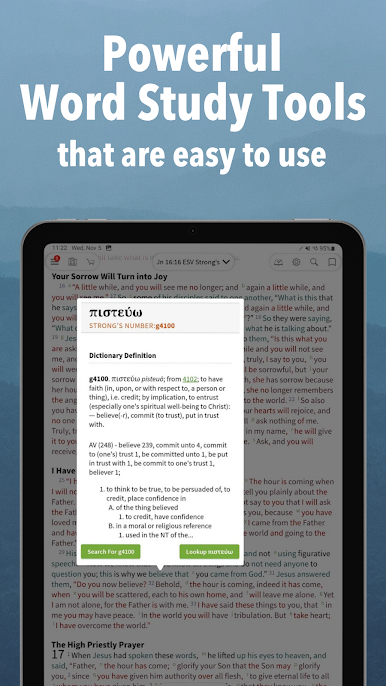
-GREEK & HEBREW TOOLS
-AND SO MUCH MORE
BIBLE STUDY PACK SUBSCRIPTIONS
If you have ever felt overwhelmed by all the different Bible study tools out there, you’re not alone! We’ve been there too and that’s why we created Bible Study Pack Subscriptions. You get hand-picked study tools PLUS guided training.
SUBSCRIPTION DETAILS
The Olive Tree Bible App offers three auto-renewing subscription options, and you have a 14 Day Free trial to try them! Monthly: $5.99 USD per month; Semi-Annually, $29.99 USD per six-months; Yearly, $59.99 USD per year.
Your Google Play Account will be charged when the purchase is confirmed.
The subscription will automatically renew monthly, semi-annually, or yearly, depending on the subscription you choose.
Your account will be charged for subscription renewal within 24-hours prior to the end of the current period.
The subscription will automatically renew unless cancelled at least 24 hours in advance of the period ending. If you cancel, you'll still have access to the resources for the duration you've already paid for.
Subscriptions may be paused or canceled by going to the subscriptions link in your Google Play App after purchasing.
TECH + DESIGN
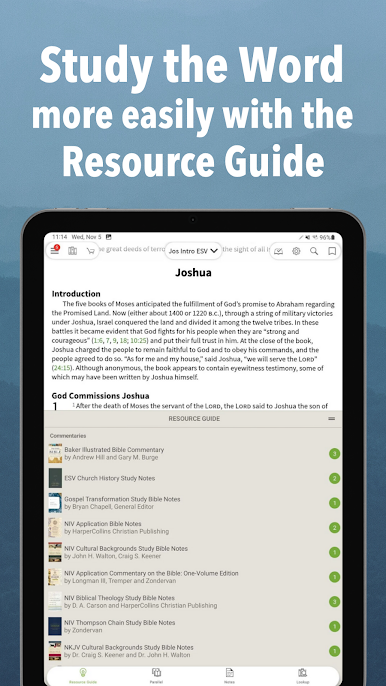
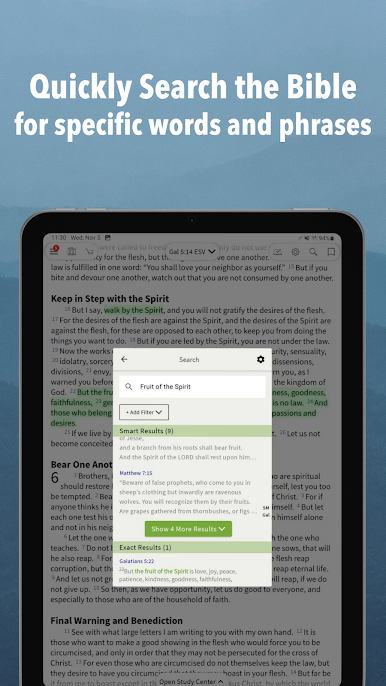
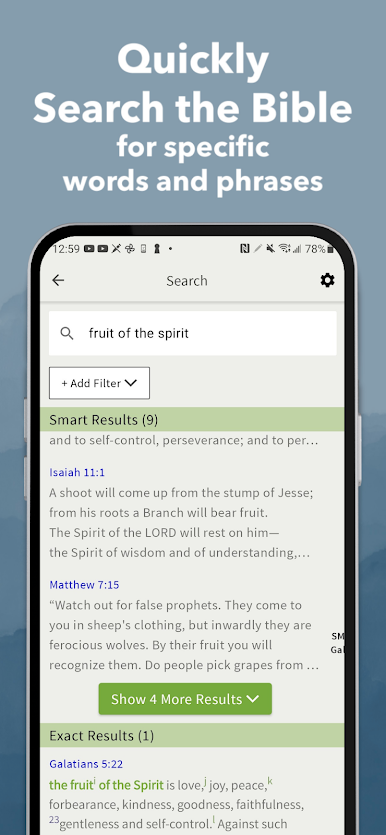
Studying the Bible is the easiest it has ever been. Use the Study Center and Resource Guide tab to access any of the resources available in our app and read them right alongside the Bible of your choice. It even does all the hard work of tracking with you, verse by verse.
CUSTOMIZE YOUR BIBLE
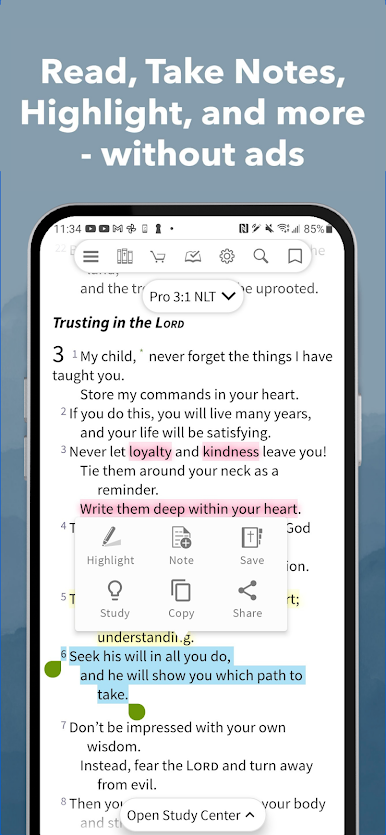
You can highlight and save your favorite passages, drop a book ribbon, create a note, add tags, and sign up to receive a daily Bible verse. Best part? Your highlights, notes, and resources sync between all your devices.
BIBLE TRANSLATIONS
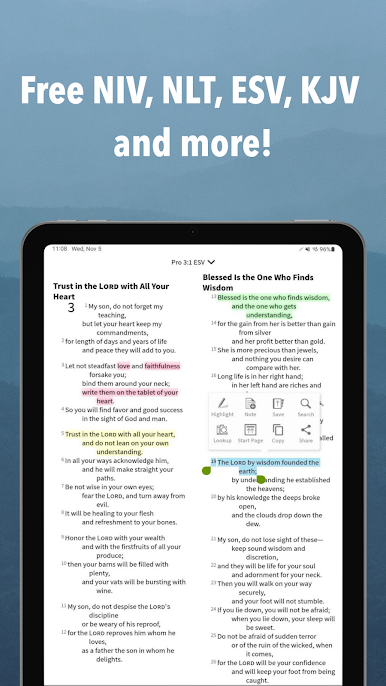
Our app comes with NIV, ESV, KJV, NKJV and more. We also have Bibles in Spanish, Portuguese, Chinese, French, and more.
We also have popular translations available for in-app purchase!
Here are a few:
-The Message (MSG)
-New Living Translation (NLT)
-New Revised Standard Version (NRSV)
-Christian Standard Bible (CSB)
-New American Standard Bible (NASB)
FREE STUFF
Our passion is inspiring you to connect with God and His Word. Not only is this a free Bible app, but we also have 100s of free resources.
INEXPENSIVE BIBLICAL RESOURCES
There’s no need to spend lots of money on paper resources. By investing in digital Bible study tools, you will be able to get the answers you need wherever you are—even offline.
Here’s a few of your favorite Bible study tools available for purchase:
AUDIO BIBLES
-NIV Listener’s Audio Bible
-KJV Audio, Read by Alexander Scourby
-NKJV Word of Promise
-ESV Hear the Word
STUDY BIBLES
-ESV Study Bible
-NLT Study Bible
-NIV Study Bible
-NKJV Study Bible
-Life Application Study Bible
WORD STUDY BIBLES WITH STRONG’S NUMBERS
-Tap to quickly read definitions of words in the Bible’s original languages
COMMENTARIES & STUDY TOOLS
-Vine’s Expository Dictionary
-Interlinear Bibles
-Olive Tree Bible Maps
-Bible Knowledge Commentary
-Gospel Harmonies
ORIGINAL LANGUAGE BIBLES
-Greek New Testament: NA28, UBS-5
-Hebrew Old Testament: BHS
-Greek Old Testament: Septuagint (LXX)
Chơi Message Bible by Olive Tree trên PC. Rất dễ để bắt đầu
-
Tải và cài đặt BlueStacks trên máy của bạn
-
Hoàn tất đăng nhập vào Google để đến PlayStore, hoặc thực hiện sau
-
Tìm Message Bible by Olive Tree trên thanh tìm kiếm ở góc phải màn hình
-
Nhấn vào để cài đặt Message Bible by Olive Tree trong danh sách kết quả tìm kiếm
-
Hoàn tất đăng nhập Google (nếu bạn chưa làm bước 2) để cài đặt Message Bible by Olive Tree
-
Nhấn vào icon Message Bible by Olive Tree tại màn hình chính để bắt đầu chơi

