


Aerolíneas Argentinas
Graj na PC z BlueStacks – Platforma gamingowa Android, która uzyskała zaufanie ponad 500 milionów graczy!

Strona zmodyfikowana w dniu: Oct 20, 2025
Play Aerolíneas Argentinas on PC
You will find the following sections:
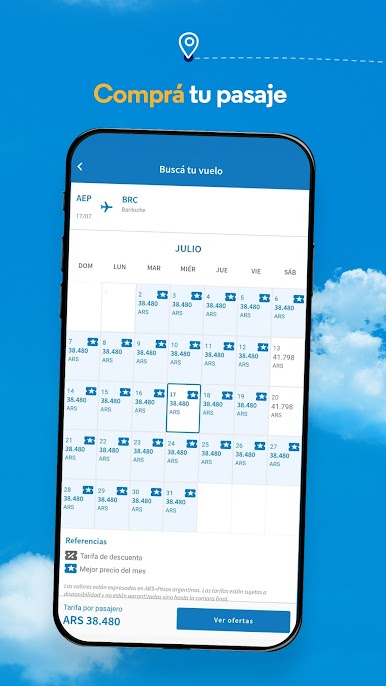
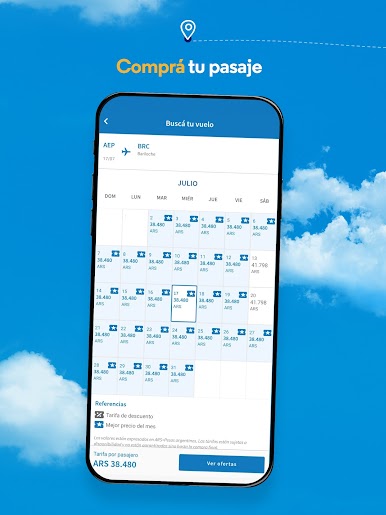
* Buy your ticket: you will be able to book and pay for your trips in three simple steps and with the best financing.
* My Trips: Stay informed about the status of your flights, request changes, refunds or special services, select your seats or purchase additional luggage.
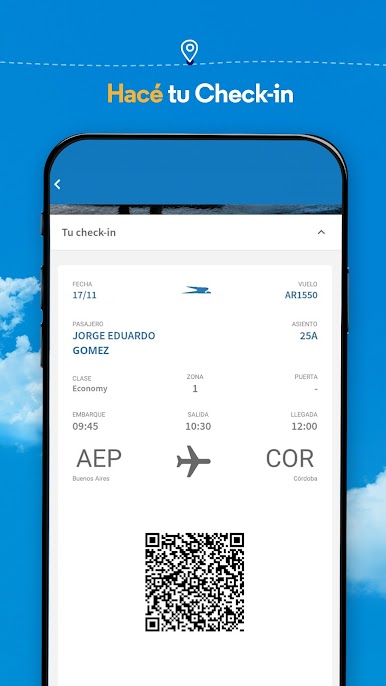
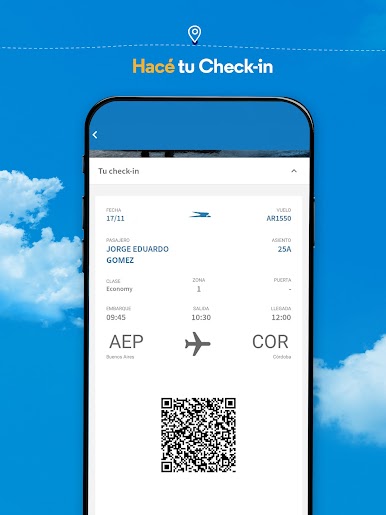
* Check-in: now it's easier, get the QR code to board your next flight. From the “My Trips” section you will have your updated boarding pass available at all times, in addition to being able to download it to your device or send it via email.
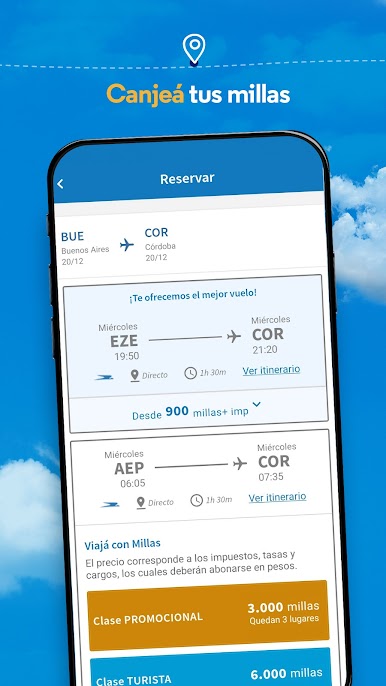
* Redeem your ArPlus miles: much faster, from the application you will be able to redeem your next flight.
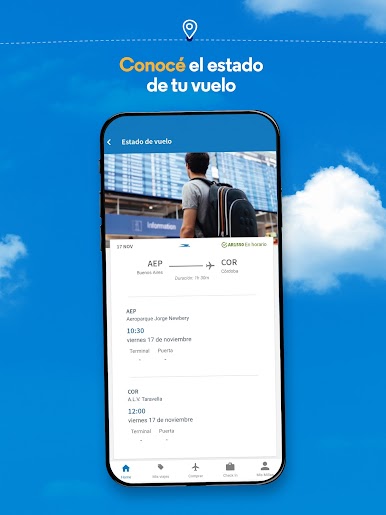
* Know the status of your flight: Within 24 hours before your trip, you can check the status.
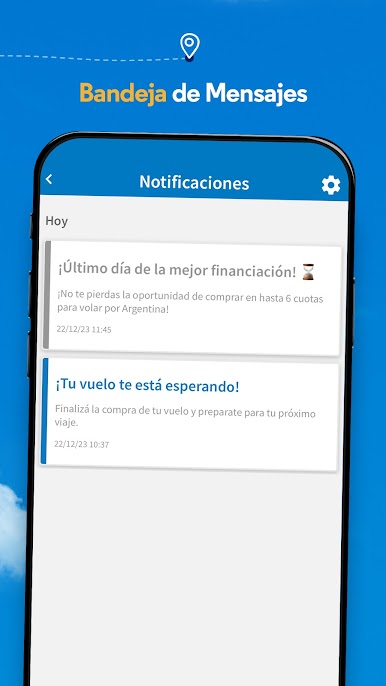
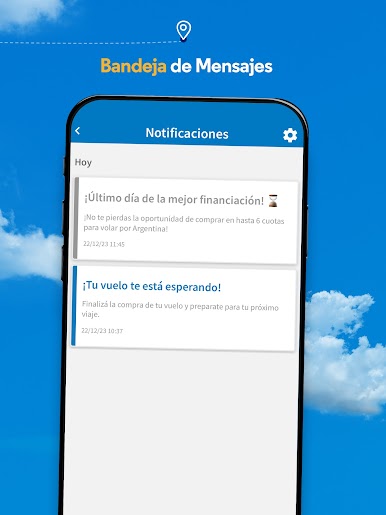
*Message Inbox: Activate alerts and find out about the best promotions, offers and financing.
*Useful information: You can access information regarding luggage, traveling with minors, pets and advice for travelers.
*Contact: Contact our Contact Center or subscribe to our promotions.
Download the app and start enjoying!








Zagraj w Aerolíneas Argentinas na PC. To takie proste.
-
Pobierz i zainstaluj BlueStacks na PC
-
Zakończ pomyślnie ustawienie Google, aby otrzymać dostęp do sklepu Play, albo zrób to później.
-
Wyszukaj Aerolíneas Argentinas w pasku wyszukiwania w prawym górnym rogu.
-
Kliknij, aby zainstalować Aerolíneas Argentinas z wyników wyszukiwania
-
Ukończ pomyślnie rejestrację Google (jeśli krok 2 został pominięty) aby zainstalować Aerolíneas Argentinas
-
Klinij w ikonę Aerolíneas Argentinas na ekranie startowym, aby zacząć grę

