

ioBroker.vis
Chơi trên PC với BlueStacks - Nền tảng chơi game Android, được hơn 500 triệu game thủ tin tưởng.

Trang đã được sửa đổi vào: Jan 30, 2021
Run ioBroker.vis on PC or Mac
Why limit yourself to your small screen on the phone? Run ioBroker.vis, an app by Bluefox, best experienced on your PC or Mac with BlueStacks, the world’s #1 Android emulator.
About the App
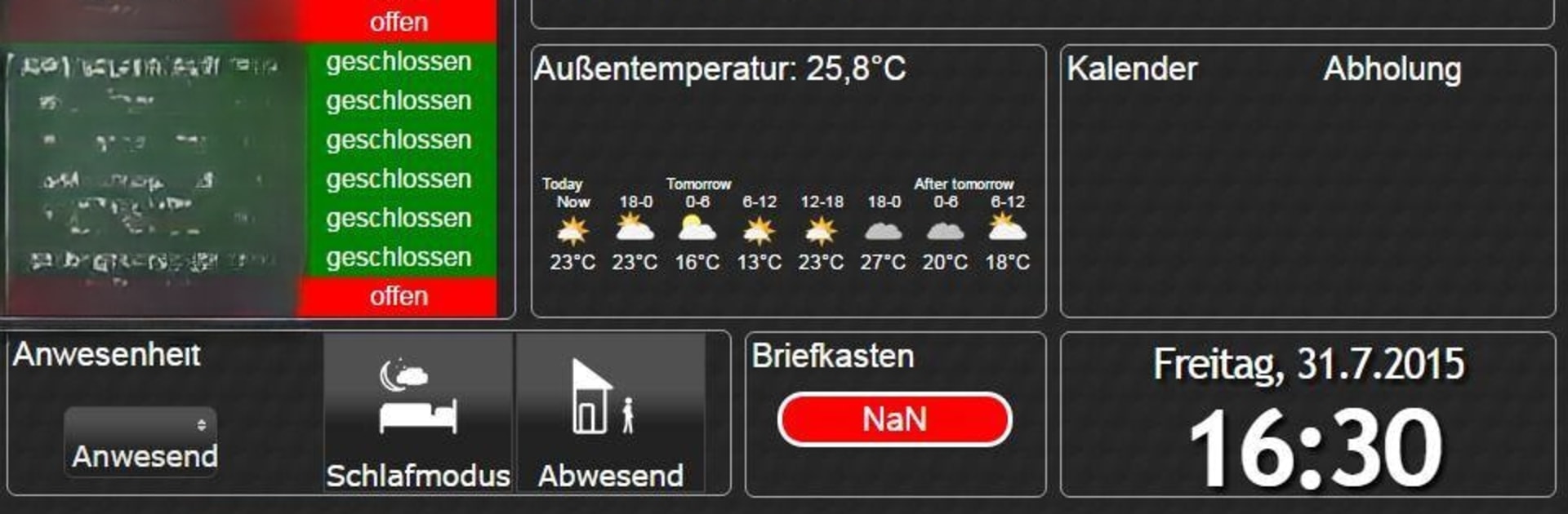
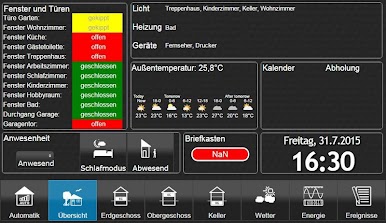
Looking to keep tabs on your smart home setup with minimum fuss? ioBroker.vis from Bluefox gives you a smooth way to visualize and control your ioBroker platform right from your phone or tablet. Whether you check in while at home or need remote access, this app keeps your visuals and project data handy, working offline to save your data plan and speeding up those routine check-ins.
App Features
-
Offline Project Storage
All your vis project files and images are stashed directly on your device. This means you won’t burn through mobile data and everything loads nice and quick, especially if you need your dashboard in a hurry. -
Manual Project Sync
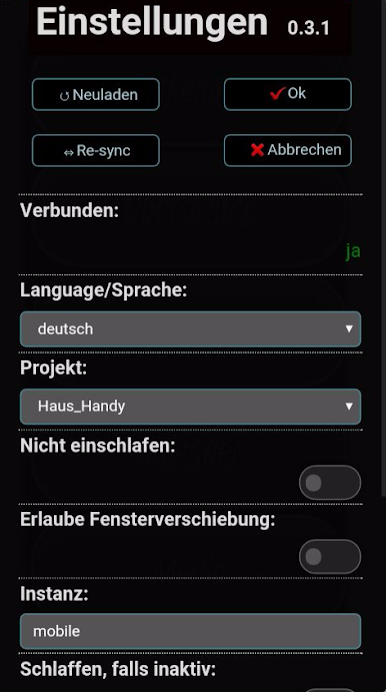
Whenever you update your vis project on ioBroker, just hit “Re-sync” in the app. That’ll pull in all the changes, so you always see the latest info—no automatic background downloads eating up your bandwidth. -
Easy Refresh & Control
Need to reload your dashboard? Tap the “Reload” button to restart the visual engine. Finished tweaking settings? Use “Ok” to save or “Cancel” to back out without changing anything. -
Flexible Network Handling
The app automatically knows if you’re using your home Wi-Fi or you’ve stepped out, thanks to SSID detection. It’ll use separate settings for each, so things stay secure when you’re away and convenient when you’re home. -
Customizable Authentication
Set different login details for home and external connections. Home connections in most cases skip logins but can switch to secure HTTPS and passwords when you’re out and about. -
Multi-Language Support
Pick the language that fits best—settings menus are available in English, German, or Russian. -
Straightforward Setup
Only the essentials are required: your Wi-Fi socket URL and the vis project name. The rest is optional, so you can be up and running with just the basics in a few taps. -
On-the-Go Connectivity Check
Quickly see whether you’re connected to your ioBroker server, so there’s no mystery if your dashboard isn’t loading.
You can run ioBroker.vis right on your mobile device or even through BlueStacks if you want that big-screen view.
Ready to experience ioBroker.vis on a bigger screen, in all its glory? Download BlueStacks now.
Chơi ioBroker.vis trên PC. Rất dễ để bắt đầu
-
Tải và cài đặt BlueStacks trên máy của bạn
-
Hoàn tất đăng nhập vào Google để đến PlayStore, hoặc thực hiện sau
-
Tìm ioBroker.vis trên thanh tìm kiếm ở góc phải màn hình
-
Nhấn vào để cài đặt ioBroker.vis trong danh sách kết quả tìm kiếm
-
Hoàn tất đăng nhập Google (nếu bạn chưa làm bước 2) để cài đặt ioBroker.vis
-
Nhấn vào icon ioBroker.vis tại màn hình chính để bắt đầu chơi

