


LifeUp Cloud - HTTP APIs
Graj na PC z BlueStacks – Platforma gamingowa Android, która uzyskała zaufanie ponad 500 milionów graczy!

Strona zmodyfikowana w dniu: Dec 29, 2024
Play LifeUp Cloud - HTTP APIs on PC
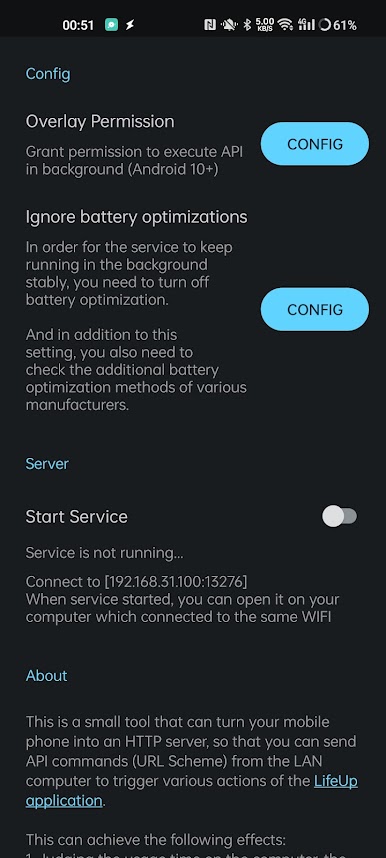
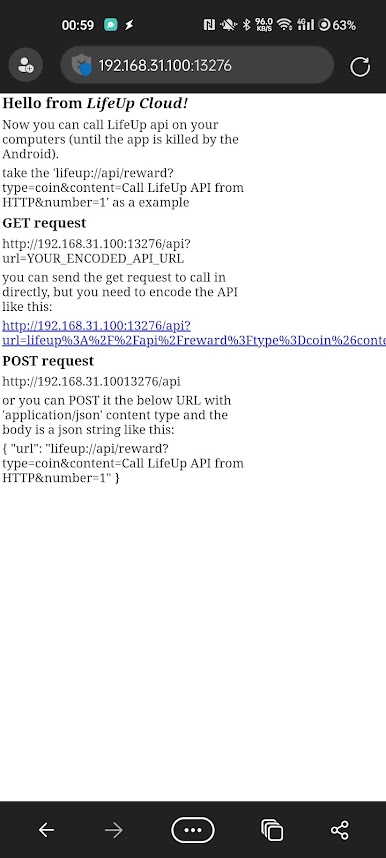
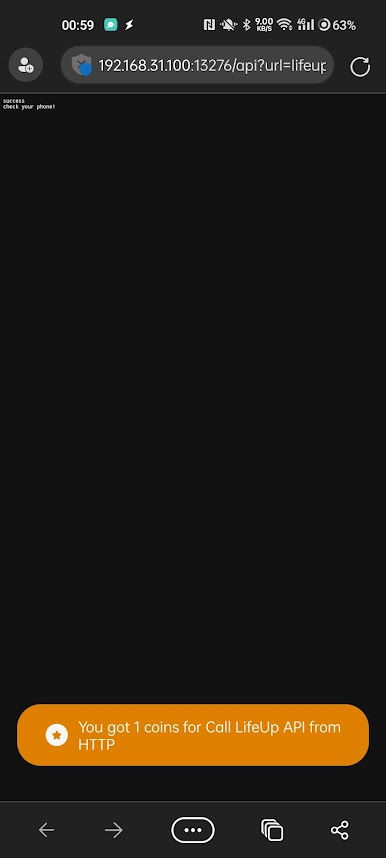
So that you can send API commands (URL Scheme) from the LAN computer to trigger various actions of the LifeUp: Gamify To-Do & Habit app (https://play.google.com/store/apps/details?id=net.sarasarasa.lifeup).
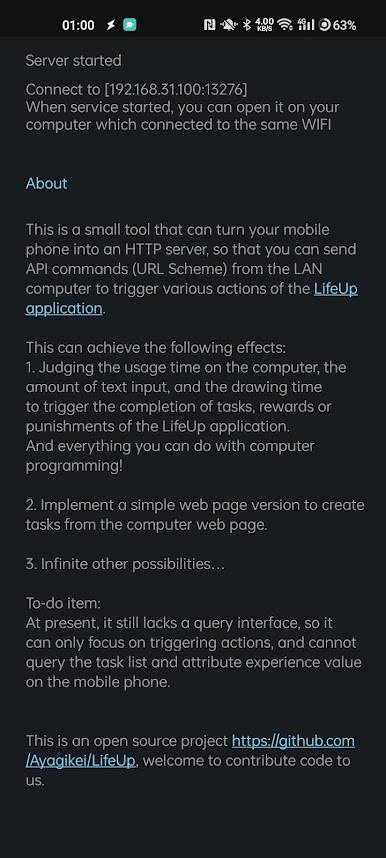
This can achieve the following effects:
1. Judging the usage time on the computer, the amount of text input, and the drawing time to trigger the completion of tasks, rewards, or punishments of the LifeUp application.
2. Implement a simple web page version to create tasks from the computer web page.
3. And everything you can do with computer programming!
This is an open-source project https://github.com/Ayagikei/LifeUp; welcome to contribute code to us.
LifeUp APIs documents:
https://docs.lifeupapp.fun/en/#/guide/api
Zagraj w LifeUp Cloud - HTTP APIs na PC. To takie proste.
-
Pobierz i zainstaluj BlueStacks na PC
-
Zakończ pomyślnie ustawienie Google, aby otrzymać dostęp do sklepu Play, albo zrób to później.
-
Wyszukaj LifeUp Cloud - HTTP APIs w pasku wyszukiwania w prawym górnym rogu.
-
Kliknij, aby zainstalować LifeUp Cloud - HTTP APIs z wyników wyszukiwania
-
Ukończ pomyślnie rejestrację Google (jeśli krok 2 został pominięty) aby zainstalować LifeUp Cloud - HTTP APIs
-
Klinij w ikonę LifeUp Cloud - HTTP APIs na ekranie startowym, aby zacząć grę

