


Open Office Viewer - ODF, PDF
Graj na PC z BlueStacks – Platforma gamingowa Android, która uzyskała zaufanie ponad 500 milionów graczy!

Strona zmodyfikowana w dniu: Nov 22, 2025
Run Open Office Viewer on PC or Mac
Let BlueStacks turn your PC, Mac, or laptop into the perfect home for Open Office Viewer, a fun Productivity app from nTools.
About the App
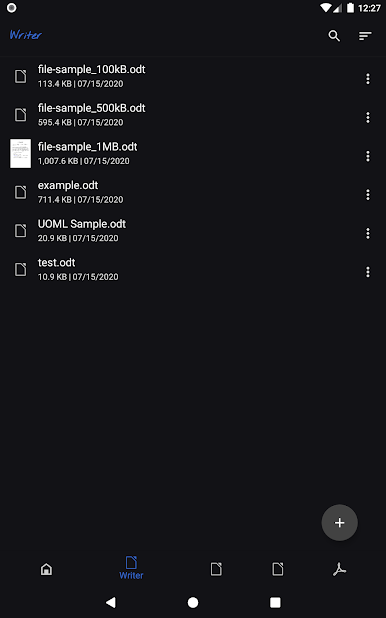
If you’re juggling a bunch of Open Office files and want a no-nonsense way to check them out on your device, Open Office Viewer by nTools might just save the day. You can easily open documents—like text files, spreadsheets, presentations, even those you’ve made for class or work—without needing to jump through hoops or set up anything complicated. The best part? You don’t even need Wi-Fi or data to open your stuff. Just tap, open, and read.
App Features
-
Quick Document Access
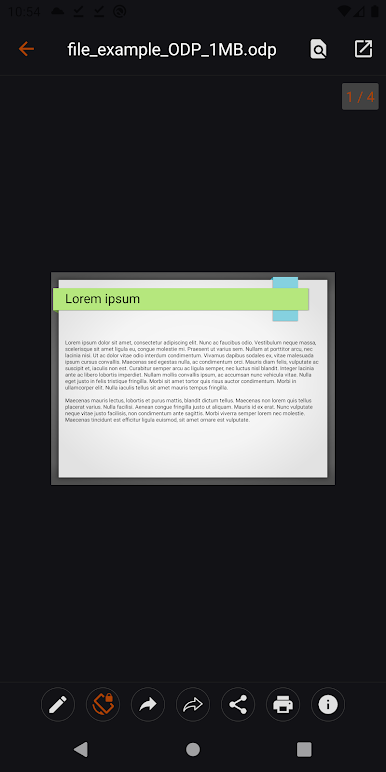
Pop open your Open Office docs—whether it’s an essay (odt), a budget spreadsheet (ods), or that fancy presentation (odp)—right from your phone or computer, hassle-free. -
No Internet Needed
One less thing to worry about: the app works offline so you’re never stuck just because of spotty Wi-Fi. -
Wide File Support
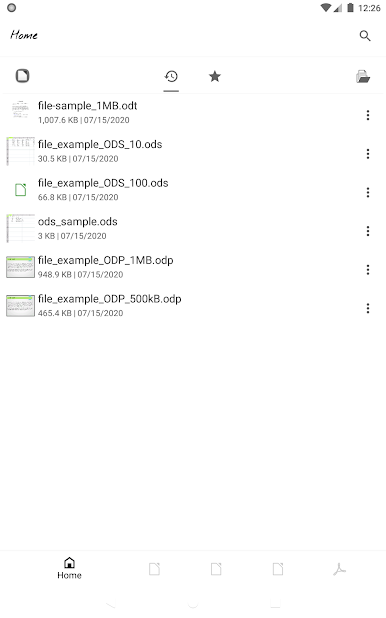
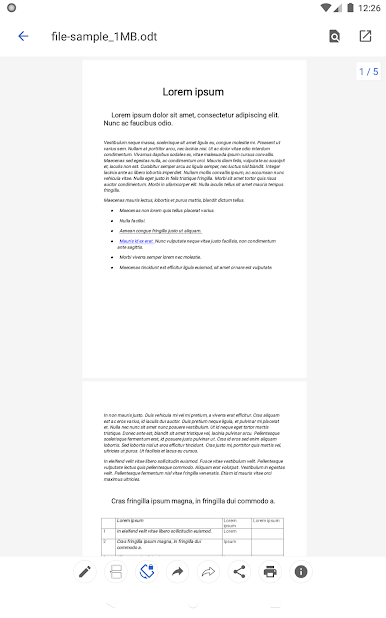
Supports all the usual suspects: odt for text, ods for spreadsheets, odp for slides, and PDF files. It’s not picky. -
Template Compatibility
Got custom templates? You’re covered with support for fodt, ott, fods, ots, fodp, and otp file formats—so you can review any document format Open Office throws your way. -
Document Creation
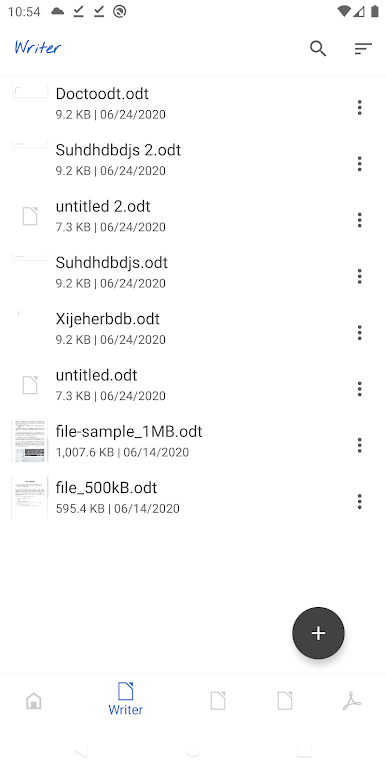
Need to make a quick text file on the go? You can create new odt documents directly in the app. -
Runs Smoothly on Different Devices
Compatible with your phone or, if you want a bigger view, open it up with BlueStacks on your desktop for an even comfier reading experience. -
Keeps Things Simple
No clutter, just straightforward access to your files—so you can just get in, check your doc, and get back to what you were doing.
Big screen. Bigger performance. Use BlueStacks on your PC or Mac to run your favorite apps.
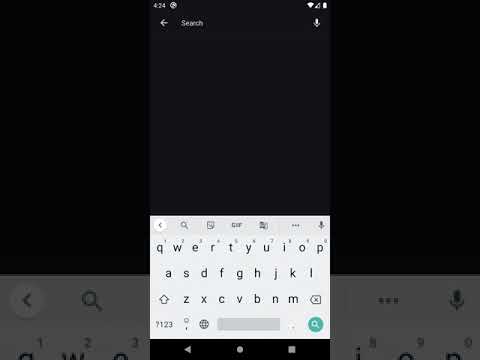
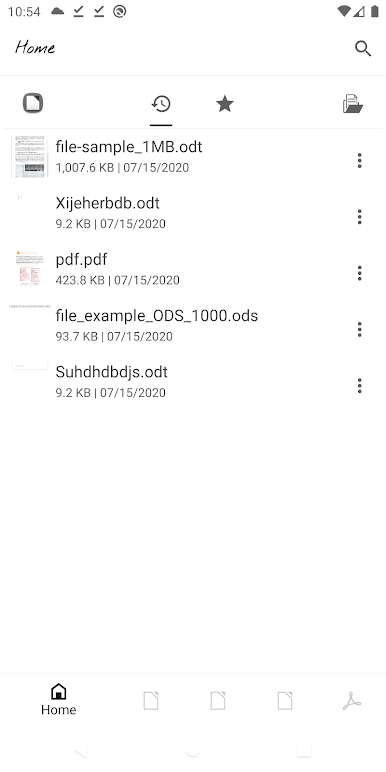
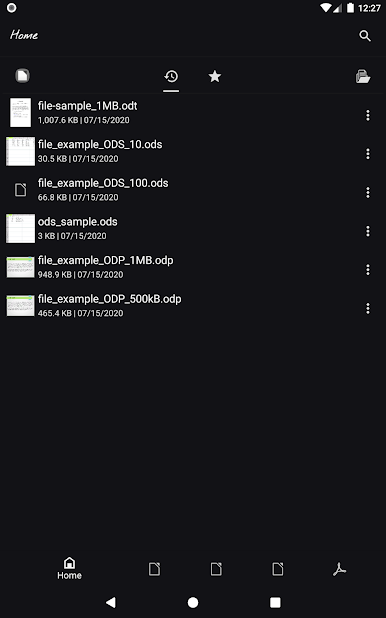
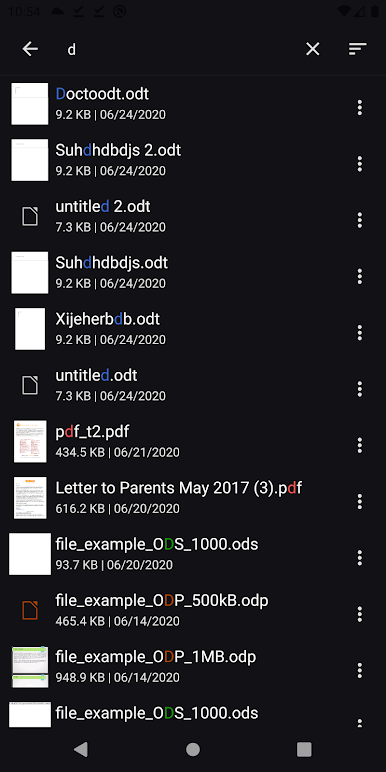
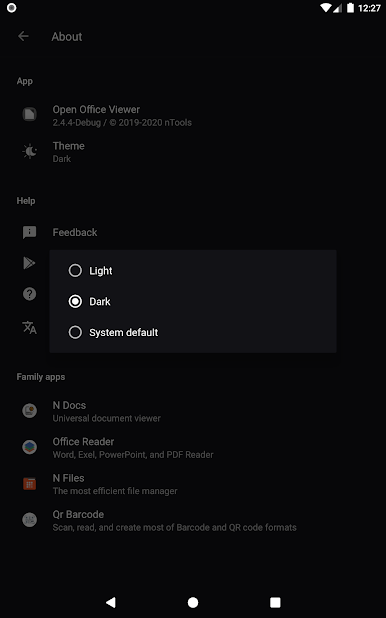
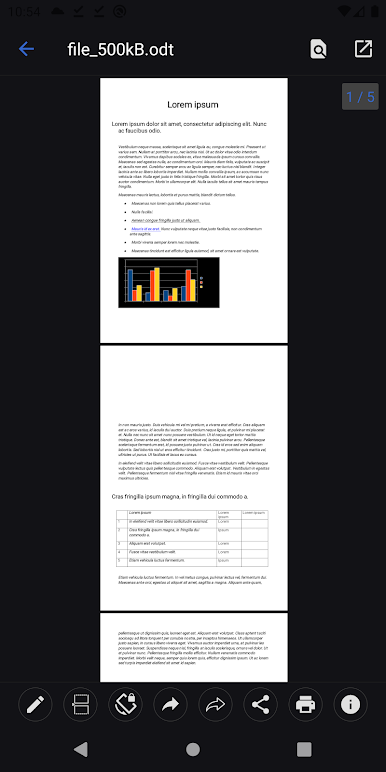
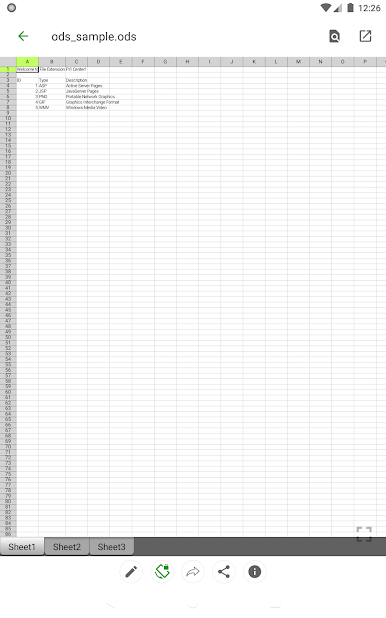
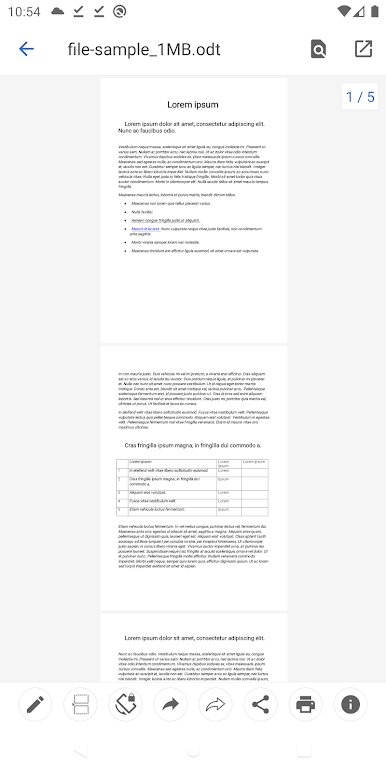
Zagraj w Open Office Viewer - ODF, PDF na PC. To takie proste.
-
Pobierz i zainstaluj BlueStacks na PC
-
Zakończ pomyślnie ustawienie Google, aby otrzymać dostęp do sklepu Play, albo zrób to później.
-
Wyszukaj Open Office Viewer - ODF, PDF w pasku wyszukiwania w prawym górnym rogu.
-
Kliknij, aby zainstalować Open Office Viewer - ODF, PDF z wyników wyszukiwania
-
Ukończ pomyślnie rejestrację Google (jeśli krok 2 został pominięty) aby zainstalować Open Office Viewer - ODF, PDF
-
Klinij w ikonę Open Office Viewer - ODF, PDF na ekranie startowym, aby zacząć grę

