


Học Tiếng Tây Ban Nha Studycat
Chơi trên PC với BlueStacks - Nền tảng chơi game Android, được hơn 500 triệu game thủ tin tưởng.

Trang đã được sửa đổi vào: Dec 9, 2025
Run Learn Spanish – Studycat on PC or Mac
What’s better than using Learn Spanish – Studycat by Studycat Limited? Well, try it on a big screen, on your PC or Mac, with BlueStacks to see the difference.
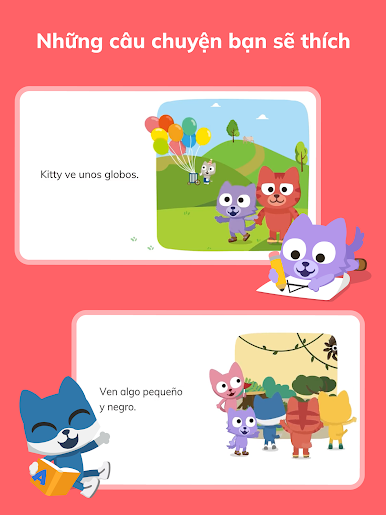
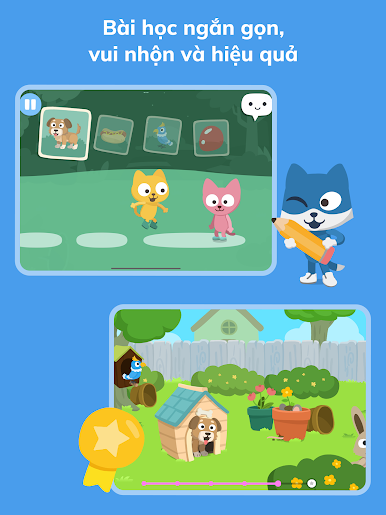
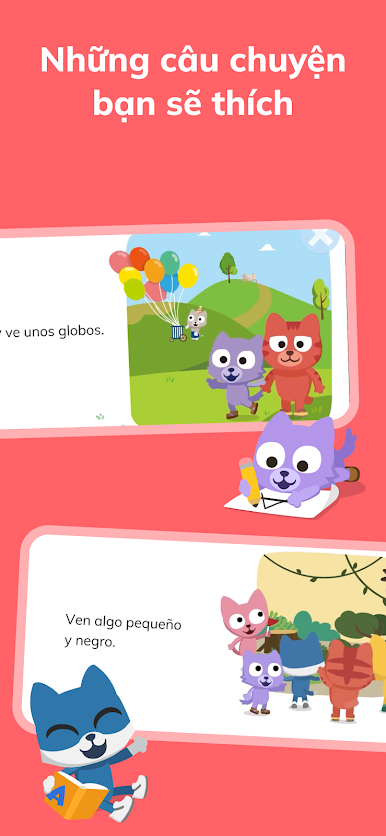
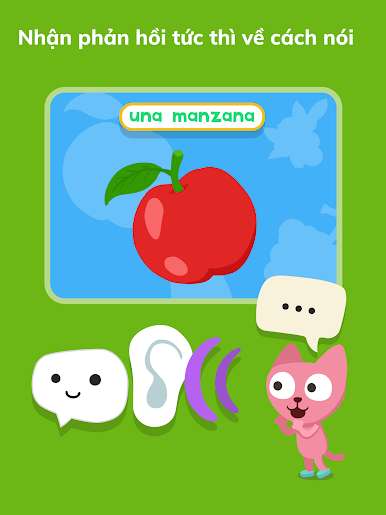
So, Learn Spanish – Studycat is actually pretty fun, especially if someone’s tried those other language apps that feel like a school assignment. This one’s all games and little activities, aimed at kids but honestly, anyone just starting out would get something out of it. What’s different is it never switches to English, not even at the start, so all the instructions and stuff are in Spanish, which can feel a bit weird at first but it does make you pick things up quicker. The games are about everyday words, so there’s stuff about food, pets, colors—things you’d actually use.
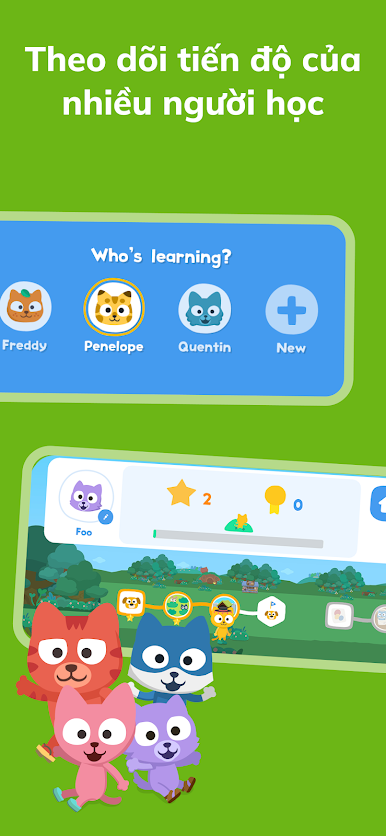
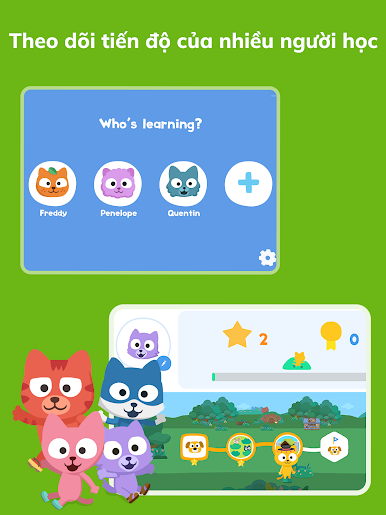
The characters in it are always talking and they don’t all sound the same, so there’s a mix of accents. That helps with understanding people in real life, not just a robot voice. Plus, you can set up different profiles, which is handy for families with more than one kid. Parents don’t have to worry about ads popping up since there are none, and the whole thing’s offline-ready. Playing it on a PC with BlueStacks actually makes the games even easier to see and click through, so kids (or adults) won’t be squinting at a tiny phone screen. There aren’t any complicated menus, just straightforward, bite-sized lessons that focus on speaking and listening. The app feels safe and well put together, and even if someone’s learning from scratch, it never feels overwhelming or dry.
Switch to BlueStacks and make the most of your apps on your PC or Mac.










Chơi Học Tiếng Tây Ban Nha Studycat trên PC. Rất dễ để bắt đầu
-
Tải và cài đặt BlueStacks trên máy của bạn
-
Hoàn tất đăng nhập vào Google để đến PlayStore, hoặc thực hiện sau
-
Tìm Học Tiếng Tây Ban Nha Studycat trên thanh tìm kiếm ở góc phải màn hình
-
Nhấn vào để cài đặt Học Tiếng Tây Ban Nha Studycat trong danh sách kết quả tìm kiếm
-
Hoàn tất đăng nhập Google (nếu bạn chưa làm bước 2) để cài đặt Học Tiếng Tây Ban Nha Studycat
-
Nhấn vào icon Học Tiếng Tây Ban Nha Studycat tại màn hình chính để bắt đầu chơi

