

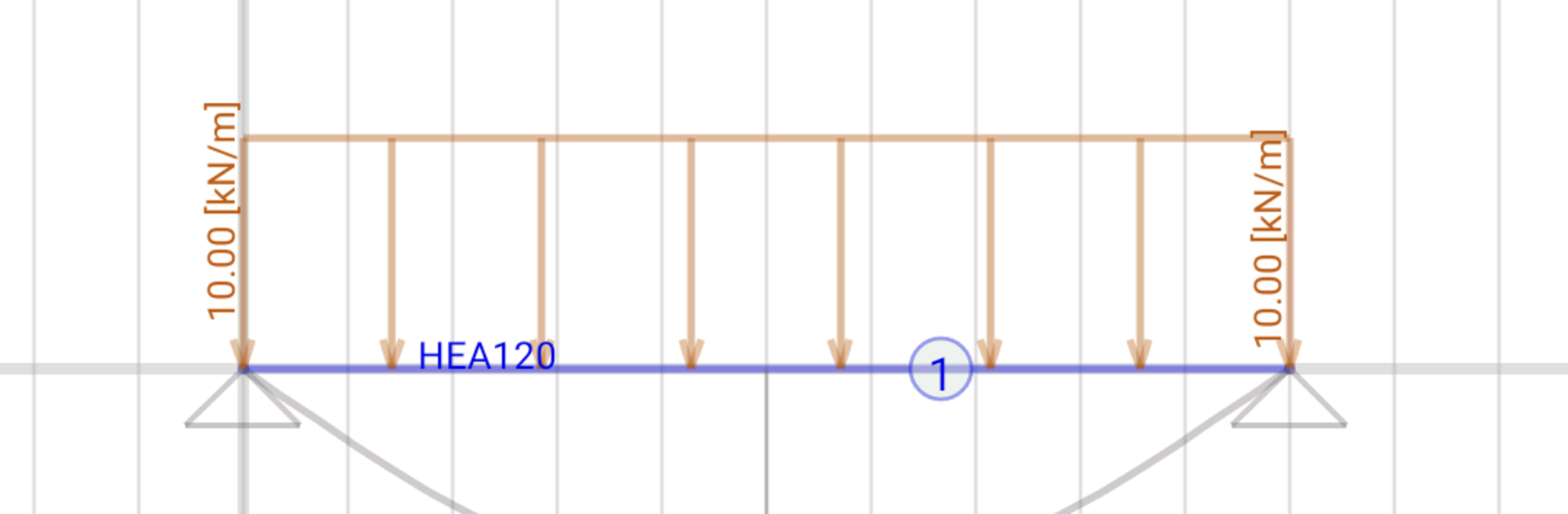
BeamDesign
Chơi trên PC với BlueStacks - Nền tảng chơi game Android, được hơn 500 triệu game thủ tin tưởng.

Trang đã được sửa đổi vào: Nov 3, 2023
Run BeamDesign on PC or Mac
Let BlueStacks turn your PC, Mac, or laptop into the perfect home for BeamDesign, a fun Productivity app from LetsConstruct.
About the App
BeamDesign by LetsConstruct is a handy tool made for anyone dealing with beam and frame structures—think civil engineers, architects, mechanical engineers, or even students tackling those tricky assignments. With BeamDesign, you can quickly set up your beam geometry, play around with loads and supports, and see instant calculations. Whether you’re checking a concept or double-checking a finished design, this app keeps things clear and efficient in the world of structural analysis.
App Features
-
Flexible Load Options
Add different types of loads—point forces, distributed loads (rectangular or triangular), and even temperature effects. Just tap, fill in the details, and watch the structure react. -
End Connections Made Simple
Choose between fixed or hinge connections at the ends of your beams. It’s all there to match real-world scenarios, whether you’re building something straightforward or getting creative. -
Supports, Your Way
Place supports anywhere and pick from fixed, hinge, roller, or spring types in any direction you need. You can really model those edge conditions just how you want. -
Imposed Deflections
If you need to simulate an additional deflection (maybe a settling or preset movement), you can do that too. -
Materials and Sections
Mix and match materials or change out cross-sections as your project demands. Edit existing ones or add your own—no limits on creativity here. -
Load Cases and Combinations
Organize your loads into cases and combine them, including coding in your own safety factors for that peace of mind. -
Instant Calculations
See analysis results right away—moment, shear, stress, deflections, reaction forces, and detailed unity checks. It’s easy to spot issues or validate your ideas on the go.
If you’re looking for a smoother workflow, you can always run BeamDesign via BlueStacks to work with a wider view and more flexibility right from your PC.
BlueStacks gives you the much-needed freedom to experience your favorite apps on a bigger screen. Get it now.

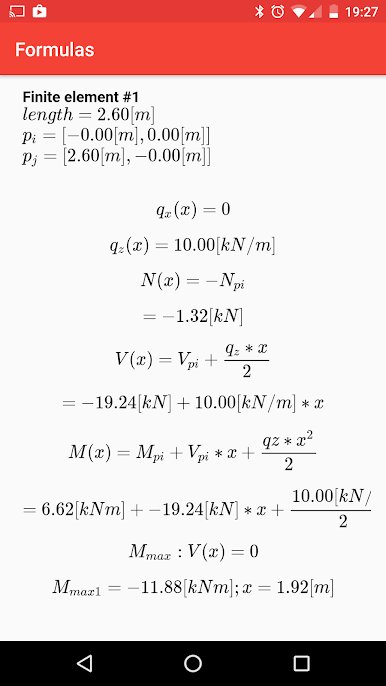
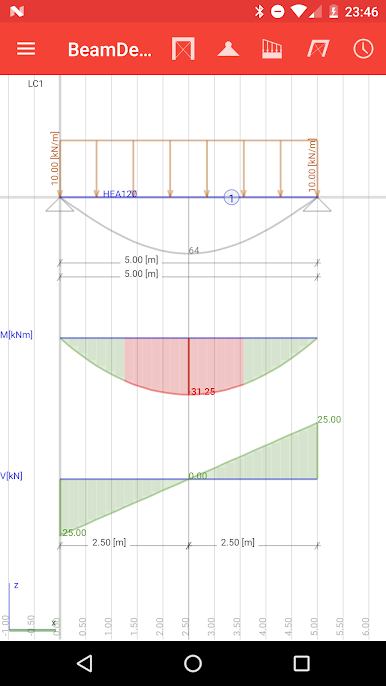
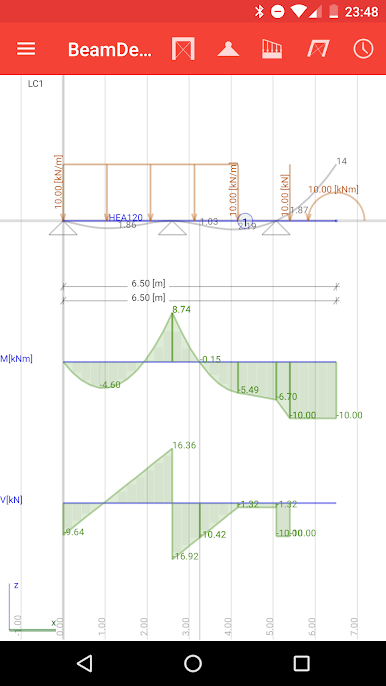
Chơi BeamDesign trên PC. Rất dễ để bắt đầu
-
Tải và cài đặt BlueStacks trên máy của bạn
-
Hoàn tất đăng nhập vào Google để đến PlayStore, hoặc thực hiện sau
-
Tìm BeamDesign trên thanh tìm kiếm ở góc phải màn hình
-
Nhấn vào để cài đặt BeamDesign trong danh sách kết quả tìm kiếm
-
Hoàn tất đăng nhập Google (nếu bạn chưa làm bước 2) để cài đặt BeamDesign
-
Nhấn vào icon BeamDesign tại màn hình chính để bắt đầu chơi

