


Ruter
Graj na PC z BlueStacks – Platforma gamingowa Android, która uzyskała zaufanie ponad 500 milionów graczy!

Strona zmodyfikowana w dniu: Dec 17, 2025
Play Ruter on PC
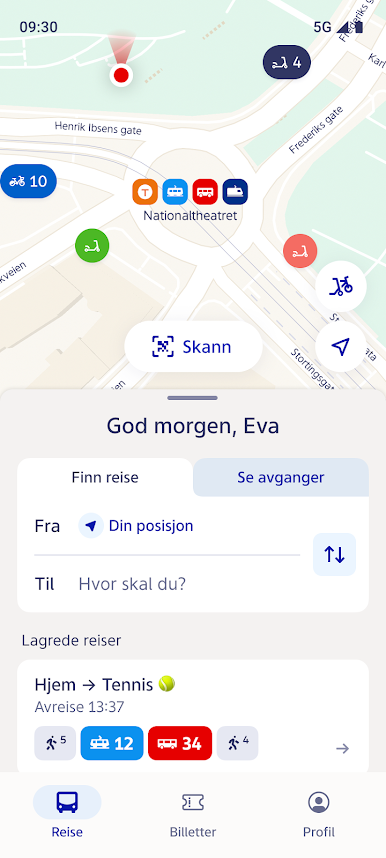
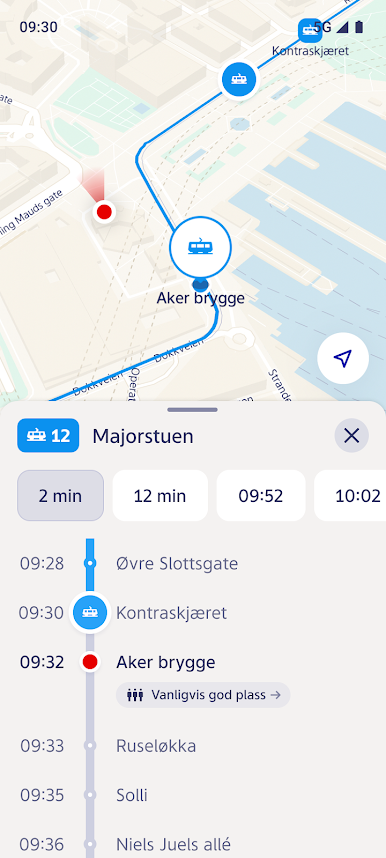
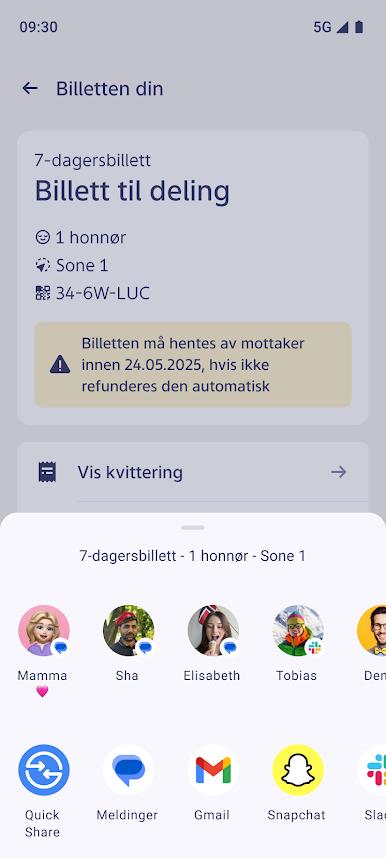
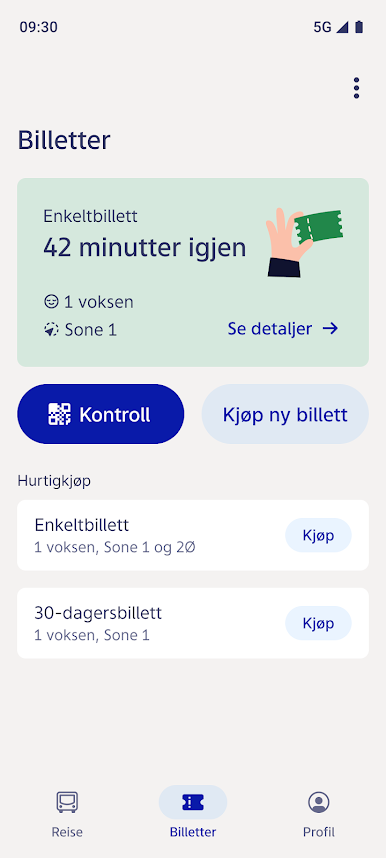
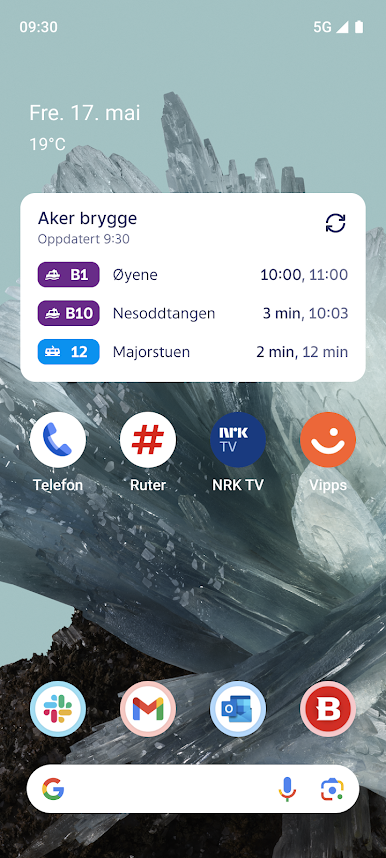
• See departures in real time
• Save places you visit often
• See how crowded the bus is in real time
• Filter modes of transport
• Get relevant service disruption information
• Find the nearest available city bike
• See how long it takes to bike or walk
If you set up a personal profile:
• Tickets, history and favourites will be safely stored with us — even if you change phones
• We can offer you quicker and more convenient customer service
This is just the beginning of the new app — we’ll finish it together. More and better features will be available in the future.
Thank you for travelling with us!

Zagraj w Ruter na PC. To takie proste.
-
Pobierz i zainstaluj BlueStacks na PC
-
Zakończ pomyślnie ustawienie Google, aby otrzymać dostęp do sklepu Play, albo zrób to później.
-
Wyszukaj Ruter w pasku wyszukiwania w prawym górnym rogu.
-
Kliknij, aby zainstalować Ruter z wyników wyszukiwania
-
Ukończ pomyślnie rejestrację Google (jeśli krok 2 został pominięty) aby zainstalować Ruter
-
Klinij w ikonę Ruter na ekranie startowym, aby zacząć grę

