


SuperOffice Pocket CRM
Graj na PC z BlueStacks – Platforma gamingowa Android, która uzyskała zaufanie ponad 500 milionów graczy!

Strona zmodyfikowana w dniu: Jun 20, 2024
Play SuperOffice Pocket CRM on PC
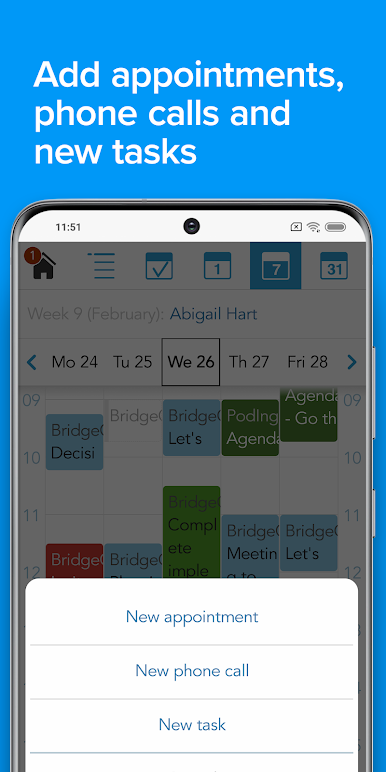
Schedule or reschedule meetings and activities, communicate to colleagues or save new information - all while on the go.
Make informed decisions faster and easier from wherever you are and see your productivity peak!
Key features:
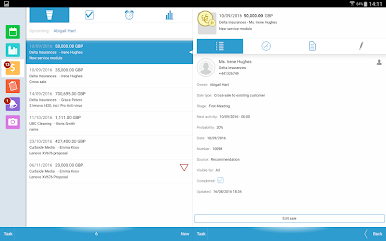
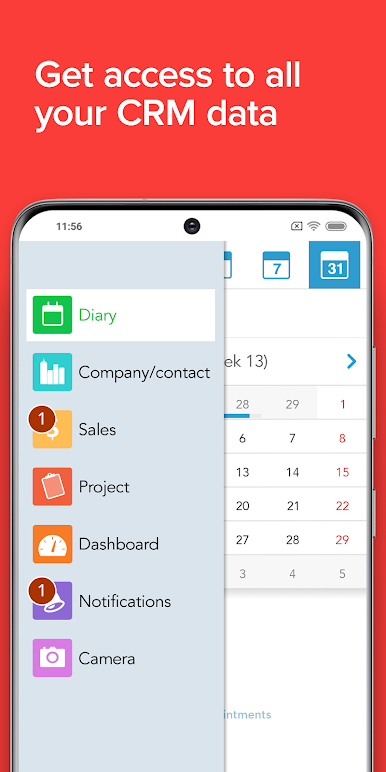
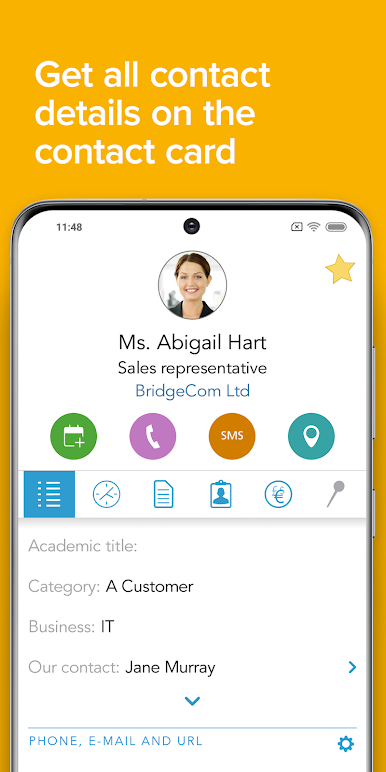
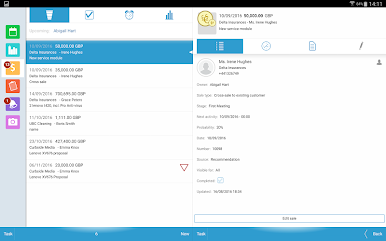
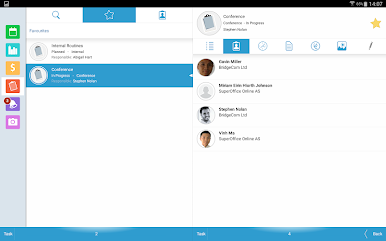
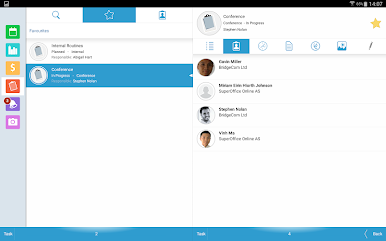
- Access all CRM data - including contacts, projects, sales and documents
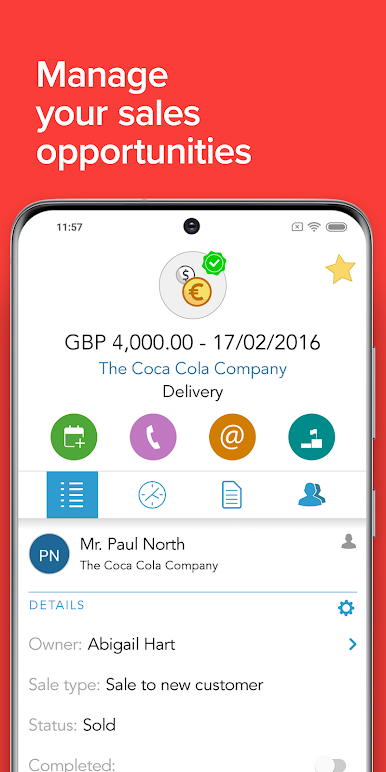
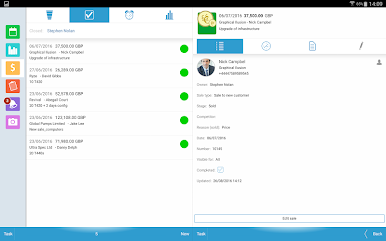
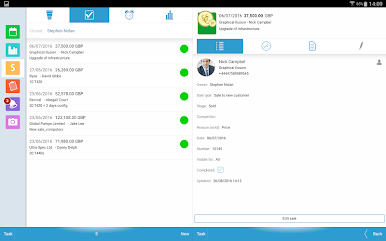
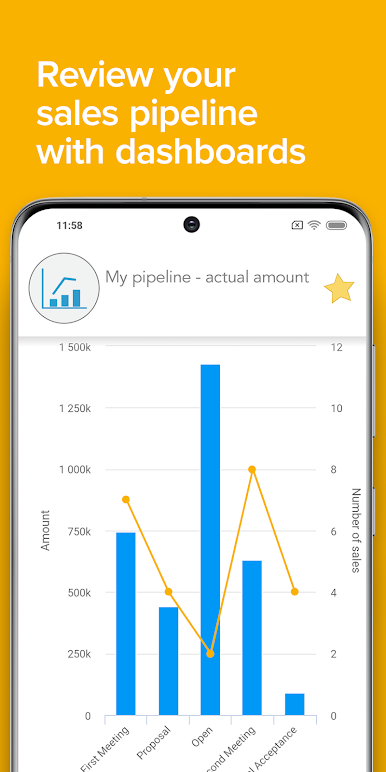
- View sales dashboards and pipelines and update information on the go
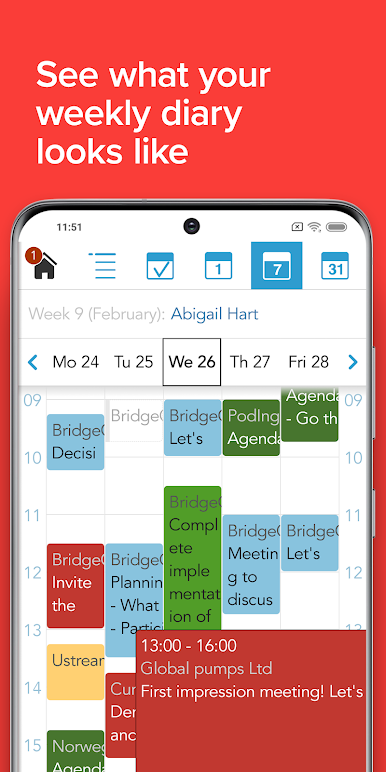
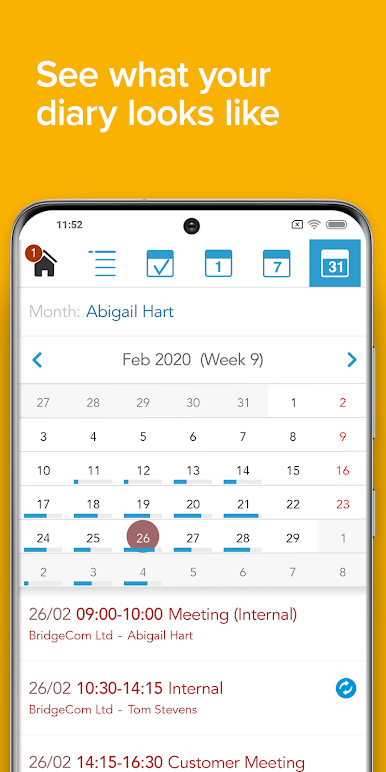
- Access diaries and create new appointments and activities
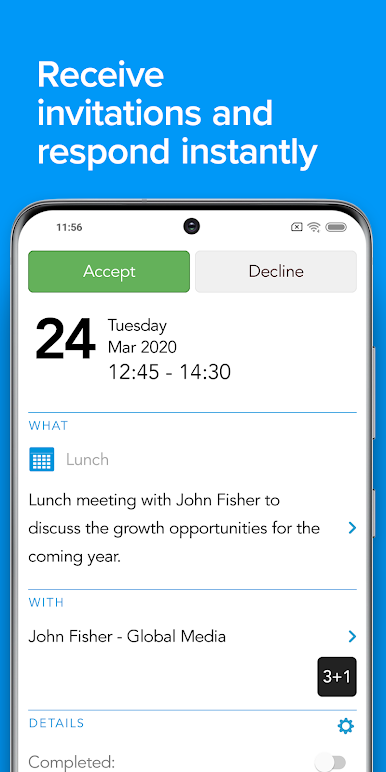
- Get reminders of upcoming events or meetings
- Scan business cards and automatically save or update contact and company information
- Call or message any contact directly from the app
- See any updates on your projects
- Save pictures and documents directly from your iPhone or iPad to your projects and activities
About SuperOffice CRM:
SuperOffice CRM software helps businesses manage their customers effectively and plan strategically. SuperOffice CRM provides you with all the tools you need to organize your marketing, sales, and services consistently and efficiently from one place. Integrate all your customer information in one place, so every user in your company will always get a 360-degree view of every customer, ensuring more relevant and personalized customer journeys and handling every time.

Zagraj w SuperOffice Pocket CRM na PC. To takie proste.
-
Pobierz i zainstaluj BlueStacks na PC
-
Zakończ pomyślnie ustawienie Google, aby otrzymać dostęp do sklepu Play, albo zrób to później.
-
Wyszukaj SuperOffice Pocket CRM w pasku wyszukiwania w prawym górnym rogu.
-
Kliknij, aby zainstalować SuperOffice Pocket CRM z wyników wyszukiwania
-
Ukończ pomyślnie rejestrację Google (jeśli krok 2 został pominięty) aby zainstalować SuperOffice Pocket CRM
-
Klinij w ikonę SuperOffice Pocket CRM na ekranie startowym, aby zacząć grę

