


Nightwave Plaza: Vaporwave
Graj na PC z BlueStacks – Platforma gamingowa Android, która uzyskała zaufanie ponad 500 milionów graczy!

Strona zmodyfikowana w dniu: Apr 15, 2025
Run Nightwave Plaza on PC or Mac
What’s better than using Nightwave Plaza by Nightwave Plaza? Well, try it on a big screen, on your PC or Mac, with BlueStacks to see the difference.
About the App
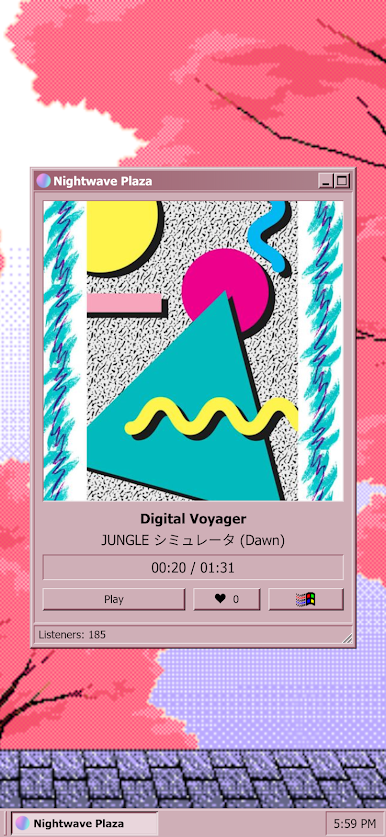
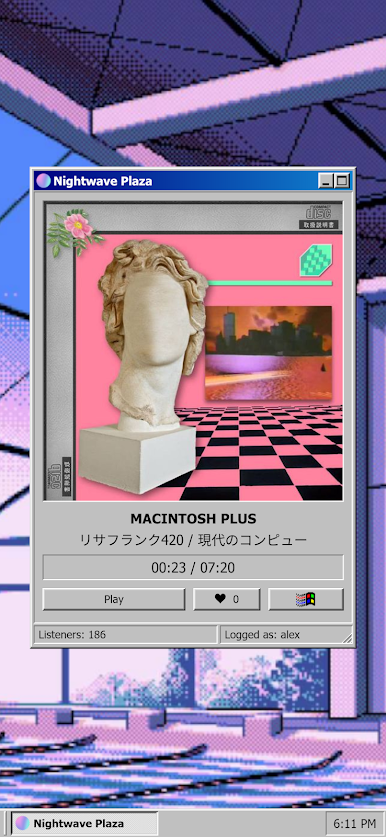
Nightwave Plaza is all about setting the perfect mood with nonstop Vaporwave music. If you love that dreamy, retro-synth vibe or just want something chill to soundtrack your day, this app’s got you covered. Whether you’re working, relaxing, or on the move, you’ll find yourself coming back whenever you need an inviting, nostalgic atmosphere.
App Features
-
Nonstop Vaporwave Radio
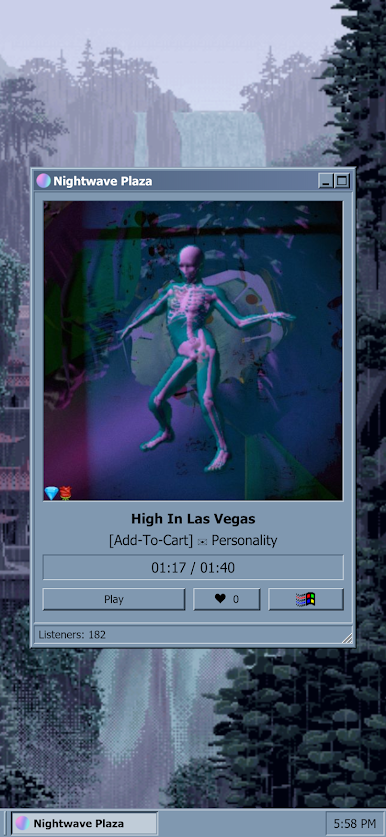
Tune in to a carefully curated stream of Vaporwave tunes from artists all around the world—no timeouts, just constant music day and night. -
No Annoying Ad Breaks
Forget about interruptions. Tracks play straight through, so you stay in the zone, whether you’re focusing or just straight-up escaping. -
Aesthetic Background Choices
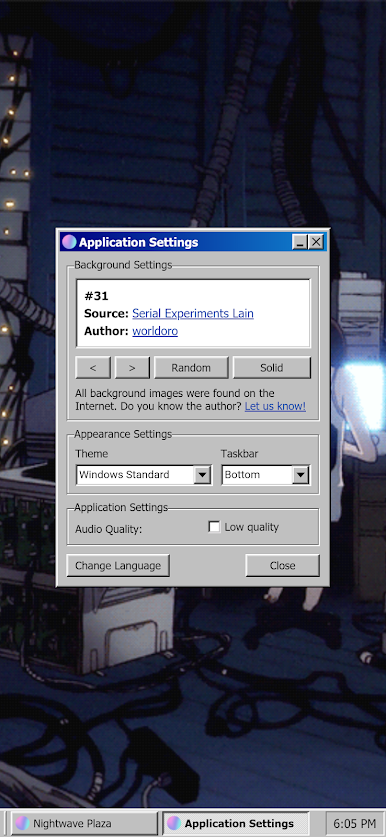
Fancy some visuals that match the music? Pick from over 58 animated backgrounds that add that extra bit of retro magic to every listen. -
Clean, Throwback Interface
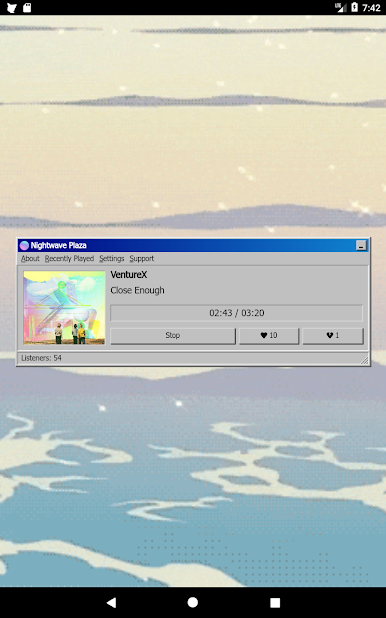
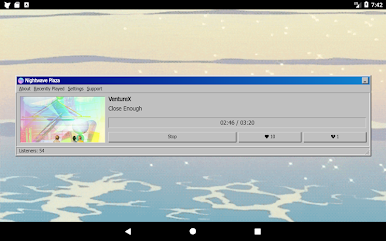
The interface channels a classic, minimalist look—nostalgic visuals without any clutter, so all the attention stays on the music. -
Artist Support Built In
Nightwave Plaza doesn’t just play tunes; it’s got a special spot to support the artists and producers who make the magic happen, helping everyone get discovered. -
Always Fresh Music
The streaming lineup changes and updates regularly. There’s always something new, so things never feel stale. -
Completely Free
Enjoy everything without needing to pay for extras or deal with locked features.
You can sit back and enjoy Nightwave Plaza on your phone, or try it out on a bigger screen through BlueStacks if you want those aesthetic vibes filling up your room.
Ready to experience Nightwave Plaza on a bigger screen, in all its glory? Download BlueStacks now.
Zagraj w Nightwave Plaza: Vaporwave na PC. To takie proste.
-
Pobierz i zainstaluj BlueStacks na PC
-
Zakończ pomyślnie ustawienie Google, aby otrzymać dostęp do sklepu Play, albo zrób to później.
-
Wyszukaj Nightwave Plaza: Vaporwave w pasku wyszukiwania w prawym górnym rogu.
-
Kliknij, aby zainstalować Nightwave Plaza: Vaporwave z wyników wyszukiwania
-
Ukończ pomyślnie rejestrację Google (jeśli krok 2 został pominięty) aby zainstalować Nightwave Plaza: Vaporwave
-
Klinij w ikonę Nightwave Plaza: Vaporwave na ekranie startowym, aby zacząć grę

