


Files Shortcut
Graj na PC z BlueStacks – Platforma gamingowa Android, która uzyskała zaufanie ponad 500 milionów graczy!

Strona zmodyfikowana w dniu: Aug 27, 2023
Run Files Shortcut (No Ads) on PC or Mac
Get freedom from your phone’s obvious limitations. Use Files Shortcut (No Ads), made by AOSP STUDIO LLC, a Productivity app on your PC or Mac with BlueStacks, and level up your experience.
About the App
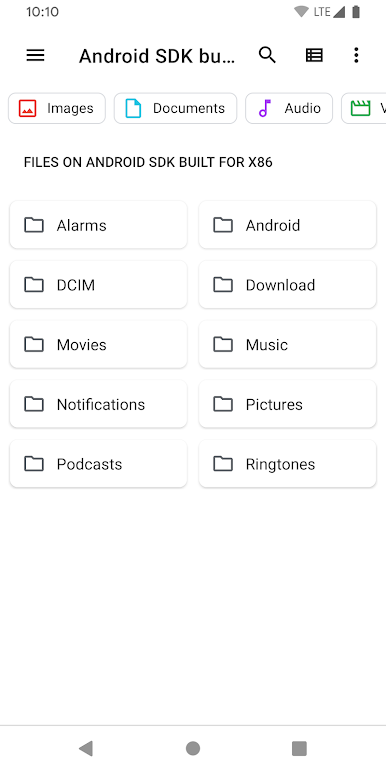
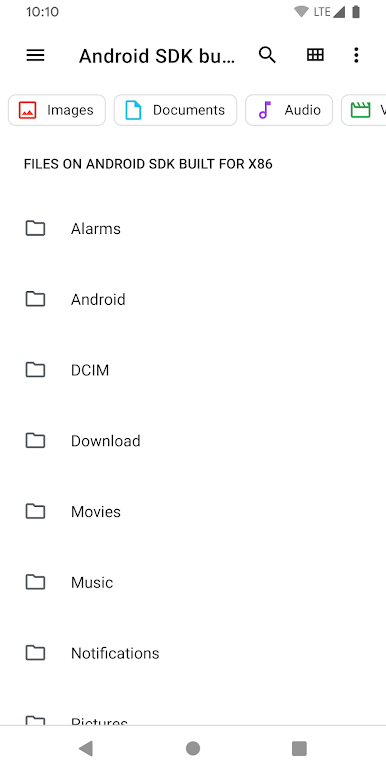
Ever find yourself searching all over your phone just to locate that hidden file manager? Files Shortcut (No Ads) from AOSP STUDIO LLC is here to save you the hassle. It’s a straightforward tool designed for moments when you want to jump right into your device’s built-in file manager—no extra steps, no unnecessary clutter. Perfect for anyone who values quick access and less fuss, you’ll appreciate how easily this shortcut fits into your daily workflow.
App Features
-
Direct File Manager Access
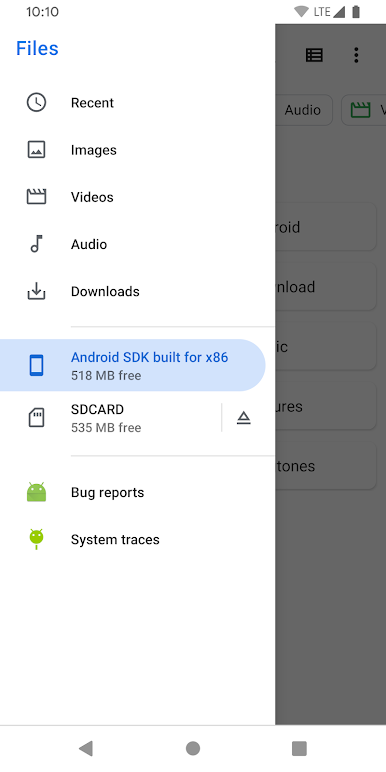
Skip the hunt—just tap the shortcut and you’re instantly inside your device’s file manager. No digging through long menus or remembering where the app is stashed. -
No Annoying Ads
You won’t get interrupted or distracted by pop-ups. With Files Shortcut (No Ads), your navigation stays smooth and focused. -
Simple by Design
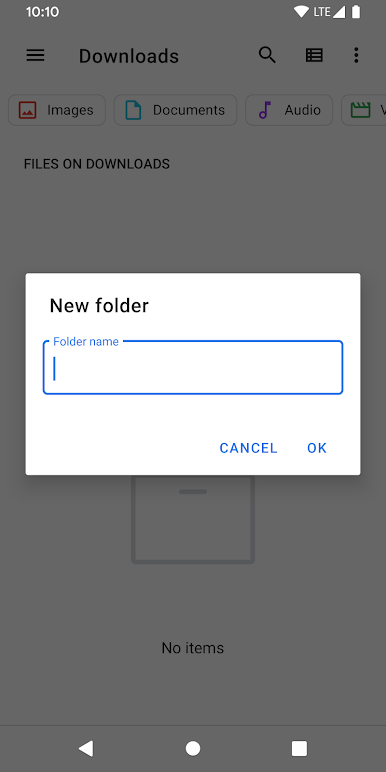
The app doesn’t come with complicated settings or bloated features. It simply creates an easy gateway to your existing file manager, nothing more. -
Tiny and Lightweight
Worried about storage space? No need—this shortcut barely takes up any room, so it’s perfect for devices of all kinds. -
Works on Many Android Devices
Made to work with most Android systems, though device compatibility can depend on your specific setup. -
Seamless Use on BlueStacks
If you’re running Android apps on BlueStacks, you can add this shortcut for even faster access to your file manager in a desktop setting. -
Genre: Productivity
Files Shortcut (No Ads) keeps things snappy and efficient, helping you stay organized without detours.
BlueStacks brings your apps to life on a bigger screen—seamless and straightforward.
Zagraj w Files Shortcut na PC. To takie proste.
-
Pobierz i zainstaluj BlueStacks na PC
-
Zakończ pomyślnie ustawienie Google, aby otrzymać dostęp do sklepu Play, albo zrób to później.
-
Wyszukaj Files Shortcut w pasku wyszukiwania w prawym górnym rogu.
-
Kliknij, aby zainstalować Files Shortcut z wyników wyszukiwania
-
Ukończ pomyślnie rejestrację Google (jeśli krok 2 został pominięty) aby zainstalować Files Shortcut
-
Klinij w ikonę Files Shortcut na ekranie startowym, aby zacząć grę

