

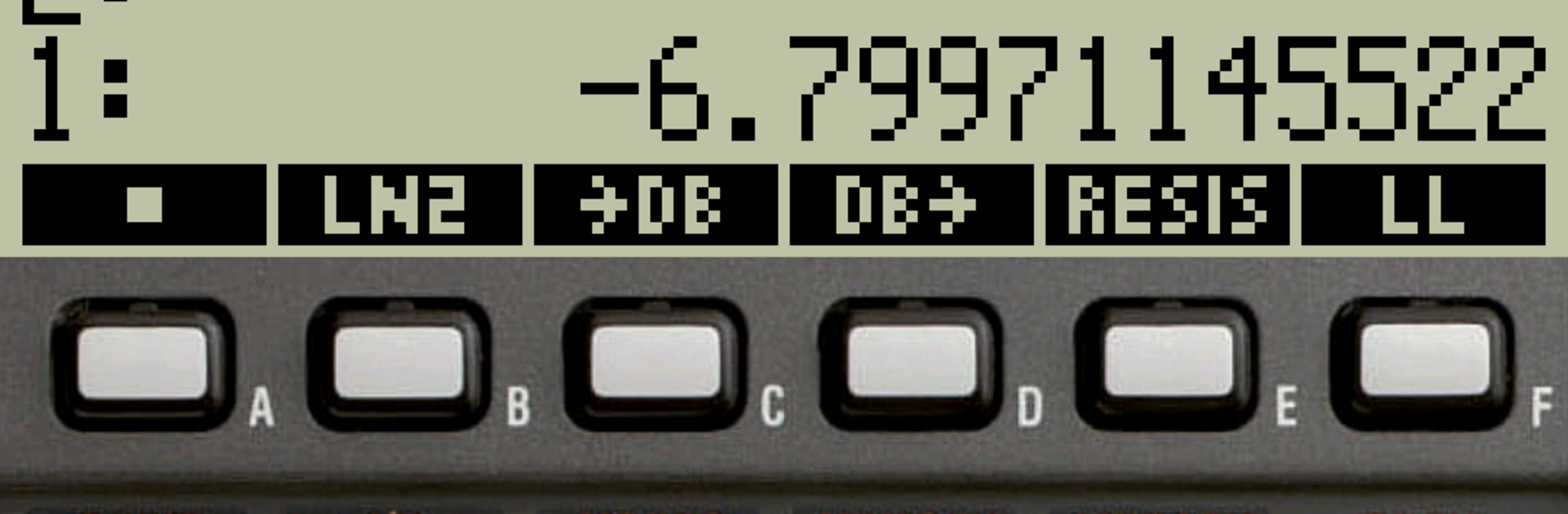
48sx, a vintage RPN calculator
Graj na PC z BlueStacks – Platforma gamingowa Android, która uzyskała zaufanie ponad 500 milionów graczy!

Strona zmodyfikowana w dniu: Jun 1, 2025
Run 48sx, a vintage RPN calculator on PC or Mac
Why limit yourself to your small screen on the phone? Run 48sx, a vintage RPN calculator, an app by czodroid, best experienced on your PC or Mac with BlueStacks, the world’s #1 Android emulator.
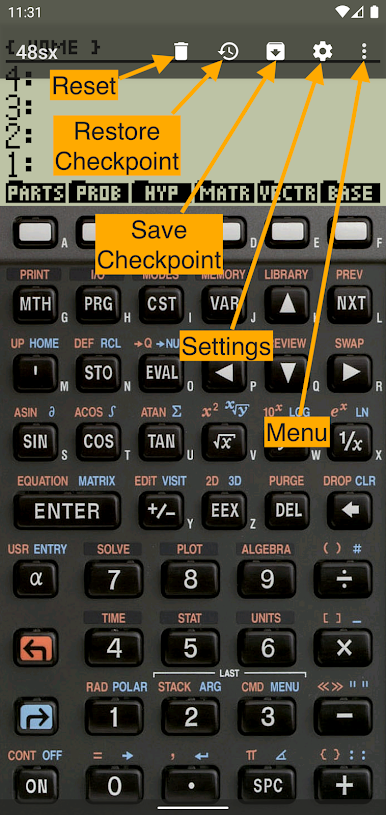
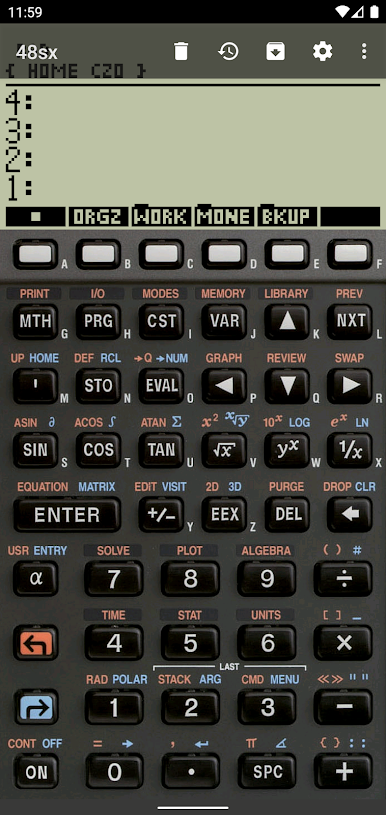
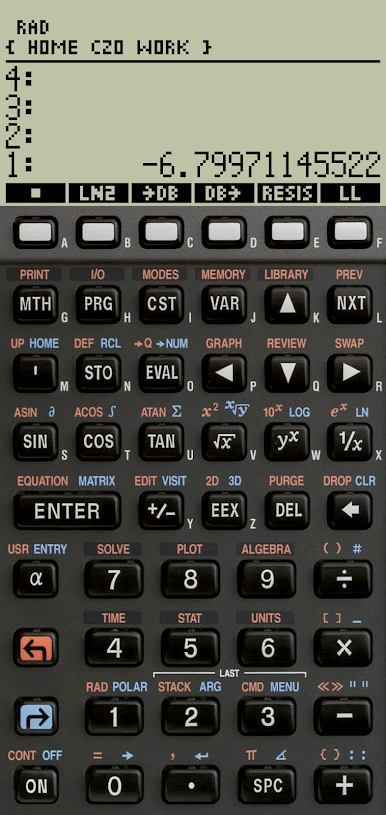
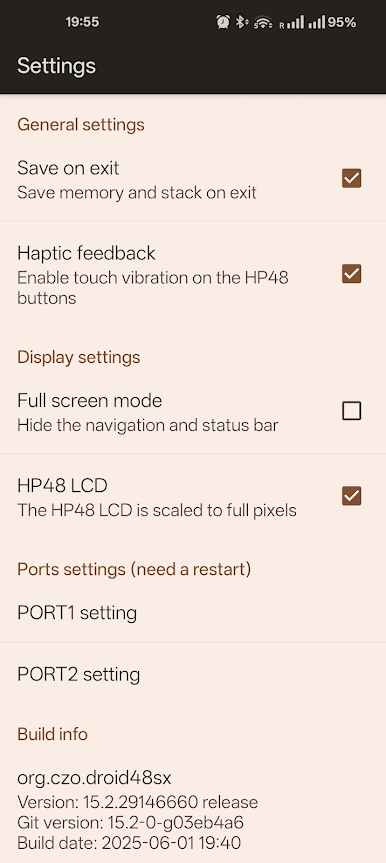
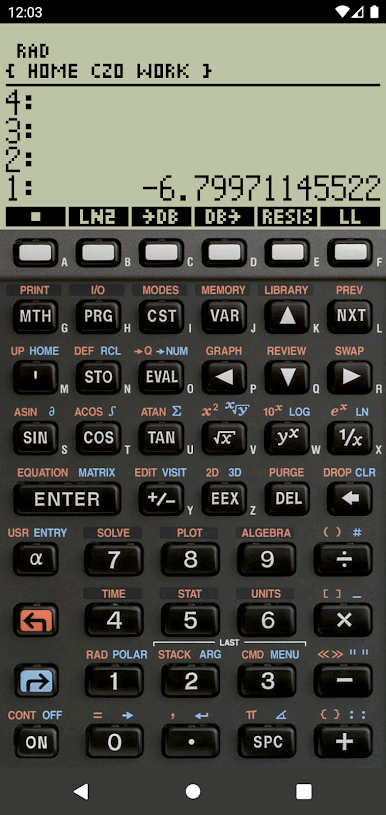
48sx feels like someone took an old HP48 SX off a desk and tucked it inside the screen. The whole RPN stack workflow is there, with menus that pop in along the bottom and that chunky key layout that makes sense once the rhythm clicks. On a PC through BlueStacks, the buttons are easy to hit with a mouse, and the window can be sized so it sits next to notes or a spreadsheet, almost like a dedicated desk calculator. There is a setting that keeps the LCD pixels sharp, so it has that classic monochrome look rather than a blurry blow‑up. It is not flashy, it just behaves like the real thing.
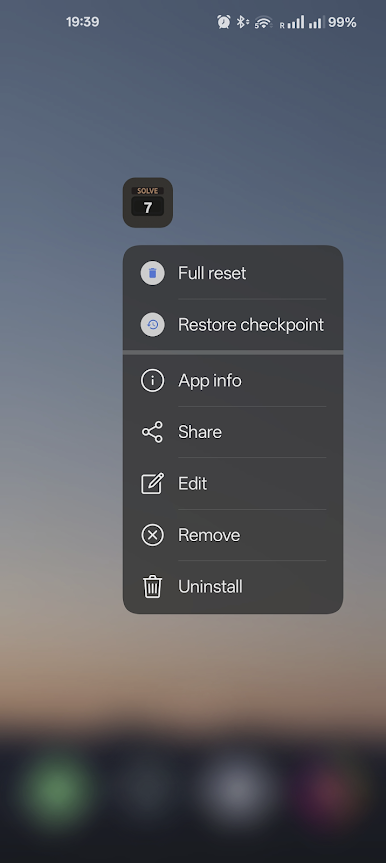
All the classic HP48 bits show up, so a person can juggle the stack, store objects, run little user programs, and wander through directories without fuss. It can save a full snapshot to a zip and restore later if something gets jammed, which is great when experimenting with keystrokes or a messy program. Importing to the stack uses PNG files in the Download folder, and recent Android versions will ask for the Photos and Videos permission so those files show up, which is slightly odd but workable in practice. It runs clean, with no ads or nagging. Updates are focused on polish and stability. For anyone who likes RPN, retro calculators, or just wants a reliable tool that behaves the same every time, this scratches the itch without trying to be clever, and that is the charm.
Ready to experience 48sx, a vintage RPN calculator on a bigger screen, in all its glory? Download BlueStacks now.
Zagraj w 48sx, a vintage RPN calculator na PC. To takie proste.
-
Pobierz i zainstaluj BlueStacks na PC
-
Zakończ pomyślnie ustawienie Google, aby otrzymać dostęp do sklepu Play, albo zrób to później.
-
Wyszukaj 48sx, a vintage RPN calculator w pasku wyszukiwania w prawym górnym rogu.
-
Kliknij, aby zainstalować 48sx, a vintage RPN calculator z wyników wyszukiwania
-
Ukończ pomyślnie rejestrację Google (jeśli krok 2 został pominięty) aby zainstalować 48sx, a vintage RPN calculator
-
Klinij w ikonę 48sx, a vintage RPN calculator na ekranie startowym, aby zacząć grę

