

Sketcher PRO
Graj na PC z BlueStacks – Platforma gamingowa Android, która uzyskała zaufanie ponad 500 milionów graczy!

Strona zmodyfikowana w dniu: Sep 10, 2025
Run Sketcher PRO on PC or Mac
Upgrade your experience. Try Sketcher PRO, the fantastic Tools app from Android Tools (ru), from the comfort of your laptop, PC, or Mac, only on BlueStacks.
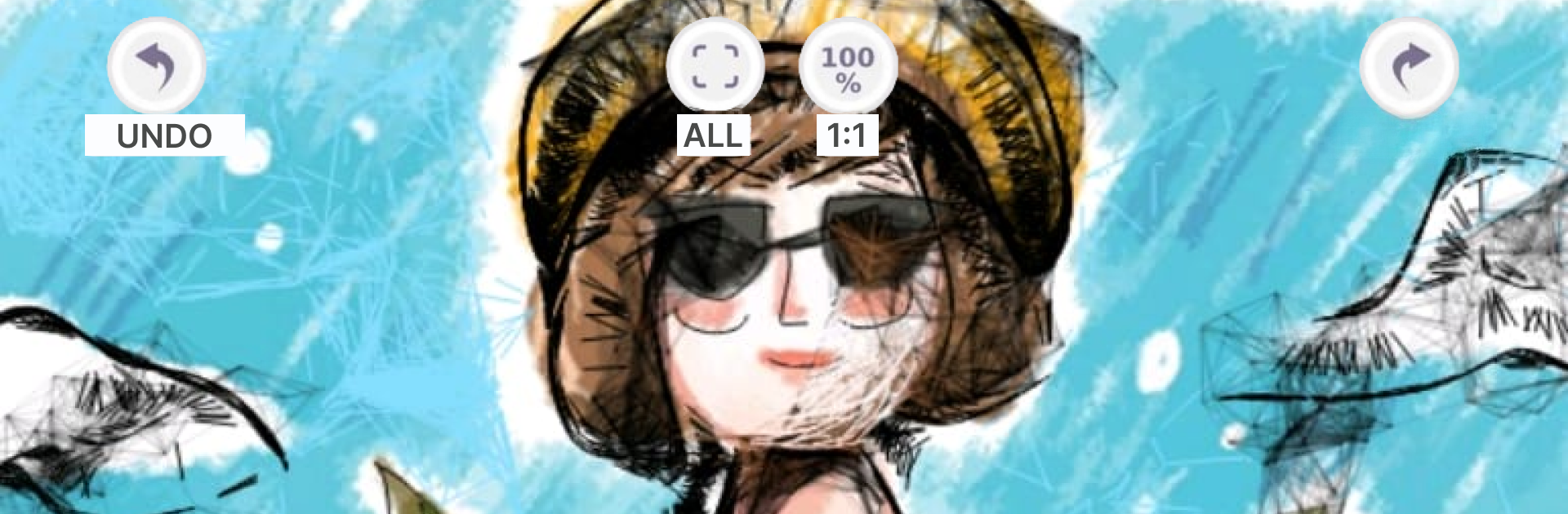
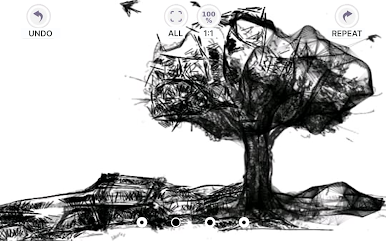
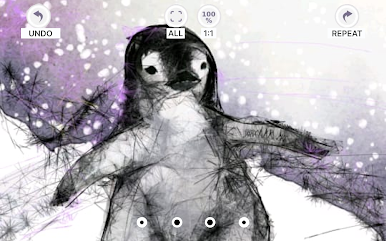
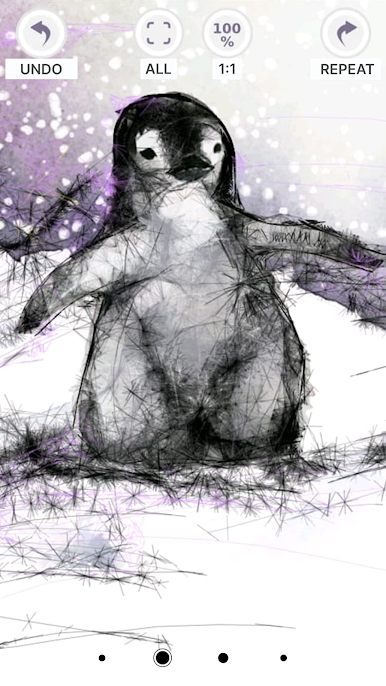
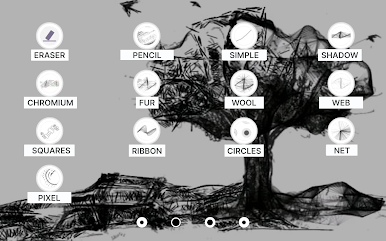
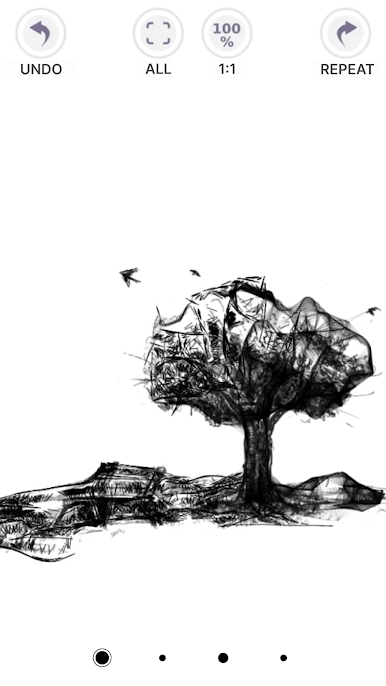
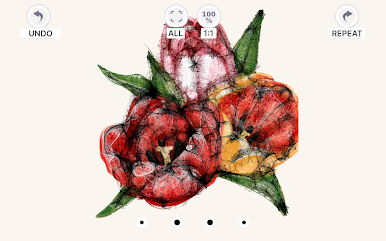
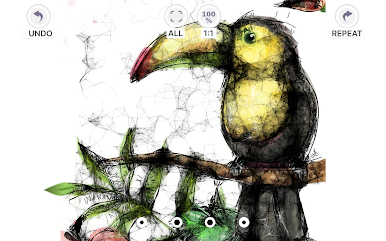
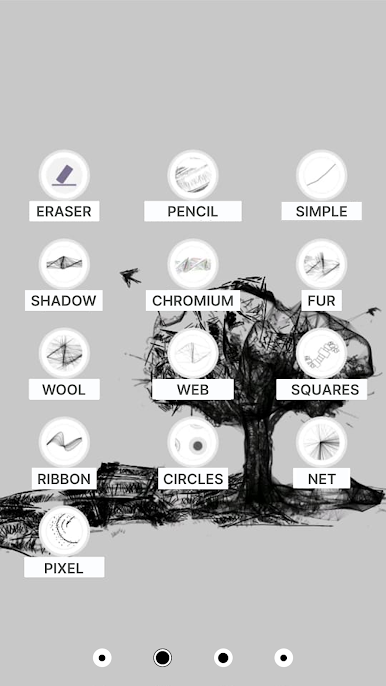
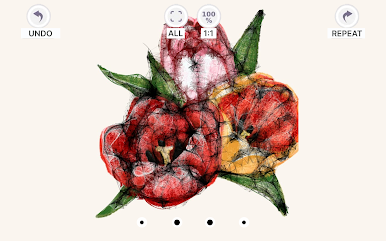
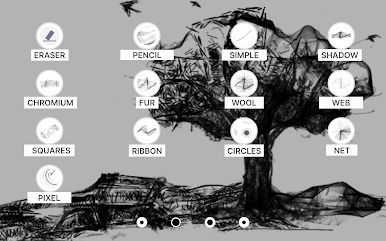
Sketcher PRO comes across like a chill drawing playground that leans hard into procedural brushes. No ads popping up, which keeps the flow clean. The standout is how those special brushes behave. Fur lays down fuzzy texture in seconds, web links strokes into stringy patterns, ribbon curls as it draws, grid‑pixel snaps into chunky pixels, and chrome gives smooth blends for reflective stuff. There is even a strangely named six brush that behaves like wool, great for soft shading or fibers. Because it is procedural, textures scale up or down without turning blurry, and combining brushes makes fast background patterns or little design experiments that look more complex than the effort it takes.
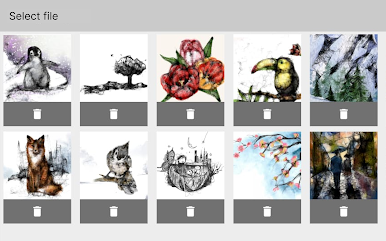
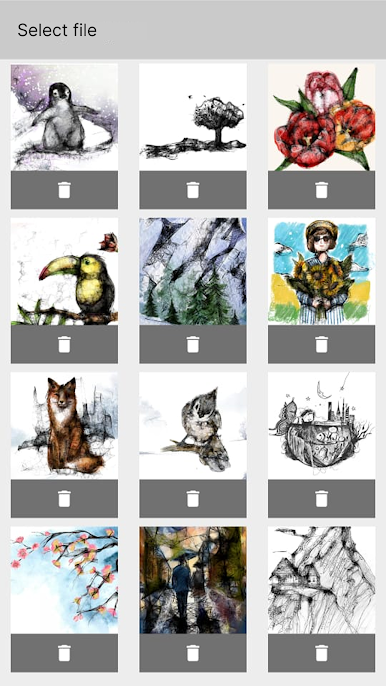
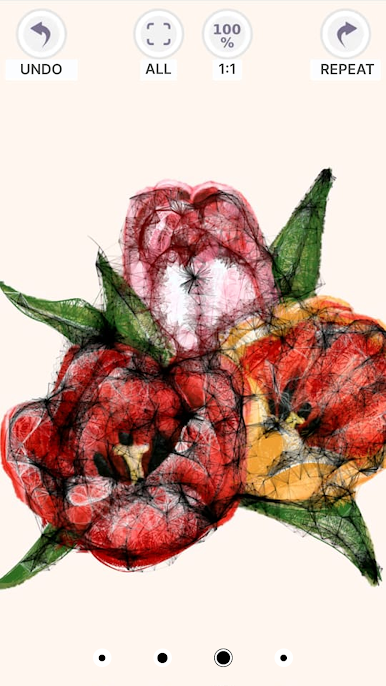
The basics are simple enough for anyone. Open a canvas from a solid color, tracing paper mode, or a photo. Set orientation and size, swap background colors with a palette, nudge RGB sliders, adjust transparency, pick colors with the eyedropper, and get standard undo, redo, eraser, and zoom. Tracing mode is handy when someone wants to sit a reference underneath and build an outline or quick backdrop. It saves on exit automatically, and there is text overlay for labels or notes. Works with finger or stylus, and on BlueStacks with a mouse it feels tidy on a bigger screen, especially for tracing or pixel work. The interface stays minimal and clear, so beginners can sketch right away, while more experienced folks can whip up repeatable textures or quick concept art without wrestling menus.
Switch to BlueStacks and make the most of your apps on your PC or Mac.






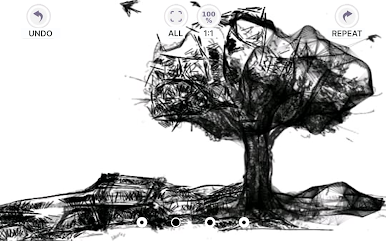
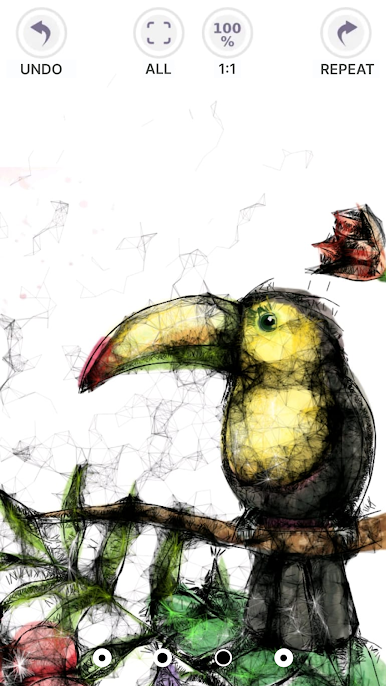
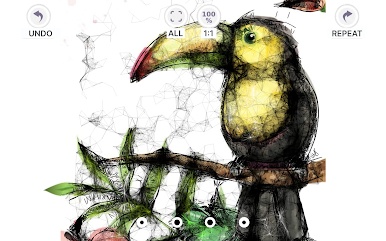
Zagraj w Sketcher PRO na PC. To takie proste.
-
Pobierz i zainstaluj BlueStacks na PC
-
Zakończ pomyślnie ustawienie Google, aby otrzymać dostęp do sklepu Play, albo zrób to później.
-
Wyszukaj Sketcher PRO w pasku wyszukiwania w prawym górnym rogu.
-
Kliknij, aby zainstalować Sketcher PRO z wyników wyszukiwania
-
Ukończ pomyślnie rejestrację Google (jeśli krok 2 został pominięty) aby zainstalować Sketcher PRO
-
Klinij w ikonę Sketcher PRO na ekranie startowym, aby zacząć grę

