


Subsurface-mobile
Chơi trên PC với BlueStacks - Nền tảng chơi game Android, được hơn 500 triệu game thủ tin tưởng.

Trang đã được sửa đổi vào: Sep 19, 2022
Play Subsurface-mobile on PC or Mac
Explore a whole new adventure with Subsurface-mobile, a Sports game created by Subsurface. Experience great gameplay with BlueStacks, the most popular gaming platform to play Android games on your PC or Mac.
About the Game
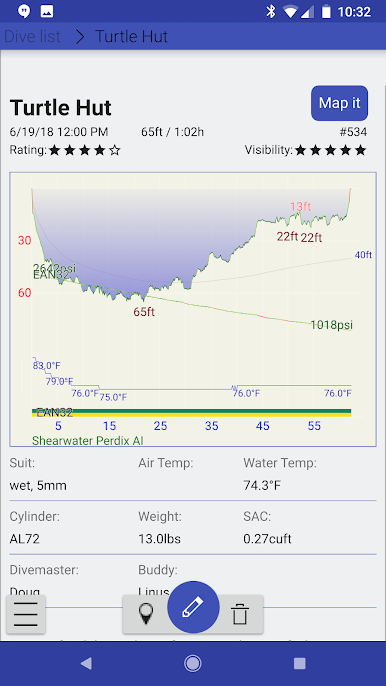
Subsurface-mobile is for divers who want their logbook right in their pocket. This Sports app from Subsurface turns your phone or tablet into a powerful dive companion, letting you review past dives, edit details on the fly, and import fresh logs from supported computers. Prefer a bigger screen and keyboard? You can run it on BlueStacks and manage everything comfortably on your PC or Mac.
Game Features
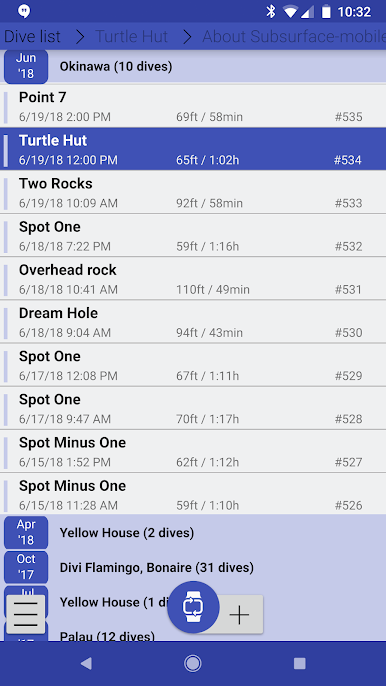
- Portable logbook: Keep your entire history handy, browse by trip or date, and pull up the details you need in seconds.
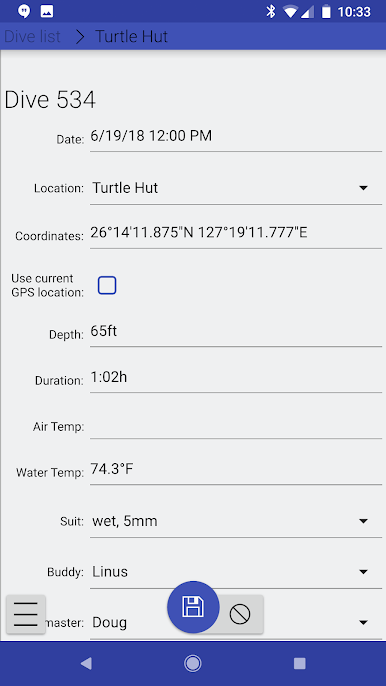
- Quick edits: Fix a site name, tweak notes, or update gear info without waiting until you’re back at a desk.
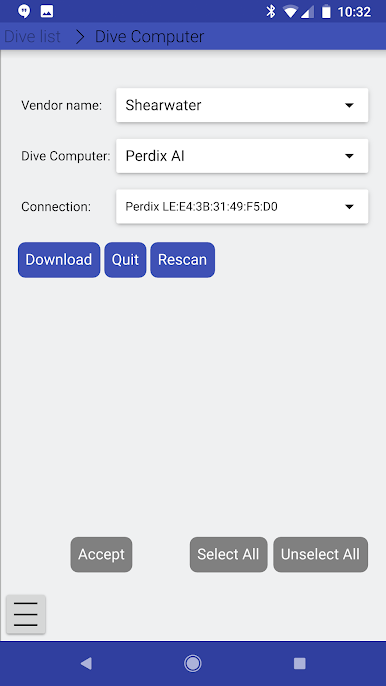
- Connect your dive computer: Import dives over Bluetooth or Bluetooth LE for many supported models, so your latest session shows up fast.
- Cable support (with limits): USB serial connections are supported on mobile; devices using other USB methods aren’t available here.
- Optional cloud sync: Use Subsurface Cloud to keep your logs aligned with the desktop app. Don’t want the cloud? The app works fine offline, too.
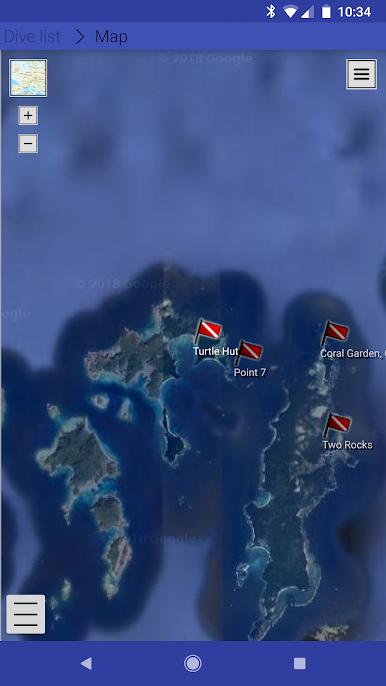
- GPS site tagging: Record GPS fixes during a trip and attach them to dives, so you remember exactly where that perfect reef was.
- Trip management: Group dives by destination or liveaboard, add notes, and keep your travel history tidy.
- Manual entries: Add dives from memory or paper logs, including buddy info, conditions, and more.
- Desktop-only extras: Some tools—like the dive planner and certain file imports/exports—live on desktop, then sync to your phone if you use the cloud.
- Open-source and ad-free: No ads, no tracking, no monetization. It’s built by a small, enthusiastic team, focused on keeping your data yours.
Slay your opponents with your epic moves. Play it your way on BlueStacks and dominate the battlefield.
Chơi Subsurface-mobile trên PC. Rất dễ để bắt đầu
-
Tải và cài đặt BlueStacks trên máy của bạn
-
Hoàn tất đăng nhập vào Google để đến PlayStore, hoặc thực hiện sau
-
Tìm Subsurface-mobile trên thanh tìm kiếm ở góc phải màn hình
-
Nhấn vào để cài đặt Subsurface-mobile trong danh sách kết quả tìm kiếm
-
Hoàn tất đăng nhập Google (nếu bạn chưa làm bước 2) để cài đặt Subsurface-mobile
-
Nhấn vào icon Subsurface-mobile tại màn hình chính để bắt đầu chơi

