


Hex Installer: OneUI themes
Chơi trên PC với BlueStacks - Nền tảng chơi game Android, được hơn 500 triệu game thủ tin tưởng.

Trang đã được sửa đổi vào: Mar 10, 2024
Play Hex Installer: OneUI themes on PC
All the Galaxy smart phones running "Official OneUI" are supported*.
No root required.
Features:
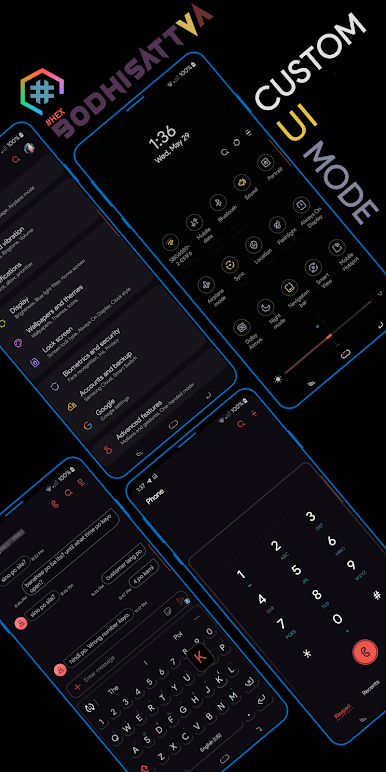
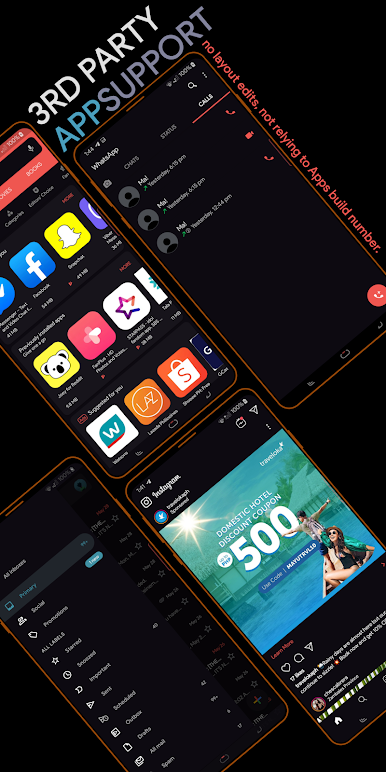
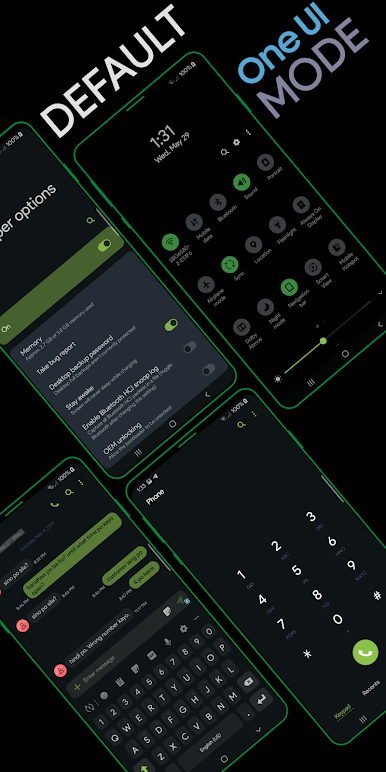
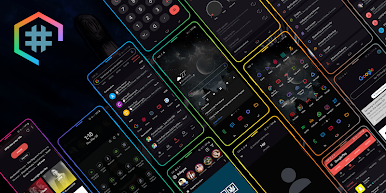
✺ 100+ app themes
✺ Designed for both Regular Rounded and Note-UI screens
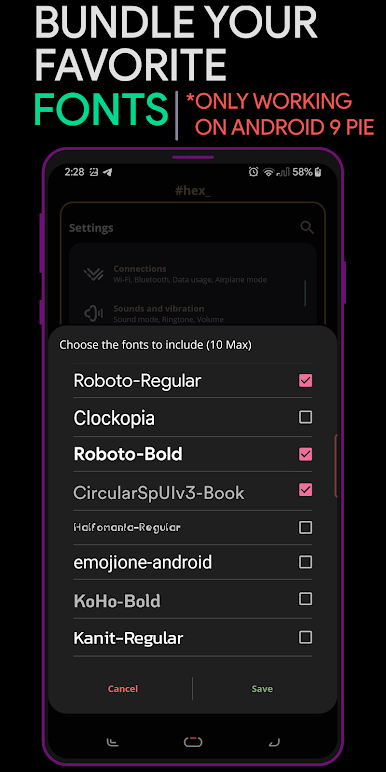
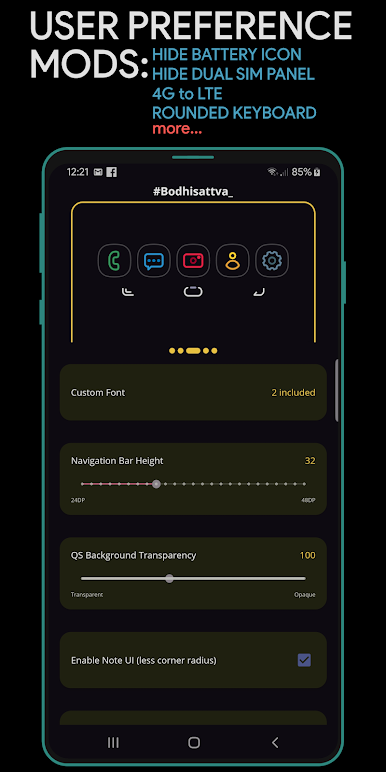
✺ Custom fonts support
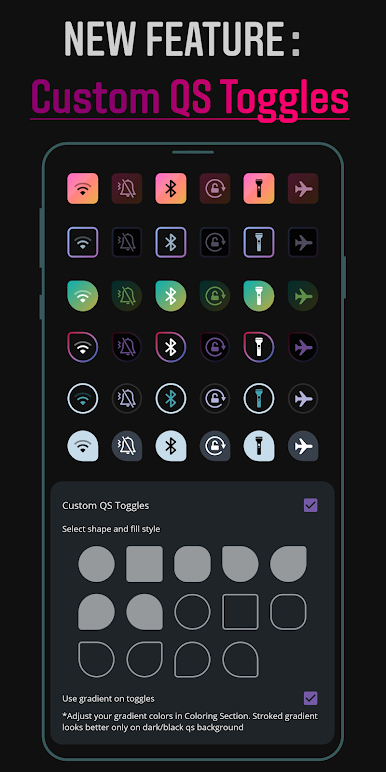
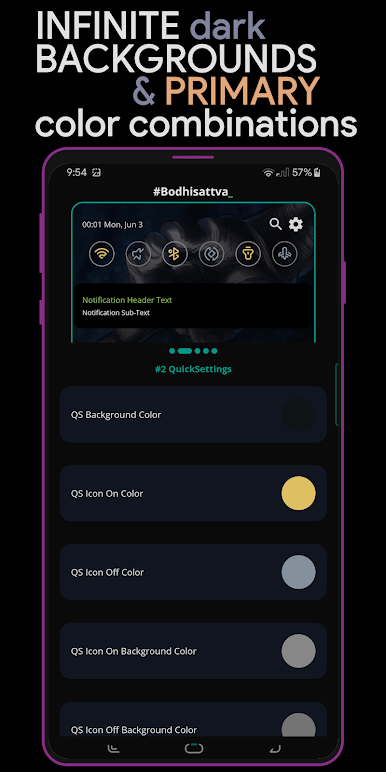
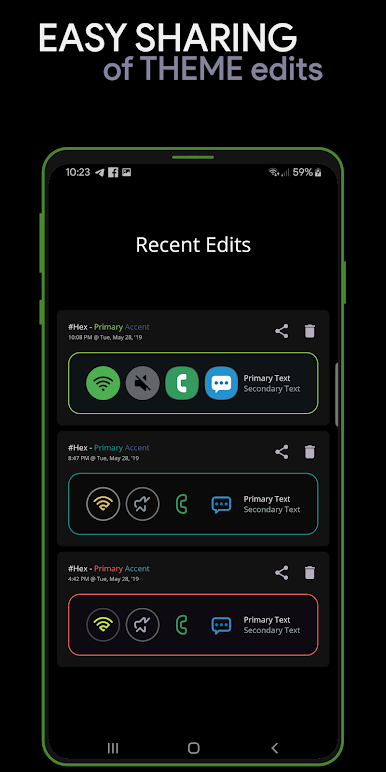
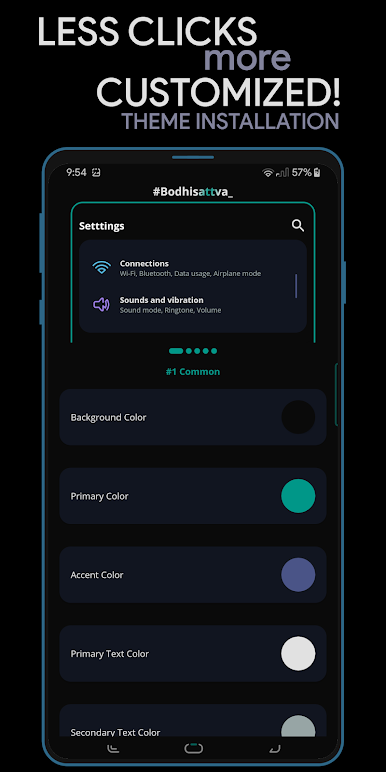
✺ 16 Coloring options that lets you theme everything with endless possibilities
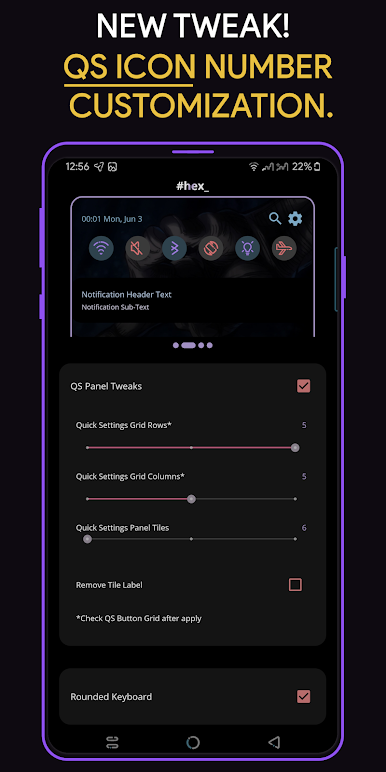
✺ Theme preferences & tweaks
✺ Third-party plugins support for different UI Mode
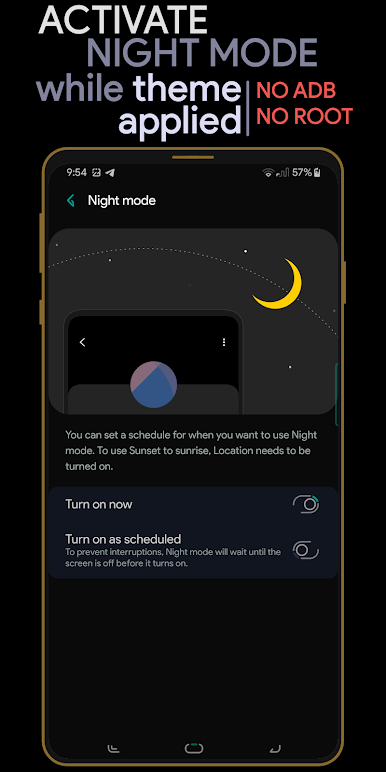
✺ Night mode along with your theme
✺ Live previews for easy theming
✺ Simple UI that smoothens the UI experience
For more description, see FAQ section in the app.
*A/M series - OneUI Core 4 aren't supported
This app cannot be used with Samsung Galaxy Tab devices
If you like our app and the work we put into this, and if you like to contribute our development team more, you can donate in the app itself. Special thanks to our translators, contributors and users.
Refunds : If you have purchased and can't use it properly, you can refund within 2 hours from your device and 48 hours from web as long as it is your first purchase. You can also send us your GPA order number within 48 hours to process your refund, if you can't do it in the web.
If you have issues or feedbacks, feel free to contact via our support mail.
Chơi Hex Installer: OneUI themes trên PC. Rất dễ để bắt đầu
-
Tải và cài đặt BlueStacks trên máy của bạn
-
Hoàn tất đăng nhập vào Google để đến PlayStore, hoặc thực hiện sau
-
Tìm Hex Installer: OneUI themes trên thanh tìm kiếm ở góc phải màn hình
-
Nhấn vào để cài đặt Hex Installer: OneUI themes trong danh sách kết quả tìm kiếm
-
Hoàn tất đăng nhập Google (nếu bạn chưa làm bước 2) để cài đặt Hex Installer: OneUI themes
-
Nhấn vào icon Hex Installer: OneUI themes tại màn hình chính để bắt đầu chơi

