


Pic Grid: Collage Maker
Graj na PC z BlueStacks – Platforma gamingowa Android, która uzyskała zaufanie ponad 500 milionów graczy!

Strona zmodyfikowana w dniu: Aug 28, 2024
Play Pic Grid: Collage Maker on PC
Features:
- Collage maker with many grids and layouts.
- No crop photo editor.
- No crop video editor.
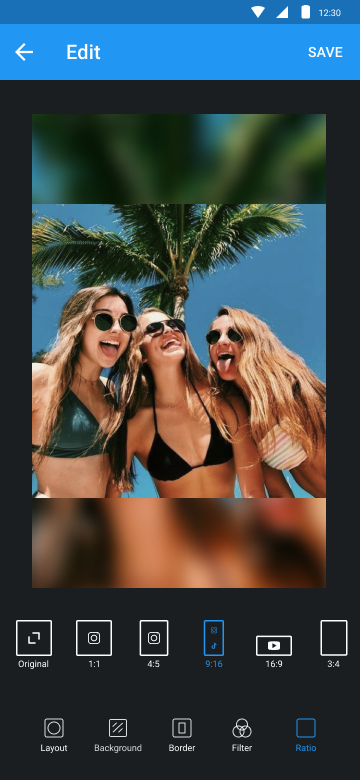
- Grid photo with many layouts and size.
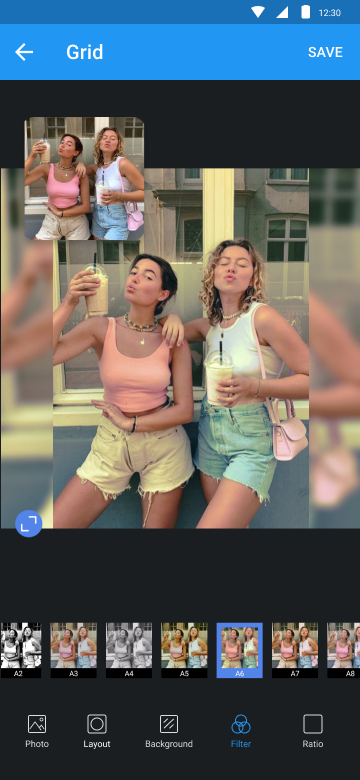
- Edit photo with filter, sticker, text, etc.
- Rotate, flip and resize photos.
Edit
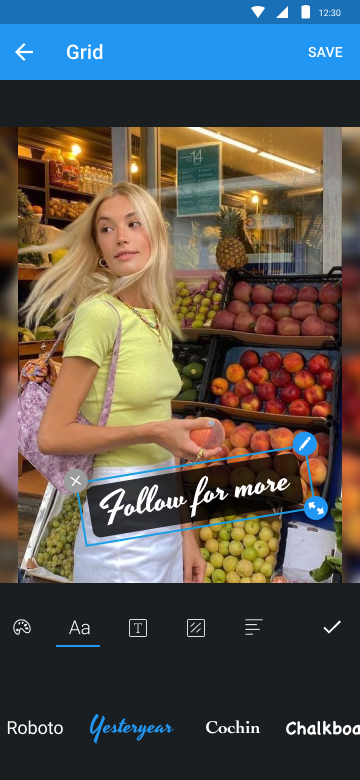
Edit photo with filter, sticker, text, etc. Post no crop photo on Instagram. Square grid for Instagram.
Video
Post no crop video on Instagram. Cut video & square video in one tap.
Grid
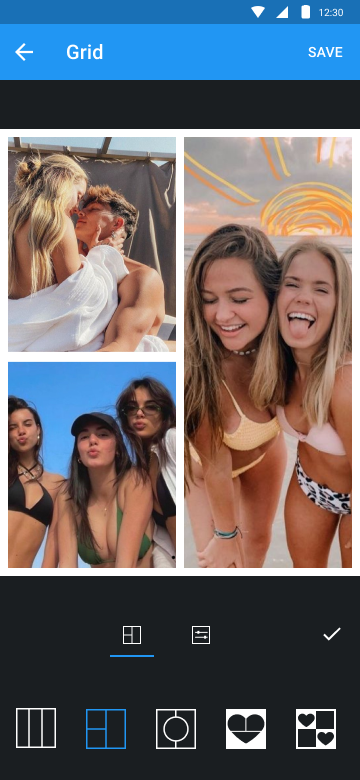
Turn several photos into photo collage. Make photo collage with many grids and layouts. It’s the best photo collage maker.
Camera
With Camera, you can take selfie, then edit photo as you want with Pic Grid. Square photo, add filter, sticker, text and much more.
Try Pic Grid and make your photos shine.


Zagraj w Pic Grid: Collage Maker na PC. To takie proste.
-
Pobierz i zainstaluj BlueStacks na PC
-
Zakończ pomyślnie ustawienie Google, aby otrzymać dostęp do sklepu Play, albo zrób to później.
-
Wyszukaj Pic Grid: Collage Maker w pasku wyszukiwania w prawym górnym rogu.
-
Kliknij, aby zainstalować Pic Grid: Collage Maker z wyników wyszukiwania
-
Ukończ pomyślnie rejestrację Google (jeśli krok 2 został pominięty) aby zainstalować Pic Grid: Collage Maker
-
Klinij w ikonę Pic Grid: Collage Maker na ekranie startowym, aby zacząć grę

