


Heroes & Dragons
Chơi trên PC với BlueStacks - Nền tảng chơi game Android, được hơn 500 triệu game thủ tin tưởng.

Trang đã được sửa đổi vào: 2 thg 5, 2024
Play Heroes & Dragons on PC or Mac
Join millions to experience Heroes & Dragons, an exciting Role Playing game from Banditos Studio. With BlueStacks App Player, you are always a step ahead of your opponent, ready to outplay them with faster gameplay and better control with the mouse and keyboard on your PC or Mac.
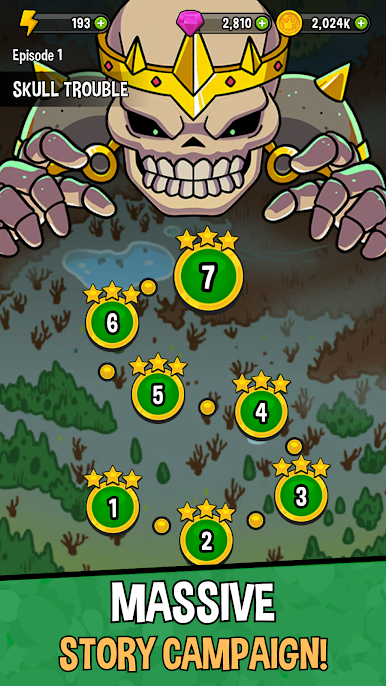
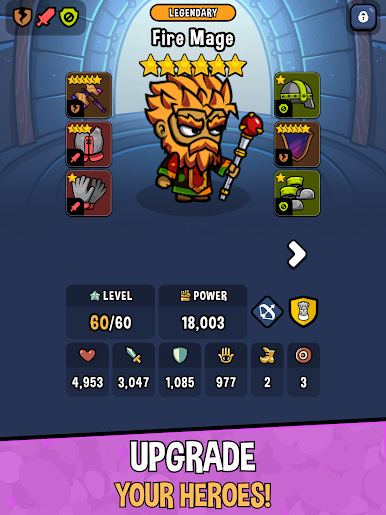
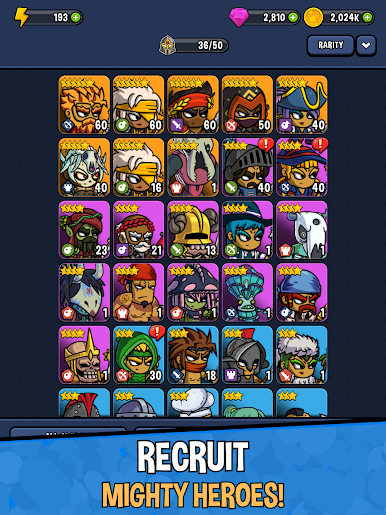
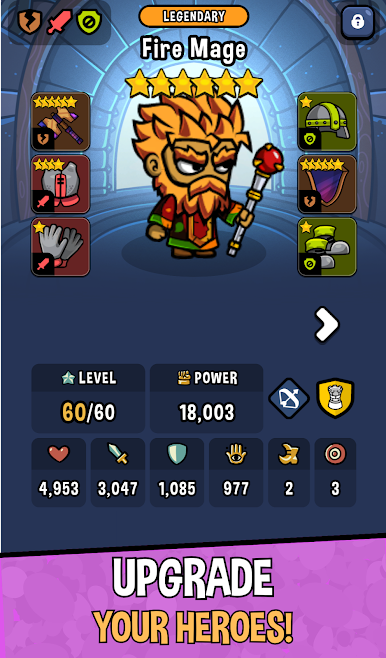
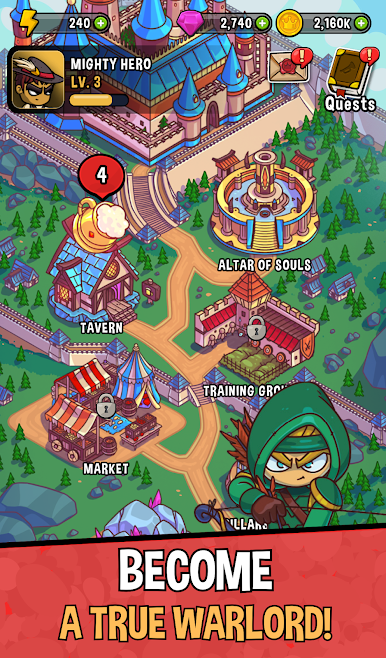
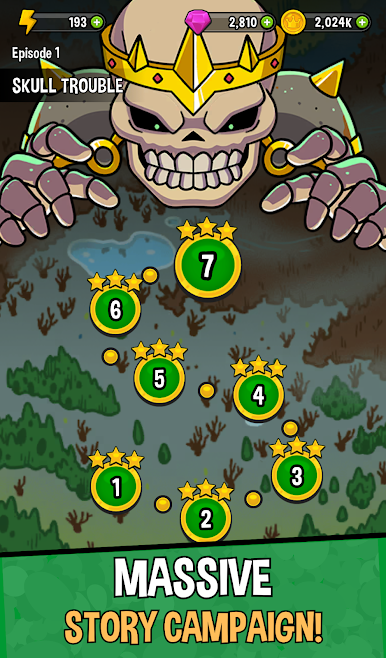
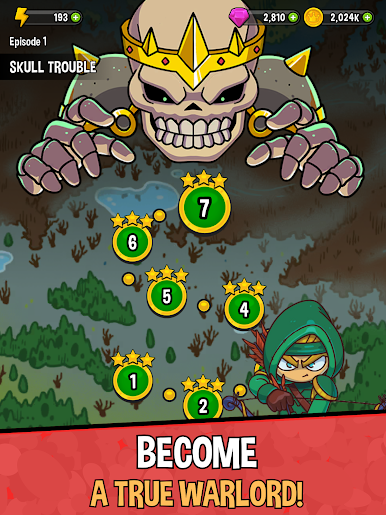
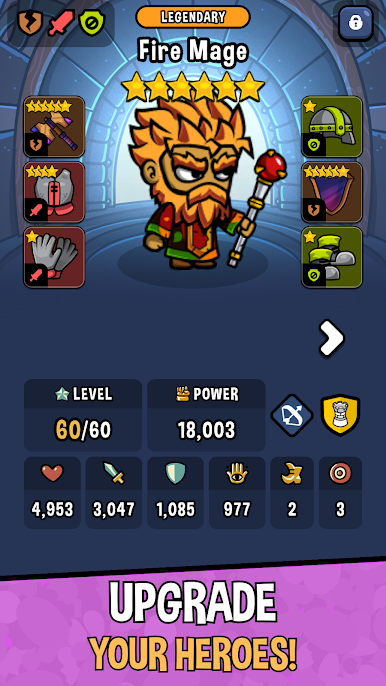
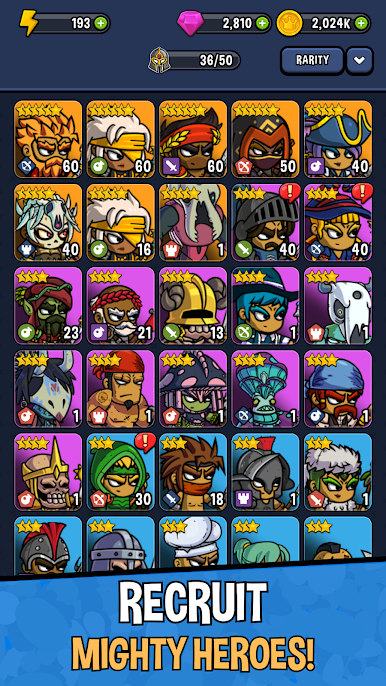
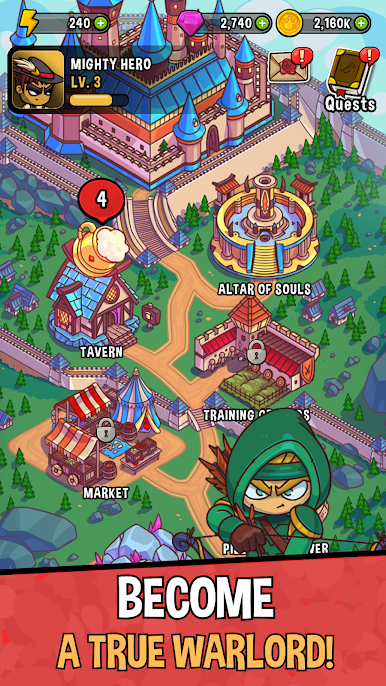
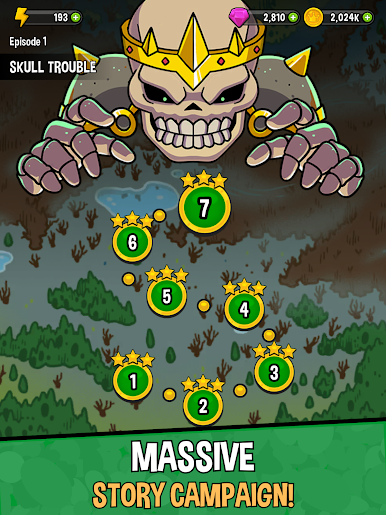
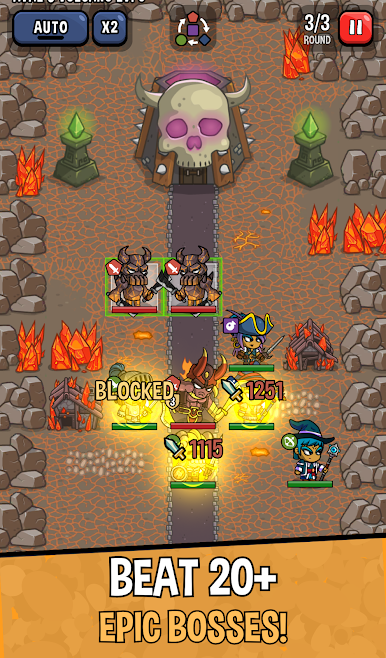
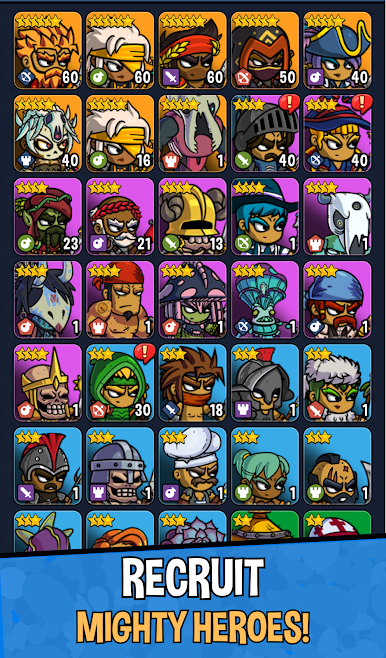
Heroes & Dragons throws players right into a colorful fantasy world filled with quirky characters and plenty of dragons. It leans hard into both adventure and humor, so it’s not just serious questing and monster fighting all the time — some of the story bits are pretty funny, with jokes and playful dialogue breaking up the action. The campaign has a bunch of chapters, each with its own look and set of weird challenges, so things actually feel fresh as you go. There are new heroes popping up all the time, too, and each one brings different skills and tactics to combat.
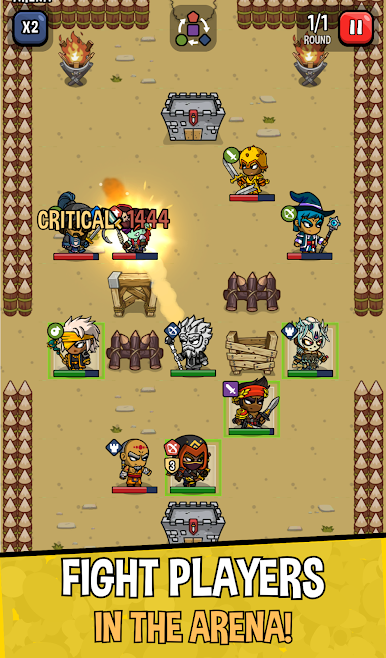
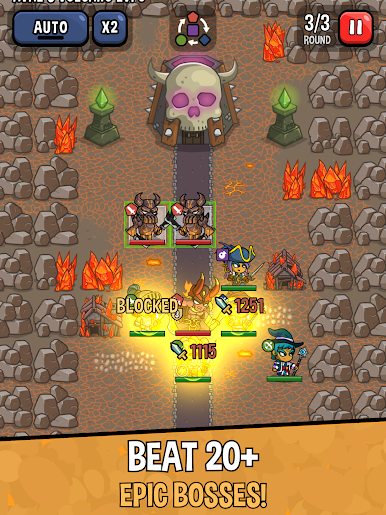
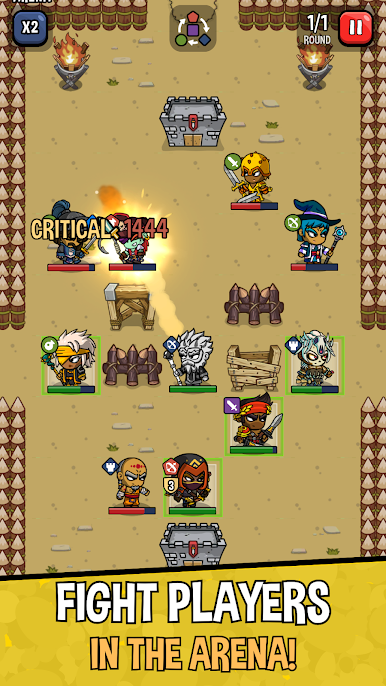
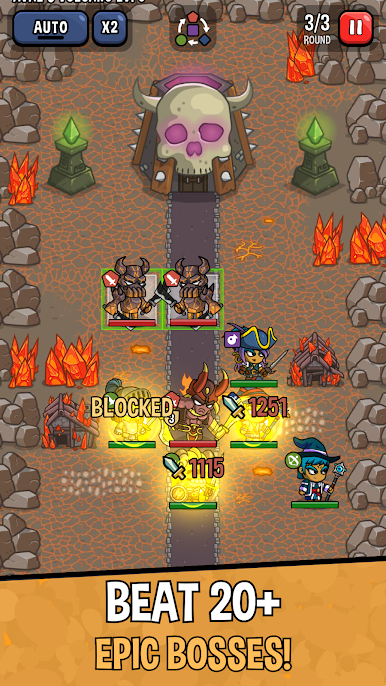
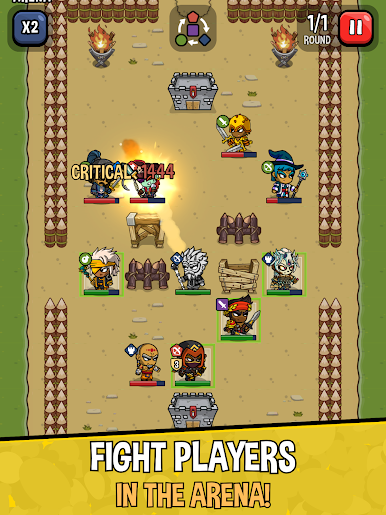
The battles need some real planning, more than just tapping buttons and hoping for the best. Every fight asks players to think about things like team lineup, where to place heroes, who to target first — lots of small decisions that start adding up. Heroes all have their own moves and there are enemy types that really test those choices. And for anyone who’s into competition, there’s an arena mode where players can take their squad online and go head-to-head with others. Arena battles get intense, especially if you’re trying to work up the ranks. Running it on BlueStacks makes everything run smoother, plus playing on a bigger screen just helps spot all the details. Overall, Heroes & Dragons is more than just a time killer — there’s actual strategy, variety, and enough jokes to keep things from getting dull.
Slay your opponents with your epic moves. Play it your way on BlueStacks and dominate the battlefield.
Chơi Heroes & Dragons trên PC. Rất dễ để bắt đầu
-
Tải và cài đặt BlueStacks trên máy của bạn
-
Hoàn tất đăng nhập vào Google để đến PlayStore, hoặc thực hiện sau
-
Tìm Heroes & Dragons trên thanh tìm kiếm ở góc phải màn hình
-
Nhấn vào để cài đặt Heroes & Dragons trong danh sách kết quả tìm kiếm
-
Hoàn tất đăng nhập Google (nếu bạn chưa làm bước 2) để cài đặt Heroes & Dragons
-
Nhấn vào icon Heroes & Dragons tại màn hình chính để bắt đầu chơi

