


Tacx Training™
Graj na PC z BlueStacks – Platforma gamingowa Android, która uzyskała zaufanie ponad 500 milionów graczy!

Strona zmodyfikowana w dniu: Nov 3, 2025
Play Tacx Training™ on PC
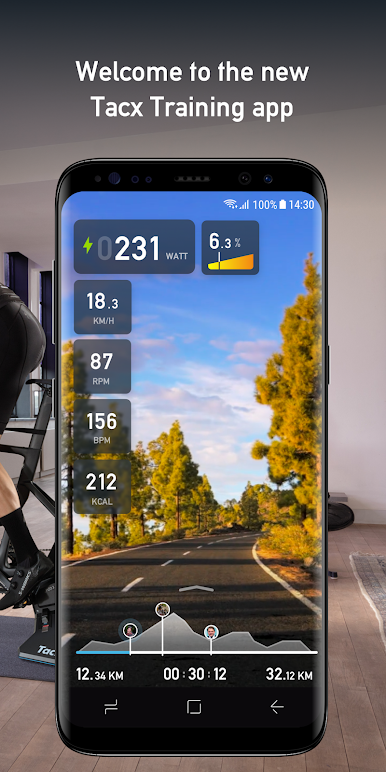
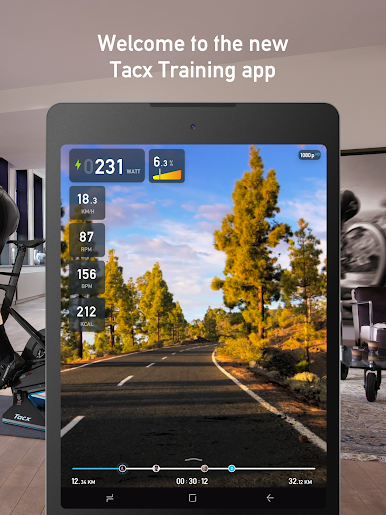
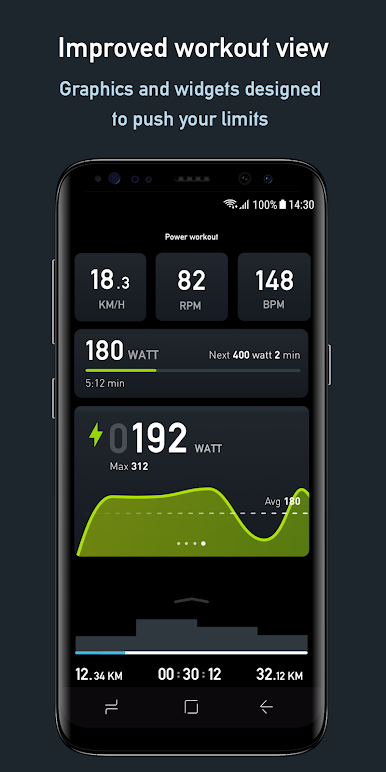
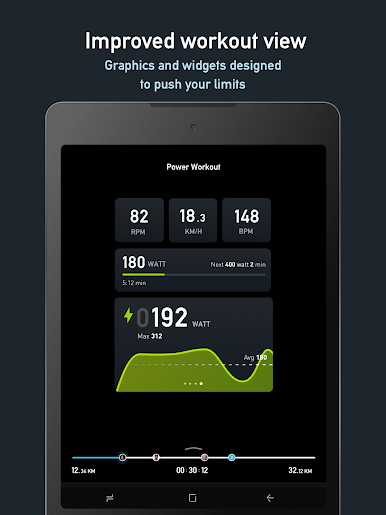
While you ride, your speed, power, cadence, and heart rate are displayed on-screen. All your indoor training data automatically loads to the Garmin Connect™ app where you can track and analyze your training stats afterwards. Year-round cycling has just got simpler.
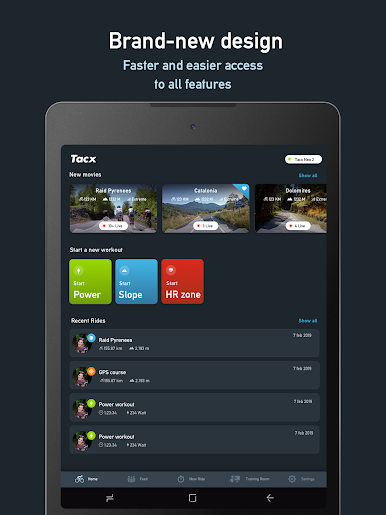
Download and use the app for free or choose for Premium or Premium HD
Premium and Premium HD:
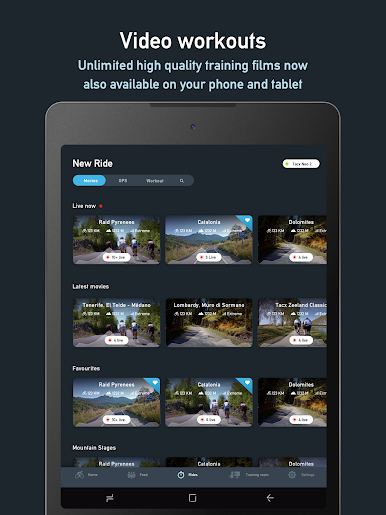
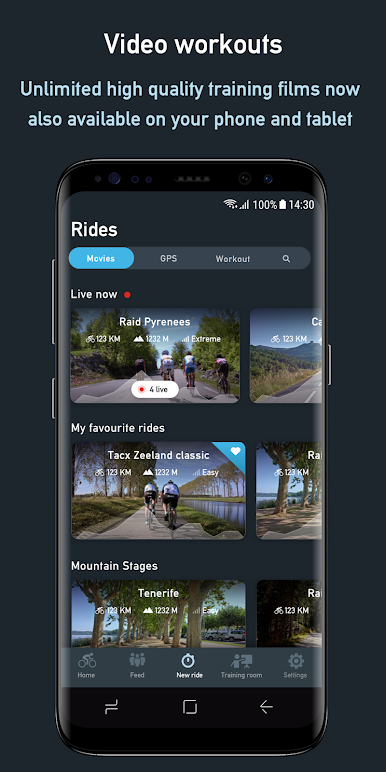
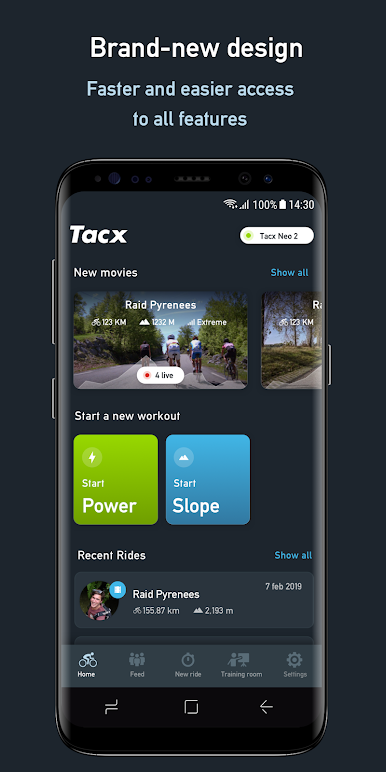
1. Streaming high-quality video workouts
2. 3D GPS map workouts
3. Live opponents
Free:
1. Structured workouts based on slope, power, or FTP
2. Analyze your activities with Garmin Connect
3. Export your data to Garmin Connect
4. Sync your workouts and activities between devices
Connectivity:
This application is compatible with Tacx Smart trainers and sensors with Bluetooth 4.0.
Please Note: Internet access is required. When Internet connection fails, functionality is limited.
Don’t forget to email our support team if you have any questions, concerns, compliments, or feature requests. https://support.garmin.com/en-US/?productID=696770&tab=topics
Designed and Produced in the Netherlands
--
Zagraj w Tacx Training™ na PC. To takie proste.
-
Pobierz i zainstaluj BlueStacks na PC
-
Zakończ pomyślnie ustawienie Google, aby otrzymać dostęp do sklepu Play, albo zrób to później.
-
Wyszukaj Tacx Training™ w pasku wyszukiwania w prawym górnym rogu.
-
Kliknij, aby zainstalować Tacx Training™ z wyników wyszukiwania
-
Ukończ pomyślnie rejestrację Google (jeśli krok 2 został pominięty) aby zainstalować Tacx Training™
-
Klinij w ikonę Tacx Training™ na ekranie startowym, aby zacząć grę

