


TrainerDay - Indoor Cycling
Graj na PC z BlueStacks – Platforma gamingowa Android, która uzyskała zaufanie ponad 500 milionów graczy!

Strona zmodyfikowana w dniu: Nov 26, 2025
Play TrainerDay - Indoor Cycling on PC
Verified Trainers and devices
- All HR monitors that follow the standard
- Standard Power Meters
- Wahoo Core, Kickr and Kickr Snap
- Tacx Neo, Flux, Flow and Vortex and Bushido
- Eilte Direto
- Saris H2 + H3
- Stages SB20
- JetBlack Volt
Ant+ is working for older Samsung devices. See our forum to see full details.
Other devices
- Older Elite Trainers that do not use FTMS must use Ant+
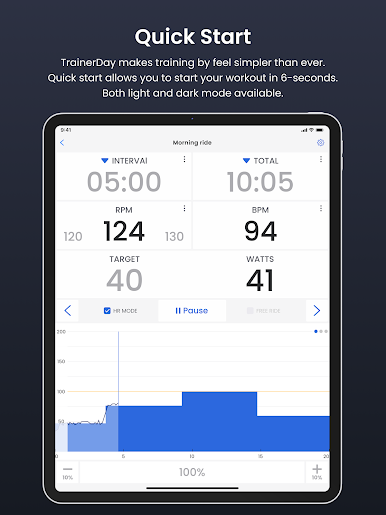
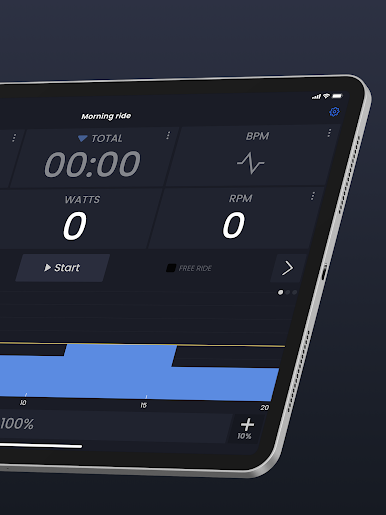
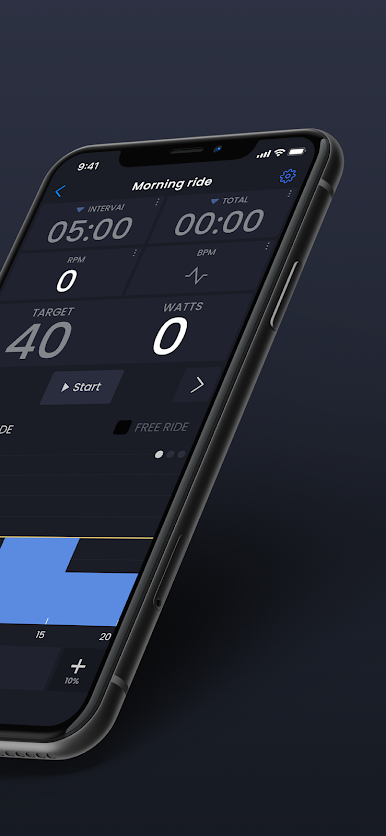
TrainerDay app is fast and flexible
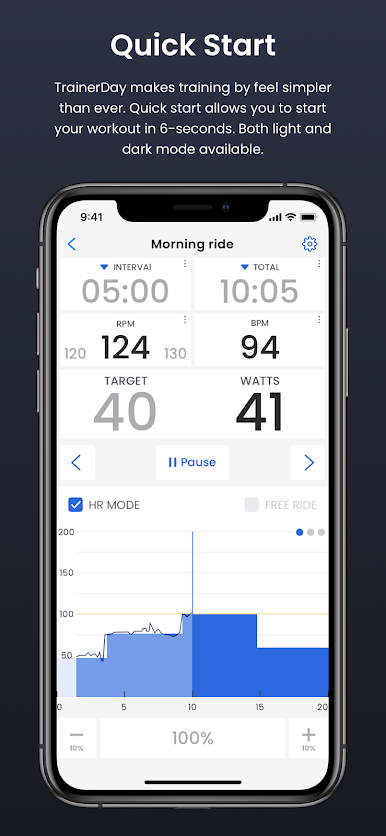
1) Start your training session in 5-10 seconds (after an initial quick setup)
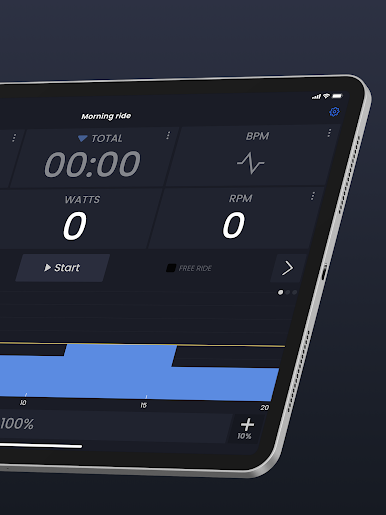
2) Easily change workouts, intervals or intensities dynamically during your training session
3) Fast access to ERG, Resistance/Slope modes
We have a free version:
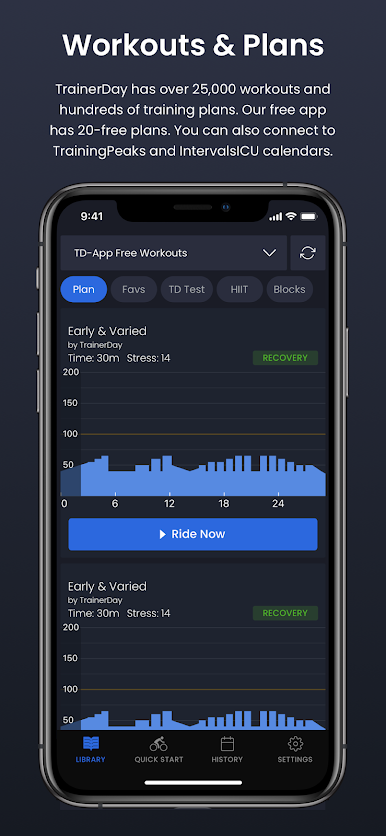
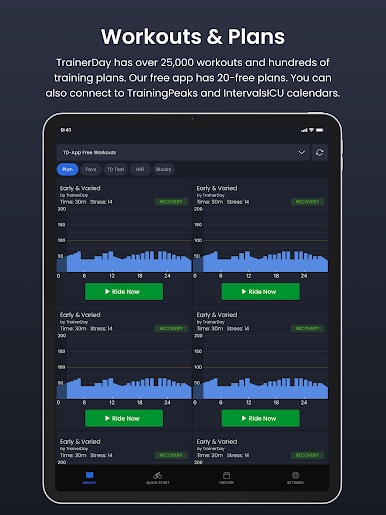
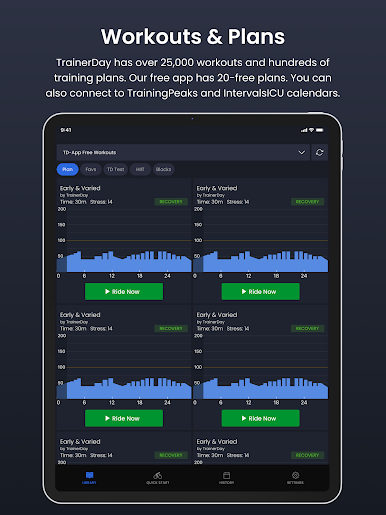
The free version of this app contains 20-classic cycling training workouts including a ramp test
We have a premium (paid version):
- Get unlimited number of workouts & training plans
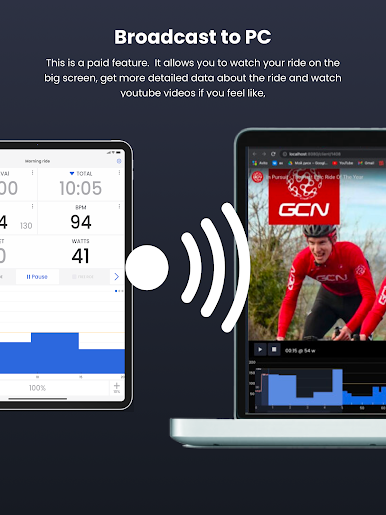
- The ability to send workouts to other training apps/platforms
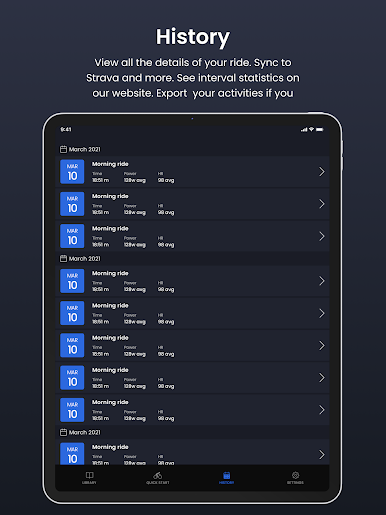
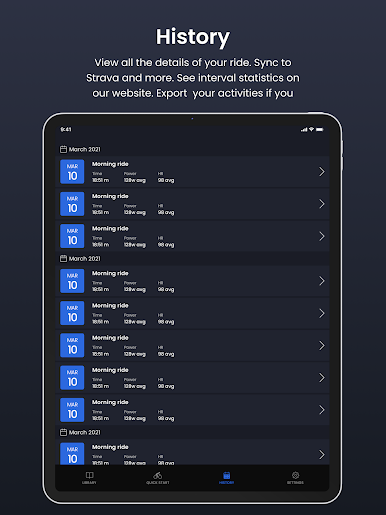
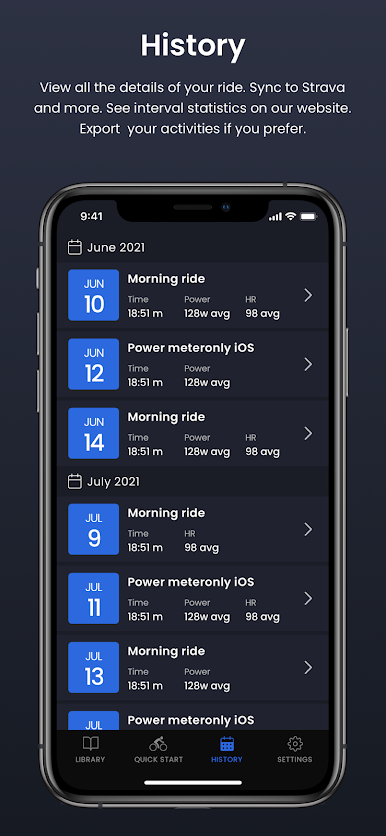
- Sync completed activities automatically to Strava

Zagraj w TrainerDay - Indoor Cycling na PC. To takie proste.
-
Pobierz i zainstaluj BlueStacks na PC
-
Zakończ pomyślnie ustawienie Google, aby otrzymać dostęp do sklepu Play, albo zrób to później.
-
Wyszukaj TrainerDay - Indoor Cycling w pasku wyszukiwania w prawym górnym rogu.
-
Kliknij, aby zainstalować TrainerDay - Indoor Cycling z wyników wyszukiwania
-
Ukończ pomyślnie rejestrację Google (jeśli krok 2 został pominięty) aby zainstalować TrainerDay - Indoor Cycling
-
Klinij w ikonę TrainerDay - Indoor Cycling na ekranie startowym, aby zacząć grę

