


台北捷運Go
Chơi trên PC với BlueStacks - Nền tảng chơi game Android, được hơn 500 triệu game thủ tin tưởng.

Trang đã được sửa đổi vào: Nov 12, 2025
Run 台北捷運Go on PC or Mac
Multitask effortlessly on your PC or Mac as you try out 台北捷運Go, a Maps & Navigation app by Taipei Rapid Transit Corporation on BlueStacks.
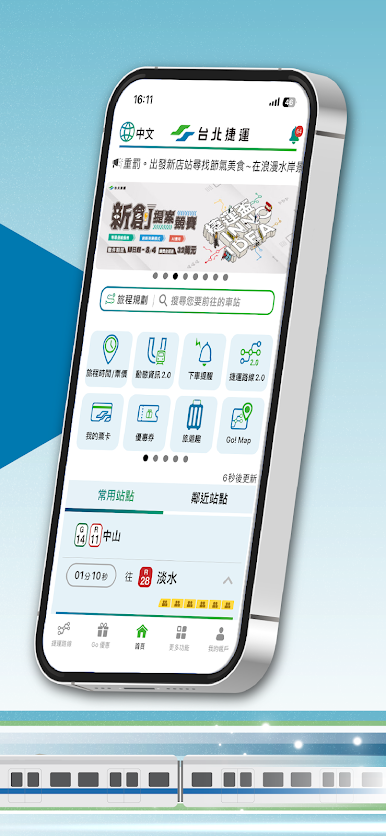
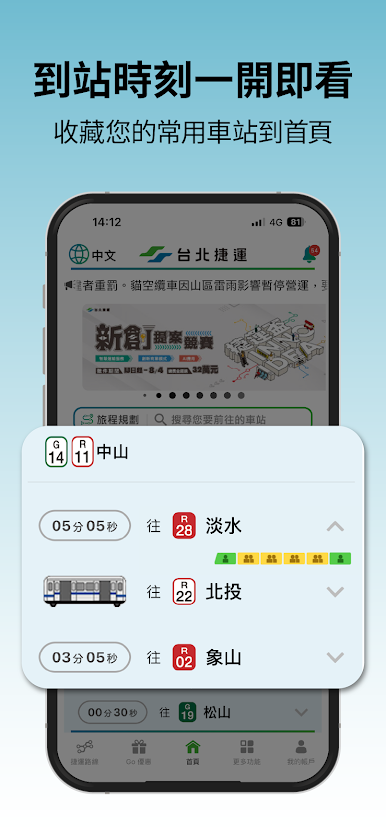
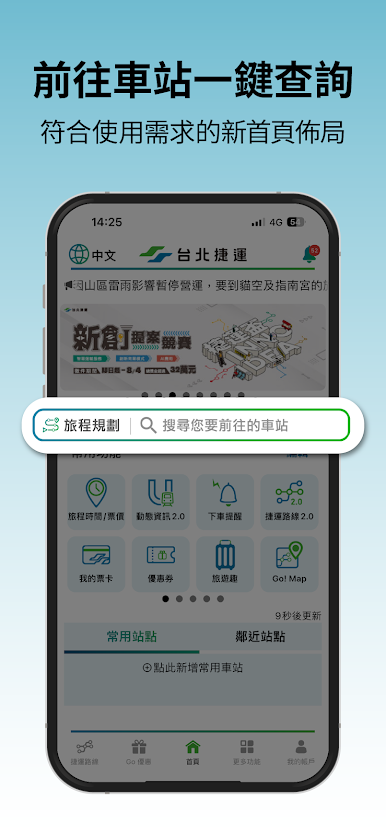
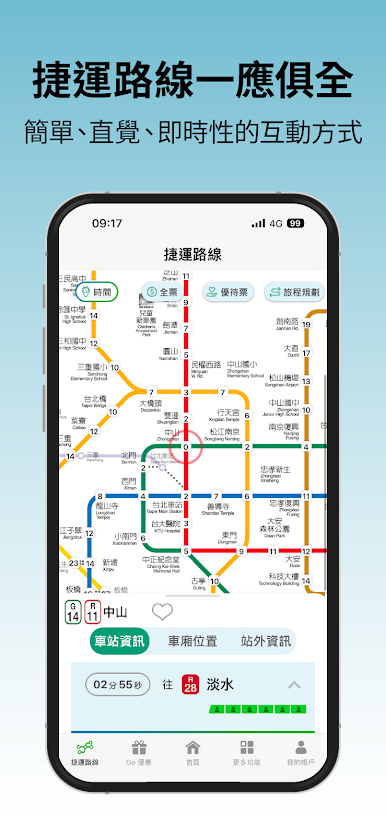
So, 台北捷運Go is this app that’s all about making life easier if you’re using the Taipei MRT. It’s kind of got everything someone would want when they’re taking the subway around Taipei – things like live arrival times so you know exactly when the next train shows up, plus stuff about how crowded certain trains or stations are (which can really help dodge those packed rides). There’s a bunch of other helpful bits, too, like planning out a trip – you just pick a spot to start from and where you want to end up, and it gives fare info, how long it’ll take, even details on accessibility or where to park nearby.
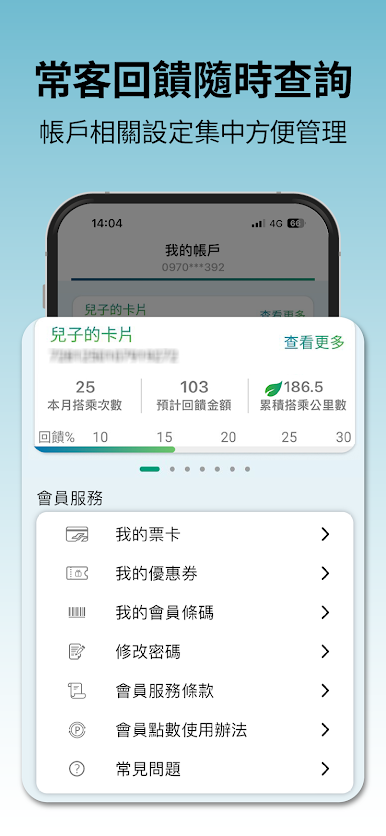
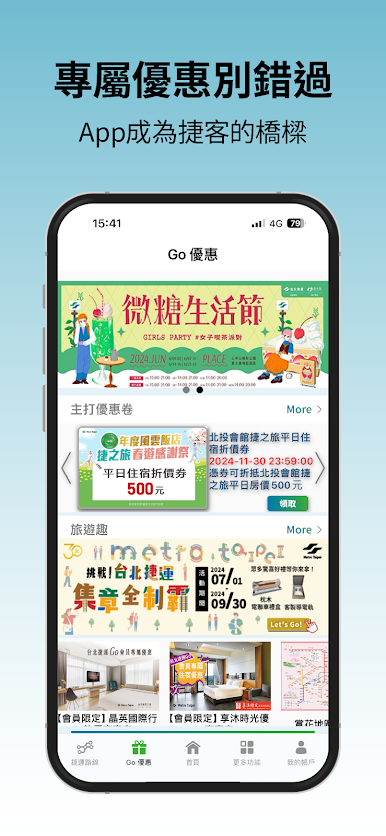
If someone decides to make an account, the app adds some nice perks. There are digital tickets you can keep in the app, and they throw in different discounts; sometimes there are extra travel tips or info about stuff to do around each station. Need to buy a ticket for the cable car? That’s in there. If anything gets lost during a trip, there’s a way to check for it right from the phone. There’s even an option to set reminders so you don’t miss your stop, or grab a certificate if a train’s delayed. When playing around with it on PC using BlueStacks, the big screen helps see the maps and everything else more clearly – everything’s just laid out a lot more comfortably than on a phone. Overall, it feels like a travel tool that packs in a ton of features, but it’s all pretty easy to get around. Makes finding your way through Taipei a lot less stressful.
Big screen. Bigger performance. Use BlueStacks on your PC or Mac to run your favorite apps.
Chơi 台北捷運Go trên PC. Rất dễ để bắt đầu
-
Tải và cài đặt BlueStacks trên máy của bạn
-
Hoàn tất đăng nhập vào Google để đến PlayStore, hoặc thực hiện sau
-
Tìm 台北捷運Go trên thanh tìm kiếm ở góc phải màn hình
-
Nhấn vào để cài đặt 台北捷運Go trong danh sách kết quả tìm kiếm
-
Hoàn tất đăng nhập Google (nếu bạn chưa làm bước 2) để cài đặt 台北捷運Go
-
Nhấn vào icon 台北捷運Go tại màn hình chính để bắt đầu chơi

