

Kadict - từ điển Việt
Chơi trên PC với BlueStacks - Nền tảng chơi game Android, được hơn 500 triệu game thủ tin tưởng.

Trang đã được sửa đổi vào: Sep 16, 2024
Run Kadict - từ điển Việt on PC or Mac
Get freedom from your phone’s obvious limitations. Use Kadict – từ điển Việt, made by @KHOA, a Education app on your PC or Mac with BlueStacks, and level up your experience.
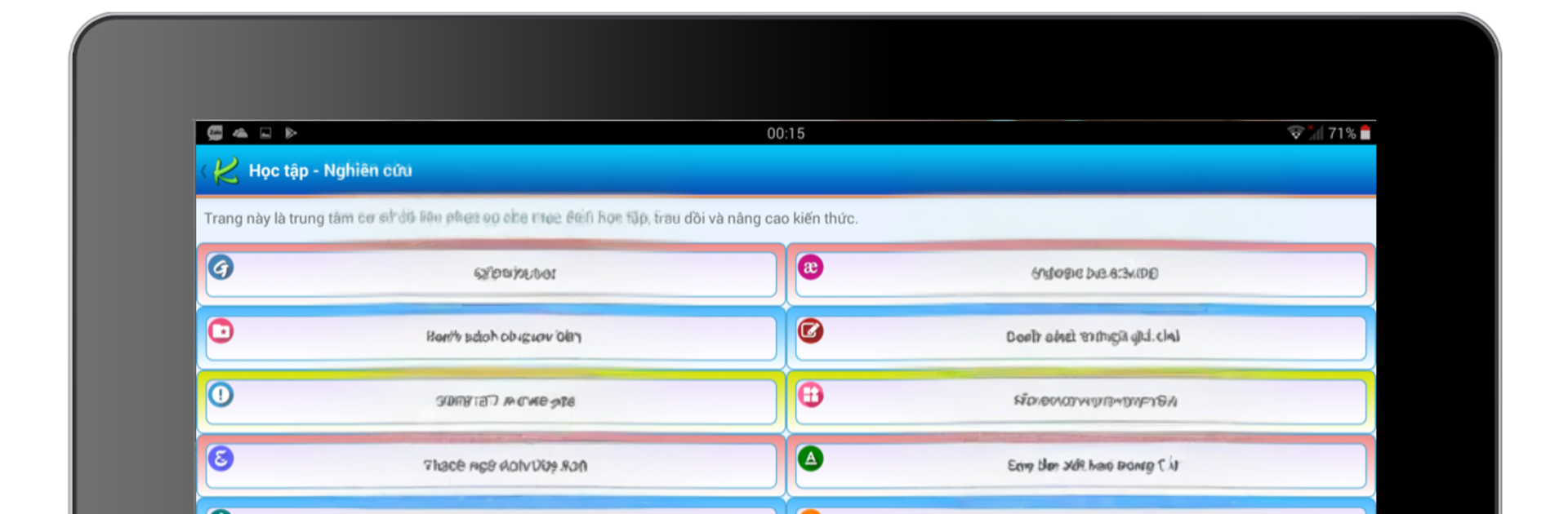
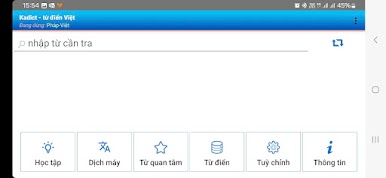
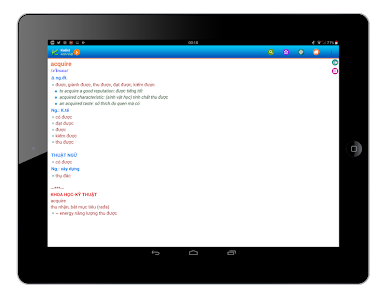
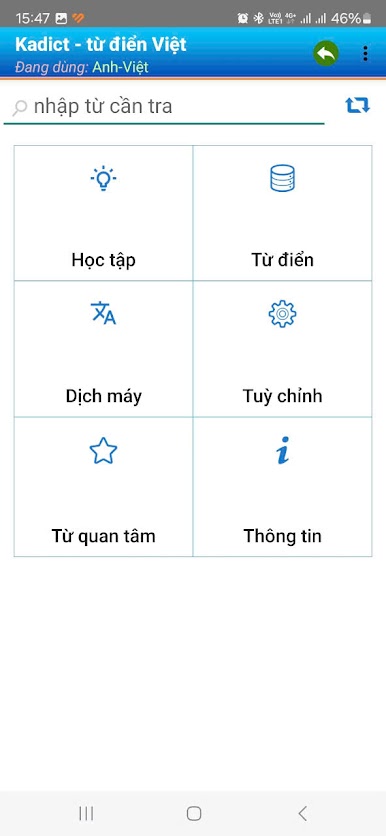
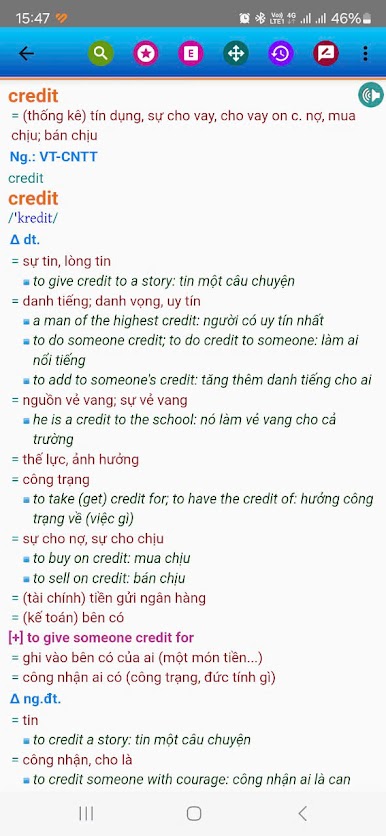
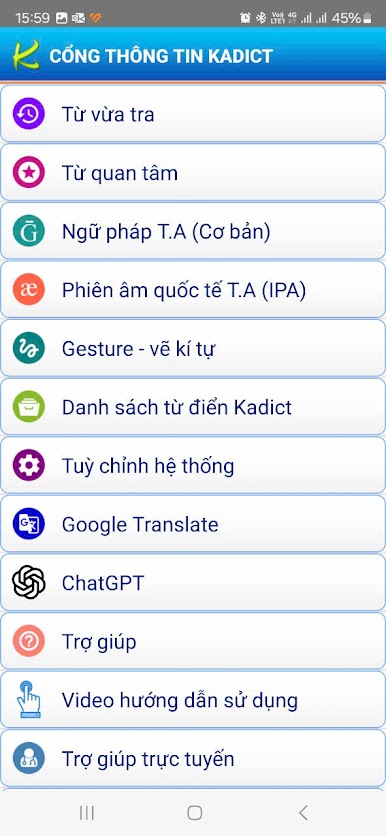
Kadict feels like one of those tools that just gets out of the way and lets people look up words fast. It is a Vietnamese-focused dictionary that runs offline, with a clean, all-Vietnamese interface, and there are no ads popping up or weird banners crowding the screen. On a PC with BlueStacks it is even nicer, since typing with a full keyboard makes searches instant and the big window makes long definitions easier to scan while working in another app.
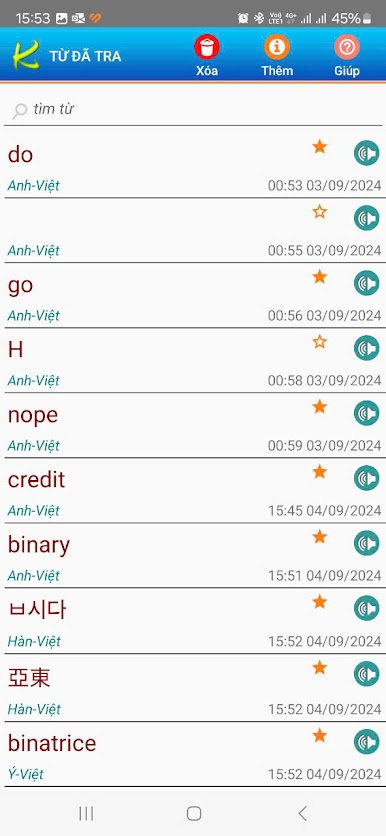
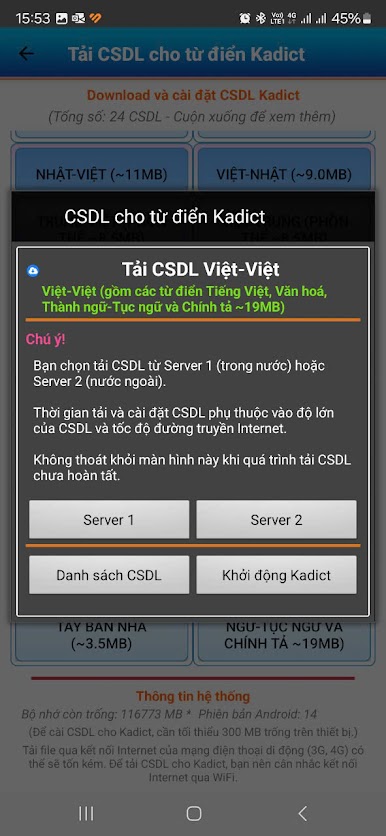
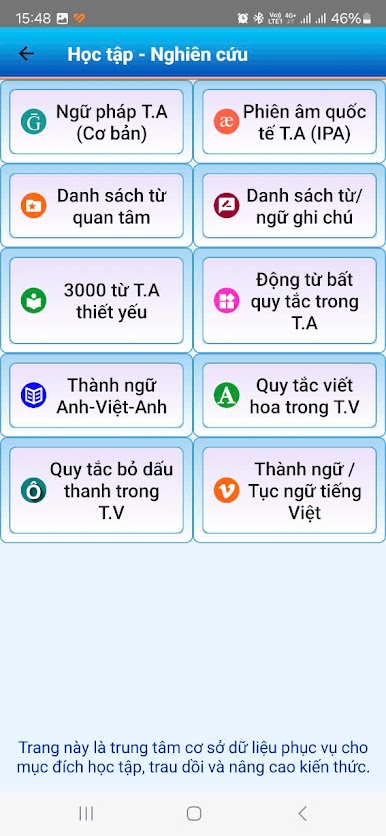
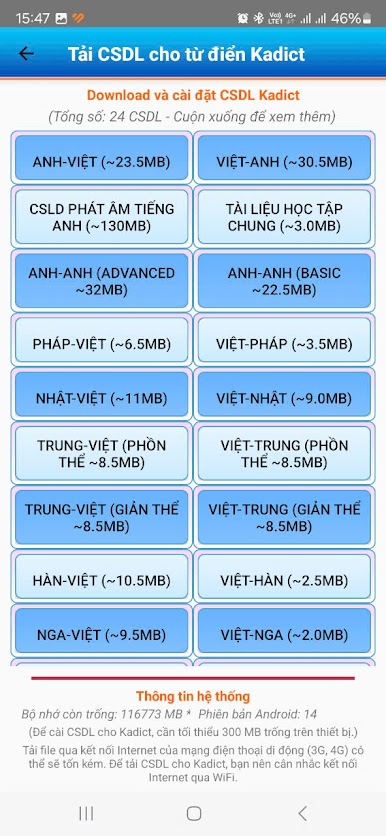
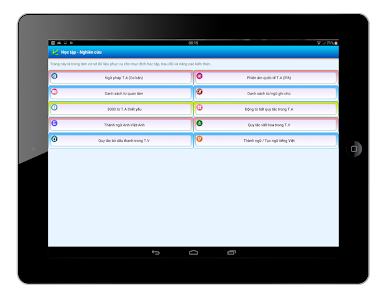
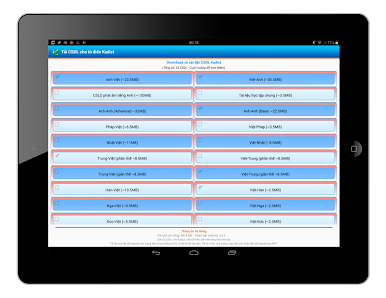
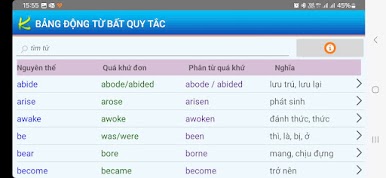
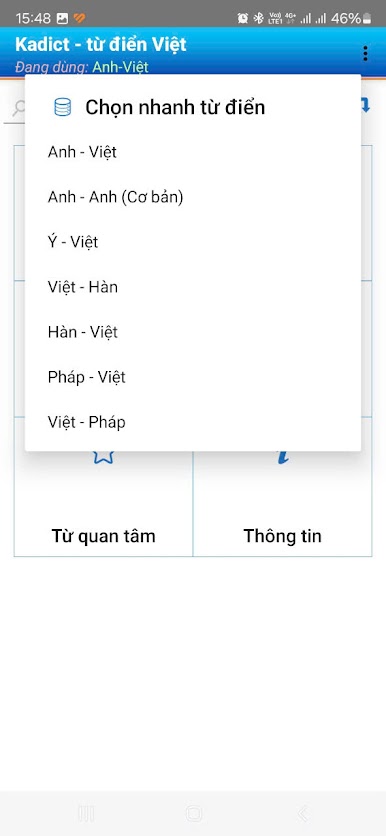
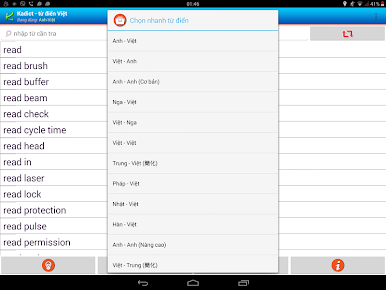
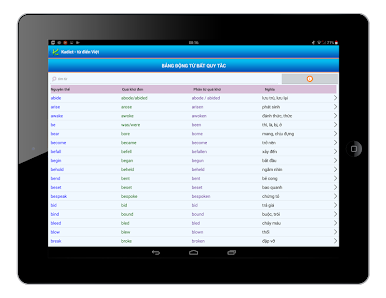
The real hook is how much it covers. There are big bilingual sets for English and Vietnamese with hundreds of thousands of entries, and there are also dictionaries for French, Japanese, Chinese, Russian, and Korean tied to Vietnamese. It is not just simple phrases either, there are plenty of terms from business, finance, tech, and science tucked in there. For English learners, the app includes some grammar essentials and a talking feature for checking pronunciation. History and favorites are built in, so building a study list is simple, and lookups can be called from other apps using the Share action if that is part of the setup in BlueStacks. Handwriting search is surprisingly handy, drawing a character or word with the mouse actually works well, which helps with kanji or hanzi. The databases sit on external storage rather than internal space, and users can install them seperately, so it feels light and tidy. Everything is quick, plain, and steady, which is exactly what a dictionary should be.
Switch to BlueStacks and make the most of your apps on your PC or Mac.
Chơi Kadict - từ điển Việt trên PC. Rất dễ để bắt đầu
-
Tải và cài đặt BlueStacks trên máy của bạn
-
Hoàn tất đăng nhập vào Google để đến PlayStore, hoặc thực hiện sau
-
Tìm Kadict - từ điển Việt trên thanh tìm kiếm ở góc phải màn hình
-
Nhấn vào để cài đặt Kadict - từ điển Việt trong danh sách kết quả tìm kiếm
-
Hoàn tất đăng nhập Google (nếu bạn chưa làm bước 2) để cài đặt Kadict - từ điển Việt
-
Nhấn vào icon Kadict - từ điển Việt tại màn hình chính để bắt đầu chơi

