


Từ vựng và ngữ pháp tiếng Hàn
Chơi trên PC với BlueStacks - Nền tảng chơi game Android, được hơn 500 triệu game thủ tin tưởng.

Trang đã được sửa đổi vào: Oct 7, 2025
Chơi Từ vựng và ngữ pháp tiếng Hàn on PC
・Ứng dụng tiếng Hàn duy nhất! Trung tâm Văn Hoá Hàn Quốc đề xuất
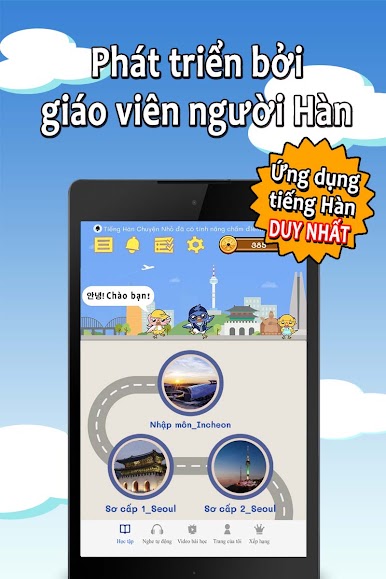
・Được phát triển bởi giáo viên tiếng Hàn giàu kinh nghiệm
・Ứng dụng tiếng Hàn đầu tiên trên thế giới với nội dung được cập nhật hàng ngày
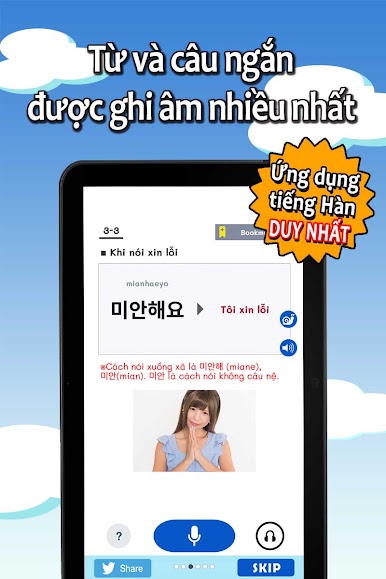
・Nhiều từ vựng, câu ngắn, app học tiếng Hàn tốt nhất!
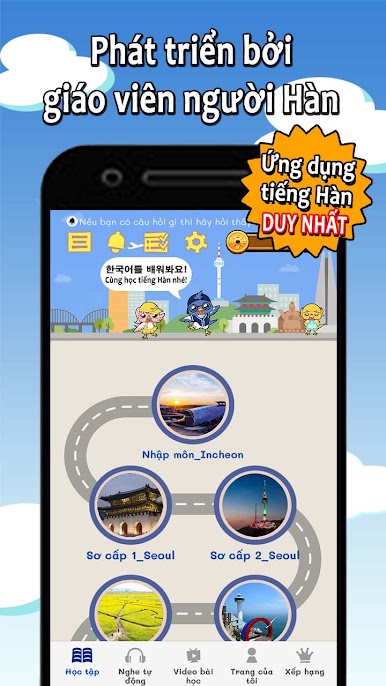
・Giáo trình có hệ thống từ sơ cấp đến nâng cao
・Có thể hỏi giáo viên bất kỳ điều gì tại “Cứ giao cho thầy Park”
Nếu bạn muốn học từ vựng và luyện nghe thì tại Tiếng Hàn Chuyện Nhỏ
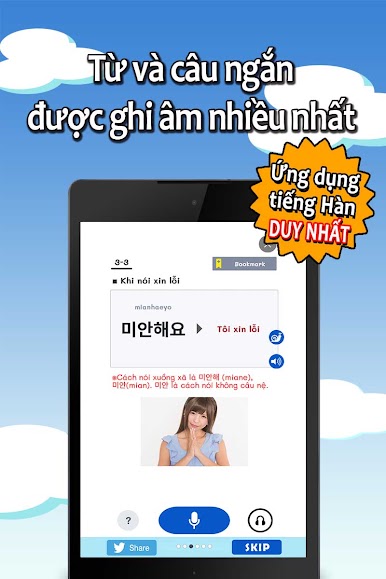
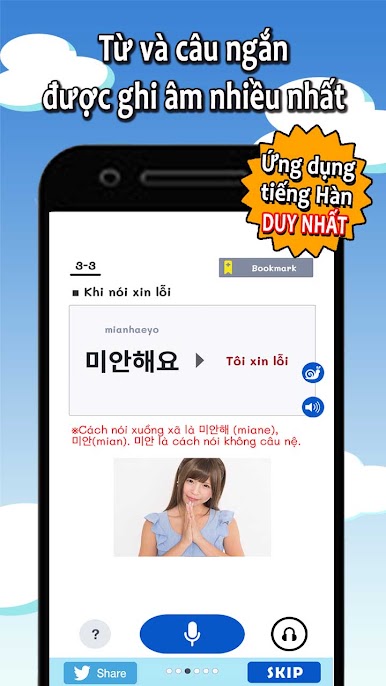
・Hơn 1.500 từ vựng và các câu ngắn dành cho người học từ trình độ sơ cấp đến nâng cao
・Đã lựa chọn kỹ những từ người Hàn sử dụng trong các cuộc giao tiếp hằng ngày
・Tất cả âm thanh đều là âm thanh thực, không phải âm thanh cơ học
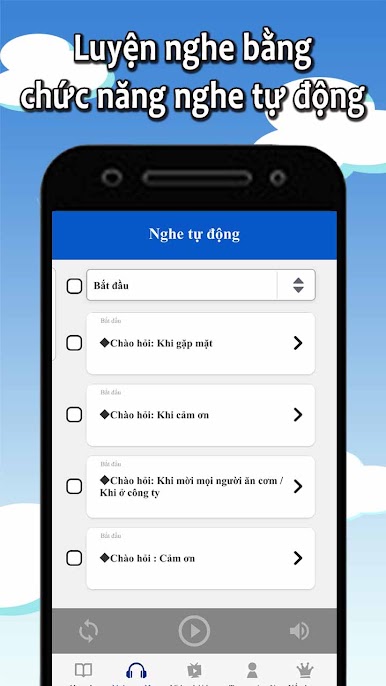
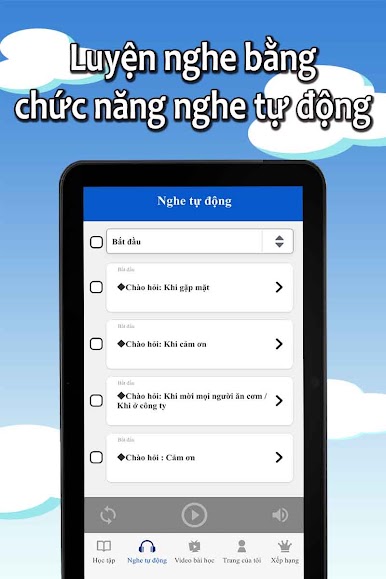
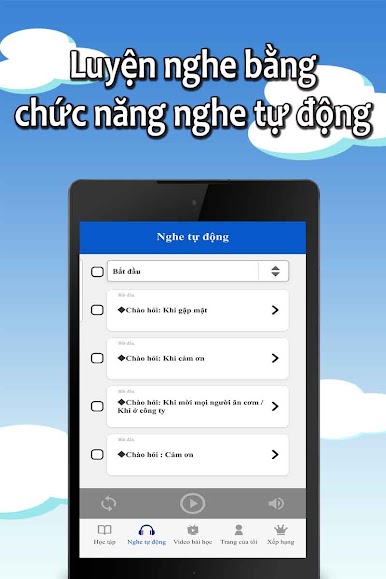
・Tại Nghe tự động bạn có thể nhớ từ chỉ với việc nghe
・Dễ dàng ghi nhớ các từ với chức năng nghe tự động và phát lại với tốc độ chậm hơn một nửa
Tiếng Hàn Chuyện nhỏ - Học tiếng Hàn hiệu quả và đơn giản nhất
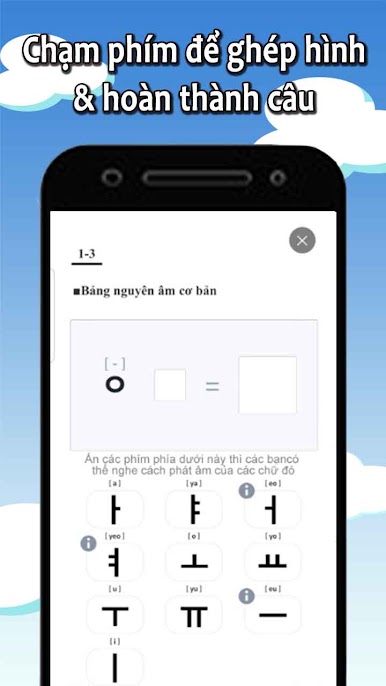
・Có thể học từ Bảng chữ cái đến Từ vựng, Ngữ pháp, Phát âm
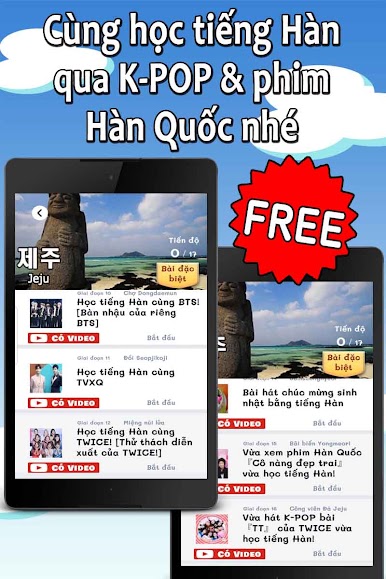
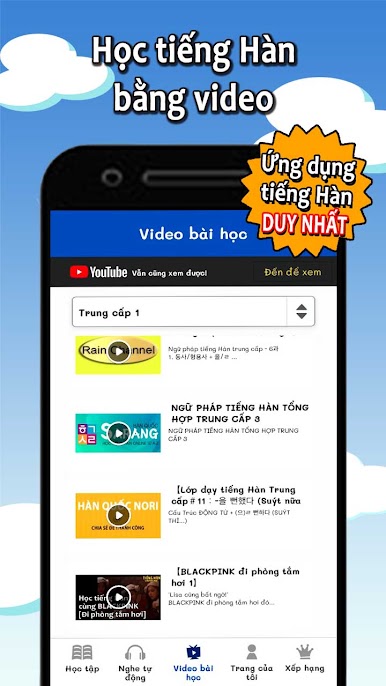
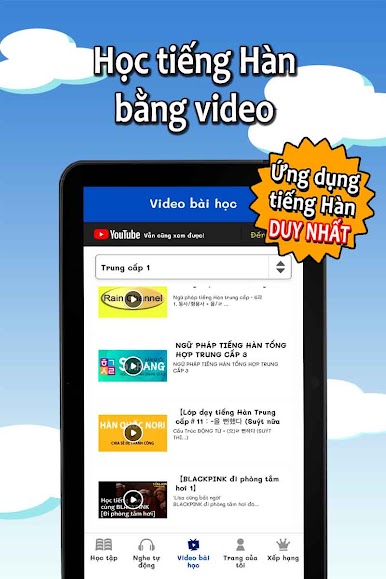
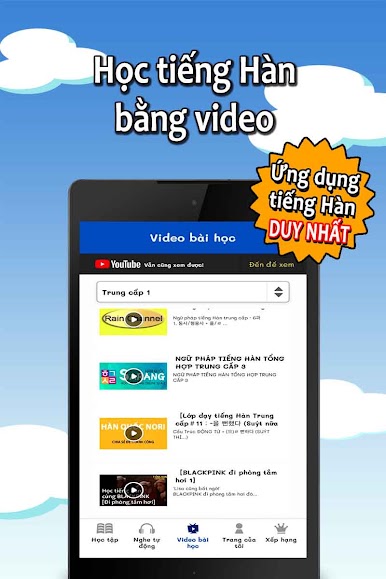
・Liên kết với các video bài học, hỗ trợ người học từ trình độ sơ cấp đến nâng cao
・Mức độ hài lòng của người dùng đạt đến 96%! App MIỄN PHÍ nhưng tốt hơn cả app tính phí
・Mỗi bước chỉ trong 2 đến 3 phút! Do đó bạn có thể tận dụng hiệu quả thời gian trống của mình để học tiếng Hàn
◉ Một khóa học trực tuyến trả phí dài 30 phút như thông thường đã được cô đọng trong 1 giai đoạn! Bạn sẽ có được khả năng nói và nghe trong thời gian ngắn nhất!
◉ Được phân chia thành các cấp độ chi tiết từ Nhập môn - Sơ cấp - Trung cấp, nên phù hợp với người học từ trình độ sơ cấp đến nâng cao
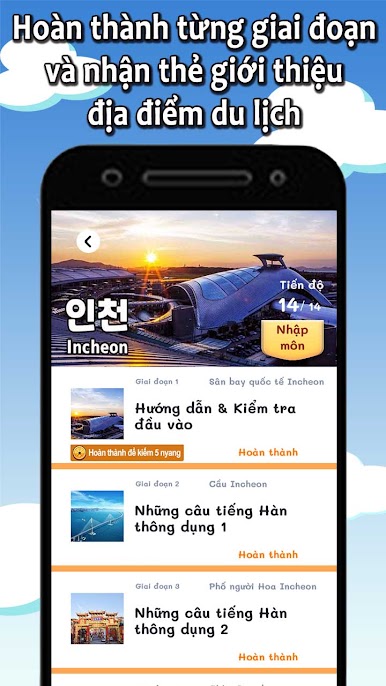
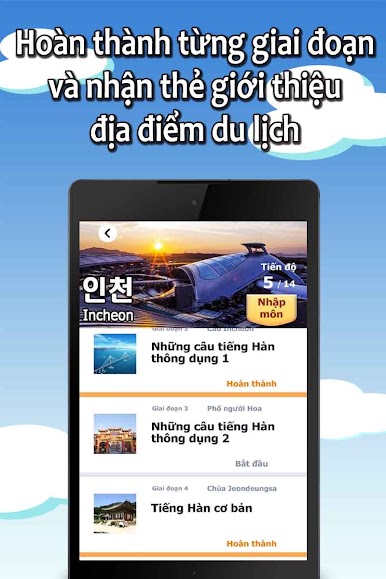
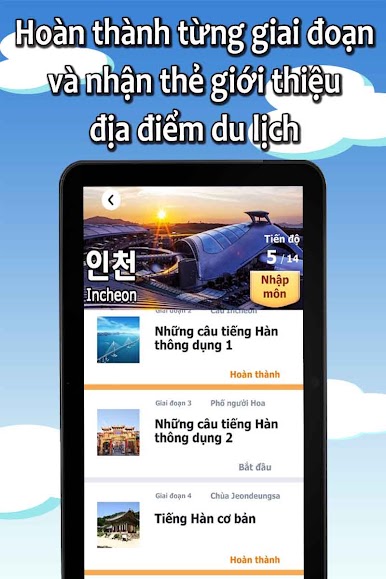
◉ Hãy hoàn thành từng giai đoạn để được nhận thẻ của các điểm du lịch nổi tiếng!
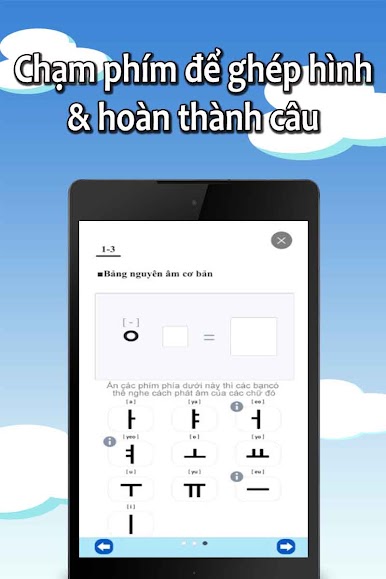
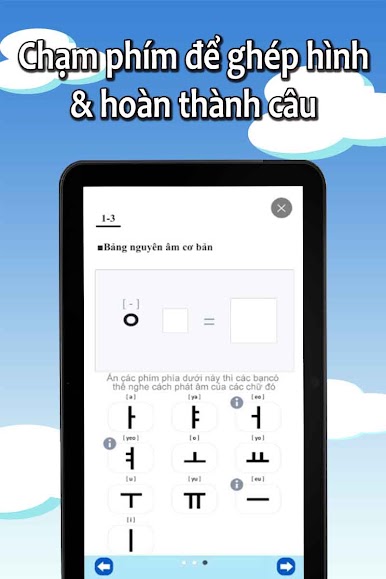
◉ Các chức năng đa dạng như bảng tổ hợp chữ cái, nghe tự động, ghi âm, ... sẽ hỗ trợ việc học của bạn
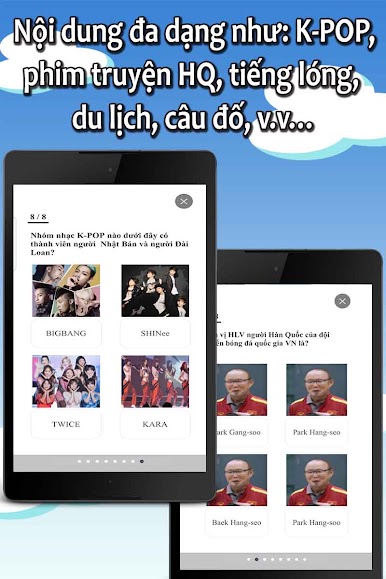
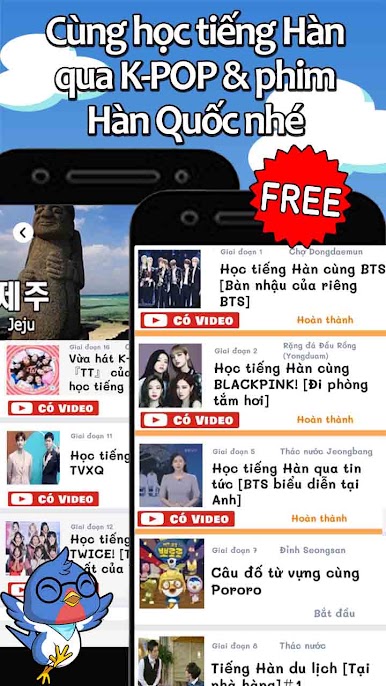
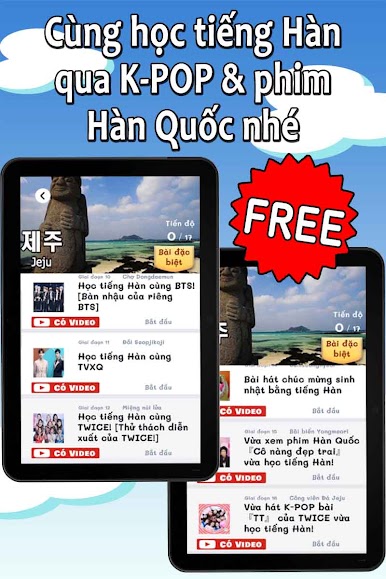
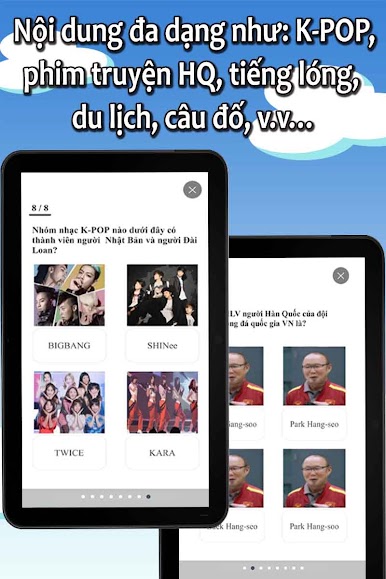
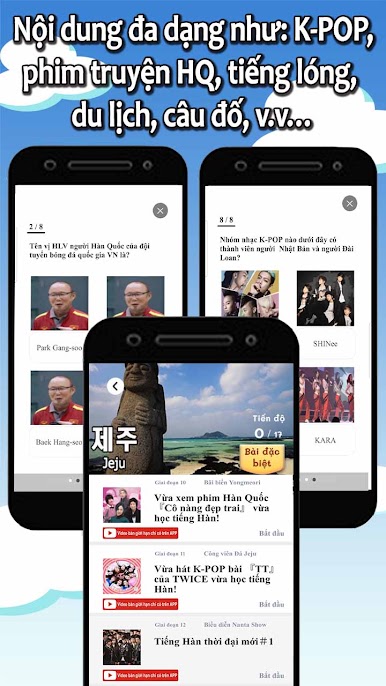
◉ K-POP, phim Hàn Quốc, tiếng lóng, kinh doanh, câu đố,... phù hợp với sở thích của bạn làm cho việc học trở nên thú vị hơn
◉ Các nhân vật dễ thương sẽ hỗ trợ bạn bằng cách khen ngợi và cỗ vũ bạn

Chơi Từ vựng và ngữ pháp tiếng Hàn trên PC. Rất dễ để bắt đầu
-
Tải và cài đặt BlueStacks trên máy của bạn
-
Hoàn tất đăng nhập vào Google để đến PlayStore, hoặc thực hiện sau
-
Tìm Từ vựng và ngữ pháp tiếng Hàn trên thanh tìm kiếm ở góc phải màn hình
-
Nhấn vào để cài đặt Từ vựng và ngữ pháp tiếng Hàn trong danh sách kết quả tìm kiếm
-
Hoàn tất đăng nhập Google (nếu bạn chưa làm bước 2) để cài đặt Từ vựng và ngữ pháp tiếng Hàn
-
Nhấn vào icon Từ vựng và ngữ pháp tiếng Hàn tại màn hình chính để bắt đầu chơi

