

4000 Essential English Words 4
Graj na PC z BlueStacks – Platforma gamingowa Android, która uzyskała zaufanie ponad 500 milionów graczy!

Strona zmodyfikowana w dniu: Aug 8, 2025
Run 4000 Essential English Words 4 on PC or Mac
Let BlueStacks turn your PC, Mac, or laptop into the perfect home for 4000 Essential English Words 4, a fun Education app from Kelyn Le Studio.
About the App
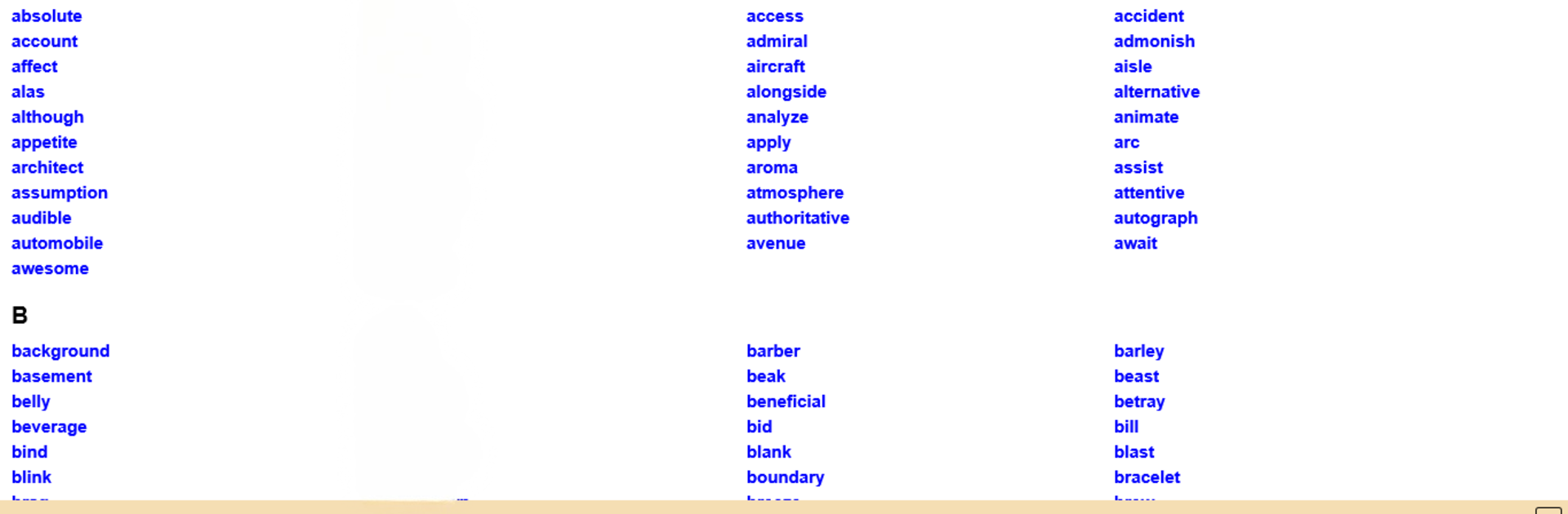
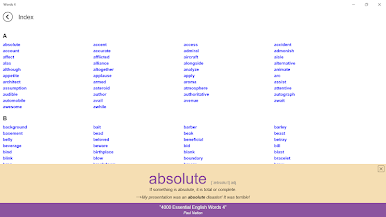
Looking to boost your English vocabulary in a way that actually sticks? 4000 Essential English Words 4 by Kelyn Le Studio is designed to take you beyond flashcards and lists, helping you learn new words through stories, images, and real-world context. With a mix of clear examples and thoughtful activities, this Education app makes growing your vocab feel a whole lot more natural—and even fun. Whether you’re brushing up for school, work, or just for yourself, you’ll find learning here is more about understanding than plain memorization.
App Features
-
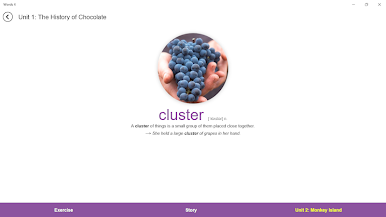
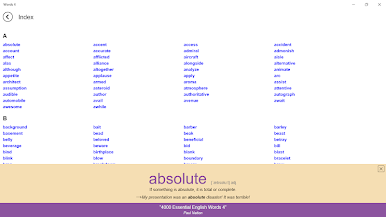
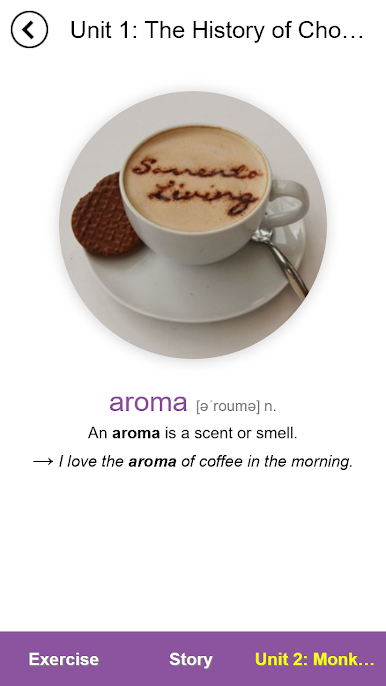
Words in Context
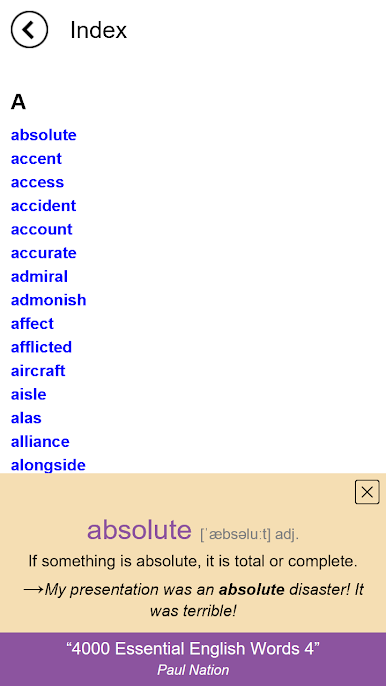
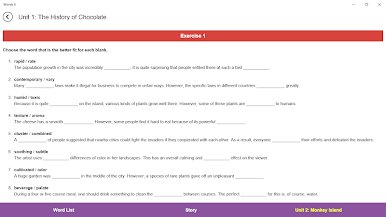
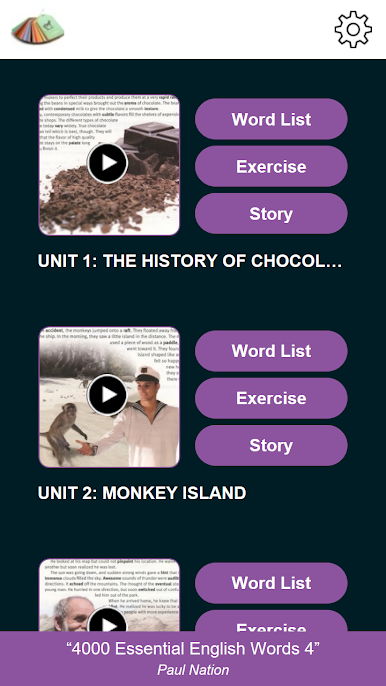
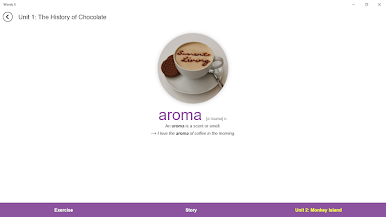
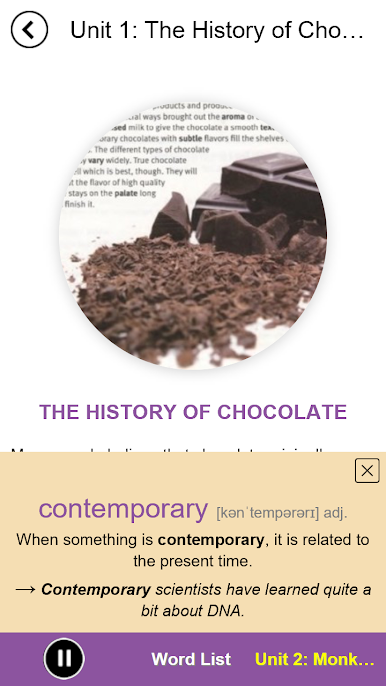
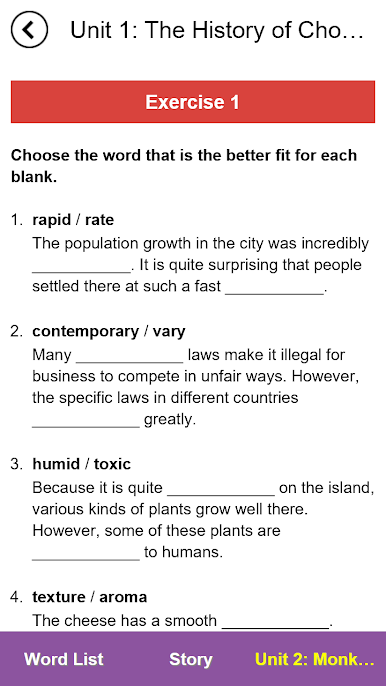
Instead of tossing you random word lists, the app introduces new vocabulary with sentence definitions and useful example sentences that show you how the words naturally fit into everyday English. -
Engaging Activities
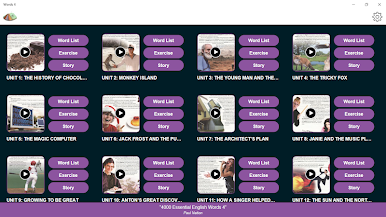
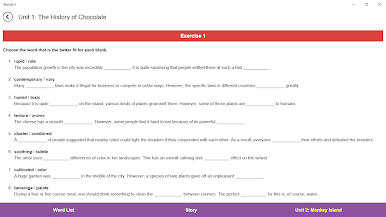
Each section includes interactive exercises that get you thinking about what words mean and how they’re used, not just how they’re spelled. -
Contextual Practice
You’ll be challenged to use what you’ve learned—sometimes with sentences that are different from the ones you first saw—so words really sink in and you get comfortable with their meanings. -
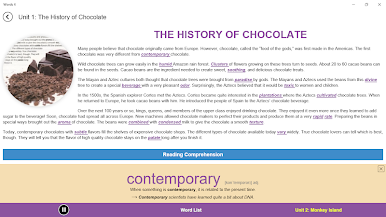
Stories to Test Knowledge
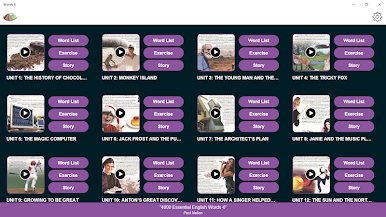
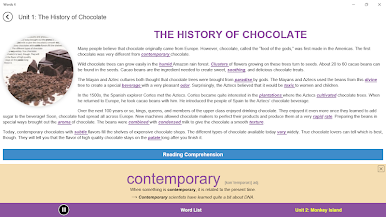
Units wrap up with short stories packed with target vocabulary. Reading these isn’t just for fun; you’ll actively use your new words as you figure out how they fit each sentence. -
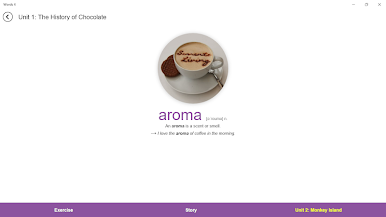
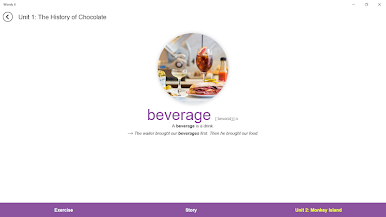
Visual Learning
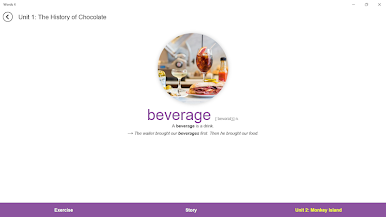
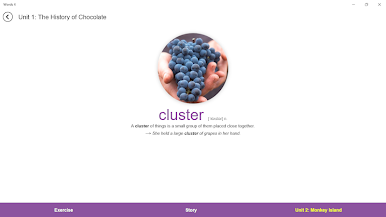
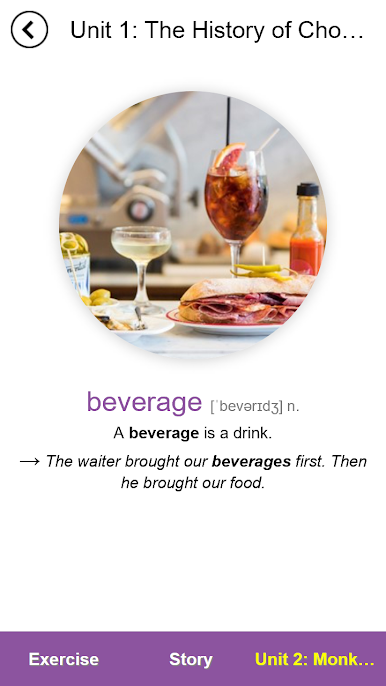
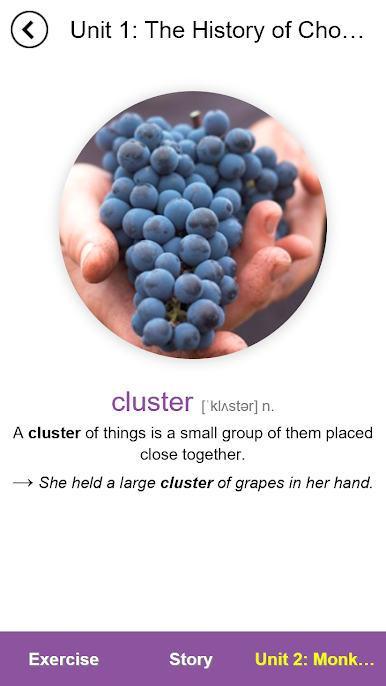
Every word comes with its own illustration. These aren’t just pretty pictures—they help you lock the meaning in your mind by connecting it with imagery and real examples. -
Focus on Most Common Uses
The app highlights the main forms of each word (like noun or verb), making it easier for you to see how they’re most often used in real life, even though words can have other forms too. -
User-Friendly Experience on BlueStacks
If you’d like, you can enjoy learning on a bigger screen using BlueStacks, making your study sessions even more comfortable and visually clear.
Ready to experience 4000 Essential English Words 4 on a bigger screen, in all its glory? Download BlueStacks now.
Zagraj w 4000 Essential English Words 4 na PC. To takie proste.
-
Pobierz i zainstaluj BlueStacks na PC
-
Zakończ pomyślnie ustawienie Google, aby otrzymać dostęp do sklepu Play, albo zrób to później.
-
Wyszukaj 4000 Essential English Words 4 w pasku wyszukiwania w prawym górnym rogu.
-
Kliknij, aby zainstalować 4000 Essential English Words 4 z wyników wyszukiwania
-
Ukończ pomyślnie rejestrację Google (jeśli krok 2 został pominięty) aby zainstalować 4000 Essential English Words 4
-
Klinij w ikonę 4000 Essential English Words 4 na ekranie startowym, aby zacząć grę

