

CSV File Viewer - Smart CSV
Graj na PC z BlueStacks – Platforma gamingowa Android, która uzyskała zaufanie ponad 500 milionów graczy!

Strona zmodyfikowana w dniu: Nov 2, 2025
Run CSV File Viewer - Smart CSV on PC or Mac
Upgrade your experience. Try CSV File Viewer – Smart CSV, the fantastic Productivity app from MinimalistApps, from the comfort of your laptop, PC, or Mac, only on BlueStacks.
About the App
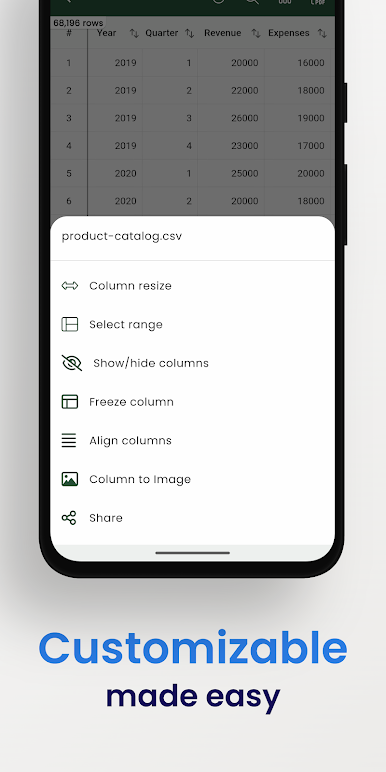
CSV File Viewer – Smart CSV keeps your spreadsheets easy to open, read, and work with—without the bloat. Built by MinimalistApps for the Productivity crowd, it’s a clean, no-fuss way to explore CSV and TSV files, make quick edits, and turn raw tables into something you can actually use. Expect fast loads, handy tools, and a few smart tricks that save time when you’re knee-deep in data.
App Features
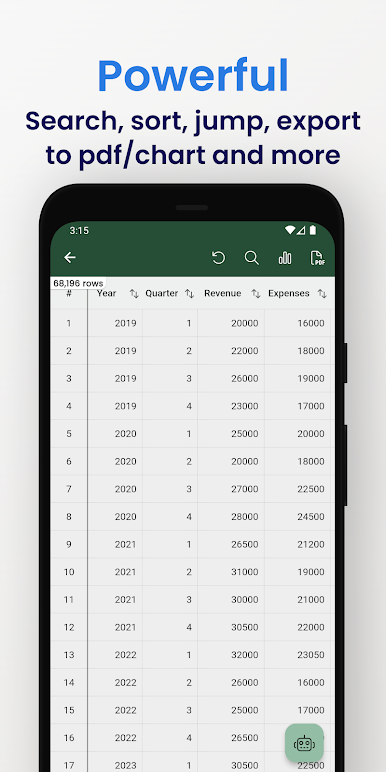
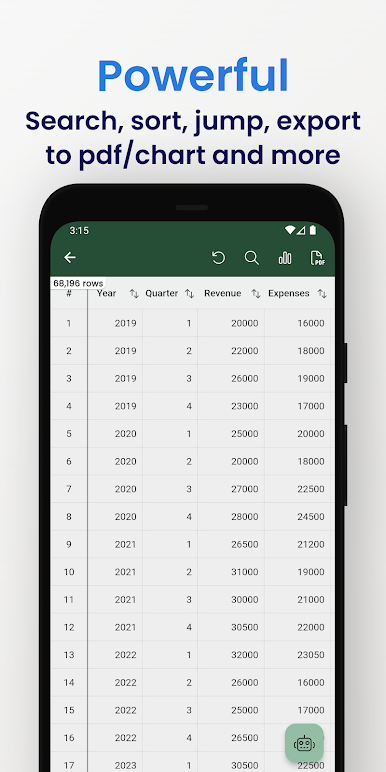
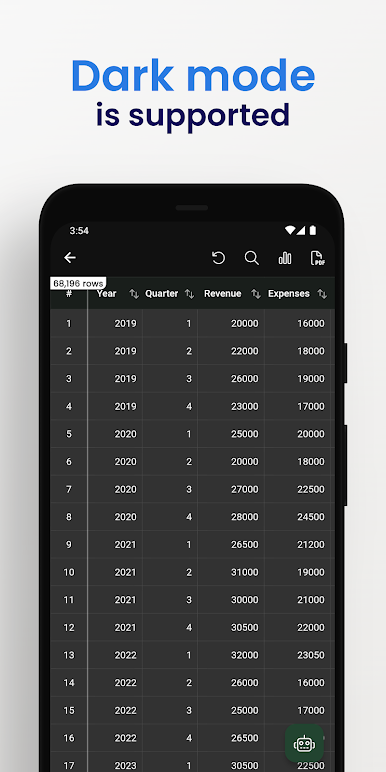
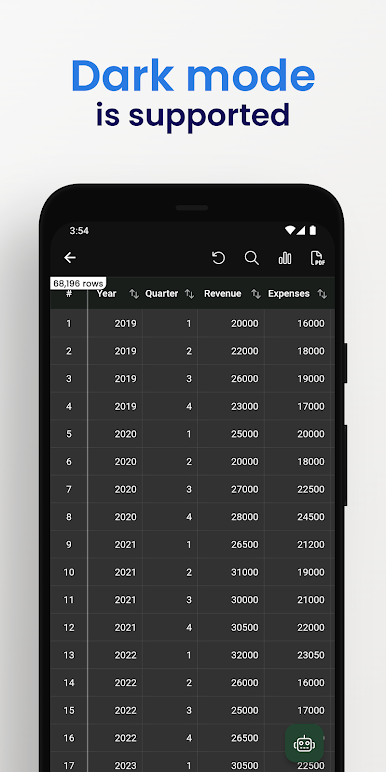
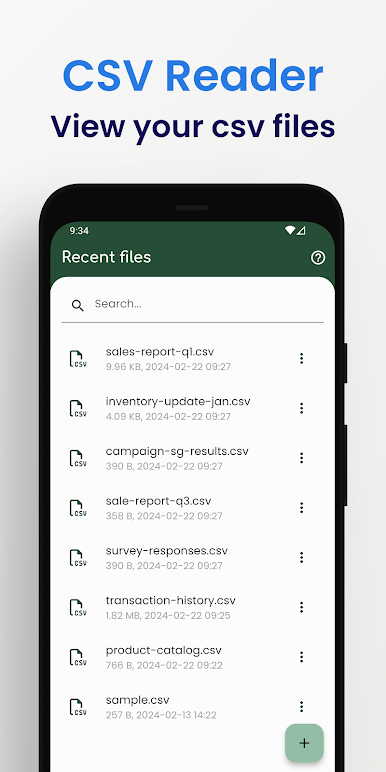
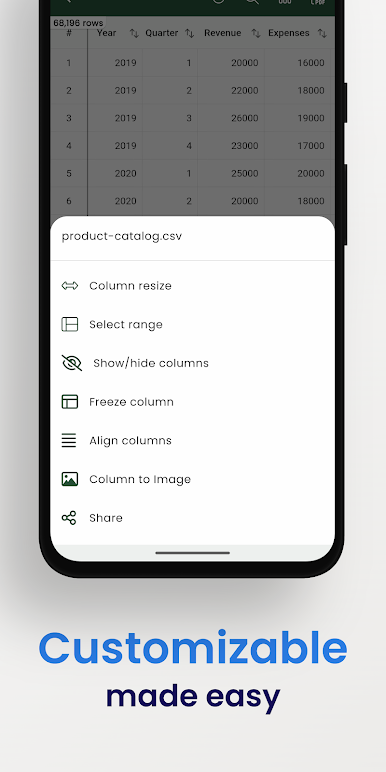
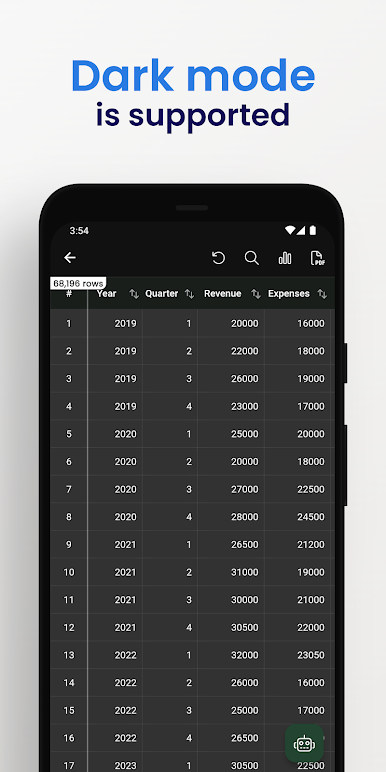
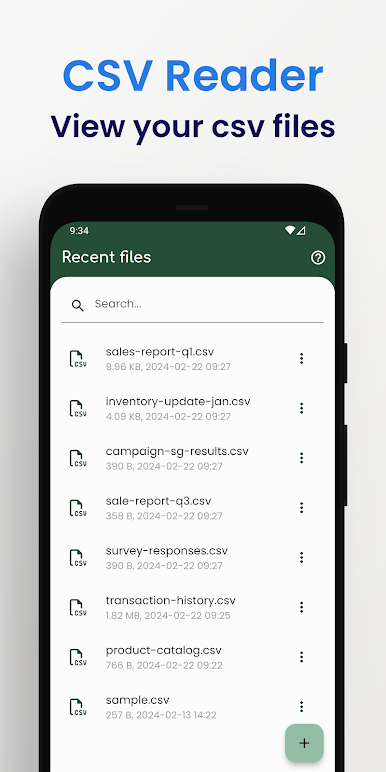
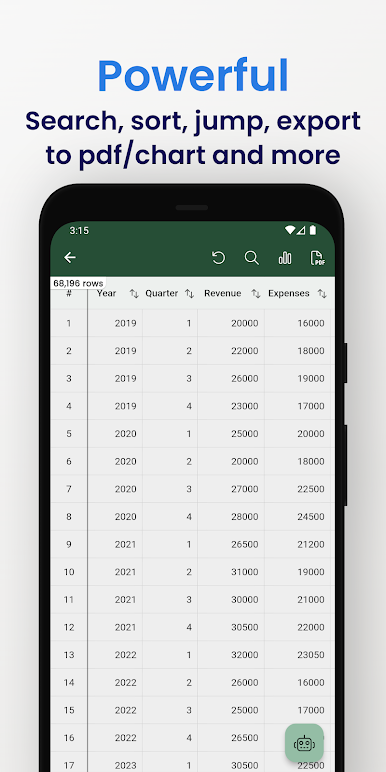
- Fast CSV & TSV viewing: Open files instantly after import, even the hefty ones. Columns, rows, and headers stay crisp and readable.
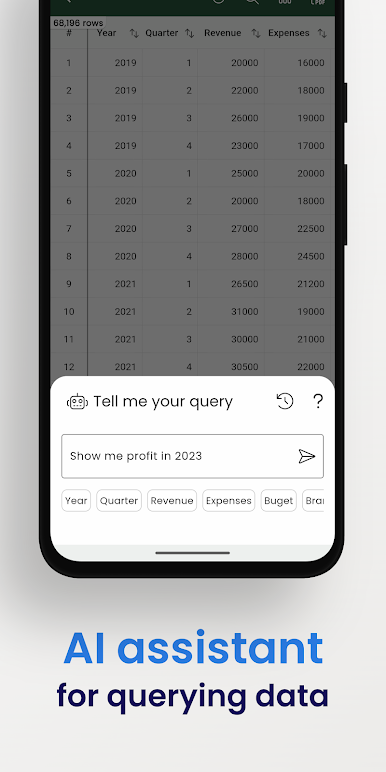
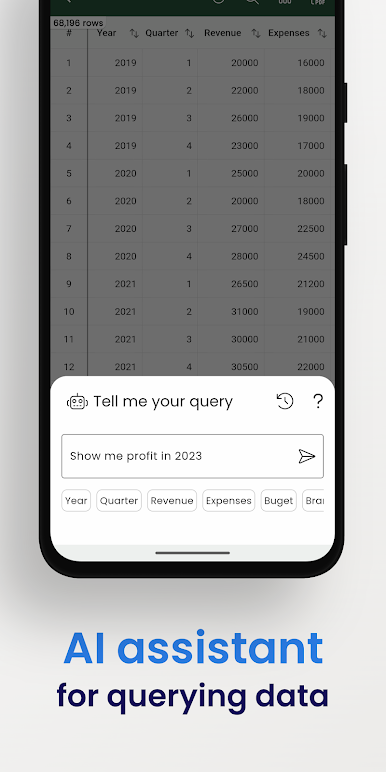
- Ask your data (AI Assistant): Type a question and let the built-in AI Assistant help you query your CSV content without juggling formulas.
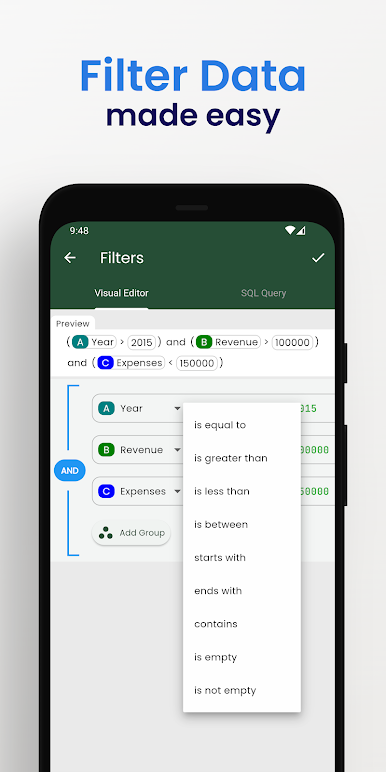
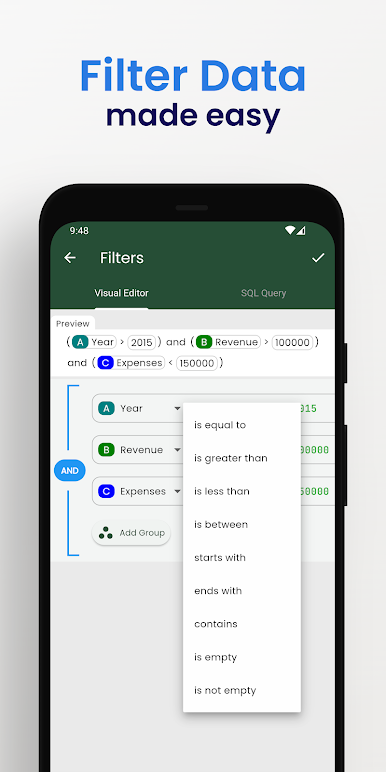
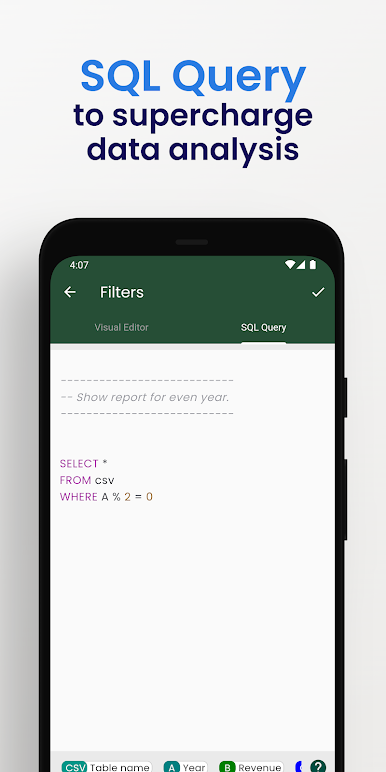
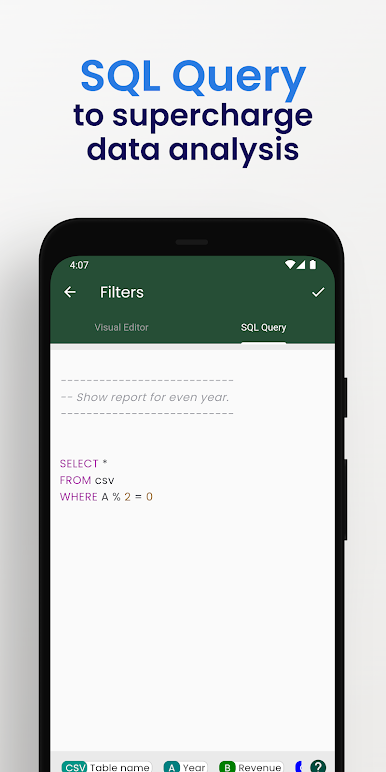
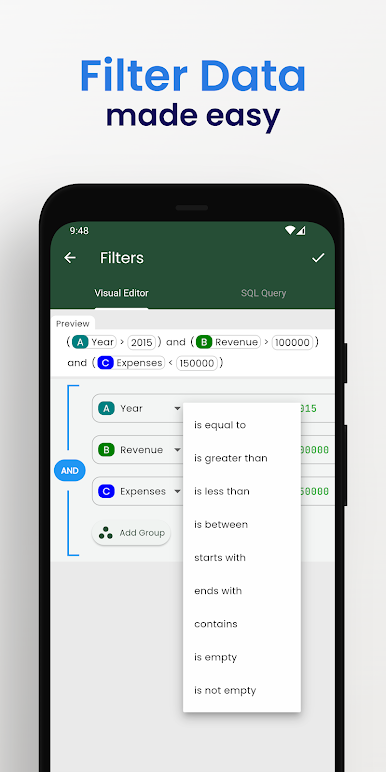
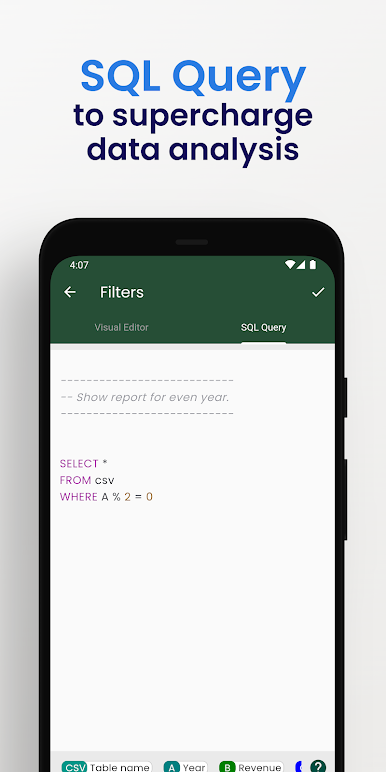
- Visual filters & SQL: Use a friendly filter editor for quick tweaks, or run SQL queries when you want more control.
- Image URL preview: Got image links in a column? See actual images right inside your table.
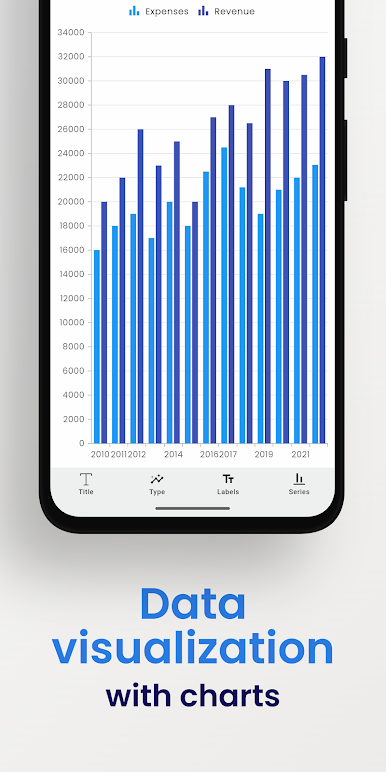
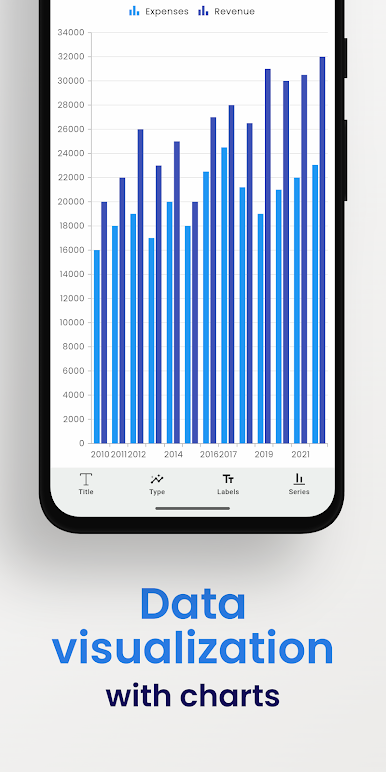
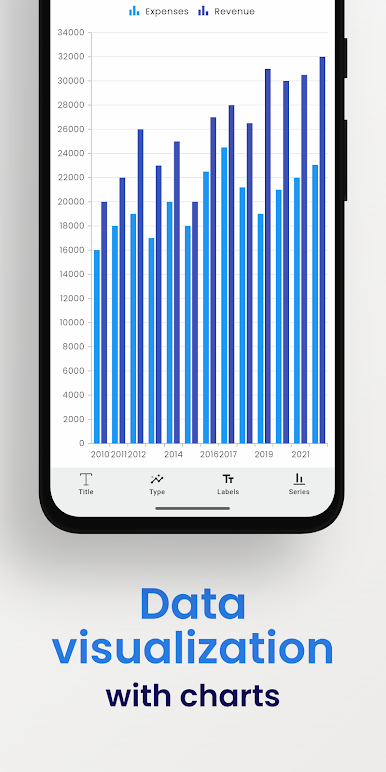
- Charts on the fly: Generate charts from your data—column, bar, line, area, spline, scatter, step line, and step area.
- Custom PDF export: Turn any CSV into a polished PDF and tweak styles like color schemes to match your report or brand.
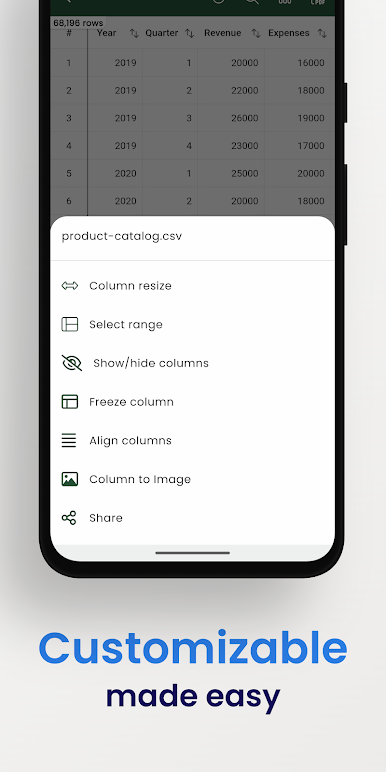
- Search & copy tools: Find what you need fast and copy selected rows or specific slices of data.
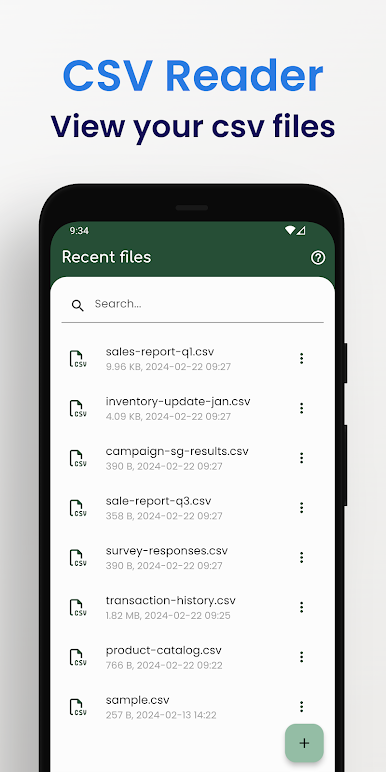
- File management & sharing: Keep exported files organized and share them with teammates in a couple of taps.
- Snappy under the hood: Imports go into a local SQLite database so browsing and querying feel quick and reliable.
- Updating files: Edited a source file? Just re-import to see the latest version and keep working.
- Desktop-friendly option: Prefer a bigger screen? Run CSV File Viewer – Smart CSV on your computer with BlueStacks for a comfortable desk setup.
BlueStacks brings your apps to life on a bigger screen—seamless and straightforward.
Zagraj w CSV File Viewer - Smart CSV na PC. To takie proste.
-
Pobierz i zainstaluj BlueStacks na PC
-
Zakończ pomyślnie ustawienie Google, aby otrzymać dostęp do sklepu Play, albo zrób to później.
-
Wyszukaj CSV File Viewer - Smart CSV w pasku wyszukiwania w prawym górnym rogu.
-
Kliknij, aby zainstalować CSV File Viewer - Smart CSV z wyników wyszukiwania
-
Ukończ pomyślnie rejestrację Google (jeśli krok 2 został pominięty) aby zainstalować CSV File Viewer - Smart CSV
-
Klinij w ikonę CSV File Viewer - Smart CSV na ekranie startowym, aby zacząć grę

