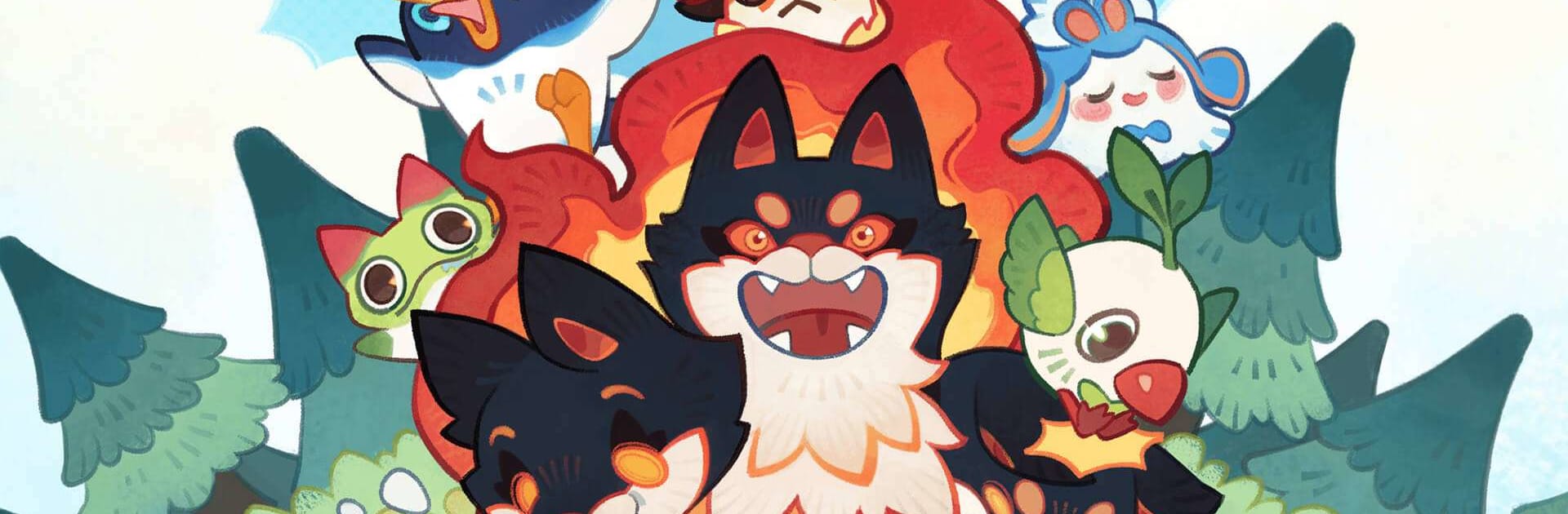


Clash of Critters, FARLIGHT tarafından geliştirilen bir evcil canavar, klasik oyunudur. Oyunculara sevimli yaratıkları toplama, geliştirme ve stratejik savaşlarda kullanma odaklı eğlenceli bir deneyim sunar.
Oyunda farklı özelliklere sahip 100’den fazla Tatapi bulunur. Afacan Meyvik’ten somurtkan Tekmut’a kadar birçok farklı yaratığı toplayabilir, koleksiyonunu genişletebilir ve güçlü evrim formlarının kilidini açabilirsin. Bazı Tatapiler özel Işıltılı görünümleriyle daha nadir ve dikkat çekici hale gelir.
Clash of Critters’ta savaş sistemi stratejiye dayanır. Farklı Tatapi dizilimleri oluşturarak güçlü kombinasyonlar geliştirebilir ve Zobo dalgalarına karşı mücadele edebilirsin. Her yaratığın farklı yetenekleri olduğu için takım kurarken doğru seçimler yapmak büyük önem taşır.
Oyunda aynı zamanda kendi Tatapi cennetini kurabilir, yaratıkların için rahat bir yaşam alanı oluşturabilir ve onlarla etkileşim kurabilirsin. Renkli tasarımı, eğlenceli animasyonları ve rahat oynanışı sayesinde hem koleksiyon hem de strateji seven oyunculara hitap eder.
BlueStacks ile PC veya Mac’te oynadığında daha rahat kontrol, geniş ekran avantajı ve daha akıcı performans sayesinde Tatapi macerasını daha keyifli yaşayabilirsin.
🎯 Öne Çıkan Özellikler
🐾 100’den fazla farklı Tatapi
✨ Evrim ve Işıltılı form sistemi
🧠 Stratejik savaş mekanikleri
🏡 Tatapi cenneti kurma sistemi
🎨 Renkli ve eğlenceli görseller
🖥️ BlueStacks ile Oynamanın Avantajları
– Klavye & mouse ile rahat kontrol
– Geniş ekranda daha iyi deneyim
– Daha akıcı performans
🚀 Nasıl Oynanır?
BlueStacks’i indirip Clash of Critters’ı yükledikten sonra Tatapilerini toplayabilir, geliştirebilir ve stratejik savaşlarda güçlü kombinasyonlarla rakiplerini yenebilirsin.