

Dawn of the Empire, Duckgo tarafından geliştirilen bir strateji oyunları. Güç mücadelesinin yaşandığı bir dünyada imparatorluğunu kurarak topraklarını genişletmeye, ekonomini geliştirmeye ve rakiplerine üstünlük sağlamaya çalışırsın. Şehir yönetimi, diplomasi ve askeri strateji oyunun temelini oluşturur.
İmparatorluğunu geliştirmek için binalar inşa edebilir, kaynak üretim yapılarını kurabilir ve yeni vatandaşların yerleşmesini sağlayabilirsin. Kaynaklarını yöneterek üretim kompleksleri oluşturabilir, ticaret yolları kurabilir ve ekonomik gücünü artırabilirsin. Diğer oyuncularla diplomatik ilişkiler kurarak ittifaklar oluşturabilir veya anlaşmazlıklarda farklı stratejiler izleyebilirsin. Askeri gücünü artırmak için farklı birliklerden oluşan ordular kurabilir ve yeteneklere sahip komutanları görevlendirebilirsin. Gerçek zamanlı savaşlarda ordunu yöneterek rakiplerine karşı avantaj sağlamaya çalışırken yeni teknolojileri araştırarak ekonomini ve askeri gücünü geliştirebilirsin. İmparatorluğun büyüdükçe verdiğin kararlar geleceğini şekillendirir.
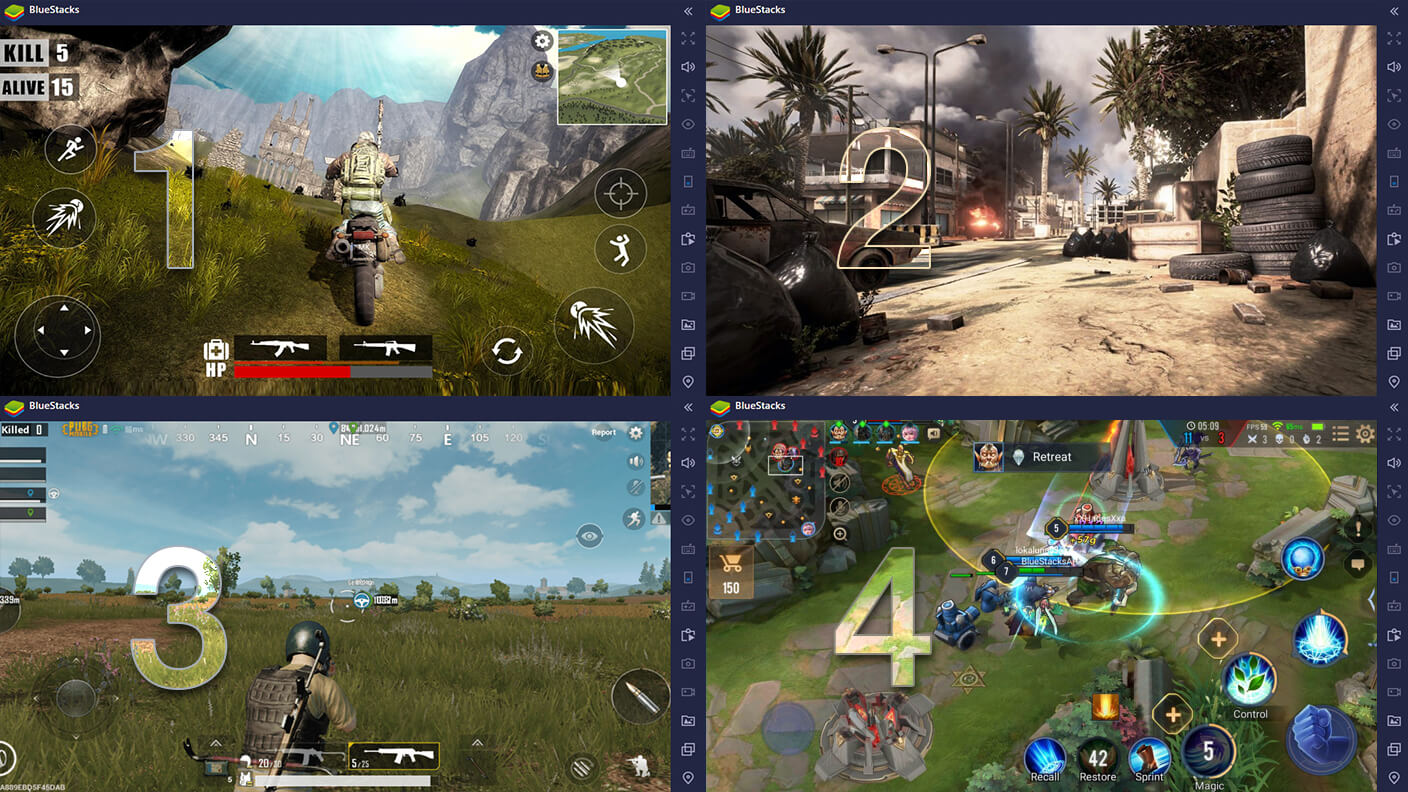
BlueStacks ile PC veya Mac’te oynadığında geniş ekran, klavye ve mouse kontrolü sayesinde şehir yönetimini daha rahat takip edebilir, kaynaklarını kolayca düzenleyebilir ve savaşlarda ordunu daha konforlu şekilde yönetebilirsin.
🎯 Öne Çıkan Özellikler
🏰 İmparatorluk kurma ve geliştirme
💰 Kaynak ve ekonomi yönetimi
🤝 İttifaklar ve diplomasi
⚔️ Gerçek zamanlı savaşlar
🔬 Teknoloji araştırmaları
🖥️ BlueStacks ile Oynamanın Avantajları
– Klavye & mouse kontrolü
– Geniş ekran deneyimi
– Daha akıcı performans
Nasıl Oynanır?
BlueStacks App Player üzerindeki BlueStacks Mağazası’ndan Dawn of the Empire oyununu ücretsiz olarak PC’ye indir. Ayrıca desteklenen oyunlarda ödüller ve indirimler kazanmak için BlueStacks mobil uygulamasını da indirebilirsin.