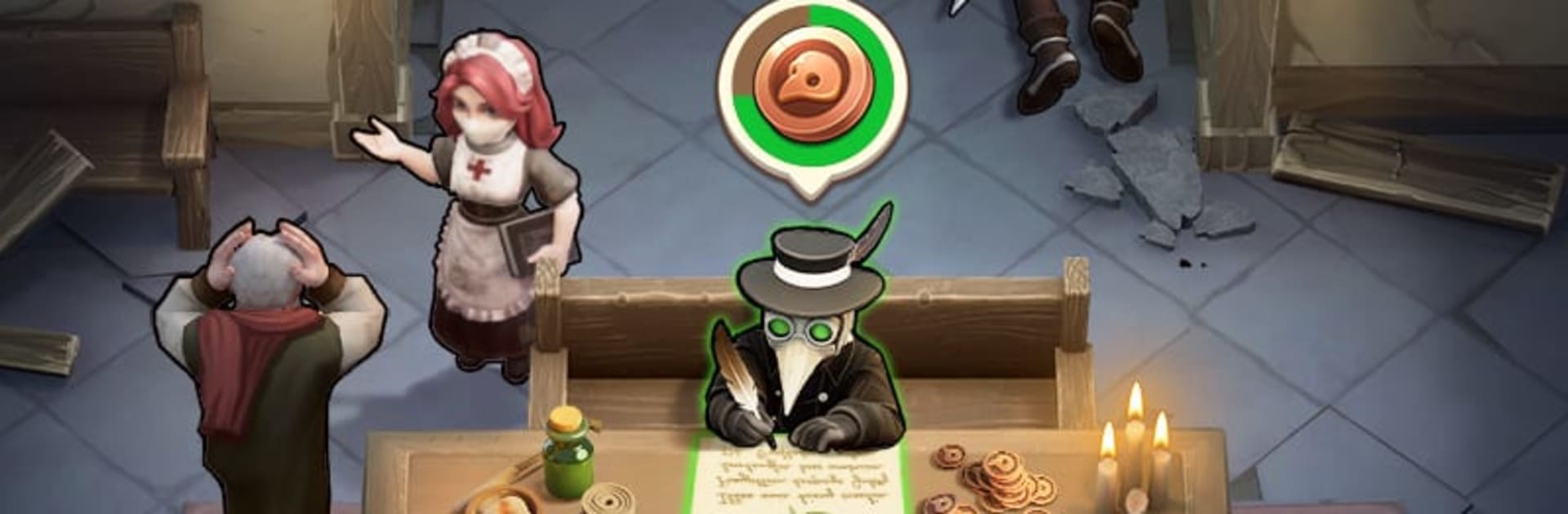


Last Asylum: Plague, 37GAMES GLOBAL. tarafından geliştirilen; salgın temalı, üs inşası ve taktiksel savunmayı bir araya getiren bir strateji Oyunları. Gizemli bir vebanın dünyayı kasıp kavurduğu bu karanlık dönemde, bir veba doktoru olarak son umut olursun. Sığınağını yönetir, hastaları tedavi eder, bitkisel ilaçlar üretir ve giderek artan kaos karşısında halkının geleceğini belirlersin.
Oyun; kaynak toplama, şehir yeniden inşası, kahraman yönetimi ve kule savunma unsurlarını dengeli biçimde harmanlar. Rat Swarm tehdidine karşı savunmalar kurar, kahramanlarını geliştirir ve terk edilmiş harabeleri geri almak için elit ekipler oluşturursun. Her karar, sığınağının hayatta kalma şansını doğrudan etkiler.
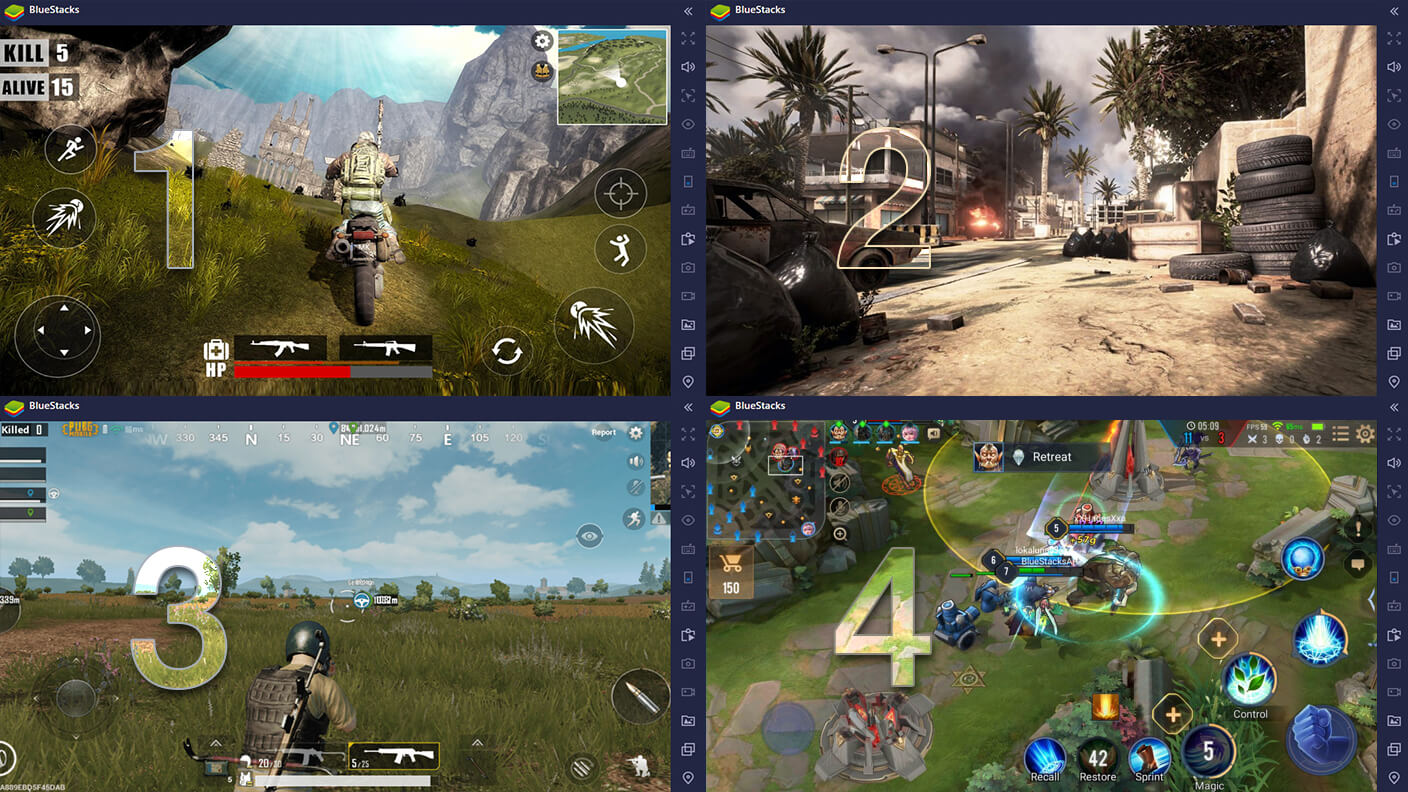
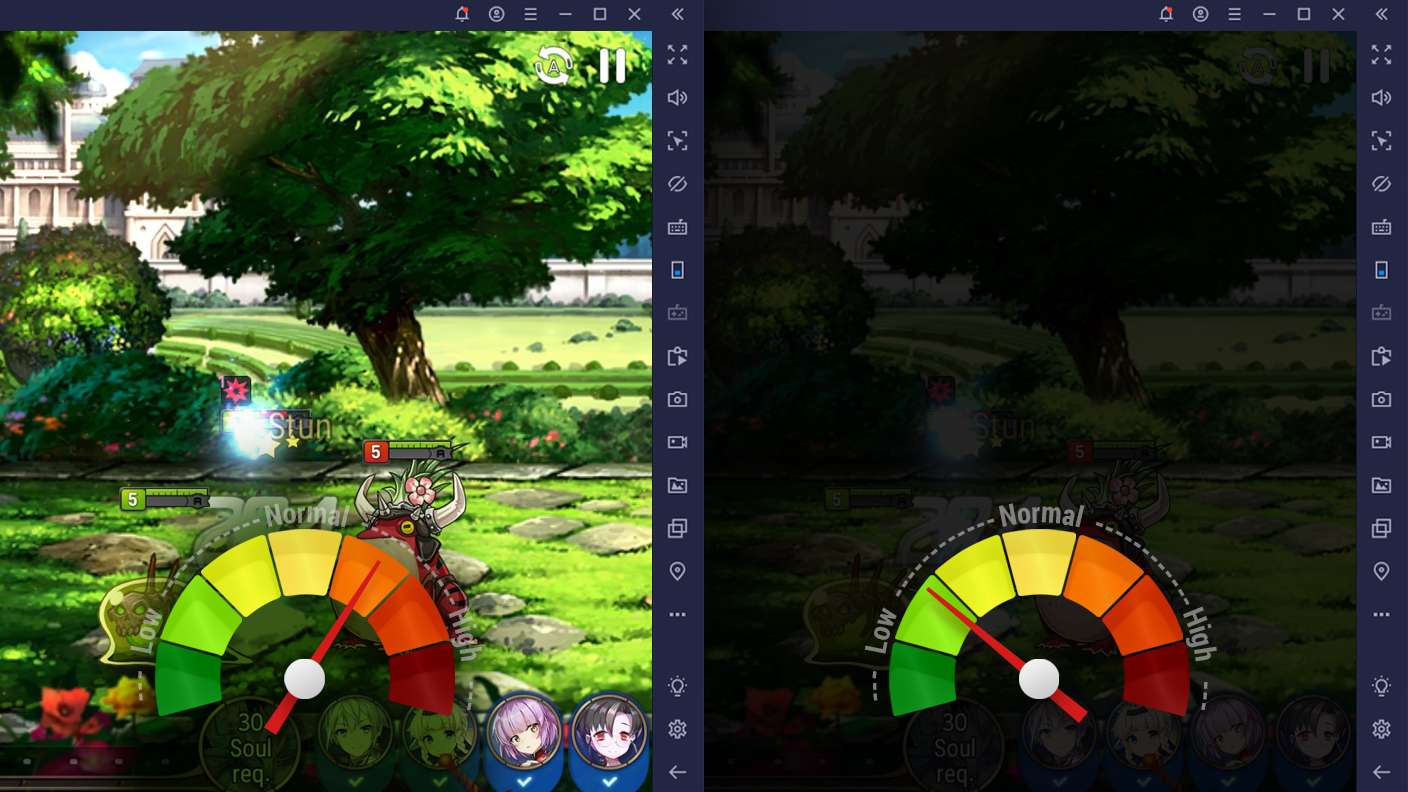
BlueStacks ile Last Asylum: Plague’i PC veya Mac’te oynamak; geniş ekran yönetimi, klavye & mouse ile hızlı komutlar ve uzun süreli stabil performans sayesinde kriz yönetimini çok daha konforlu hale getirir.
🎯 Öne Çıkan Özellikler
🏥 Umudun Sığınağı
Hastaları tedavi et, şifalı karışımlar üret ve koğuşlarını genişleterek daha fazla insanı koru.
🐀 Rat Swarm’a Karşı Savunma
Kahramanları işe al ve yükselt, savunma kuleleri kur, Rat King’i alt et.
🌲 Kaynak Toplama ve Şehir İnşası
Odun, otlar, yiyecek ve temel malzemeleri topla; üretim tesisleri ve depolar inşa et.
🧭 Keşif ve Harabe Kontrolü
Elit ekiplerle veba bulaşmış şehirleri geri al, kritik bölgeleri ele geçir ve topraklarını genişlet.
🧠 Taktiksel Kahraman Dizilimleri
Farklı kahraman tiplerini doğru kombinasyonlarla kullanarak savaş alanında üstünlük kur.
⚖️ Stratejik Kararlar, Kalıcı Sonuçlar
Yönetim tercihlerin sığınağın refahını ve hayatta kalma oranını belirler.
🖥️ BlueStacks ile Avantajlar
Geniş ekranda daha net üs ve savunma takibi
Klavye & mouse ile hızlı inşa ve savaş komutları
Makrolarla tekrar eden işlemleri hızlandırma
Uzun oturumlarda stabil performans
Çoklu örnek desteğiyle farklı stratejiler deneme
🚀 Nasıl Oynanır?
1️⃣ BlueStacks’i indir
2️⃣ Last Asylum: Plague’i yükle
3️⃣ Sığınağını kur, ilk hastaları tedavi et
4️⃣ Savunmalarını güçlendir ve keşfe çık
5️⃣ Salgının ortasında halkını hayatta tut ve geleceği şekillendir!