


Topography APP
BlueStacksを使ってPCでプレイ - 5憶以上のユーザーが愛用している高機能Androidゲーミングプラットフォーム

Run Topography APP on PC or Mac
Upgrade your experience. Try Topography APP, the fantastic Tools app from Aguiar Engenharia Inteligente, from the comfort of your laptop, PC, or Mac, only on BlueStacks.
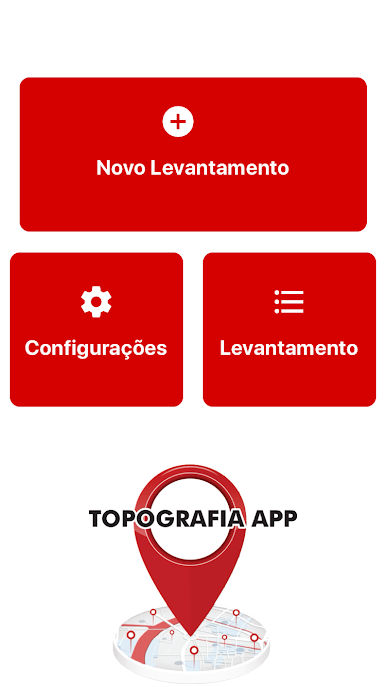
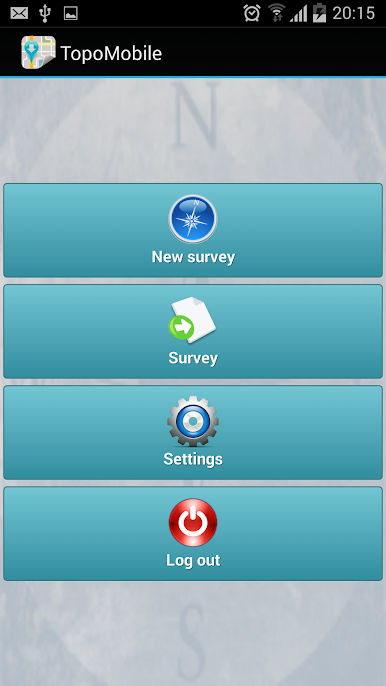
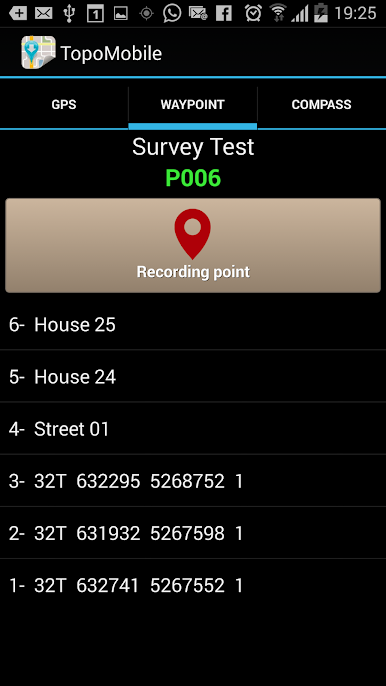
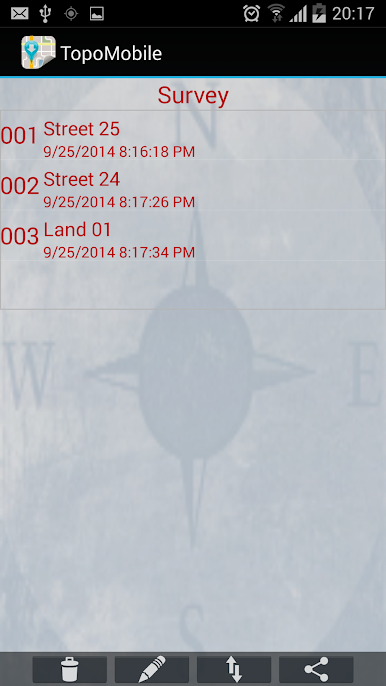
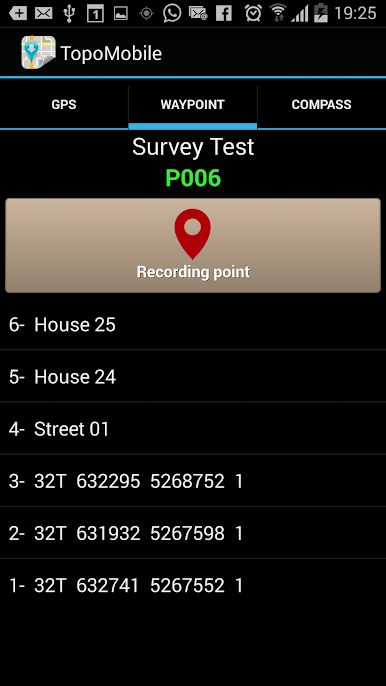
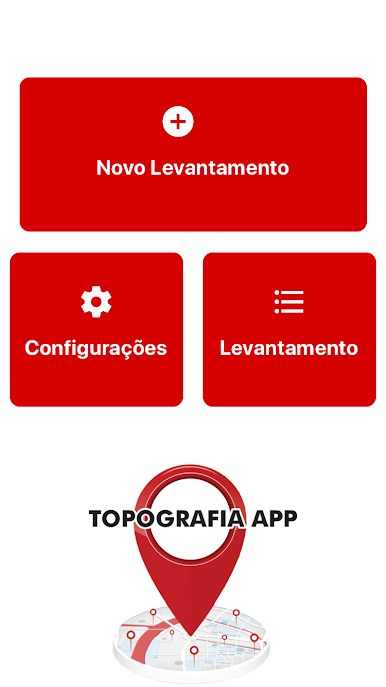
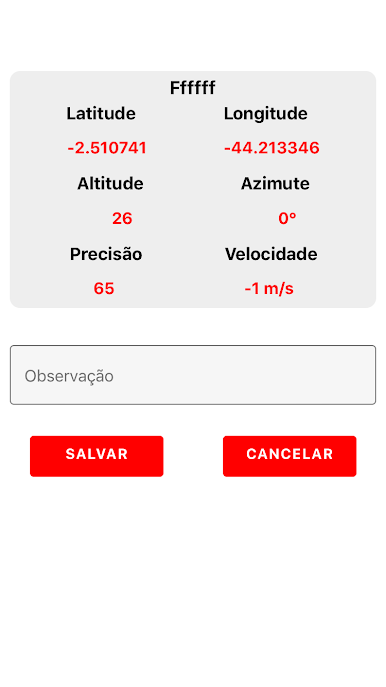
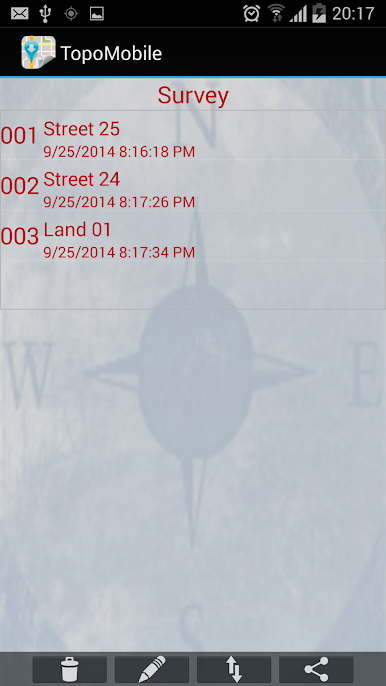
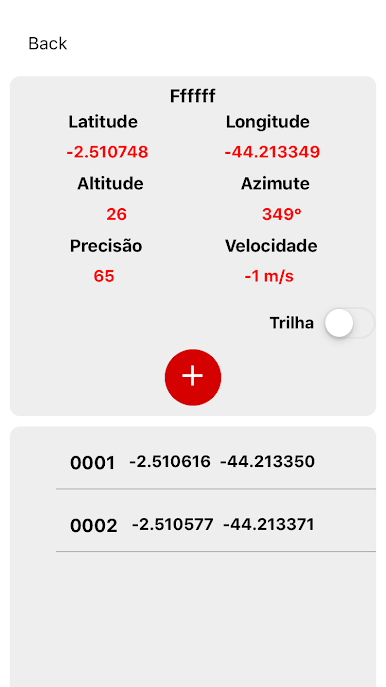
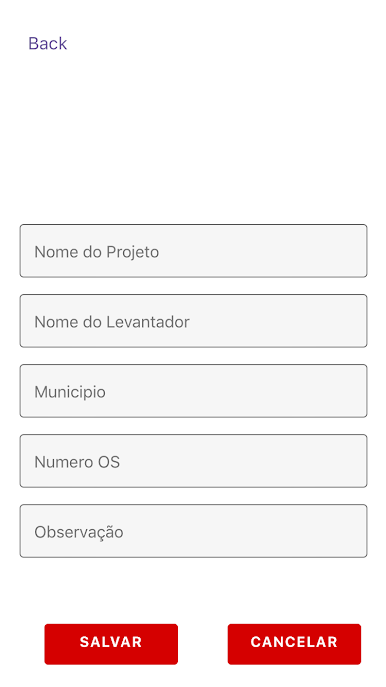
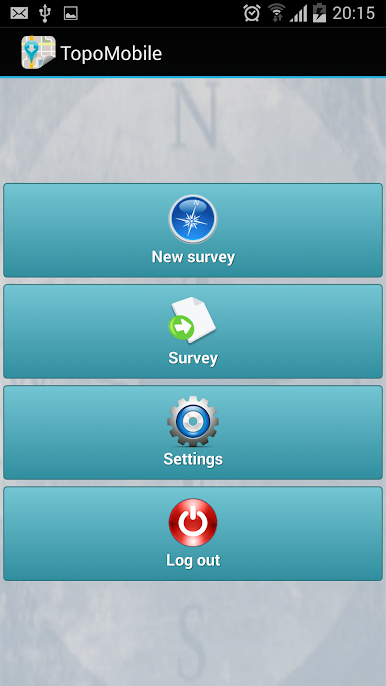
Topography APP feels like a field notebook with GPS that happens to live on a phone. It is built for people who do georeferencing or land surveying, and it also has enough drawing tools to sketch power lines, street alignments, small subdivisions, and quick study layouts without hauling a laptop to the site. The flow is simple enough: set up a survey, tap in points, give them codes, draw lines between what matters, and watch the map take shape as the coordinates come in. Nothing fancy in the look, but it is practical, the buttons do what they should and do not get in the way.
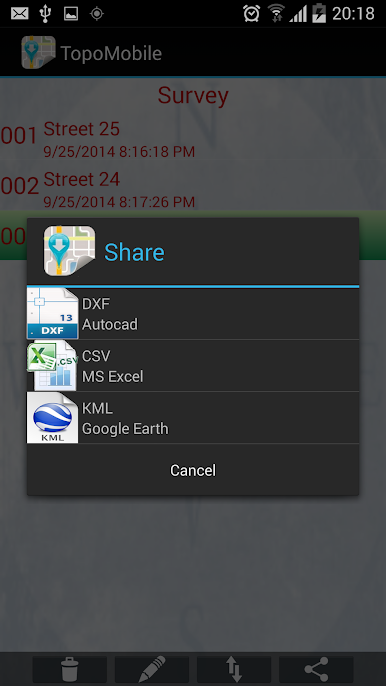
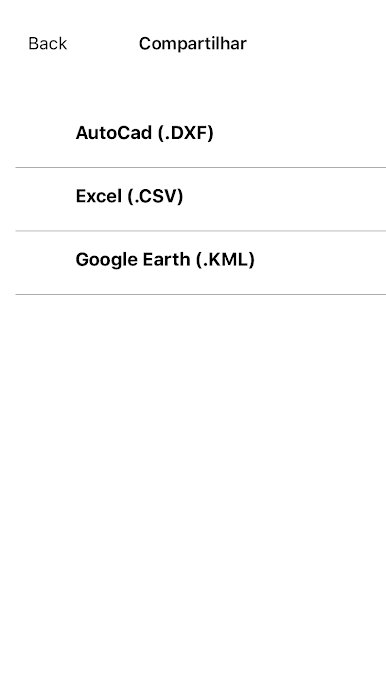
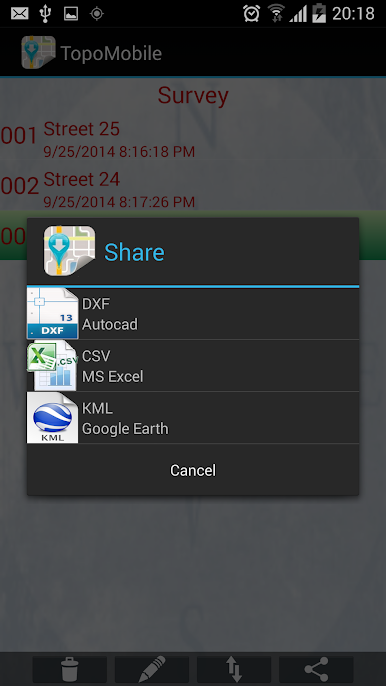
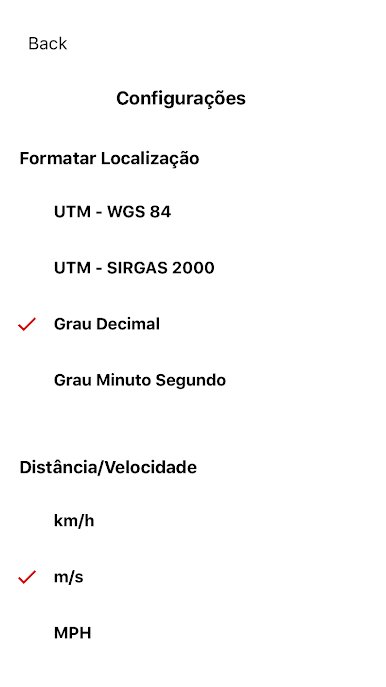
What stands out is how clean the handoff to other software feels. Exports pop out as DXF for AutoCAD, KML for Google Earth, or CSV for Excel, so whoever is waiting back at the office can open the file without drama. There is built in emailing of the collected points and lines, so data moves from field to desk fast. The Professional version lets users mark up to 5000 points, which is enough for bigger sites or longer days out.
Running it on a PC with BlueStacks is actually nice if a larger screen is preferred. Picking points with a mouse, typing codes on a real keyboard, and checking layers at full size makes the little edits and exports feel easier, especially when there are lots of points to manage.
BlueStacks gives you the much-needed freedom to experience your favorite apps on a bigger screen. Get it now.
Topography APPをPCでプレイ
-
BlueStacksをダウンロードしてPCにインストールします。
-
GoogleにサインインしてGoogle Play ストアにアクセスします。(こちらの操作は後で行っても問題ありません)
-
右上の検索バーにTopography APPを入力して検索します。
-
クリックして検索結果からTopography APPをインストールします。
-
Googleサインインを完了してTopography APPをインストールします。※手順2を飛ばしていた場合
-
ホーム画面にてTopography APPのアイコンをクリックしてアプリを起動します。

