


このページには広告が含まれます
Closed Cave Escape
Adventure | EscapeGamesDaily
BlueStacksを使ってPCでプレイ - 5憶以上のユーザーが愛用している高機能Androidゲーミングプラットフォーム

Play Closed Cave Escape on PC
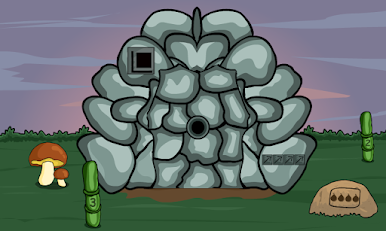
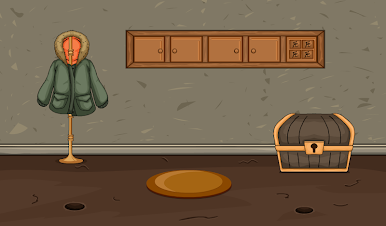
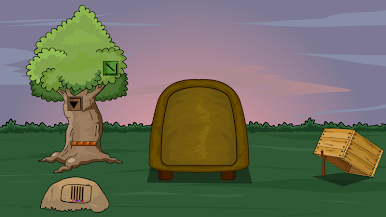
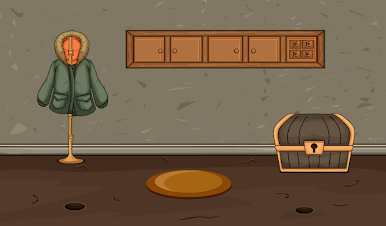
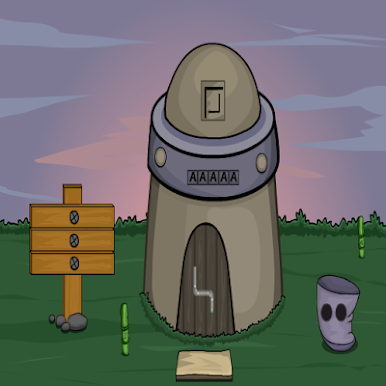
There's a very brilliant man in the town. Some pricks have kidnapped her and locked her in a cave far away from the hometown. You are somehow into her mind using the mind-transfer technique by accident. It's time for you to outrun that boy's brilliance. Checkout for clues, solve the puzzles you encounter and make her escape ASAP. Good luck.
Closed Cave EscapeをPCでプレイ
-
BlueStacksをダウンロードしてPCにインストールします。
-
GoogleにサインインしてGoogle Play ストアにアクセスします。(こちらの操作は後で行っても問題ありません)
-
右上の検索バーにClosed Cave Escapeを入力して検索します。
-
クリックして検索結果からClosed Cave Escapeをインストールします。
-
Googleサインインを完了してClosed Cave Escapeをインストールします。※手順2を飛ばしていた場合
-
ホーム画面にてClosed Cave Escapeのアイコンをクリックしてアプリを起動します。

