


このページには広告が含まれます
Simple Villa Escape
Adventure | EscapeGamesDaily
BlueStacksを使ってPCでプレイ - 5憶以上のユーザーが愛用している高機能Androidゲーミングプラットフォーム

概要
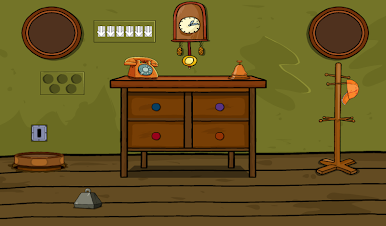
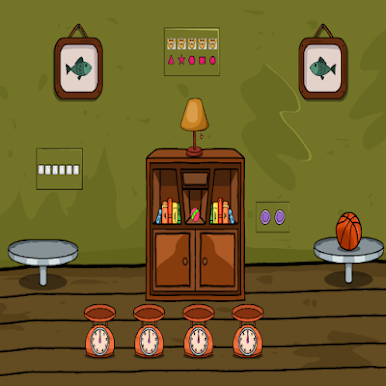
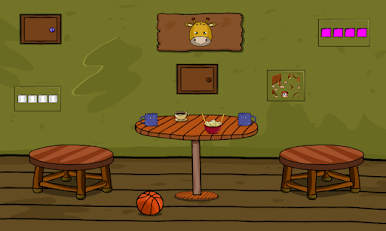
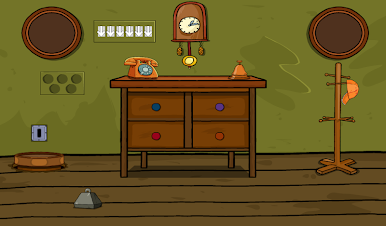
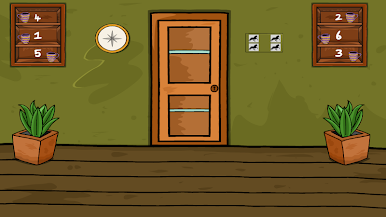
You fell asleep and in your dream you see yourself locked up in a house in which you were staying. You need to escape from there ASAP before something happen to you in your sleep. Figure out a way to escape from there. Look out for the clues and use them accordingly to find a escape route. Good luck in your escape. Jollymania...
Simple Villa EscapeをPCでプレイ
-
BlueStacksをダウンロードしてPCにインストールします。
-
GoogleにサインインしてGoogle Play ストアにアクセスします。(こちらの操作は後で行っても問題ありません)
-
右上の検索バーにSimple Villa Escapeを入力して検索します。
-
クリックして検索結果からSimple Villa Escapeをインストールします。
-
Googleサインインを完了してSimple Villa Escapeをインストールします。※手順2を飛ばしていた場合
-
ホーム画面にてSimple Villa Escapeのアイコンをクリックしてアプリを起動します。

