


Ear Training
BlueStacksを使ってPCでプレイ - 5憶以上のユーザーが愛用している高機能Androidゲーミングプラットフォーム

Run Ear Training on PC or Mac
Let BlueStacks turn your PC, Mac, or laptop into the perfect home for Ear Training, a fun Music & Audio app from Musycom Apps.
About the App
Ear Training by Musycom Apps is a hands-on practice tool that helps you hear music more clearly—both rhythm and melody—and recognize what’s happening without guessing. It’s built for musicians who learn from notation, by ear, or a bit of both, with short challenges and instant feedback that keep practice focused. Expect bite-sized drills you can run through daily in this Music & Audio trainer.
App Features
-
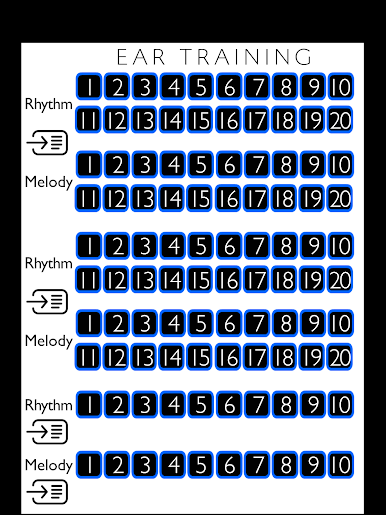
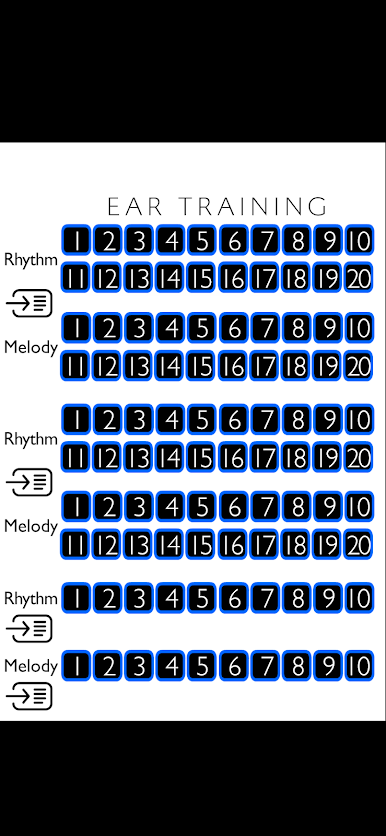
100 guided lessons: Work through three sections: A (20 rhythmic + 20 melodic), B (20 rhythmic + 20 melodic), and C (10 rhythmic + 10 melodic). Every lesson includes 15 quick exercises to keep you moving.
-
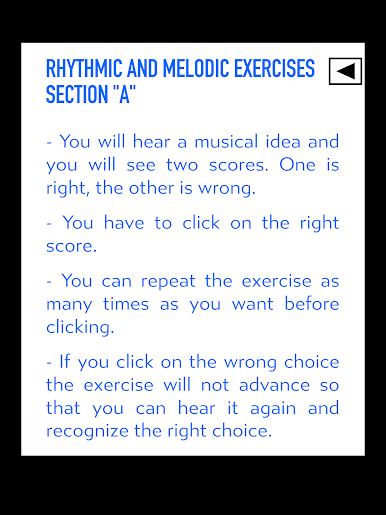
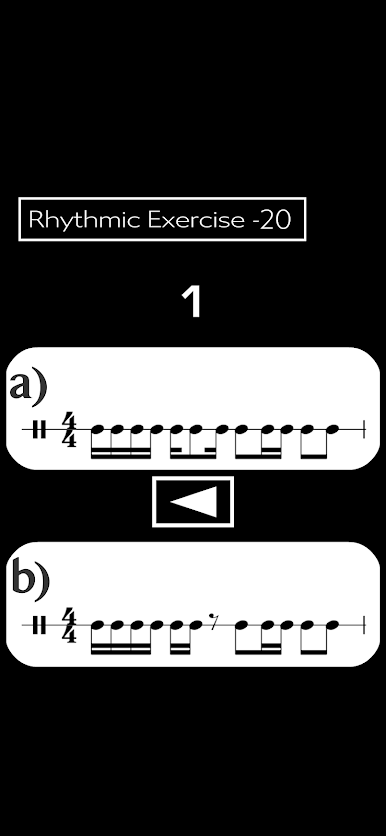
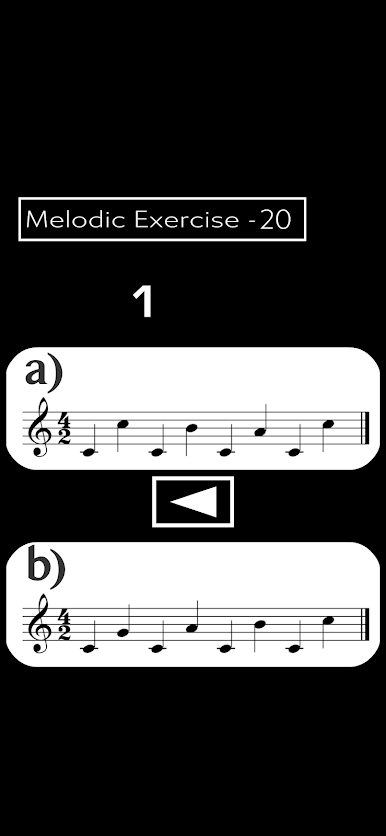
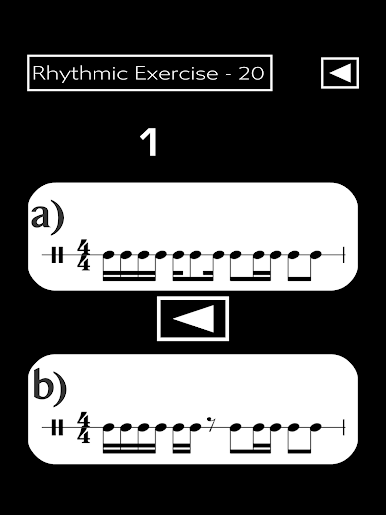
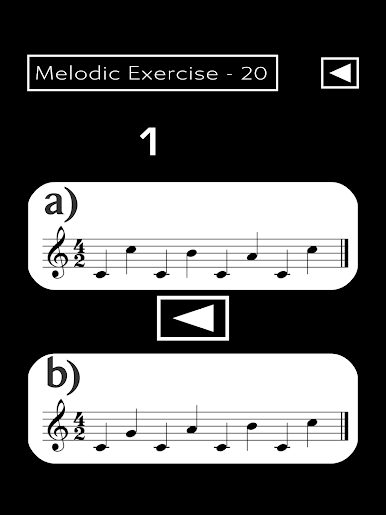
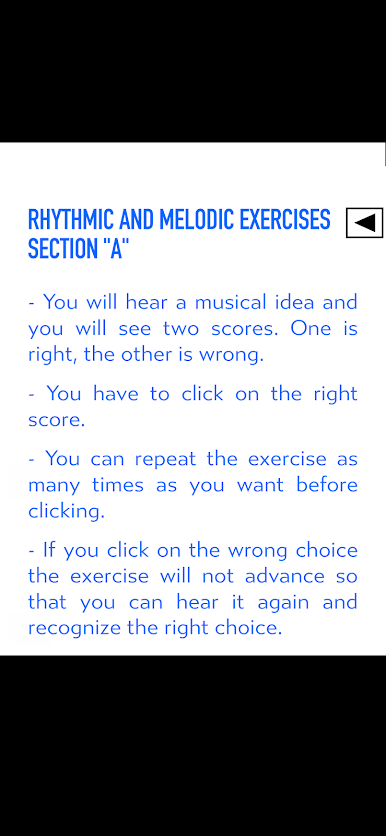
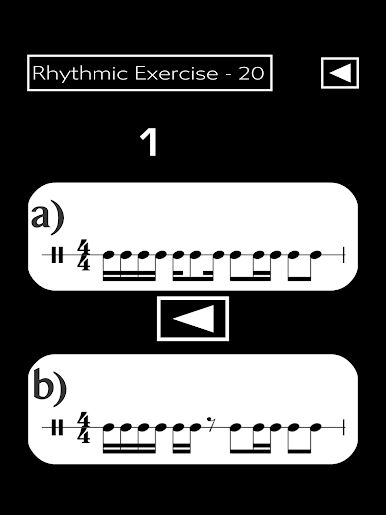
Section A — practice-friendly mode: Hear a musical idea, then choose between two notated options—one correct, one not. Replay as much as you want before answering. If you miss, the exercise stays put so you can listen again and lock it in.
-
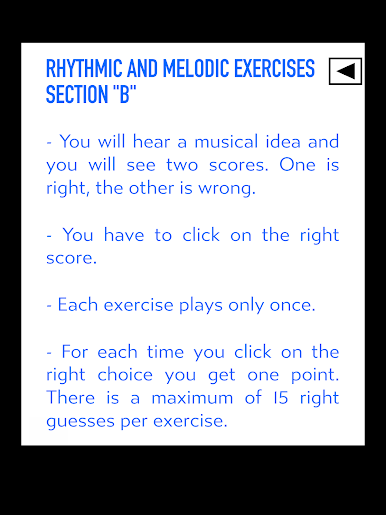
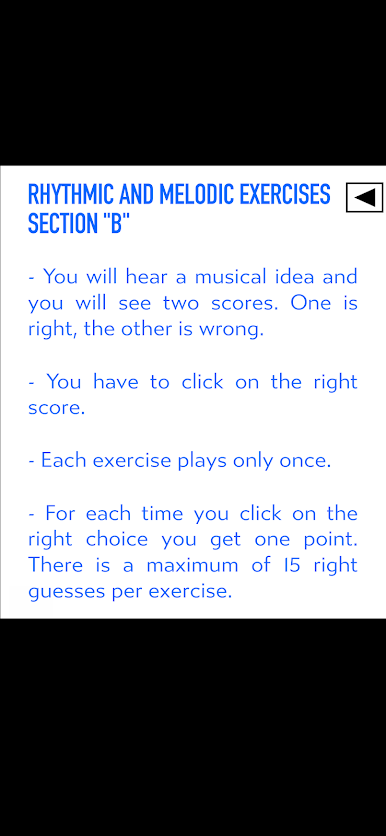
Section B — one-shot with scoring: Each idea plays once. Pick the correct score and earn a point, up to 15 per lesson. It’s a great way to measure accuracy when you’re ready for a little pressure.
-
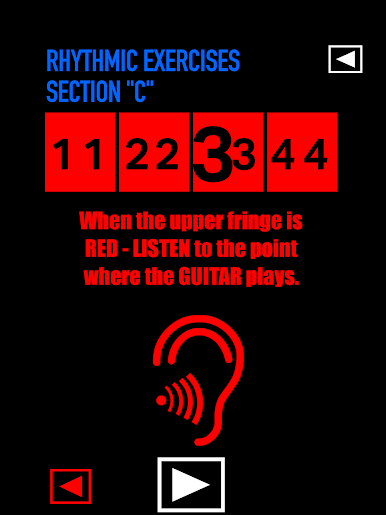
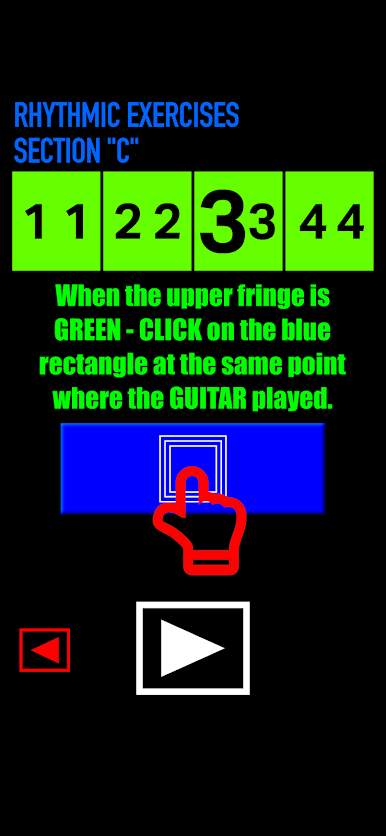
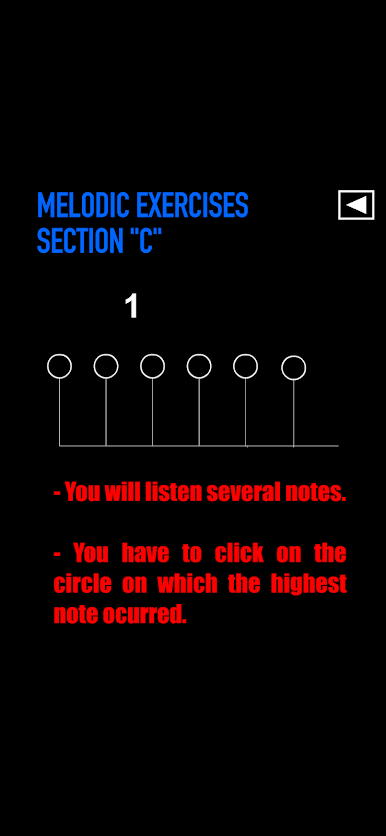
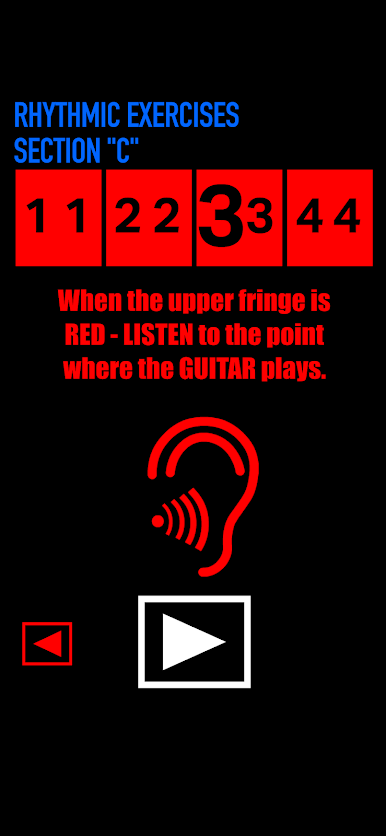
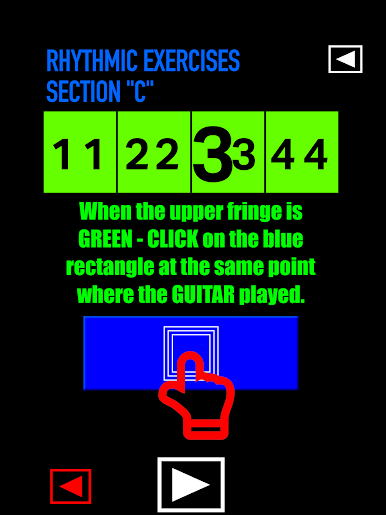
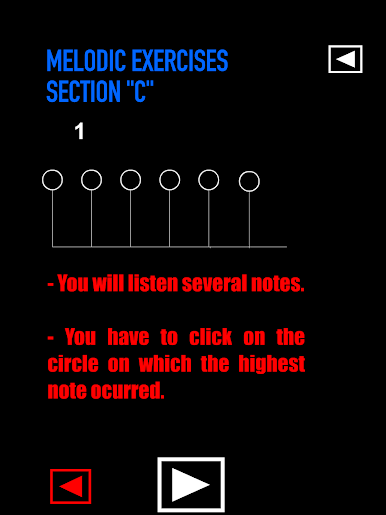
Section C — ear-only drills: No notation here. Clap or tap back rhythms just by listening, and for melody, identify the highest pitch in a short series. It’s pure listening, the way many musicians actually play and sing.
-
Rhythm and melody, side by side: Train duration and pitch together so reading notes and understanding what they sound like becomes second nature—useful for singers and for guitar, piano, violin, or any instrument.
-
Built for real practice: Helpful whether you’re taking lessons, studying scales, or learning to read sheet music. You don’t need perfect pitch—just curiosity and consistency.
-
Comfortable on any setup: Easy on mobile for quick sessions; it also runs smoothly on BlueStacks if you like practicing on a larger screen.
BlueStacks brings your apps to life on a bigger screen—seamless and straightforward.





Ear TrainingをPCでプレイ
-
BlueStacksをダウンロードしてPCにインストールします。
-
GoogleにサインインしてGoogle Play ストアにアクセスします。(こちらの操作は後で行っても問題ありません)
-
右上の検索バーにEar Trainingを入力して検索します。
-
クリックして検索結果からEar Trainingをインストールします。
-
Googleサインインを完了してEar Trainingをインストールします。※手順2を飛ばしていた場合
-
ホーム画面にてEar Trainingのアイコンをクリックしてアプリを起動します。

