

DAVx⁵ – CalDAV CardDAV WebDAV
BlueStacksを使ってPCでプレイ - 5憶以上のユーザーが愛用している高機能Androidゲーミングプラットフォーム

Run DAVx⁵ – CalDAV CardDAV WebDAV on PC or Mac
Get freedom from your phone’s obvious limitations. Use DAVx⁵ – CalDAV CardDAV WebDAV, made by bitfire web engineering, a Productivity app on your PC or Mac with BlueStacks, and level up your experience.
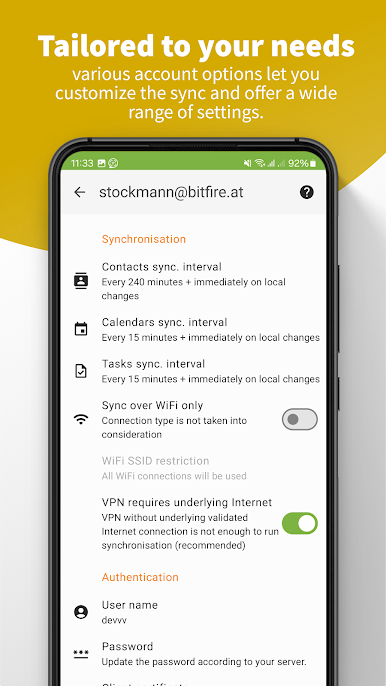
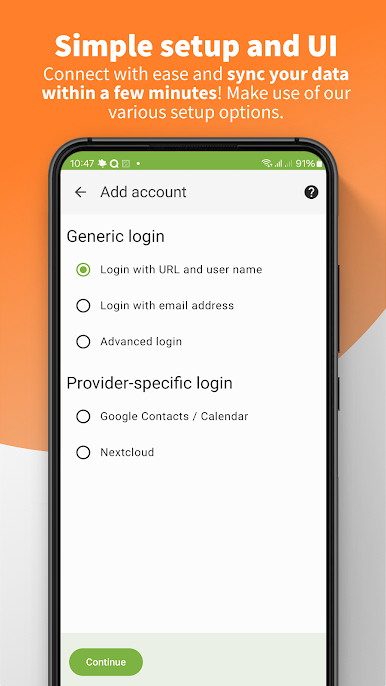
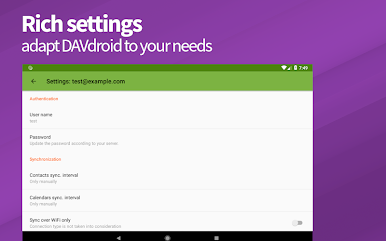
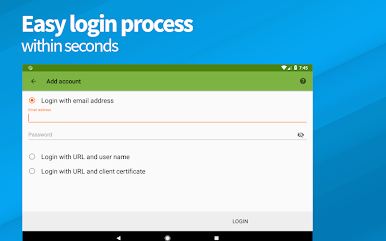
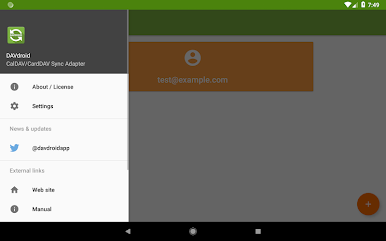
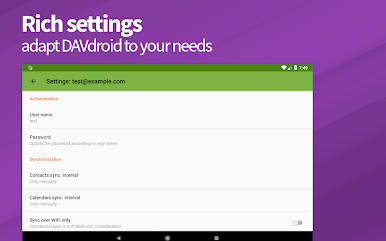
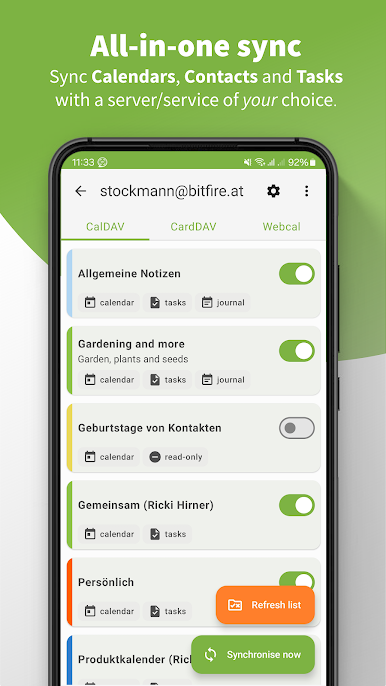
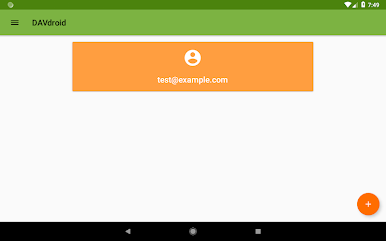
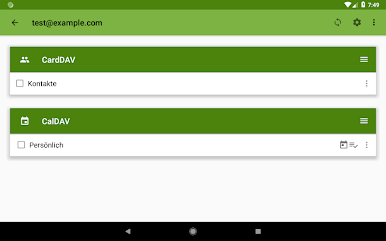
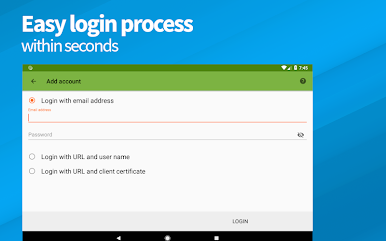
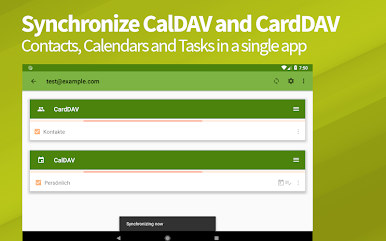
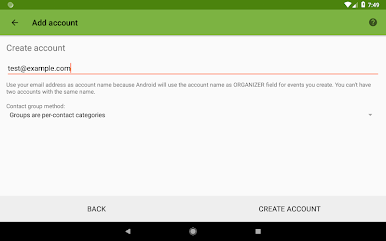
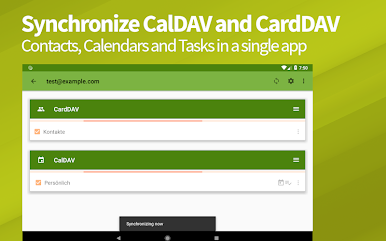
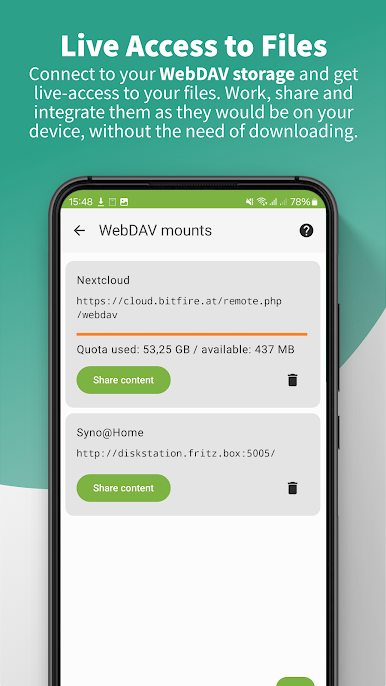
DAVx⁵ is basically the glue that keeps calendars, contacts, and to‑dos in one place, then keeps them synced with a server the person actually trusts. It hooks into the phone’s default Calendar and Contacts apps without fuss, or can run on its own if someone only needs CalDAV, CardDAV, or tasks. Setup feels straightforward: punch in a server address, it tries to find what is available, and it even handles self‑signed and client certificates. Once it is connected, it keeps everything in both directions so changes on the phone show up on the server, and the other way around. There is support for creating or removing calendars and address books inside the app, plus access to WebDAV storage like it was local files on the device.
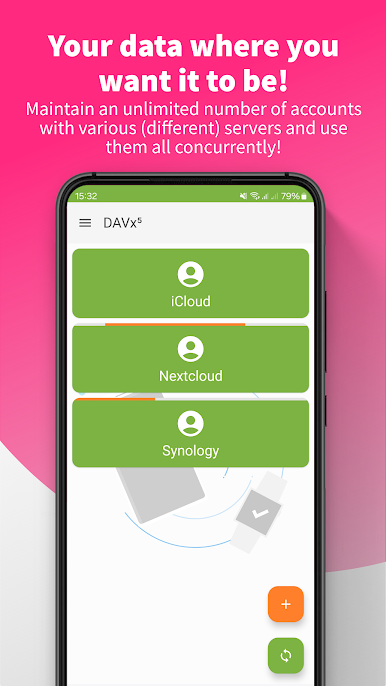
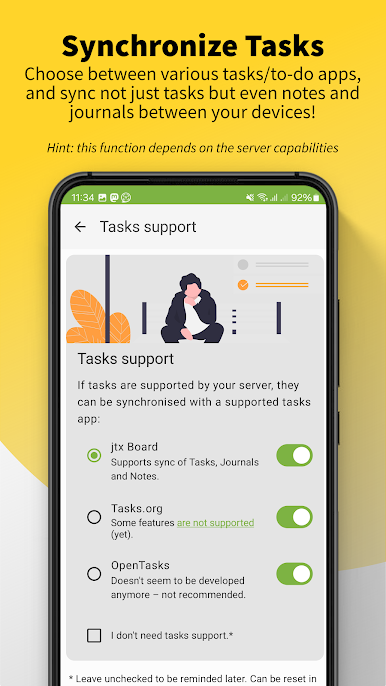
It shines for anyone using a personal cloud or company server. Think Nextcloud, iCloud, Synology, and a long list of others. Sync can be tuned to only pull recent events to keep things fast, which is handy with big archives. Privacy is strong, with no ads, no tracking, and the project being open source. It runs well on older Android versions too. Tasks are covered, and if jtxBoard is in the mix, it syncs those lists as well. One small note, it really prefers living in internal storage to avoid weird account issues.
On a PC with BlueStacks, it feels easier to set up long URLs and certificates, since copy‑paste and a bigger screen save time. That makes initial configuration less fiddly, then it just sits there keeping calendars, contacts, and tasks aligned across devices.
Ready to experience DAVx⁵ – CalDAV CardDAV WebDAV on a bigger screen, in all its glory? Download BlueStacks now.
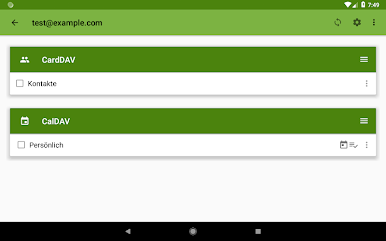
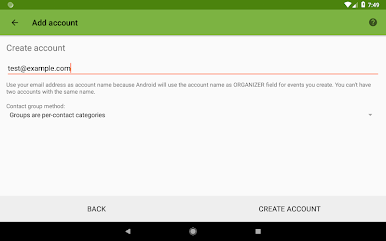
DAVx⁵ – CalDAV CardDAV WebDAVをPCでプレイ
-
BlueStacksをダウンロードしてPCにインストールします。
-
GoogleにサインインしてGoogle Play ストアにアクセスします。(こちらの操作は後で行っても問題ありません)
-
右上の検索バーにDAVx⁵ – CalDAV CardDAV WebDAVを入力して検索します。
-
クリックして検索結果からDAVx⁵ – CalDAV CardDAV WebDAVをインストールします。
-
Googleサインインを完了してDAVx⁵ – CalDAV CardDAV WebDAVをインストールします。※手順2を飛ばしていた場合
-
ホーム画面にてDAVx⁵ – CalDAV CardDAV WebDAVのアイコンをクリックしてアプリを起動します。

