

子供 500 のスペルの単語
BlueStacksを使ってPCでプレイ - 5憶以上のユーザーが愛用している高機能Androidゲーミングプラットフォーム

Run Kids Spelling 500 words on PC or Mac
Get freedom from your phone’s obvious limitations. Use Kids Spelling 500 words, made by Espace Publishing, a Education app on your PC or Mac with BlueStacks, and level up your experience.
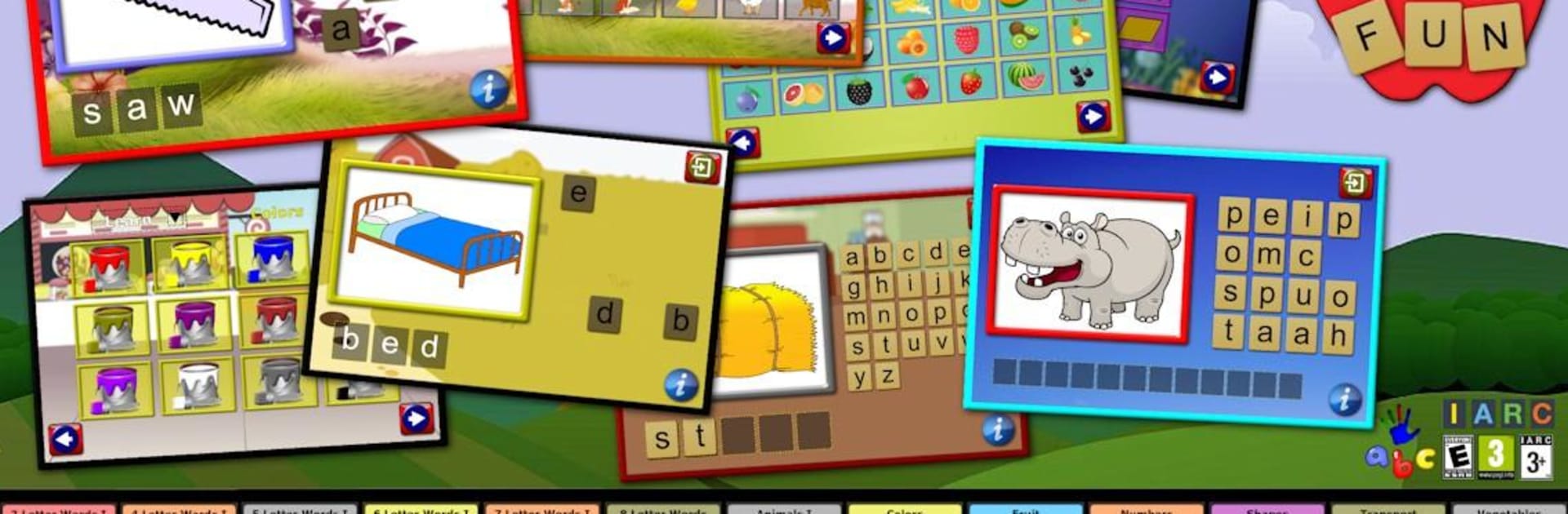
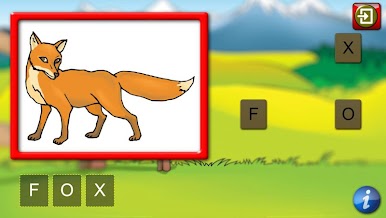
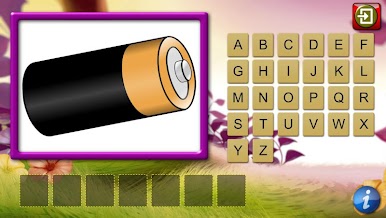
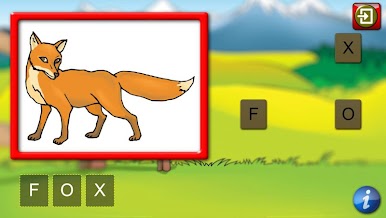
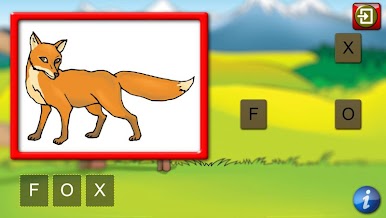
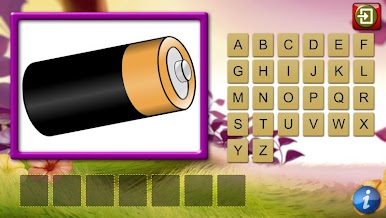
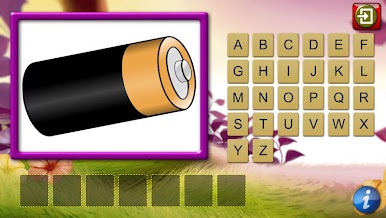
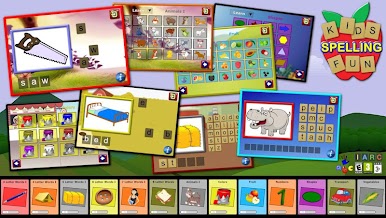
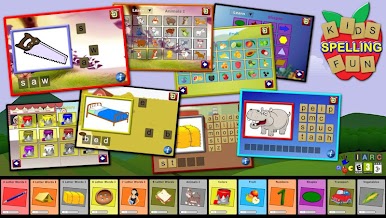
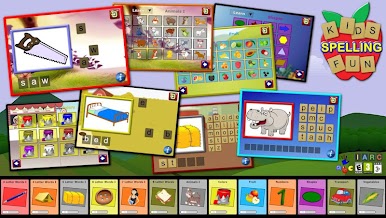
Kids Spelling 500 Words feels like a calm, no-pressure way to help kids build spelling skills. It is all self paced, split into three parts that make sense: learn, practice, then check. In the learn bit, a clear picture shows up, a friendly voice says the word, and the full spelling flashes briefly so they see it before dragging letters into place. Practice takes away the preview but still gives quick feedback until the spelling is right. Check mode is the proper test with the whole alphabet available and no hints, which makes it easy to see what really stuck.
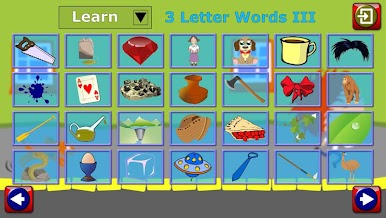
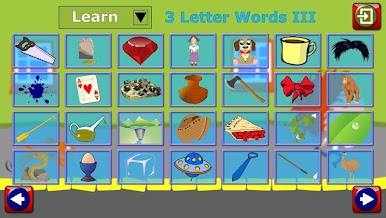
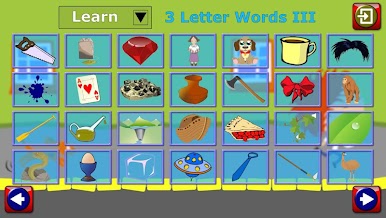
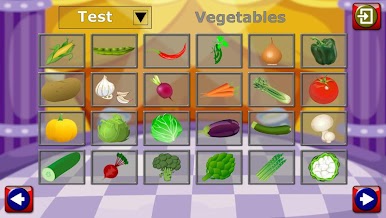
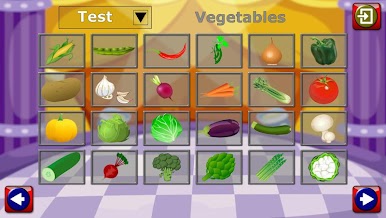
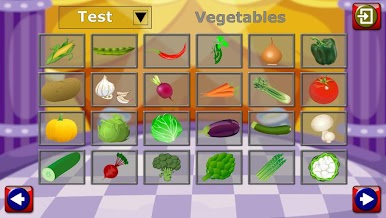
The word sets start with simple three letter basics and work up to longer eight letter words, plus themed packs like animals, colors, fruit, shapes, numbers, transport, and vegetables. Images are bright without being noisy, pronunciations are clean, and children can switch between uppercase or lowercase tiles depending on what they are learning at school. On a PC with BlueStacks, the pictures scale nicely and the tiles are big enough that dragging letters with a mouse feels natural, even if little hands are not very precise yet.
There are no ads, and the app moves forward only when the word is spelled correctly, so it keeps kids focused rather than tapping past stuff. There is a small free starter set, then a single unlock opens the full 500 plus words. It suits preschoolers getting a head start and older kids who want extra practise, the difficulty ramps up gently and does not jump around.
Switch to BlueStacks and make the most of your apps on your PC or Mac.
子供 500 のスペルの単語をPCでプレイ
-
BlueStacksをダウンロードしてPCにインストールします。
-
GoogleにサインインしてGoogle Play ストアにアクセスします。(こちらの操作は後で行っても問題ありません)
-
右上の検索バーに子供 500 のスペルの単語を入力して検索します。
-
クリックして検索結果から子供 500 のスペルの単語をインストールします。
-
Googleサインインを完了して子供 500 のスペルの単語をインストールします。※手順2を飛ばしていた場合
-
ホーム画面にて子供 500 のスペルの単語のアイコンをクリックしてアプリを起動します。

