

音楽プレーヤー-オーディオプレーヤー&10バンドイコライザー
BlueStacksを使ってPCでプレイ - 5憶以上のユーザーが愛用している高機能Androidゲーミングプラットフォーム

Run Music Player - 10 Bands Equalizer Audio Player on PC or Mac
Get freedom from your phone’s obvious limitations. Use Music Player – 10 Bands Equalizer Audio Player, made by Leopard V7, a Music & Audio app on your PC or Mac with BlueStacks, and level up your experience.
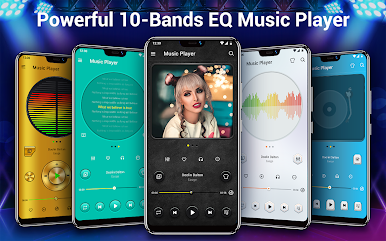
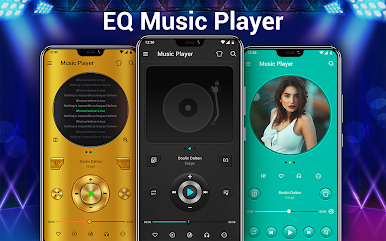
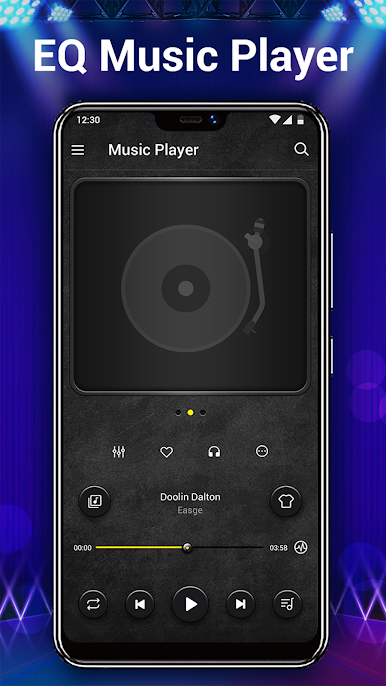
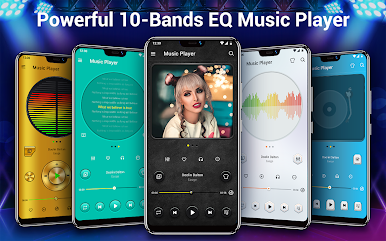
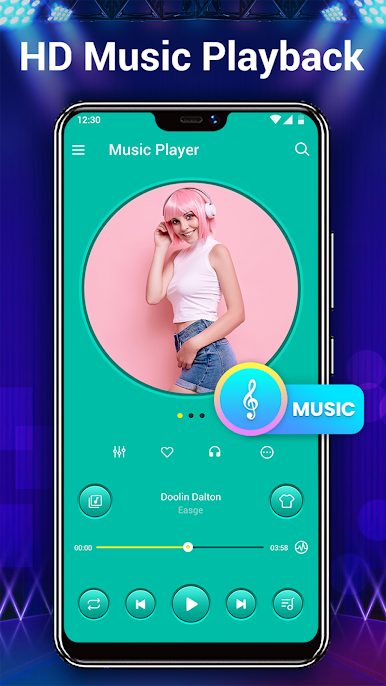
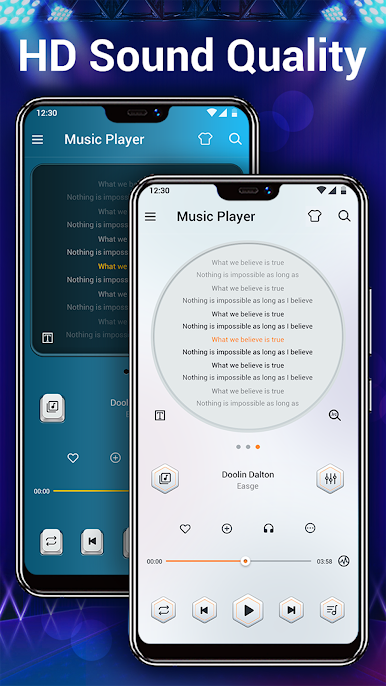
So this Music Player with the 10 band equalizer feels like one of those apps that just gives a lot of control without making things complicated. When running it on a PC with BlueStacks, it’s surprisingly smooth. What stands out right away is how it’s way more than just an ordinary music player. It supports a bunch of file types — mp3, wav, flac, and so on — so it handles pretty much any music thrown at it, even big lossless files.
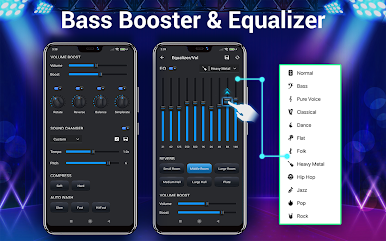
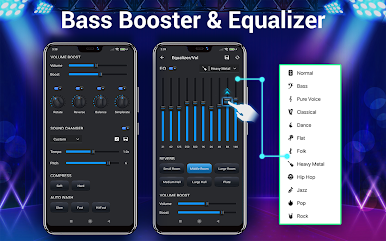
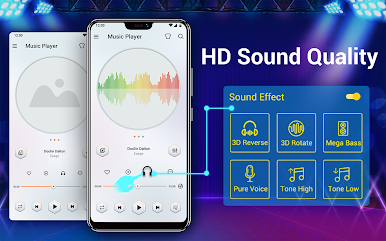
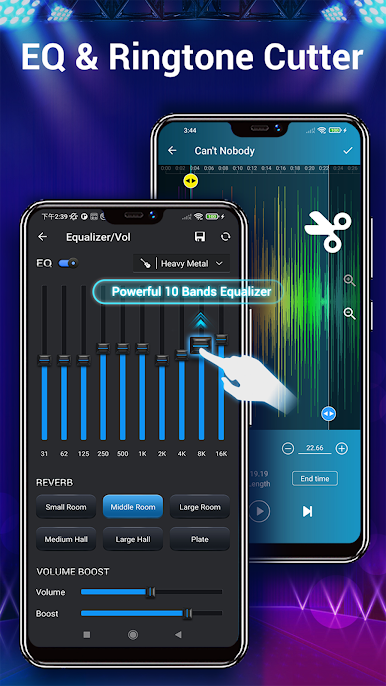
The sound tweaking options are actually quite detailed. There’s a 10 band equalizer, which is more than the usual five or six, plus a bunch of pre-set profiles for different music genres if someone doesn’t want to mess with sliders. There are even options to mess with reverb — like different room sizes, for people who care about that sort of thing — and the bass boost is easy to find. There’s also some fun stuff, like being able to adjust the pitch and speed of a track, or swipe to change songs.
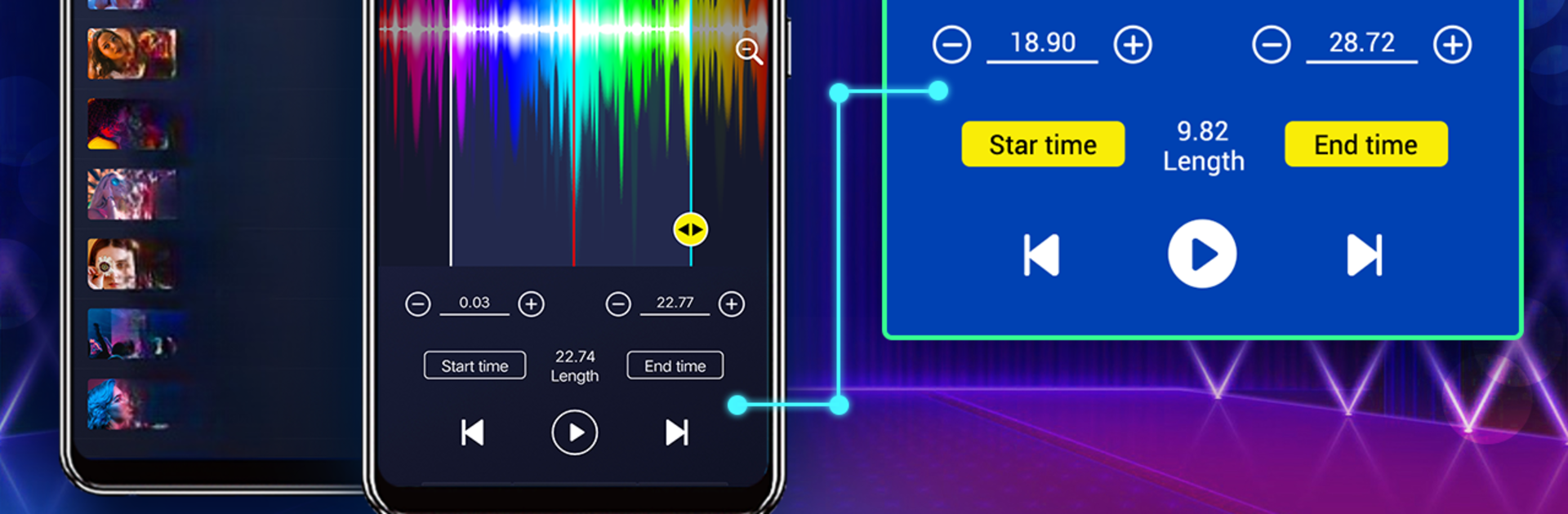
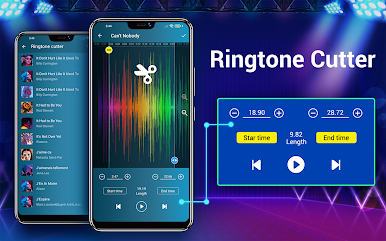
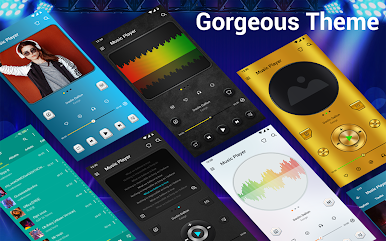
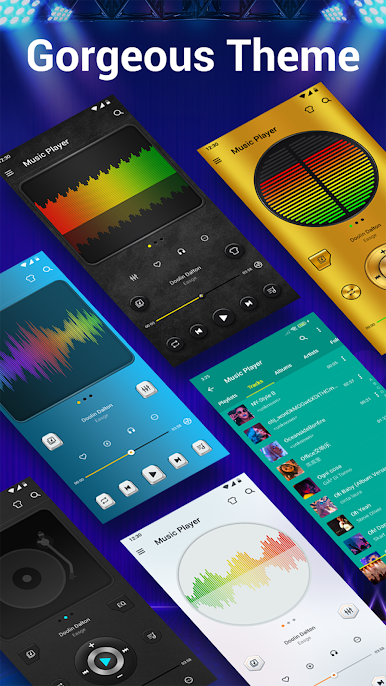
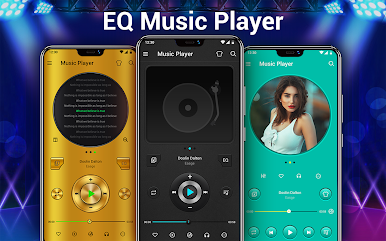
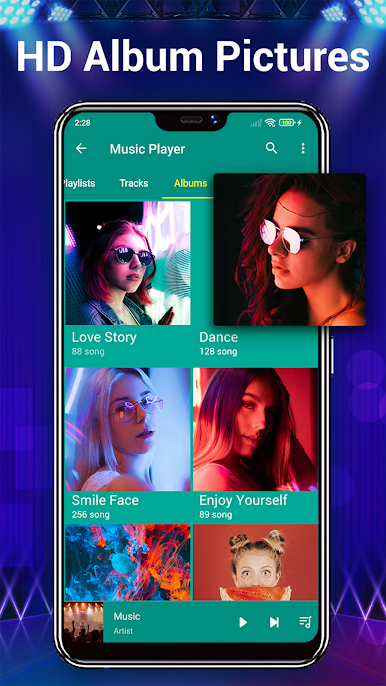
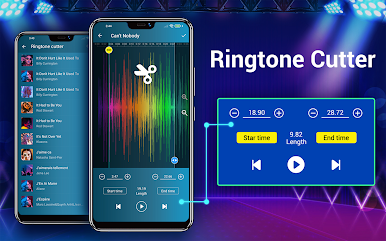
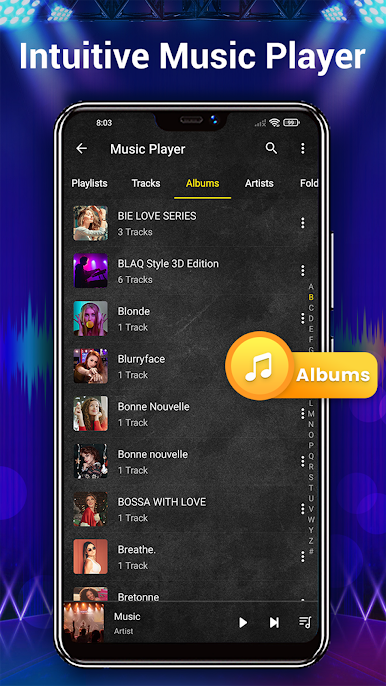
It’s easy to find tracks too, either by album, artist, folder, or even genre, which is nice for folks with messy libraries. Visual customization is there, with different themes, and desktop lyrics if lyrics are a thing. There are widgets and a sleep timer, so it fits into daily routines pretty well. There’s even a ringtone cutter, which isn’t something every music player includes. Overall, it’s got enough settings and features to satisfy people who like to tinker, but stays simple enough that it doesn’t feel overwhelming, especially running on a bigger PC screen with BlueStacks.
Big screen. Bigger performance. Use BlueStacks on your PC or Mac to run your favorite apps.


音楽プレーヤー-オーディオプレーヤー&10バンドイコライザーをPCでプレイ
-
BlueStacksをダウンロードしてPCにインストールします。
-
GoogleにサインインしてGoogle Play ストアにアクセスします。(こちらの操作は後で行っても問題ありません)
-
右上の検索バーに音楽プレーヤー-オーディオプレーヤー&10バンドイコライザーを入力して検索します。
-
クリックして検索結果から音楽プレーヤー-オーディオプレーヤー&10バンドイコライザーをインストールします。
-
Googleサインインを完了して音楽プレーヤー-オーディオプレーヤー&10バンドイコライザーをインストールします。※手順2を飛ばしていた場合
-
ホーム画面にて音楽プレーヤー-オーディオプレーヤー&10バンドイコライザーのアイコンをクリックしてアプリを起動します。

