


このページには広告が含まれます
MT Manager
ツール | Lin Jin Bin
BlueStacksを使ってPCでプレイ - 5憶以上のユーザーが愛用している高機能Androidゲーミングプラットフォーム

概要
MT Manager is a very powerful file manager and apk editor, you can use it to do a lot of things on your phone, such as managing files, modifying software, translating applications, editing text and so on.
The main functions are:
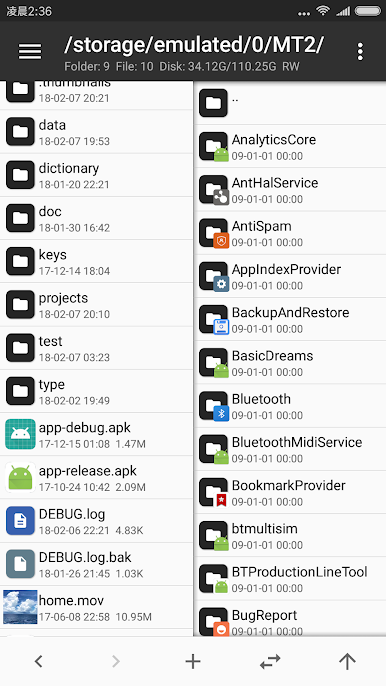
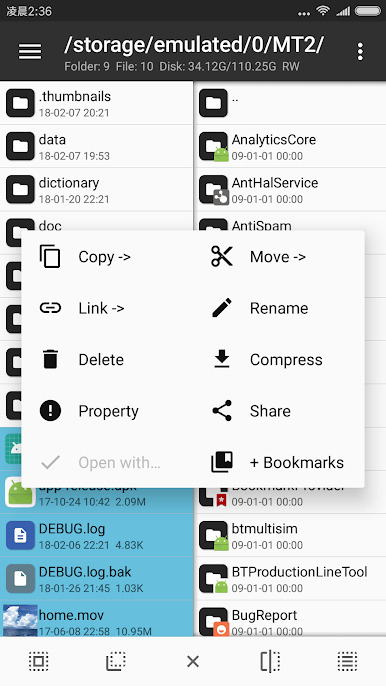
- File management, such as file copy, move, delete. If you give root privilege to MT, you can access the system directory, remount the file system as read-write, modify file permissions and owner.
- Open the ZIP file like WinRAR. You can delete, rename, move, add / replace external files to the ZIP without decompression and repackaging, and decompress files in the ZIP.
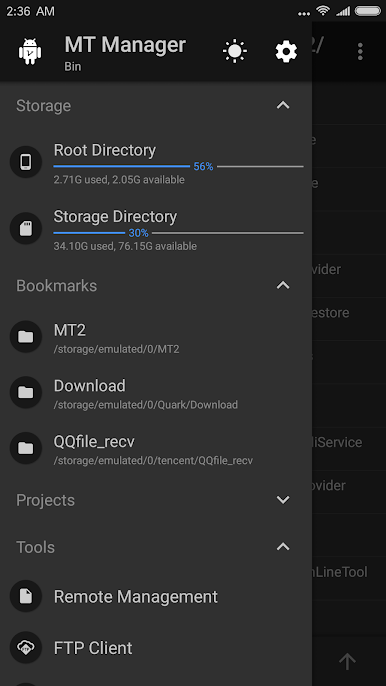
- Text editor, picture viewer, music player, font previewer, script executer, text contrast and other functions, in the sidebar you can easily view the storage device, FTP connection, bookmark, background, tools and so on.
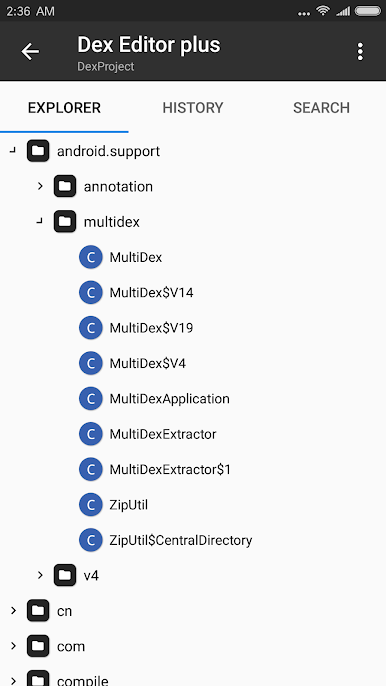
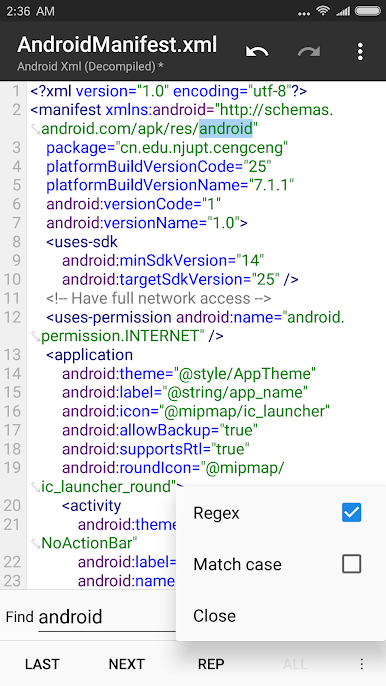
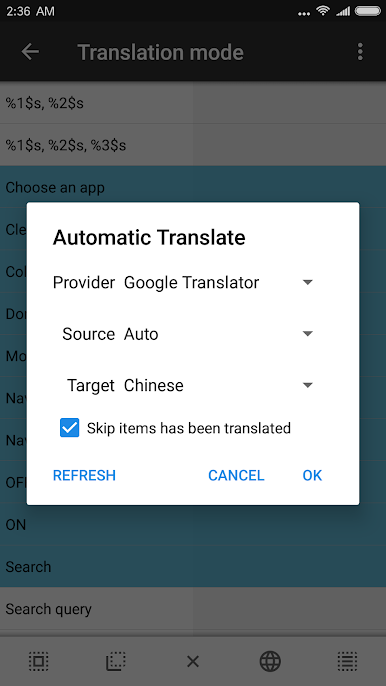
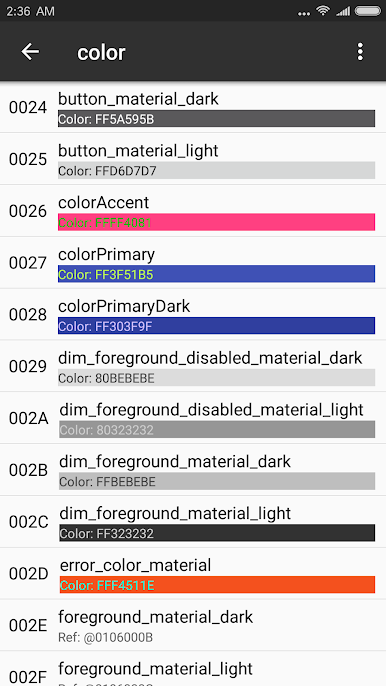
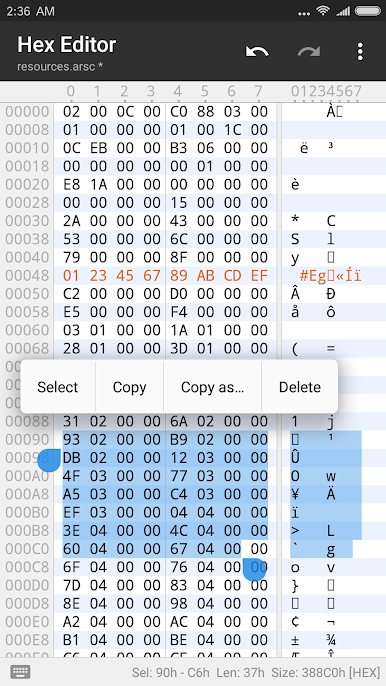
- Many powerful APK editing features, like dex editor, arsc editor, xml editor. you can also sign apk, optimize apk, clone apk, remove signature verification, confuse apk resource, anti-confuse apk resource, translate app.
The main functions are:
- File management, such as file copy, move, delete. If you give root privilege to MT, you can access the system directory, remount the file system as read-write, modify file permissions and owner.
- Open the ZIP file like WinRAR. You can delete, rename, move, add / replace external files to the ZIP without decompression and repackaging, and decompress files in the ZIP.
- Text editor, picture viewer, music player, font previewer, script executer, text contrast and other functions, in the sidebar you can easily view the storage device, FTP connection, bookmark, background, tools and so on.
- Many powerful APK editing features, like dex editor, arsc editor, xml editor. you can also sign apk, optimize apk, clone apk, remove signature verification, confuse apk resource, anti-confuse apk resource, translate app.
MT ManagerをPCでプレイ
-
BlueStacksをダウンロードしてPCにインストールします。
-
GoogleにサインインしてGoogle Play ストアにアクセスします。(こちらの操作は後で行っても問題ありません)
-
右上の検索バーにMT Managerを入力して検索します。
-
クリックして検索結果からMT Managerをインストールします。
-
Googleサインインを完了してMT Managerをインストールします。※手順2を飛ばしていた場合
-
ホーム画面にてMT Managerのアイコンをクリックしてアプリを起動します。

