

Bubble Pop
BlueStacksを使ってPCでプレイ - 5憶以上のユーザーが愛用している高機能Androidゲーミングプラットフォーム

Play Bubble Pop - Free bubble games on PC or Mac
Bring your A-game to Bubble Pop – Free bubble games, the Puzzle game sensation from Fast Fun. Give your gameplay the much-needed boost with precise game controls, high FPS graphics, and top-tier features on your PC or Mac with BlueStacks.
About the Game
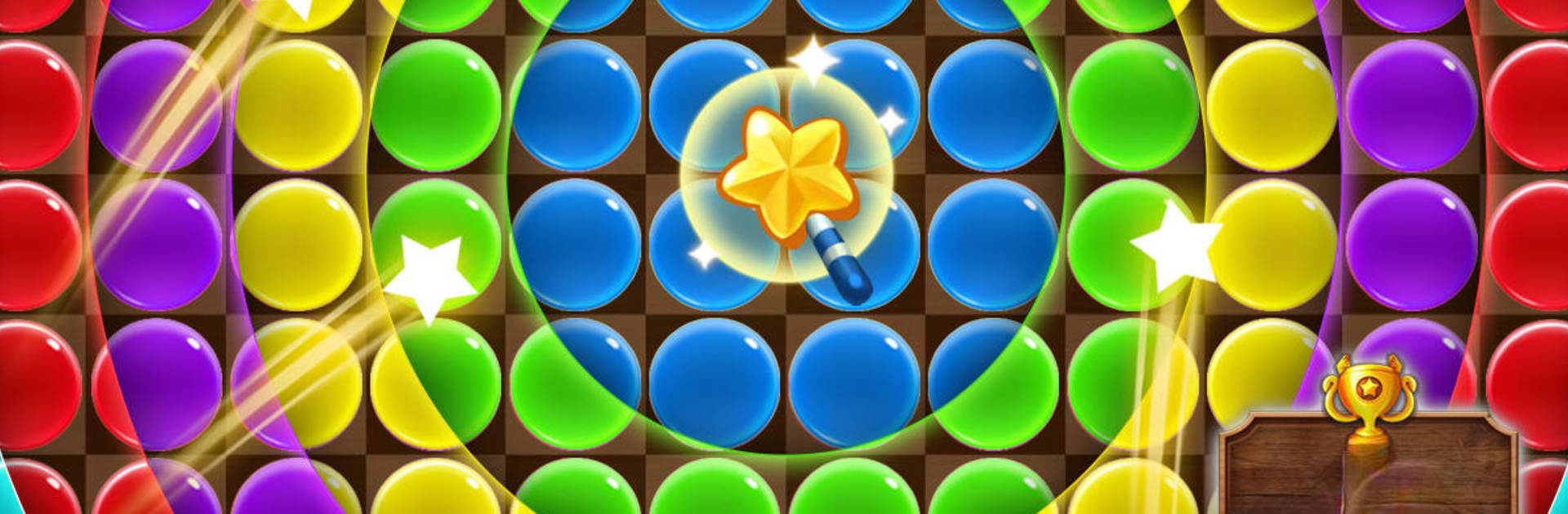
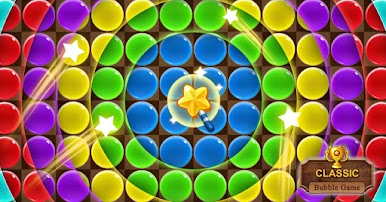
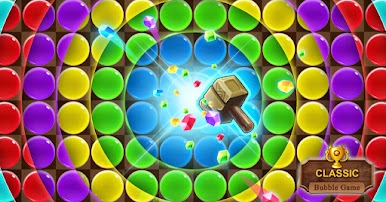
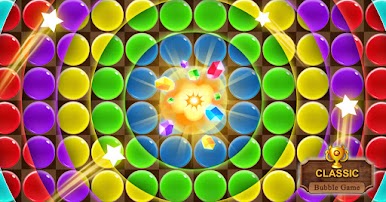
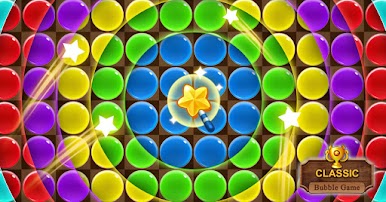
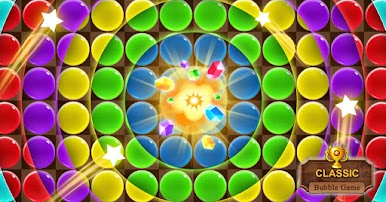
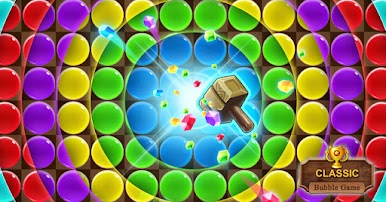
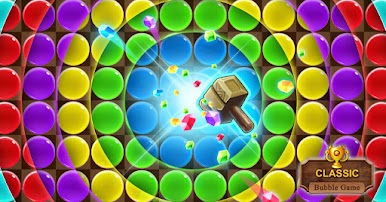
Looking to kick back with something light and fun? Bubble Pop – Free bubble games from Fast Fun brings you classic bubble-bursting action with a laid-back vibe. It’s all about matching bubbles, popping as many as you can, and seeing how high your score can climb. If you’re after a casual Puzzle fix that doesn’t pile on pressure, this one keeps things simple and satisfying.
Game Features
-
Effortless Bubble Popping
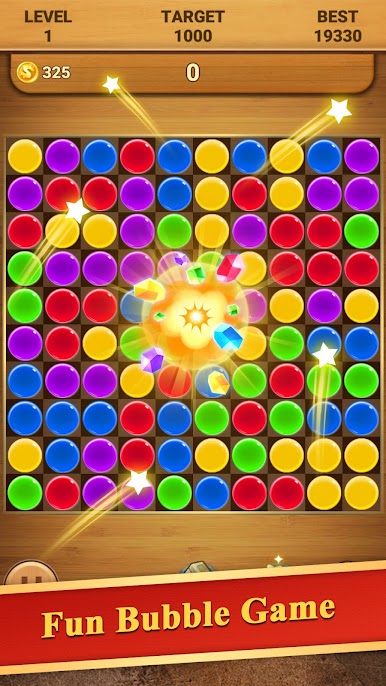
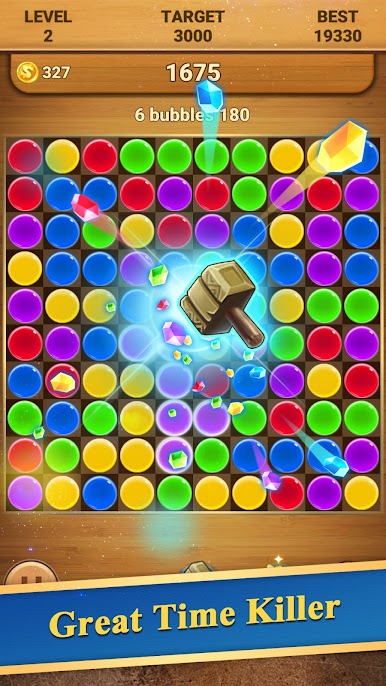
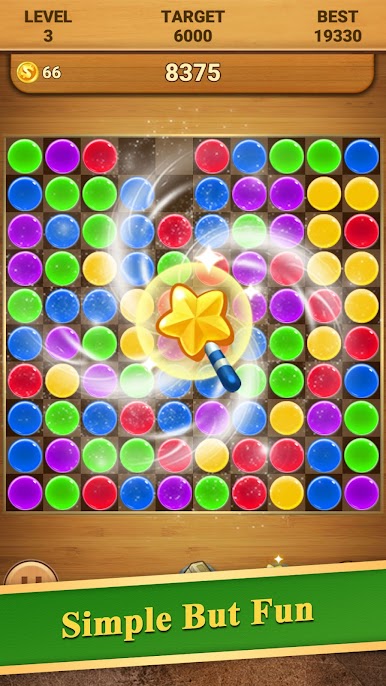
Tap away at groups of bubbles with the same color—super simple, surprisingly addictive. Line up bigger clusters to score big. -
No WiFi Needed
Stuck on a plane, at the dentist, or in a spot with sketchy internet? No problem. The whole game plays offline, so you’re set wherever. -
No Timer Stress
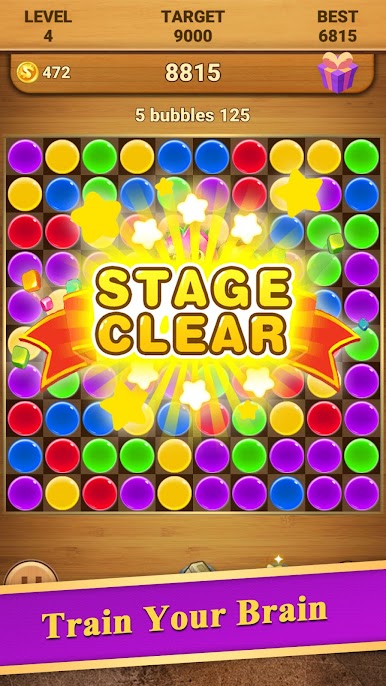
Take your time matching and popping bubbles—there’s no ticking clock breathing down your neck. The only thing to keep an eye on is hitting your target score for each level. -
Made for Everyone
Whether you’re passing time on a quick break or sharing your device with kids, the straightforward rules mean anyone can jump in and play. -
Always Free to Play
No paywalls here—just endless rounds of bubbly fun without cost. -
Extra Comfort on PC
Running Bubble Pop – Free bubble games using BlueStacks? Enjoy smoother controls and a bigger screen for that extra satisfying pop.
Test your matching skills, aim for those high scores, and see if you can out-pop your own best!
Get ready for a buttery smooth, high-performance gaming action only on BlueStacks.
Bubble PopをPCでプレイ
-
BlueStacksをダウンロードしてPCにインストールします。
-
GoogleにサインインしてGoogle Play ストアにアクセスします。(こちらの操作は後で行っても問題ありません)
-
右上の検索バーにBubble Popを入力して検索します。
-
クリックして検索結果からBubble Popをインストールします。
-
Googleサインインを完了してBubble Popをインストールします。※手順2を飛ばしていた場合
-
ホーム画面にてBubble Popのアイコンをクリックしてアプリを起動します。

