


Proton Mail - 暗号化メール
BlueStacksを使ってPCでプレイ - 5憶以上のユーザーが愛用している高機能Androidゲーミングプラットフォーム

Run Proton Mail: Encrypted Email on PC or Mac
Get freedom from your phone’s obvious limitations. Use Proton Mail: Encrypted Email, made by Proton AG, a Communication app on your PC or Mac with BlueStacks, and level up your experience.
About the App
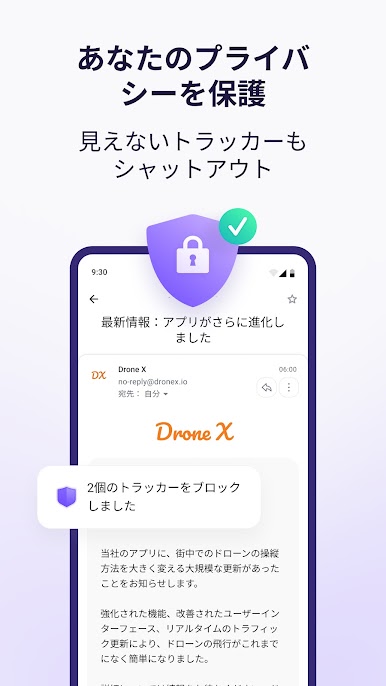
Proton Mail: Encrypted Email is a breath of fresh air for anyone who values true privacy when it comes to their inbox. Built by Proton AG, this Communication app puts your security at the forefront, offering an easy way to send messages and attachments without worrying about nosy eyes. Whether you’re someone who just wants peace of mind or you need to manage several secure accounts, this app makes keeping your conversations private super simple.
App Features
-
Private Email Addresses
Set up a personal @proton.me or @protonmail.com account just for you—no marketing tricks, just secure email. -
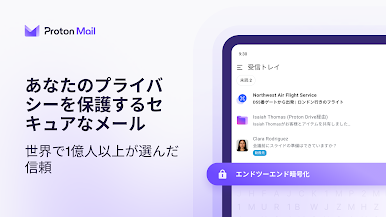
Total Encryption, Start to Finish
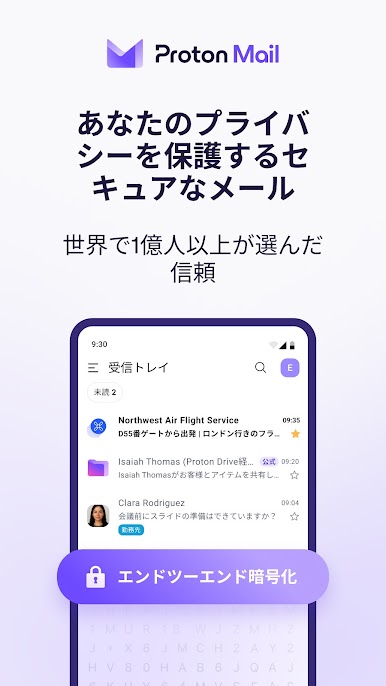
Your messages and files aren’t just sent securely—they’re completely encrypted, so nobody but you (and whoever you send to) can read them. Even Proton AG can’t check out what’s inside. -
Quick Account Switching
Juggling multiple Proton Mail inboxes? Easily swap between them—no logging in and out needed. -
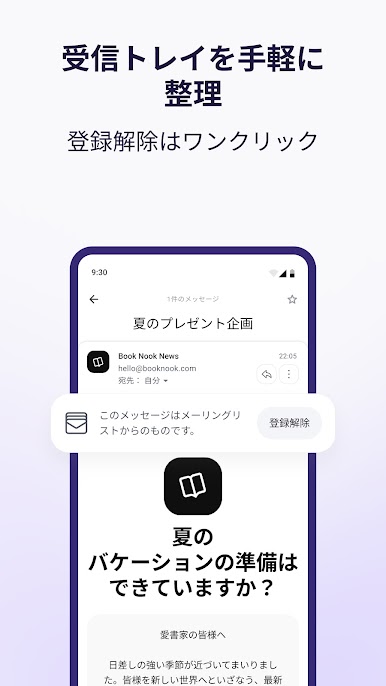
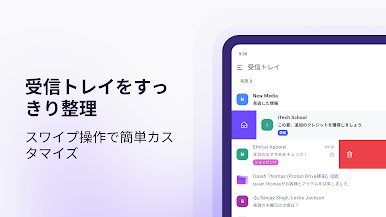
Organize With Ease
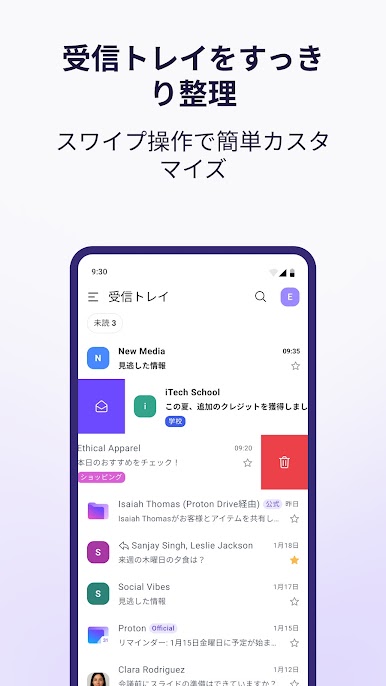
Clean up your inbox using folders, color-coded labels, and swipe gestures. It’s as tidy or as detailed as you want it to be. -
Notifications That Matter
Stay updated with alerts for new emails, so you won’t miss what’s important—even while using BlueStacks. -
Send Password-Protected Emails
Need extra security? Lock your messages with a password before sending, even to folks who aren’t on Proton Mail. -
Dark Mode Support
Give your eyes a break with a sleek dark theme, perfect for late-night email sessions. -
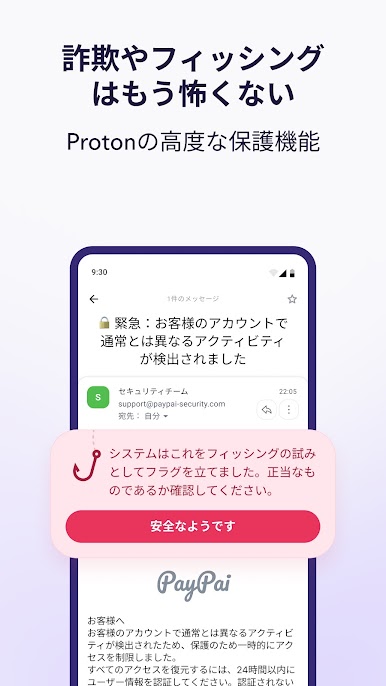
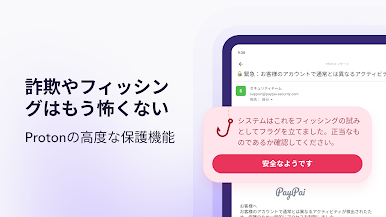
Spam and Phishing Protection
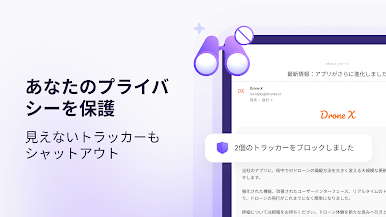
Your mailbox gets robust defense mechanisms keeping junk and phishing attempts at bay. -
Zero-Access Security
Thanks to Proton Mail’s zero-access design, your inbox is yours alone. Your private info isn’t accessible to anyone at Proton. -
Open-Source Encryption
Trusted cryptography and open-source libraries mean you don’t have to take security on faith—experts can (and do) double-check the code. -
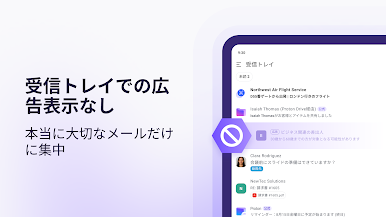
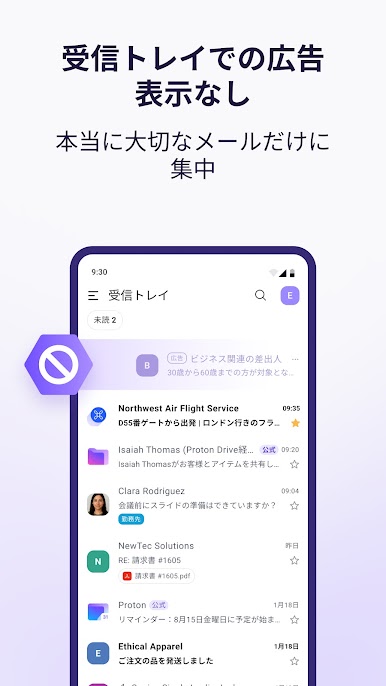
No Targeted Ads, Ever
What you write stays private. No eavesdropping, no ads, no nonsense—just secure communication.
Switch to BlueStacks and make the most of your apps on your PC or Mac.
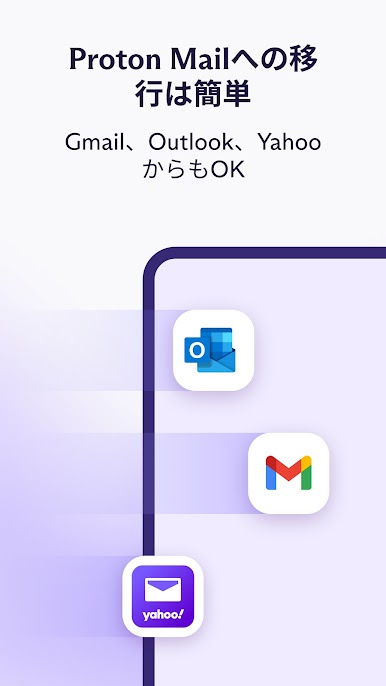
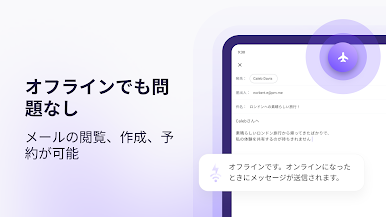
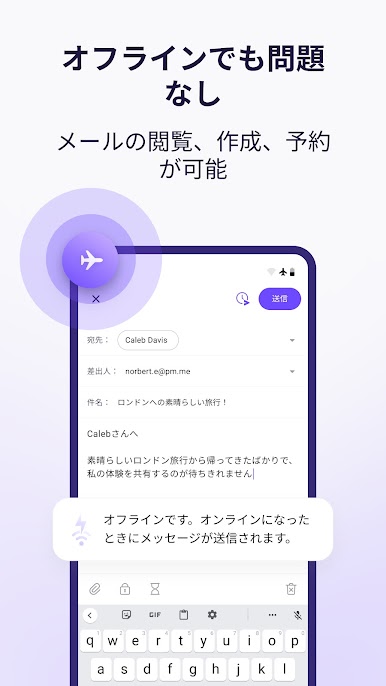
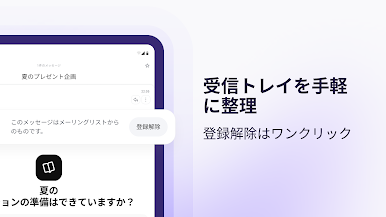
Proton Mail - 暗号化メールをPCでプレイ
-
BlueStacksをダウンロードしてPCにインストールします。
-
GoogleにサインインしてGoogle Play ストアにアクセスします。(こちらの操作は後で行っても問題ありません)
-
右上の検索バーにProton Mail - 暗号化メールを入力して検索します。
-
クリックして検索結果からProton Mail - 暗号化メールをインストールします。
-
Googleサインインを完了してProton Mail - 暗号化メールをインストールします。※手順2を飛ばしていた場合
-
ホーム画面にてProton Mail - 暗号化メールのアイコンをクリックしてアプリを起動します。

