


PDF - PDF Reader
BlueStacksを使ってPCでプレイ - 5憶以上のユーザーが愛用している高機能Androidゲーミングプラットフォーム

Run PDF Reader - for all docs and books on PC or Mac
Multitask effortlessly on your PC or Mac as you try out PDF Reader – for all docs and books, a Productivity app by Librera on BlueStacks.
About the App
PDF Reader – for all docs and books by Librera is pretty much a one-stop spot for anyone who juggles a lot of files—whether you’re reading PDFs, comics, or even music scores. If you’ve got random file types scattered all over your device, this app is ready to make sense of all of them. With a straightforward design, it’s all about giving you tools to easily manage (and actually enjoy) your reading, studying, or work. Pick up your favorite ebook, scroll through lengthy reports, or breeze through class notes—this reader smooths out the bumps, and runs just as well on BlueStacks for bigger screens and faster navigation.
App Features
-
All-in-One File Support
Not just for PDFs! Read EPUB, MOBI, DjVu, FB2, HTML, CBR, CBZ, TIFF, ODT, and plenty more formats no problem. Basically, if you have it, this app probably opens it. -
Handy Library & Smart Browsing
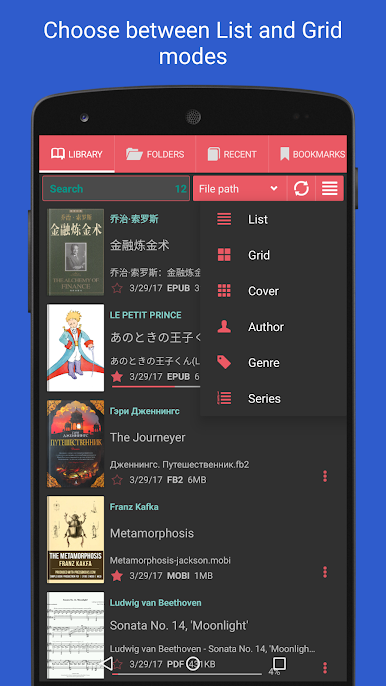
The app automatically scans your device for supported files and pulls everything into one neat library. Find what you need without remembering complicated folder paths. -
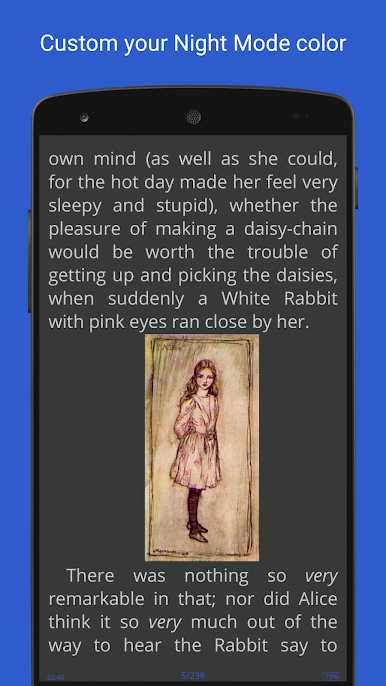
Custom Themes & Day/Night Modes
Switch between light and dark themes depending on your mood or time of day. You can even tweak the background to look like an old book (or whatever suits your style). -
Flexible Navigation
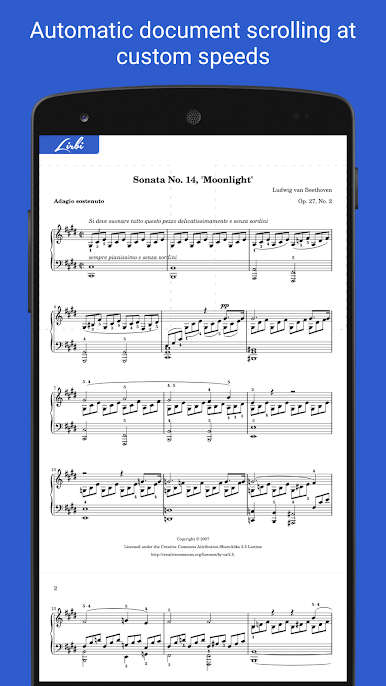
Flip pages by tapping, using the volume keys, or hardware buttons on e-ink devices. There’s also auto-scroll and fast reading modes for when you want to get through things quickly. -
Comic & Manga Viewer
Comics and manga come to life with support for CBZ and CBR formats, letting you jump between pages or zoom in for detail. -
File Manager with Previews
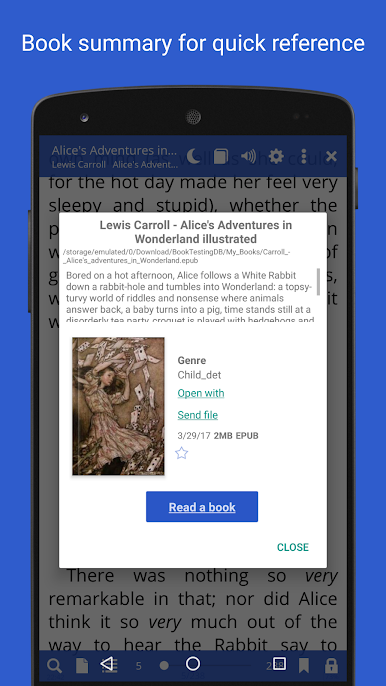
See cover previews right in the file manager and check details like title, author, and file size without opening a thing. -
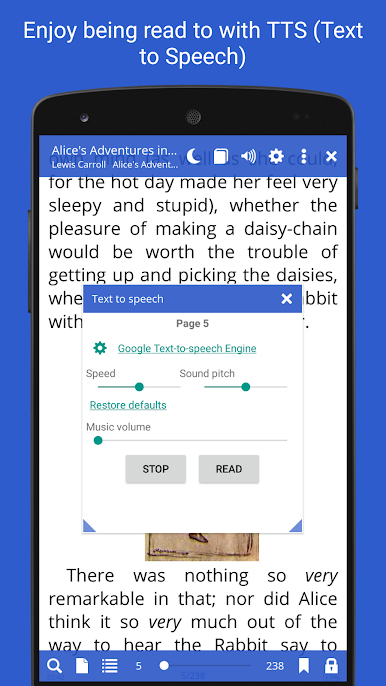
Text-to-Speech Functionality
Need to rest your eyes? Let the app read your books out loud in your language of choice, thanks to a built-in TTS feature. -
Built-in Dictionaries & Translations
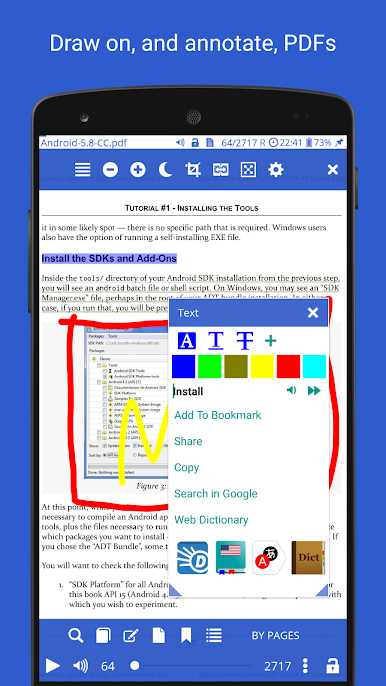
Stuck on a word or want a quick translation? Tap to look things up, both online and offline, without leaving your book. -
Import, Export & Bookmarks Everywhere
Create bookmarks, preview chapters, export your notes—perfect for studying or just keeping track of what matters. -
Performance on Any Device
Works as smoothly on your phone as it does on BlueStacks, so you can keep everything organized and readable on any screen size. -
Special Modes for Musicians & Fast Readers
Use Music Mode to turn pages hands-free during performances or take advantage of RSVP speed reading to fly through documents.
Big screen. Bigger performance. Use BlueStacks on your PC or Mac to run your favorite apps.








PDF - PDF ReaderをPCでプレイ
-
BlueStacksをダウンロードしてPCにインストールします。
-
GoogleにサインインしてGoogle Play ストアにアクセスします。(こちらの操作は後で行っても問題ありません)
-
右上の検索バーにPDF - PDF Readerを入力して検索します。
-
クリックして検索結果からPDF - PDF Readerをインストールします。
-
Googleサインインを完了してPDF - PDF Readerをインストールします。※手順2を飛ばしていた場合
-
ホーム画面にてPDF - PDF Readerのアイコンをクリックしてアプリを起動します。

