

stand.fm スタンドエフエム 音声配信プラットフォーム
BlueStacksを使ってPCでプレイ - 5憶以上のユーザーが愛用している高機能Androidゲーミングプラットフォーム

Run stand.fm スタンドエフエム 音声配信プラットフォーム on PC or Mac
Upgrade your experience. Try stand.fm スタンドエフエム 音声配信プラットフォーム, the fantastic Music & Audio app from stand.fm, inc.(旧), from the comfort of your laptop, PC, or Mac, only on BlueStacks.
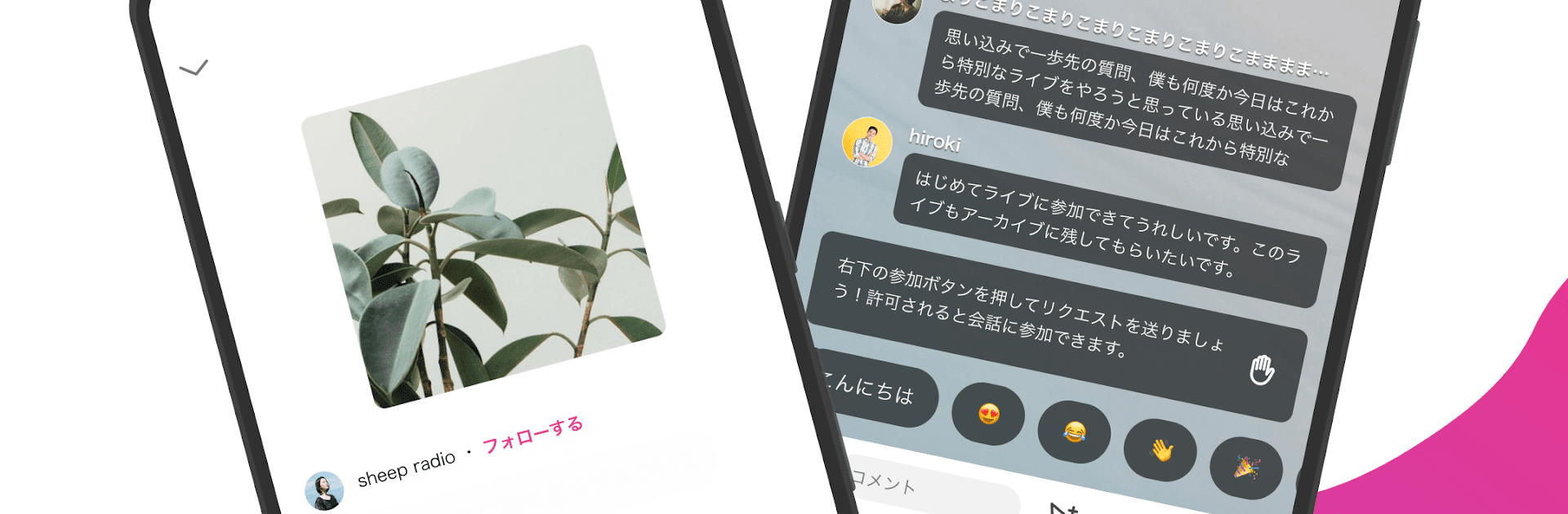
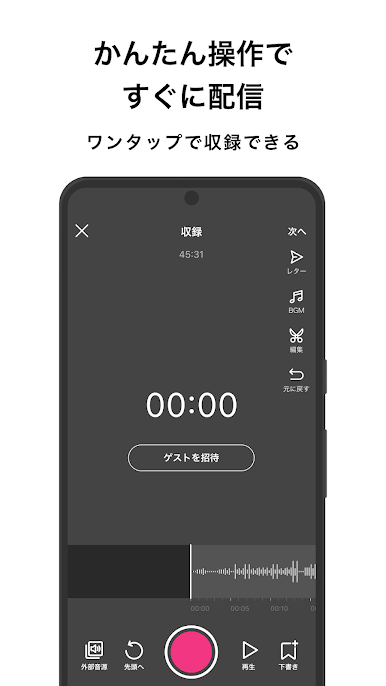
stand.fm is one of those apps where creating and sharing audio content just feels really straightforward. The whole thing is set up so that anyone can pick up their phone or, with something like BlueStacks, use a PC and start their own radio-style show in no time. Users can either go live—which is kind of cool because it has real-time chat and even gifts—or they can record episodes, edit them right in the app, and post them whenever they want. What makes it stand out a bit is how easy it is to set up a podcast and have it pushed out to places like Spotify or Apple Podcasts without much hassle.
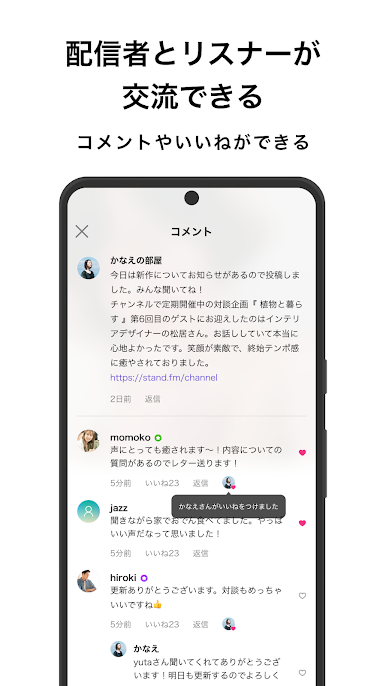
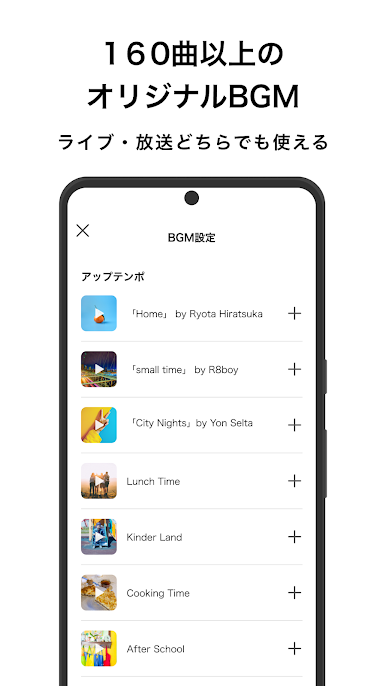
There’s a ton of stuff to listen to, and the topics really are all over the map. Some people just do talk shows, some share music, others go deep on parenting or sports, even comedians get in on it. For anyone who likes interacting, the app has features so users can message hosts directly or send in questions, and the hosts can choose to reply by voice. Collaborating is simple as well—even if people aren’t in the same place, the app lets up to ten people join a live stream, which is a lot. There are also features like adding background music or effects, setting up private member channels, selling exclusive content, and scheduling posts ahead of time. It’s all surprisingly flexible, which makes it a fun pick for anyone curious about starting a little radio channel or podcast—or if listening to a bunch of different voices is more the goal, there’s always something new popping up.
Eager to take your app experience to the next level? Start right away by downloading BlueStacks on your PC or Mac.





stand.fm スタンドエフエム 音声配信プラットフォームをPCでプレイ
-
BlueStacksをダウンロードしてPCにインストールします。
-
GoogleにサインインしてGoogle Play ストアにアクセスします。(こちらの操作は後で行っても問題ありません)
-
右上の検索バーにstand.fm スタンドエフエム 音声配信プラットフォームを入力して検索します。
-
クリックして検索結果からstand.fm スタンドエフエム 音声配信プラットフォームをインストールします。
-
Googleサインインを完了してstand.fm スタンドエフエム 音声配信プラットフォームをインストールします。※手順2を飛ばしていた場合
-
ホーム画面にてstand.fm スタンドエフエム 音声配信プラットフォームのアイコンをクリックしてアプリを起動します。

