


Dice To Go: Tabletop RPG Roller
BlueStacksを使ってPCでプレイ - 5憶以上のユーザーが愛用している高機能Androidゲーミングプラットフォーム

概要
New Feature:
Added official support for FARSIGHT, a new boardgame coming from Braincrack Games.
Features:
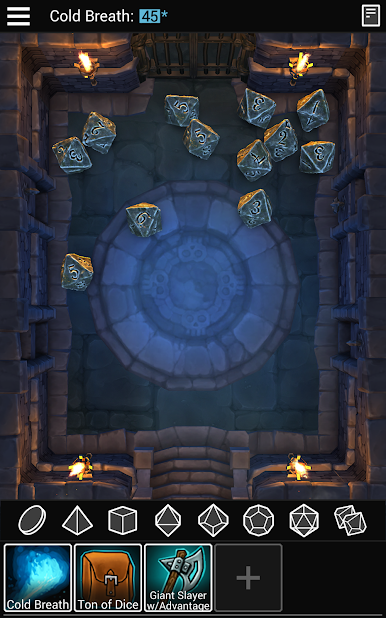
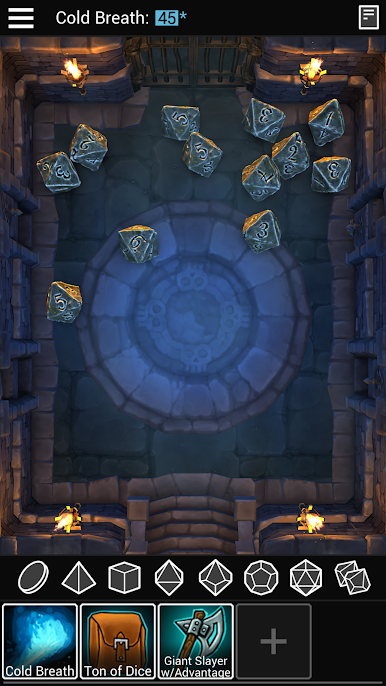
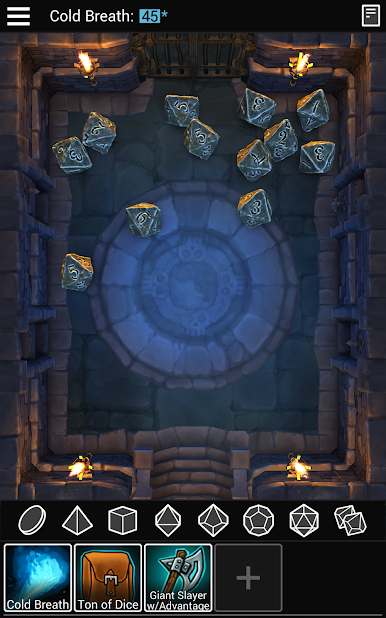
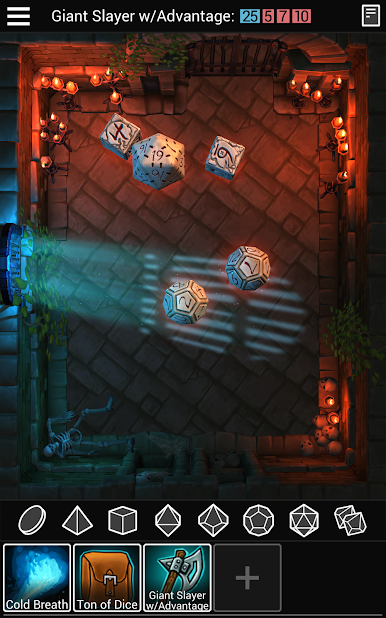
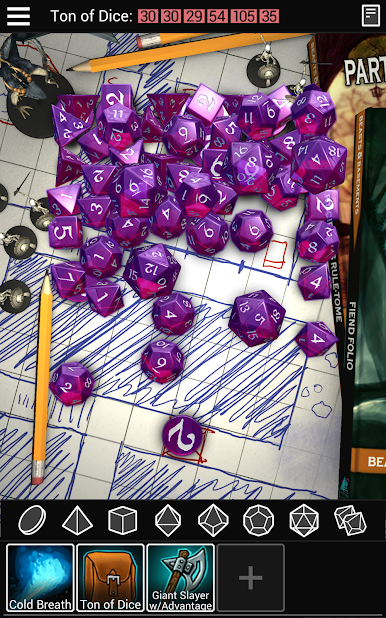
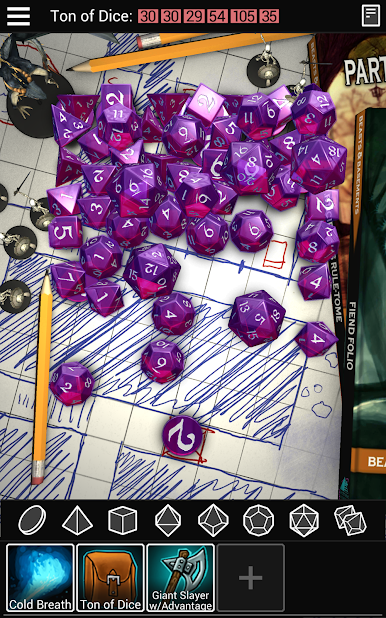
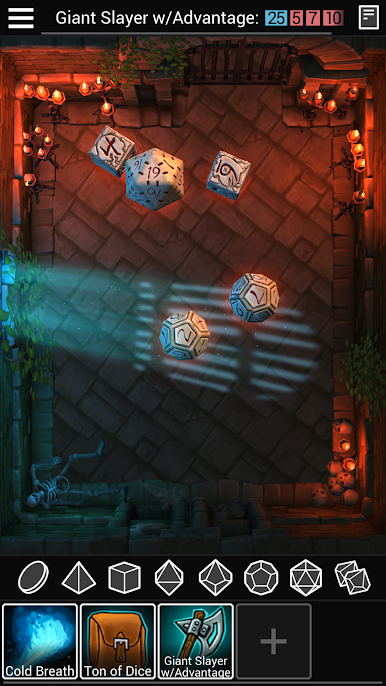
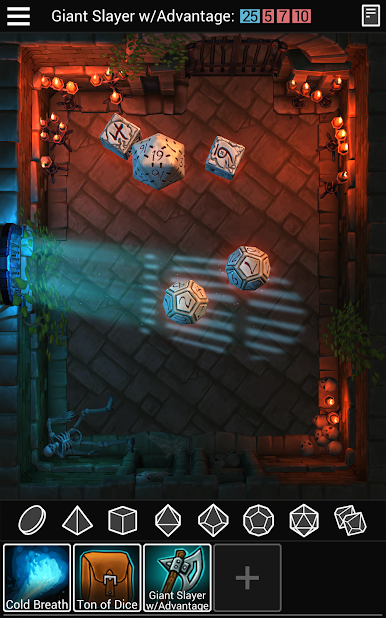
-Quickroll d2, d4, d6, d8, d10, d12, d20, d100 and dF.
-Supports the following systems: d20, pool, target, fate, fudge (and probably more?)
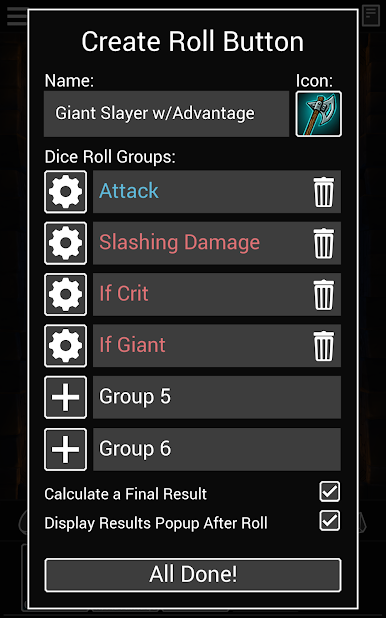
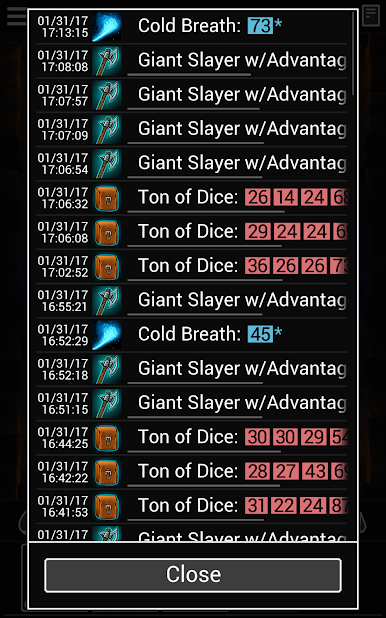
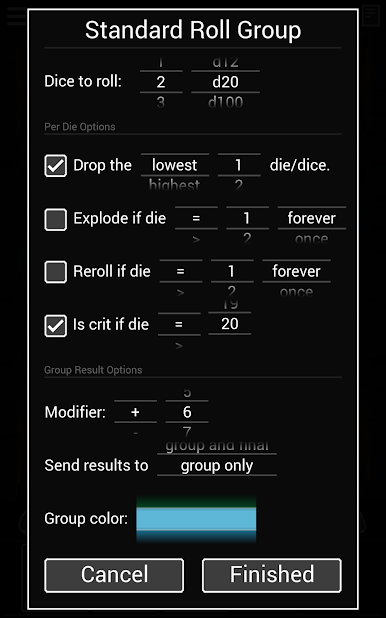
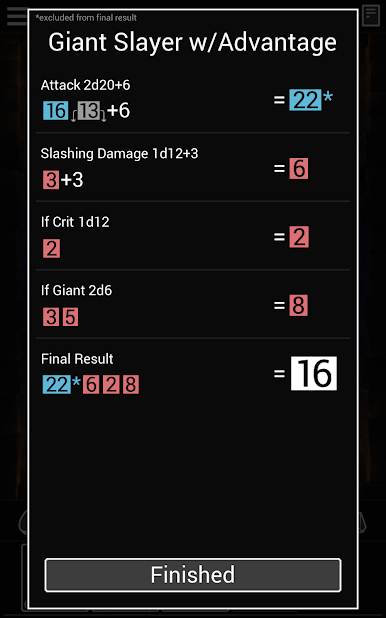
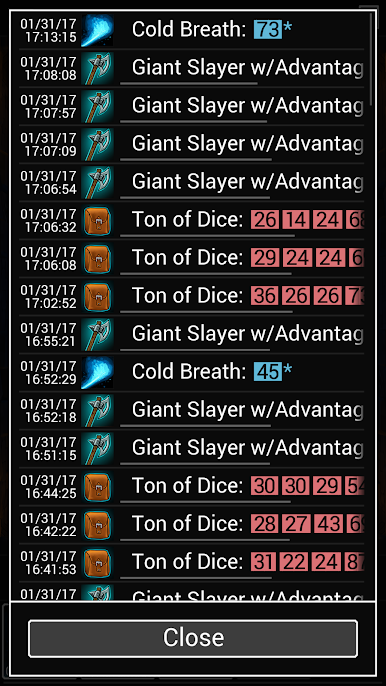
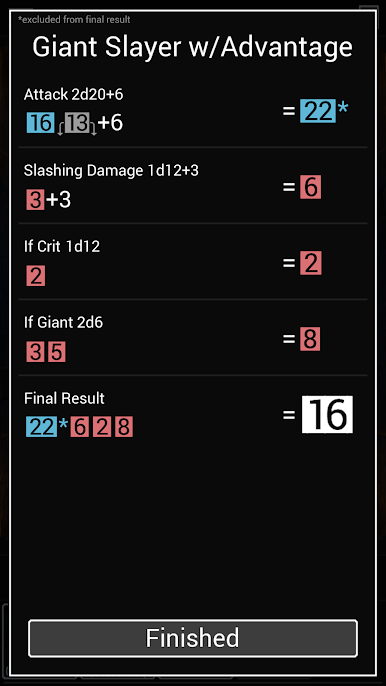
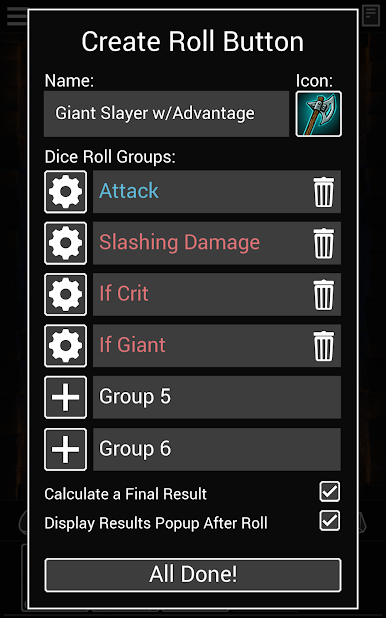
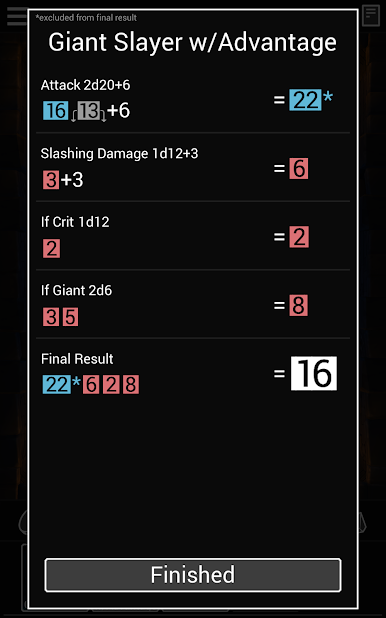
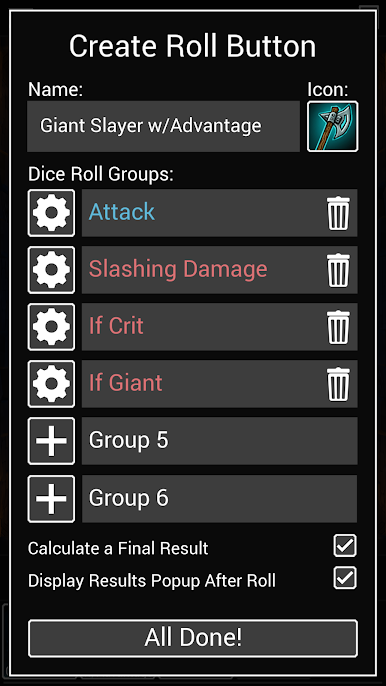
-Create Roll Buttons to roll a complex series of dice in a single tap.
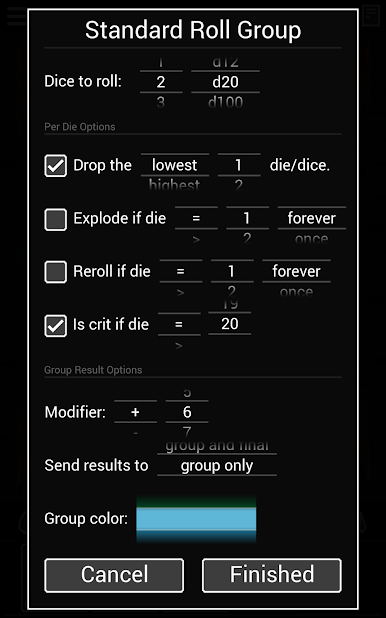
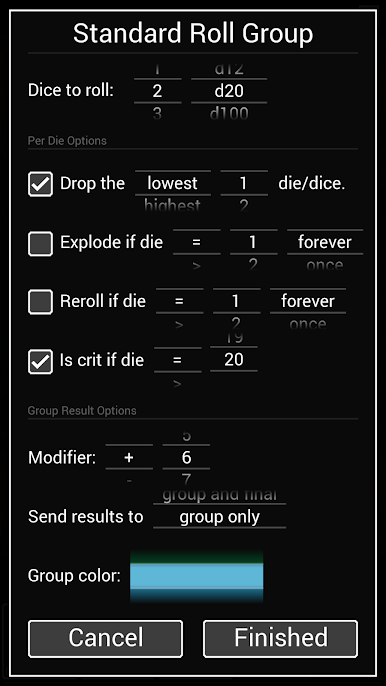
-Drop, Explode, Reroll and Crit any value of any die.
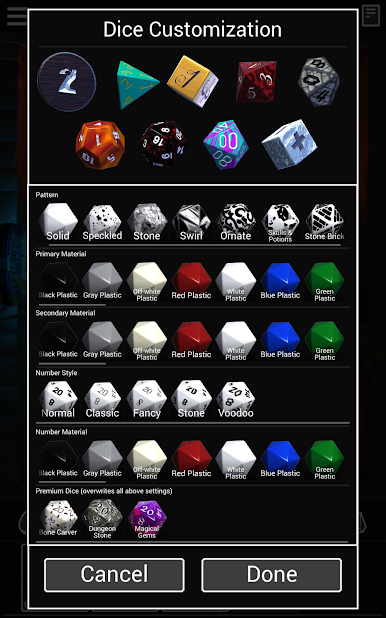
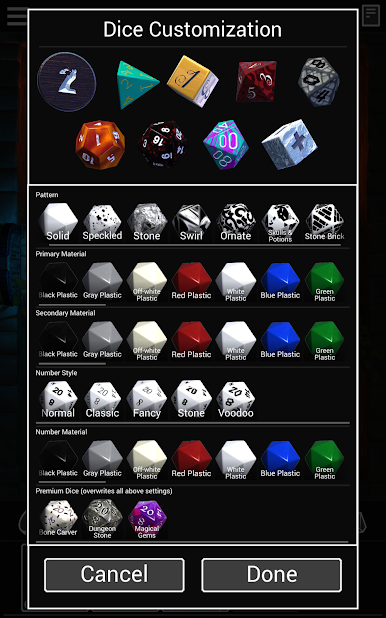
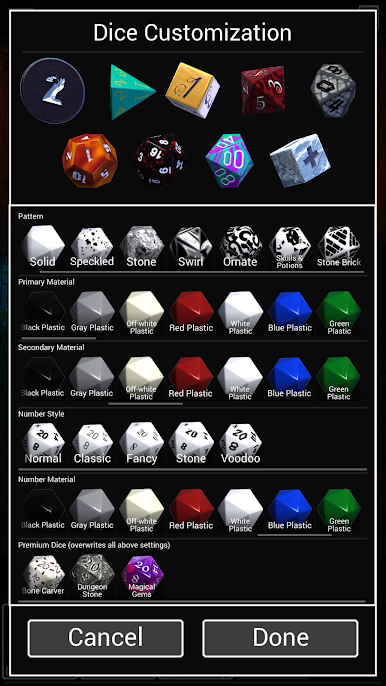
-Customize your own polyhedral dice with near endless combinations of materials, numbers, and patterns, with more on the way.
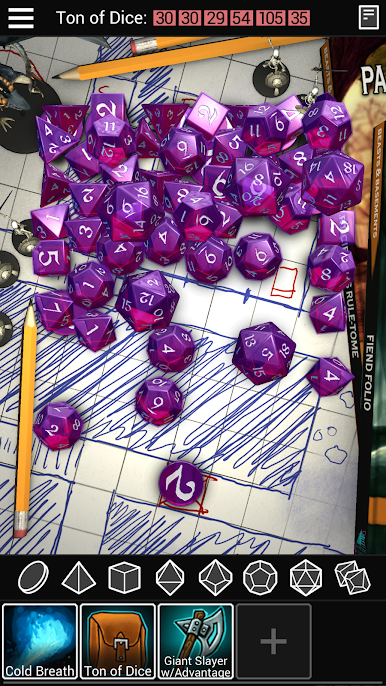
Dice To Go: Tabletop RPG RollerをPCでプレイ
-
BlueStacksをダウンロードしてPCにインストールします。
-
GoogleにサインインしてGoogle Play ストアにアクセスします。(こちらの操作は後で行っても問題ありません)
-
右上の検索バーにDice To Go: Tabletop RPG Rollerを入力して検索します。
-
クリックして検索結果からDice To Go: Tabletop RPG Rollerをインストールします。
-
Googleサインインを完了してDice To Go: Tabletop RPG Rollerをインストールします。※手順2を飛ばしていた場合
-
ホーム画面にてDice To Go: Tabletop RPG Rollerのアイコンをクリックしてアプリを起動します。

