

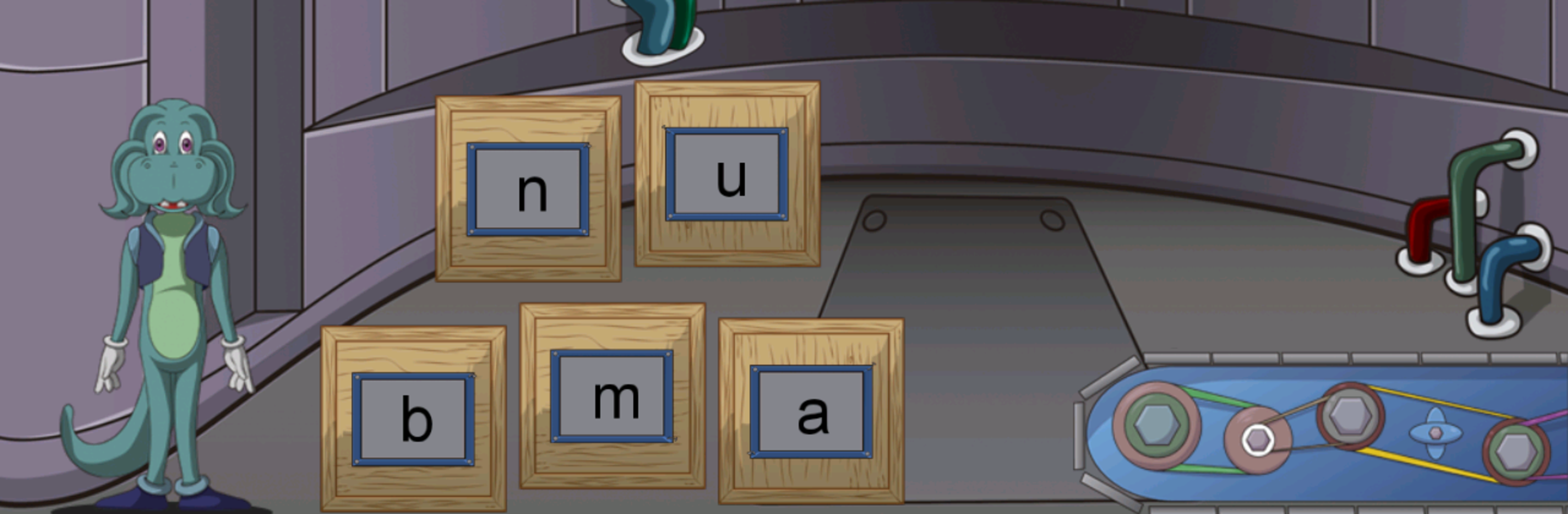
GALEXIA Mejora Fluidez Lectora
BlueStacksを使ってPCでプレイ - 5憶以上のユーザーが愛用している高機能Androidゲーミングプラットフォーム

Play GALEXIA Reading Fluency on PC or Mac
Explore a whole new adventure with GALEXIA Reading Fluency, a Educational game created by Pambú! Dev. Experience great gameplay with BlueStacks, the most popular gaming platform to play Android games on your PC or Mac.
About the Game
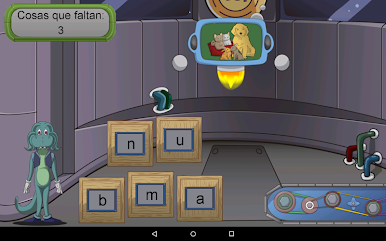
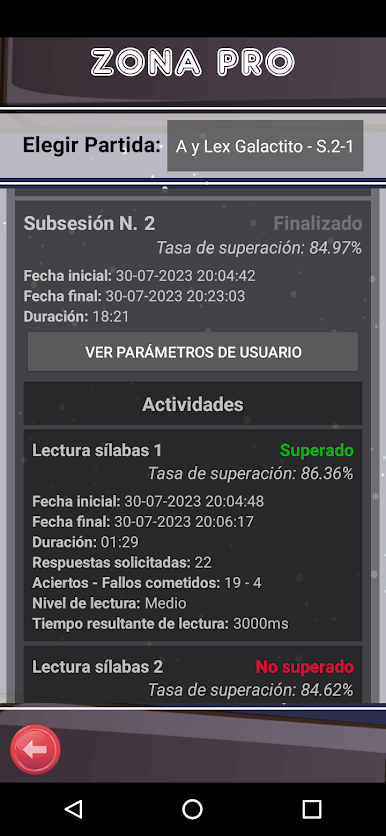
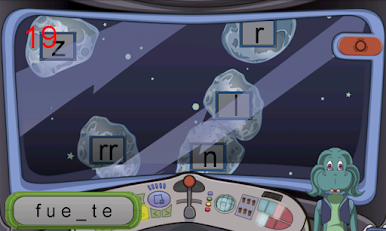
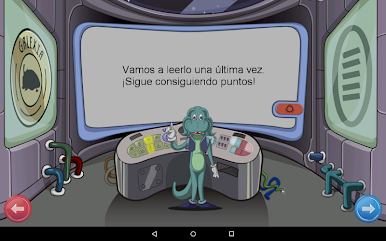
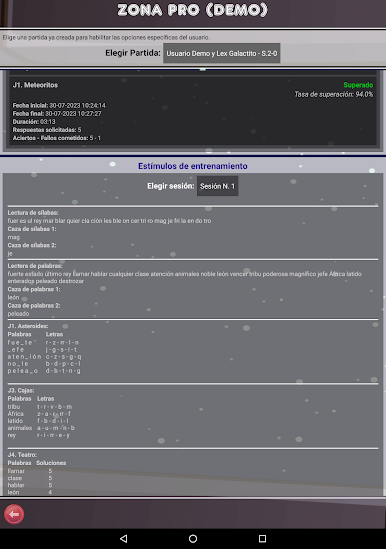
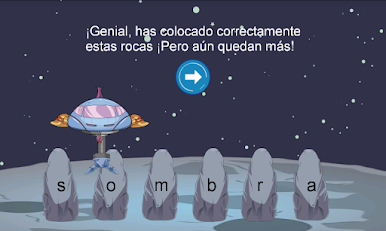
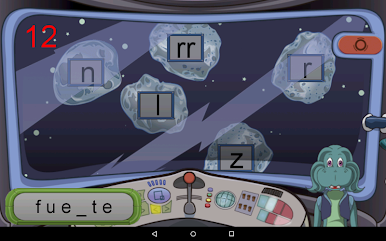
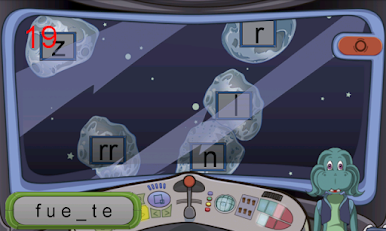
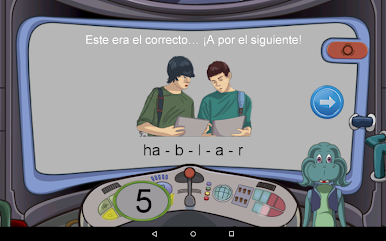
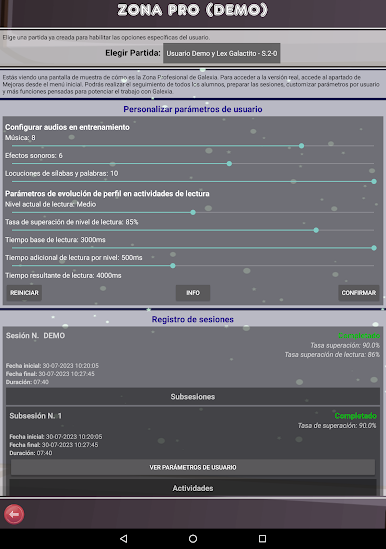
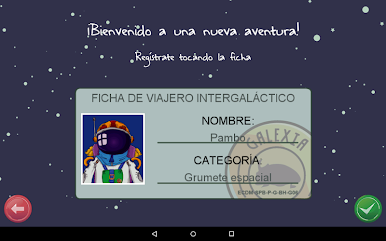
GALEXIA Reading Fluency is here to make reading a smoother, more enjoyable experience for everyone—especially kids or anyone looking to build up their confidence with words. Created by Pambú! Dev, this educational game packs in plenty of smart activities designed to help with reading and speaking, making it a handy choice for those dealing with challenges like dyslexia or ADHD. Fire it up, and you’ll find yourself working through fun, effective exercises that are based on real scientific research.
Game Features
-
Tailored for Reading Challenges
Whether you’re supporting a child with dyslexia or looking to improve focus due to ADHD, GALEXIA Reading Fluency offers tools specially made for these struggles. -
Science-Backed Learning
Every activity draws from proven intervention programs, so you can trust that it’s not just fun—it’s effective. -
Easy for All Ages
Kids, teens, or grown-ups—anyone can hop in and start improving their reading skills right away. -
Used by Pros
Teachers and reading specialists already rely on GALEXIA Reading Fluency in schools, so you know it’s up to the task. -
Spanish-Language Support
The current version is in Spanish, making it a great option for Spanish-speaking users. -
Smooth Gameplay on BlueStacks
Try it on BlueStacks and you’ll find the controls and overall experience even more comfortable, whether you’re practicing at school or home.
Start your journey now. Download the game on BlueStacks, invite your friends, and march on a new adventure.









GALEXIA Mejora Fluidez LectoraをPCでプレイ
-
BlueStacksをダウンロードしてPCにインストールします。
-
GoogleにサインインしてGoogle Play ストアにアクセスします。(こちらの操作は後で行っても問題ありません)
-
右上の検索バーにGALEXIA Mejora Fluidez Lectoraを入力して検索します。
-
クリックして検索結果からGALEXIA Mejora Fluidez Lectoraをインストールします。
-
Googleサインインを完了してGALEXIA Mejora Fluidez Lectoraをインストールします。※手順2を飛ばしていた場合
-
ホーム画面にてGALEXIA Mejora Fluidez Lectoraのアイコンをクリックしてアプリを起動します。

