


ファイゴルフ
BlueStacksを使ってPCでプレイ - 5憶以上のユーザーが愛用している高機能Androidゲーミングプラットフォーム

Play PhiGolf on PC or Mac
Explore a whole new adventure with PhiGolf, a Sports game created by phigolf. Experience great gameplay with BlueStacks, the most popular gaming platform to play Android games on your PC or Mac.
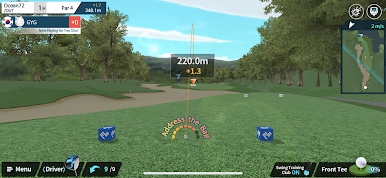
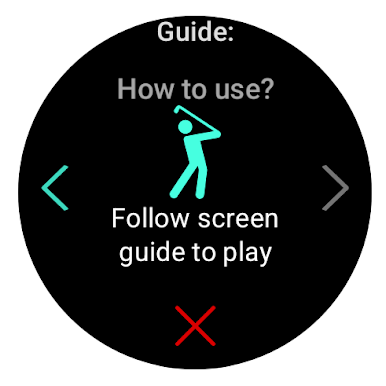
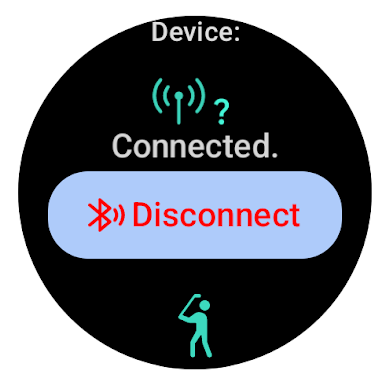
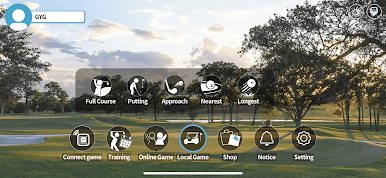
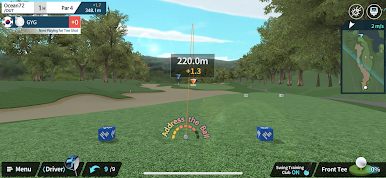
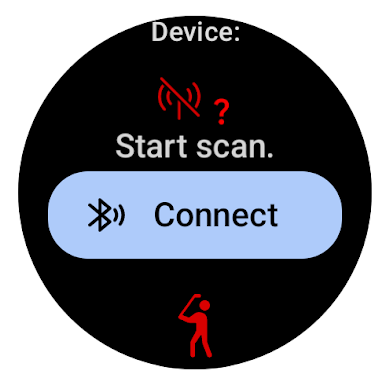
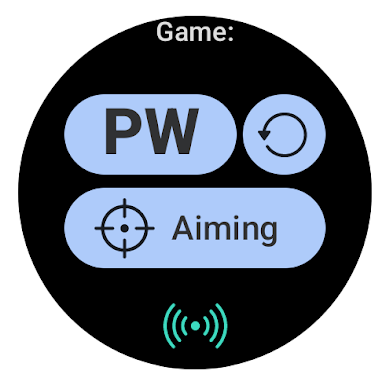
PhiGolf is basically one of those golf simulators that turns your living room or wherever you’ve got some space into a mini course. The main thing that makes it stand out is that little motion sensor. Once it’s set up, the game tracks your swings—sometimes almost too well—and right away you start seeing your shots mapped out on these pretty detailed 3D courses. There are a bunch of different modes, so you can just mess around on the range or play a proper 18-hole round with friends. Up to four people can jump in locally, which honestly makes for some good laughs if there’s a mix of folks new to the game and others trying to get all technical about their form.
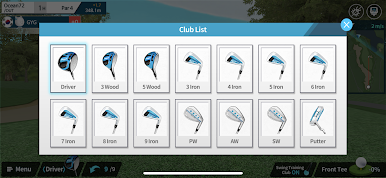
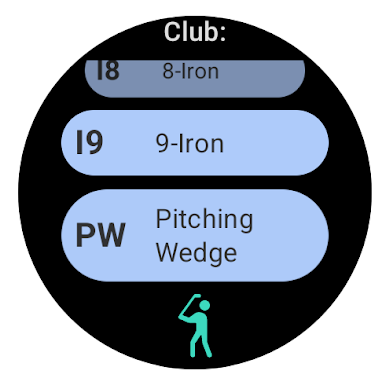
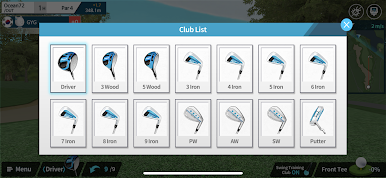
The controls are made to be simple, so even people who don’t have a lot of golf know-how can get into it. There’s even automatic club selection so no one gets bogged down picking the right iron. Anyone interested in trying out golf swings or just looking for something new to play inside will probably get a kick out of the practice range, since it lets you see every tiny detail of your swing. The game keeps track if you’re trying to improve, and the putting analysis is surprisingly clear. And with BlueStacks, it works smoothly on PC, so there’s this larger display and you’ve got more room to really track what’s going on with your shot or when you’re comparing swings with friends. Definitely not the kind of thing only golf fans would enjoy—people just looking to hang out and play something different might like it, too.
Get ready for a buttery smooth, high-performance gaming action only on BlueStacks.
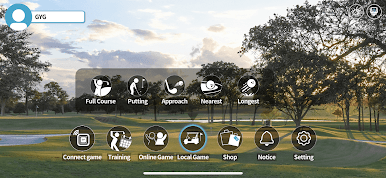
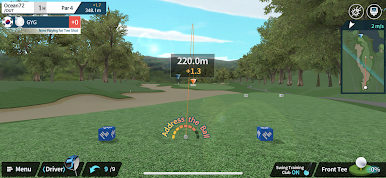
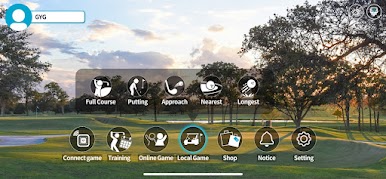
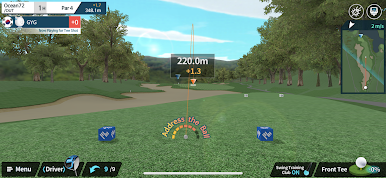

ファイゴルフをPCでプレイ
-
BlueStacksをダウンロードしてPCにインストールします。
-
GoogleにサインインしてGoogle Play ストアにアクセスします。(こちらの操作は後で行っても問題ありません)
-
右上の検索バーにファイゴルフを入力して検索します。
-
クリックして検索結果からファイゴルフをインストールします。
-
Googleサインインを完了してファイゴルフをインストールします。※手順2を飛ばしていた場合
-
ホーム画面にてファイゴルフのアイコンをクリックしてアプリを起動します。

