


このページには広告が含まれます
Pixel Car Racer
レース | Studio Furukawa
BlueStacksを使ってPCでプレイ - 5憶以上のユーザーが愛用している高機能Androidゲーミングプラットフォーム

PCでPixel Car Racerをプレイ
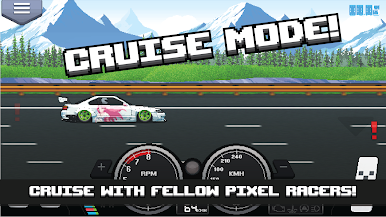
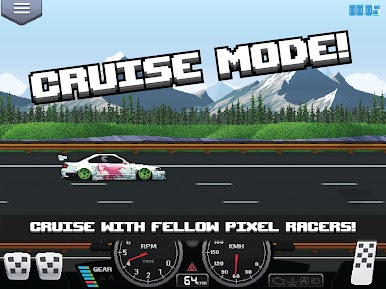
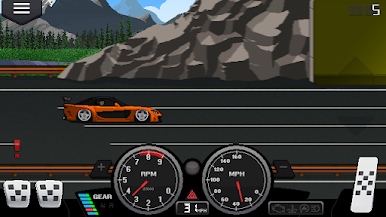
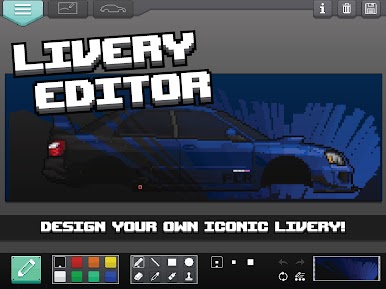
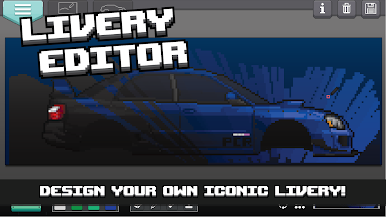
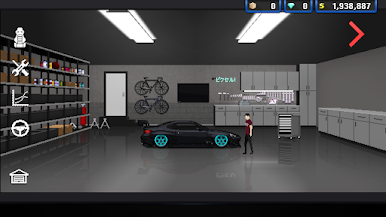
Pixel Car Racerは、RPG サンドボックス型 エクスペリエンスをフィーチャーしたレトロ スタイルのアーケード レーサーです。自由に車をカスタムし、夢のガレージを手に入れましょう!さあ、車を上手く操縦し、トップの座を目指しましょう。
特徴
•ドラッグ および ストリート ゲームモード
•選べる車両は100車以上!
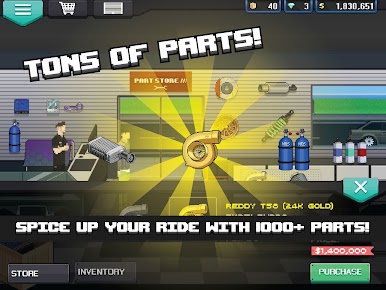
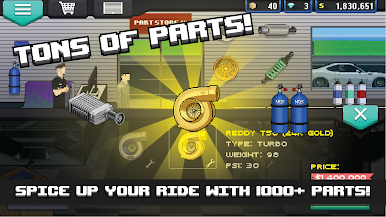
•1000種類以上の車両部品!
•RPGスタイルのチューニング
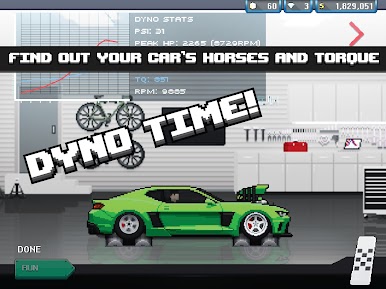
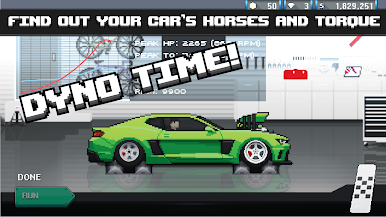
•ダイノ チューニング
•美しいピクセル アート グラフィック
•断線
•リアルなエンジン システム
•手動変速
•クラッチを含むレーシング スタイルのペダル!
•日本、ユーロ、米国型の車/部品。
•アクティブなコミュニティ
•新しいコンテンツや機能が毎週更新されます
•世界中の自動車愛好家のために設計されています
PCRのウェブサイト:http://www.pixelcarracer.com/
PCRのFacebookページ:https://www.facebook.com/PixelCarRacer/
STUDIO FURUKAWAのウェブサイト:http://www.studiofurukawa.com/
重要
Android 4.X以降のバージョンが必要です。1GB以上のRAMを推奨しています。
トラブルシューティング
クラッシュやバグなどがございましたら、遠慮せずにお問い合わせください。
特徴
•ドラッグ および ストリート ゲームモード
•選べる車両は100車以上!
•1000種類以上の車両部品!
•RPGスタイルのチューニング
•ダイノ チューニング
•美しいピクセル アート グラフィック
•断線
•リアルなエンジン システム
•手動変速
•クラッチを含むレーシング スタイルのペダル!
•日本、ユーロ、米国型の車/部品。
•アクティブなコミュニティ
•新しいコンテンツや機能が毎週更新されます
•世界中の自動車愛好家のために設計されています
PCRのウェブサイト:http://www.pixelcarracer.com/
PCRのFacebookページ:https://www.facebook.com/PixelCarRacer/
STUDIO FURUKAWAのウェブサイト:http://www.studiofurukawa.com/
重要
Android 4.X以降のバージョンが必要です。1GB以上のRAMを推奨しています。
トラブルシューティング
クラッシュやバグなどがございましたら、遠慮せずにお問い合わせください。



Pixel Car RacerをPCでプレイ
-
BlueStacksをダウンロードしてPCにインストールします。
-
GoogleにサインインしてGoogle Play ストアにアクセスします。(こちらの操作は後で行っても問題ありません)
-
右上の検索バーにPixel Car Racerを入力して検索します。
-
クリックして検索結果からPixel Car Racerをインストールします。
-
Googleサインインを完了してPixel Car Racerをインストールします。※手順2を飛ばしていた場合
-
ホーム画面にてPixel Car Racerのアイコンをクリックしてアプリを起動します。

