


FNF Music Race 3D
BlueStacksを使ってPCでプレイ - 5憶以上のユーザーが愛用している高機能Androidゲーミングプラットフォーム

概要
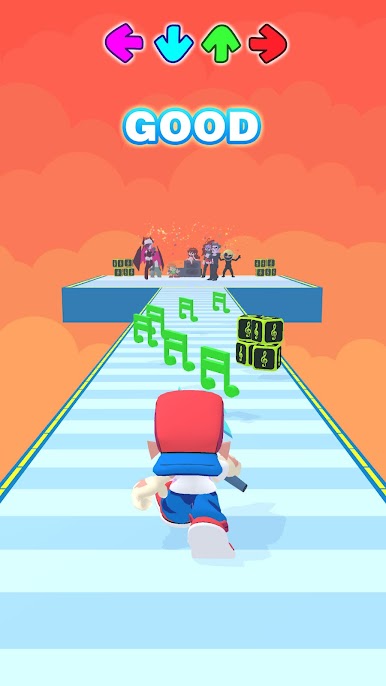
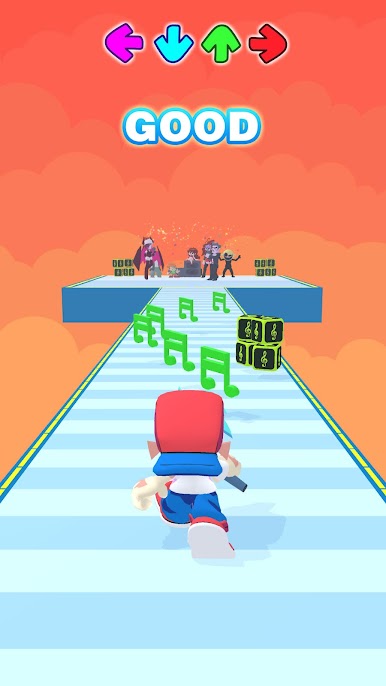
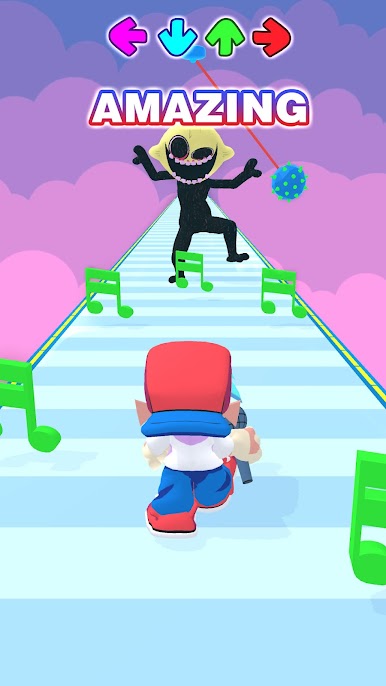
Boyfriend was invited to join a fun and freaky party. Unluckily, Boyfriend has to beat all the challenges during the way to the party and win a music battle to keep his Girlfriend safe. Will he be able to do that?
🎶 WHAT CAN YOU DO TO HELP HIM?
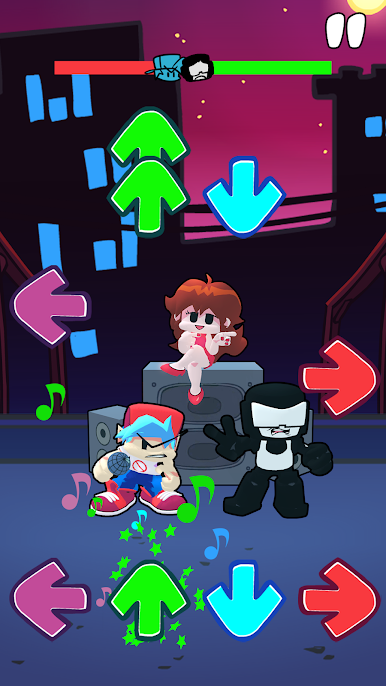
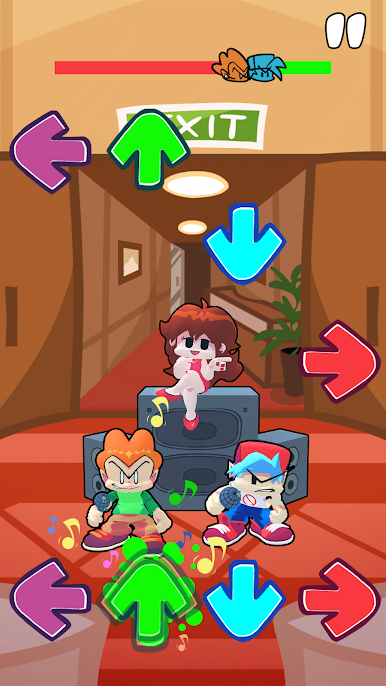
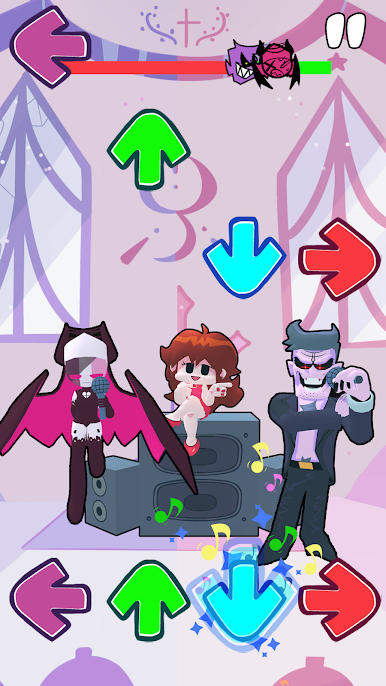
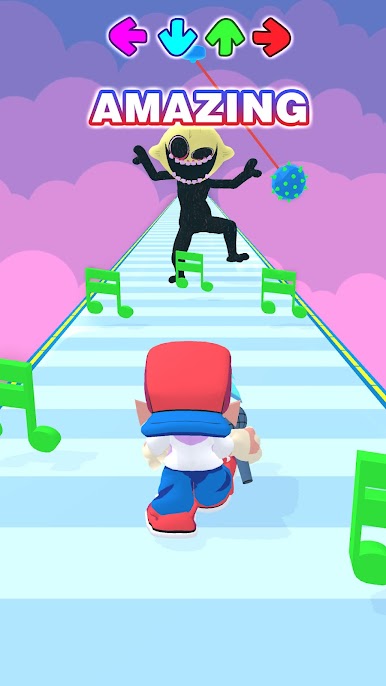
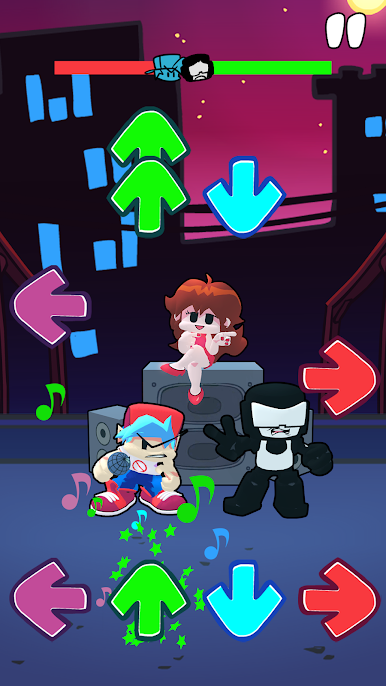
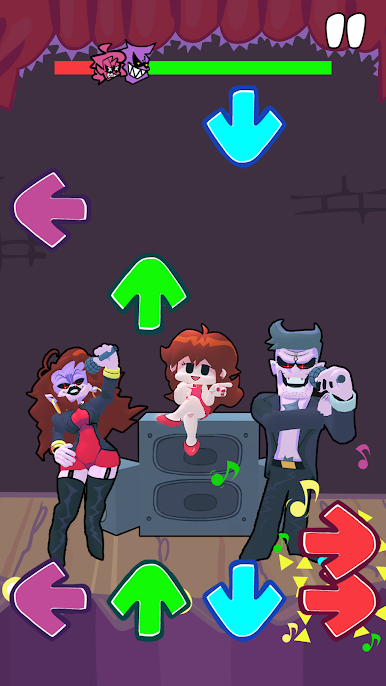
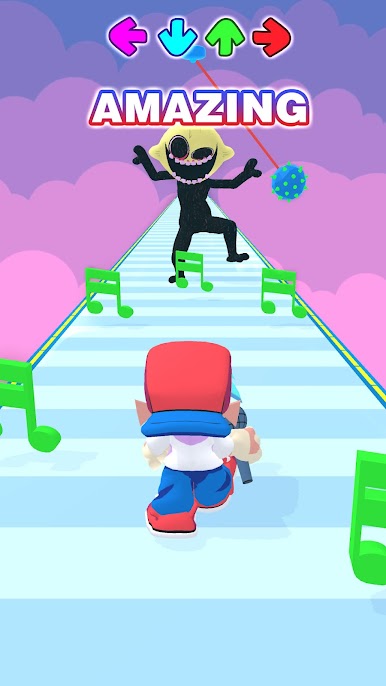
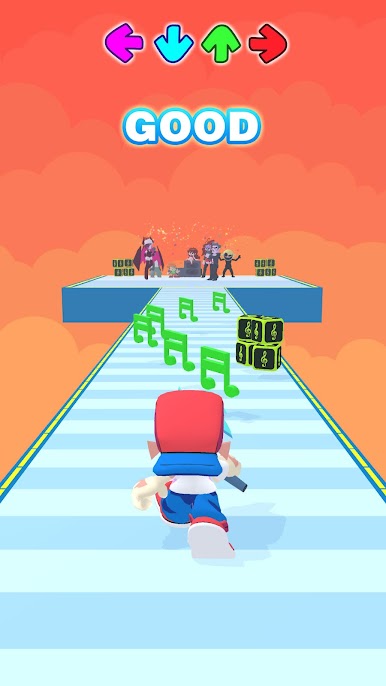
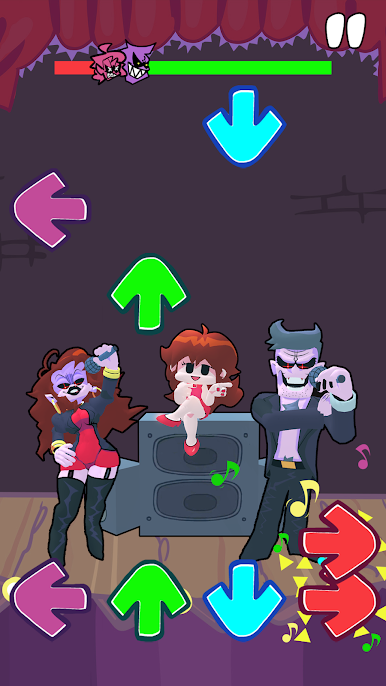
Try to run through the challenges and grab all the music notes. Then tap the arrow keys when they perfectly match to get the highest score point and beat FNF enemies like Tricky, Sonic, Nonsense, Garcello, Bob, Mat,...
Enjoy the Funkin party!
🎶 AN AMAZING COMBINATION BETWEEN RUNNING GAME AND FNF MUSIC BATTLE!
🔥Various music and characters to explore
🔥Tons of level with WACKY obstacles
🔥Beautiful high-resolution graphics
🔥Amazing music and sound effects
Got what it takes to be a true hero of Girlfriend? Download the game now and beat them all!





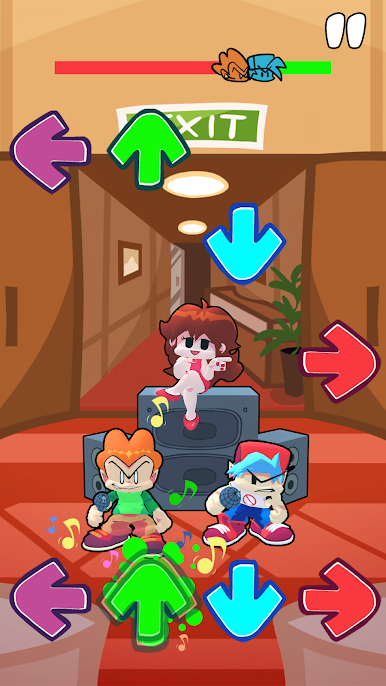
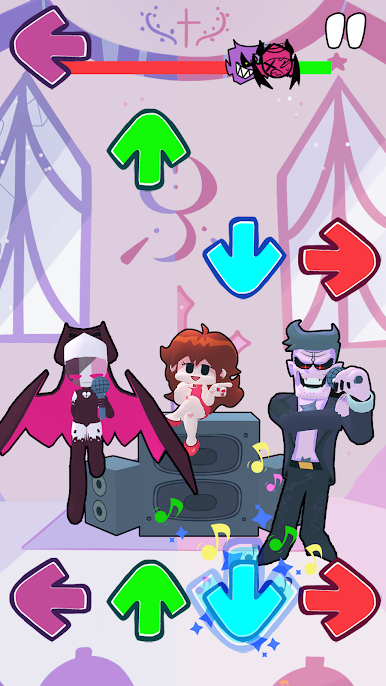
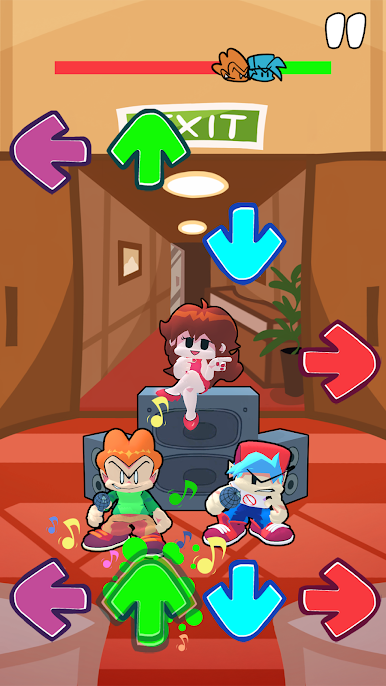
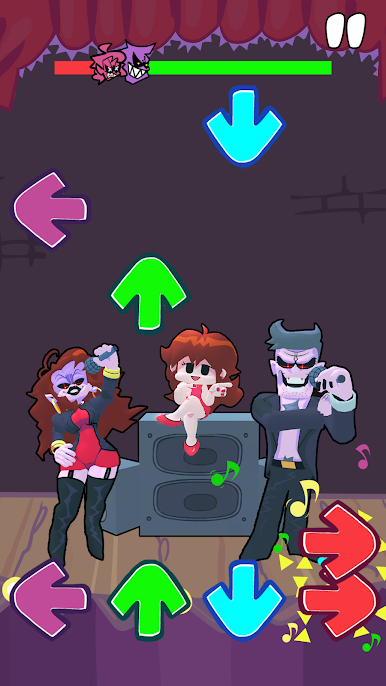
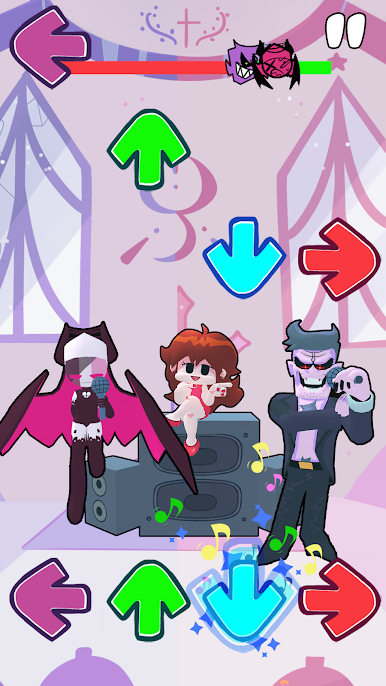

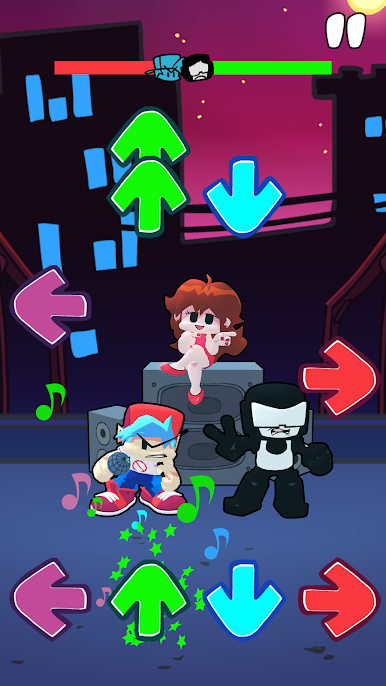
FNF Music Race 3DをPCでプレイ
-
BlueStacksをダウンロードしてPCにインストールします。
-
GoogleにサインインしてGoogle Play ストアにアクセスします。(こちらの操作は後で行っても問題ありません)
-
右上の検索バーにFNF Music Race 3Dを入力して検索します。
-
クリックして検索結果からFNF Music Race 3Dをインストールします。
-
Googleサインインを完了してFNF Music Race 3Dをインストールします。※手順2を飛ばしていた場合
-
ホーム画面にてFNF Music Race 3Dのアイコンをクリックしてアプリを起動します。

