


PMP Certification Exam
BlueStacksを使ってPCでプレイ - 5憶以上のユーザーが愛用している高機能Androidゲーミングプラットフォーム

Run PMP Certification Exam on PC or Mac
Upgrade your experience. Try PMP Certification Exam, the fantastic Education app from Retrosoft Corp., from the comfort of your laptop, PC, or Mac, only on BlueStacks.
About the App
Studying for the PMP exam can be intimidating, but the PMP Certification Exam app from Retrosoft Corp. is all about making things easier. If you’re aiming to become a certified project management pro, this app lays out everything you need with a practical, user-friendly setup. Whether you’re sneaking in questions on your lunch break or buckling down for focused sessions at home, you’ll find plenty of realistic practice in one place.
App Features
-
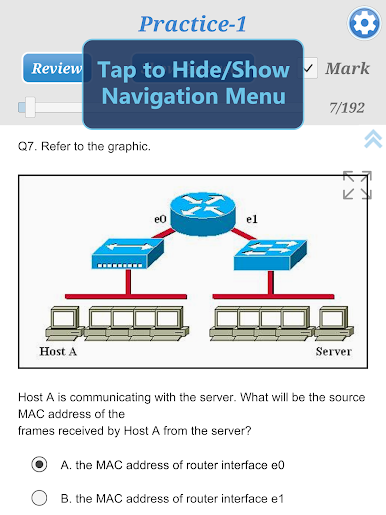
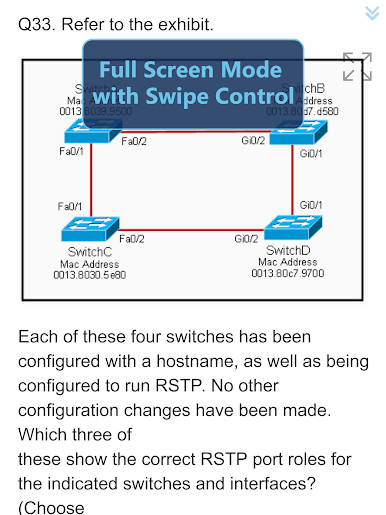
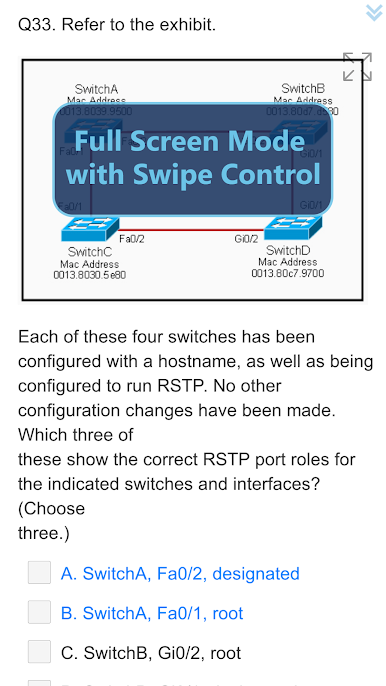
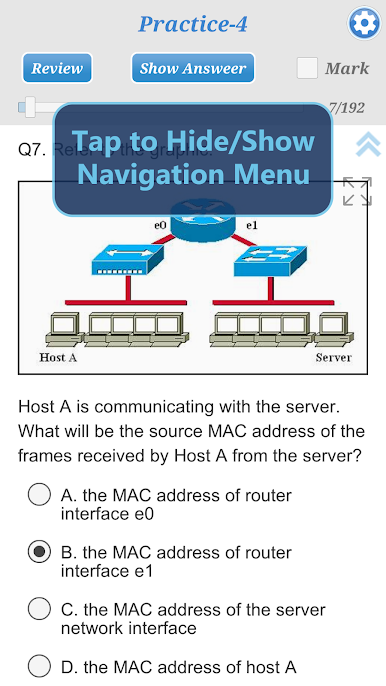
Comprehensive Question Bank
You’ll have access to around 650 practice questions that cover all the big topics, complete with clear answer explanations. No guesswork—just straightforward learning. -
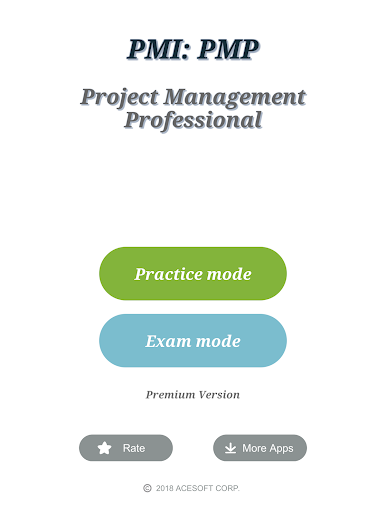
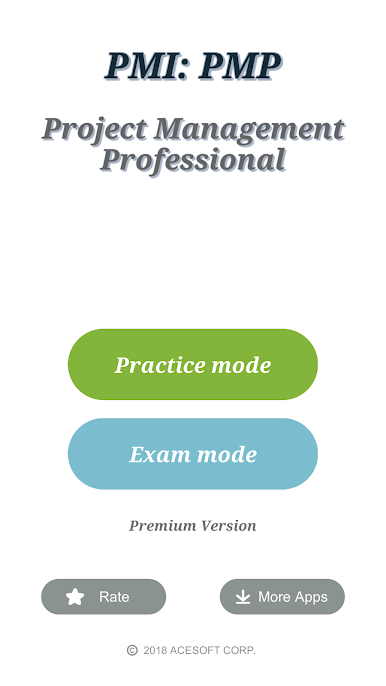
Flexible Study Modes
Choose from Practice mode for a relaxed, no-pressure review (answers and explanations anytime!), or amp it up with Exam mode, which mimics the real test—timed, random, and scored just like the real thing. -
Progress Monitoring
The app automatically saves your place if you have to step away, so you can jump right back in whenever. Not done with your session? No problem. -
Unlimited Practice Sessions
Create as many practice or mock exam sessions as you want. There’s no cap—review as often as you need. -
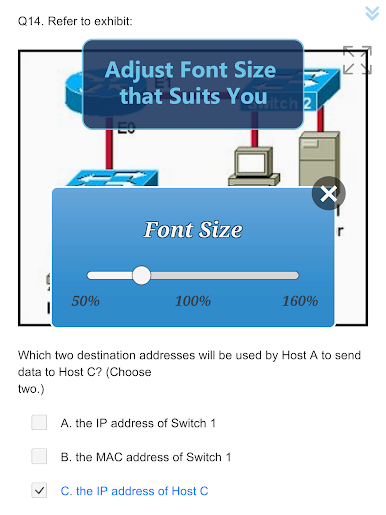
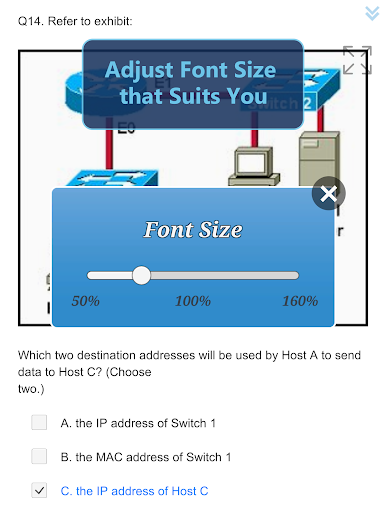
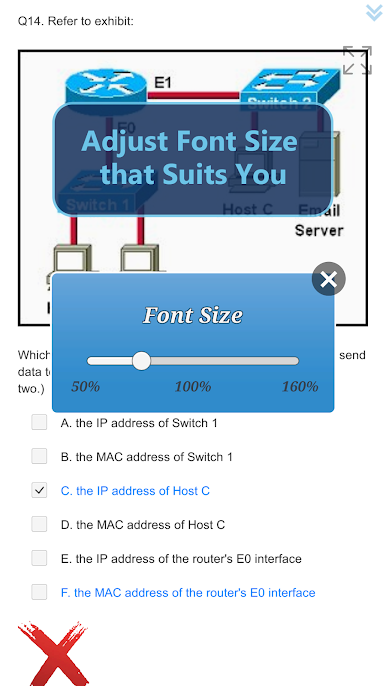
Customizable Experience
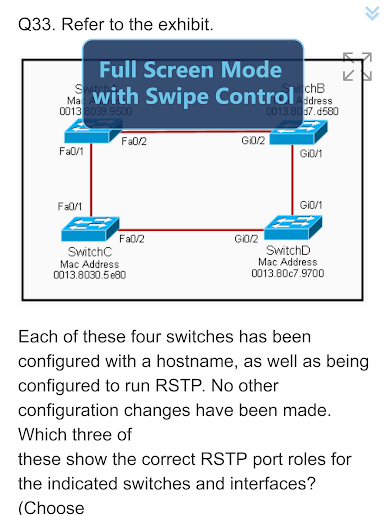
Prefer bigger text or a different layout? Adjust the font size for your device to keep things comfortable on your eyes, wherever you’re studying. -
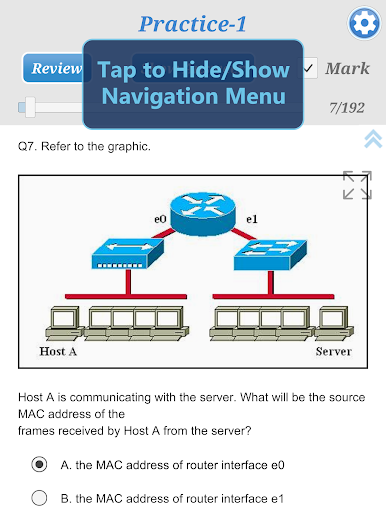
Mark & Review for Quick Reference
Want to revisit a tricky question? Use the Mark and Review features to easily flag and return to specific items later. -
Score Quick Results
Instantly see how you did after each session—no waiting, so you know where you stand right away.
If you want a more flexible practice setup, you can also use PMP Certification Exam on your PC with BlueStacks for a change of pace.
Switch to BlueStacks and make the most of your apps on your PC or Mac.
PMP Certification ExamをPCでプレイ
-
BlueStacksをダウンロードしてPCにインストールします。
-
GoogleにサインインしてGoogle Play ストアにアクセスします。(こちらの操作は後で行っても問題ありません)
-
右上の検索バーにPMP Certification Examを入力して検索します。
-
クリックして検索結果からPMP Certification Examをインストールします。
-
Googleサインインを完了してPMP Certification Examをインストールします。※手順2を飛ばしていた場合
-
ホーム画面にてPMP Certification Examのアイコンをクリックしてアプリを起動します。

