

Call of Duty®: Mobile
BlueStacksを使ってPCでプレイ - 5憶以上のユーザーが愛用している高機能Androidゲーミングプラットフォーム

PCでCall of Duty®: Mobileをプレイ
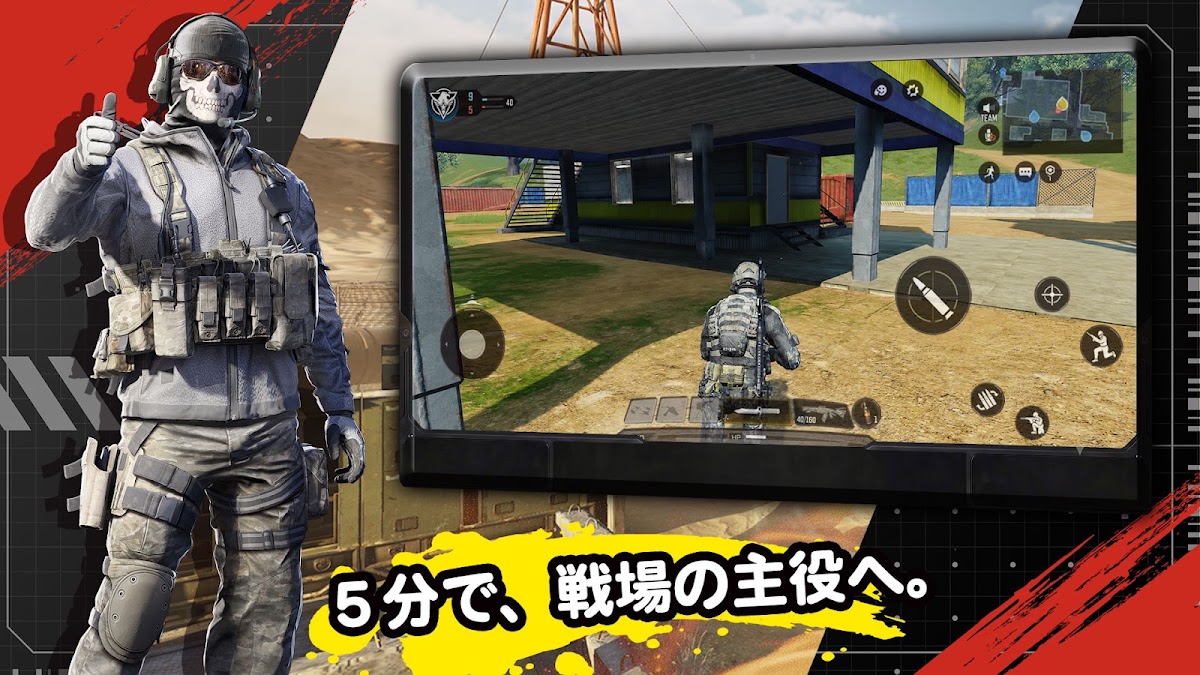
今までにないようなCALL OF DUTY®で、ハイペースなFPSアクションを指先だけで楽しもう
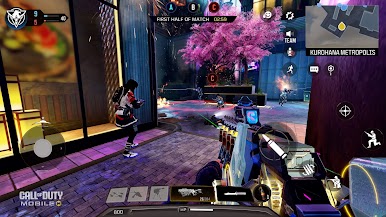
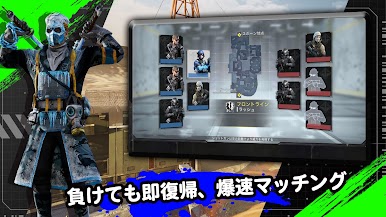
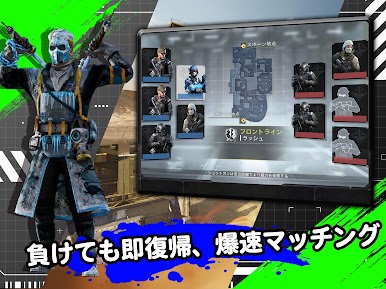
Shipment、RaidやStandoffといった伝説的なマップ上でTEAM DEATHMATCH、DOMINATIONやKILL CONFIRMEDといったクラシックなモードをプレイして、熾烈なマルチプレイヤーバトルに飛び込もう。BATTLE ROYALEの方がお好き?なら分隊を組み、アイコニックな戦場を舞台にしたTANK ISOLATEDやTRAINING GROUNDなどのダイナミックなモードで戦場を制圧しよう
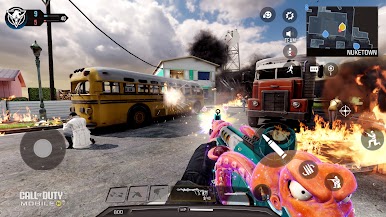
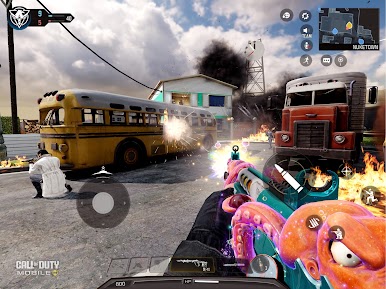
混沌のBATTLE ROYALEが待っている!5つの重要地点を全て探索し、生き残りを懸けて戦いながら勝利を掴もう。あるいは、フレンドとチームを組み、人気のマップ「Nuketown」などでアクション満載のマルチプレイヤーマッチを楽しもう
何百万というプレイヤーたちに加わり、究極の基本プレイ無料FPS体験が楽しめるCALL OF DUTY®: MOBILEで戦場を支配しよう。ハイペースな5v5のTEAM DEATHMATCH、クールなゾンビモード、または総力戦のBATTLE ROYALEのどれをプレイしても、アクションは止まらない
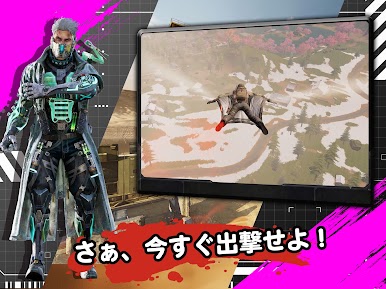
装填完了、次のミッションが始まろうとしている!
今すぐ無料でダウンロード
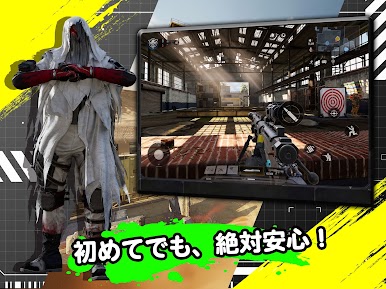
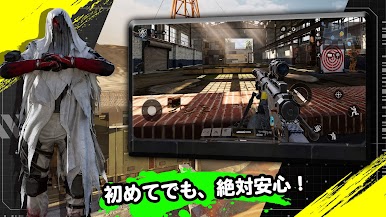
CALL OF DUTY®: MOBILEでは、とっつきやすくカスタマイズ可能な操作性、フレンドと楽しめるボイスチャットとテキストチャット、スリリングな3Dグラフィックやサウンドなどの機能を備えるコンソール品質のHDゲームをモバイルで楽しめる。コントローラーで遊ぶゲームがいい?それならお任せを!いつでも、どこでも、この最高なFPSシリーズを体験しよう。どこでもこのFPSゲームをプレイしよう。すべてのミッションが一か八かのデルタ作戦のように感じられ、あなたの射撃スキルの限界が試される
毎月アップデートで新シーズンのコンテンツが登場
CALL OF DUTY®: MOBILEには、多くのFPSのゲームモードやマップ、テーマイベント、報酬があるため、いつでもフレッシュなコンテンツが楽しめる。シーズンごとに、CALL OF DUTY®ユニバースのストーリーが進行し、アンロック可能なユニークな新コンテンツが実装される。さっそくBATTLE ROYALEに飛び込もう!
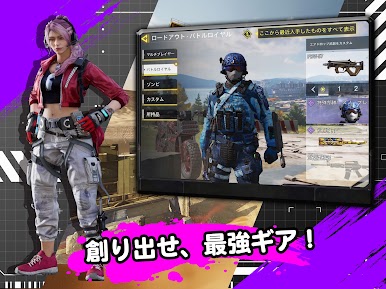
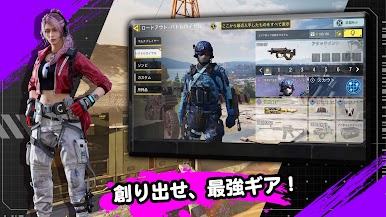
独自のロードアウトをカスタマイズ
プレイする中で、様々な人気キャラクター、武器、アウトフィット、スコアストリーク、最新ギアがアンロックされる。CALL OF DUTY®: MOBILEを自分のやり方でプレイしよう
対戦とソーシャルプレイ
戦争マルチプレイヤーゲームがお気に入りのあなたへ。フレンドと一緒に、激しい競争が繰り広げられるランク戦で競うか、協力して腕を磨こう。クランに加入し、仲間たちと交流を楽しみ、クラン戦に参加することでユニークな報酬を獲得することもできる。交戦するたびに、この伝説的なFPSゲームの圧倒的な迫力を体験しよう
アプリのサイズを削減できるダウンロードオプション
ストレージスペースの限界を気にせずに、CALL OF DUTY®: MOBILEをダウンロードしてプレイしよう。CALL OF DUTY®: MOBILEをより気軽に楽しめるように、最初のダウンロード時のアプリサイズが小さく抑えられており、追加オプションを利用することで、プレイヤー自身がHDリソースやマップ、武器、オペレーターなどのダウンロードするゲーム要素を選ぶことができる
最高のライバルと競い合いたいなら、CALL OF DUTY®: MOBILEを今すぐダウンロード!
_________________________________________________________
備考: ゲームの改善のため、プレイ中にお気付きの点がございましたらフィードバックをお寄せください。フィードバックは、ゲーム内の設定 > フィードバック > お問い合わせの項目からお送りいただけます
登録して最新情報をチェック!---> profile.callofduty.com/cod/registerMobileGame
_________________________________________________________
注意: 本ゲームをプレイするにはインターネット接続が必要です
本アプリにはソーシャル機能が含まれます。フレンドと繋がってプレイできるほか、プッシュ通知を利用すればゲーム内で開催されるイベントや新コンテンツの情報を受け取れます。これらの機能の有効/無効は選択可能です
©/TM/® 2026 Activision Publishing, Inc.

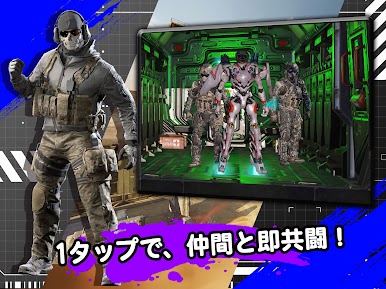
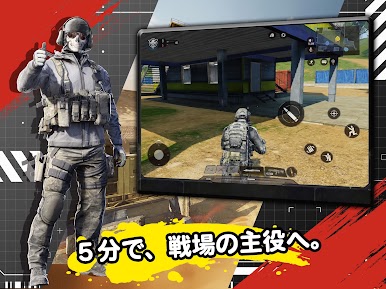
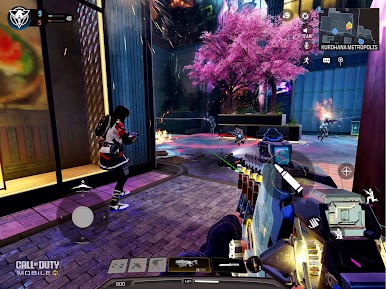
Call of Duty®: MobileをPCでプレイ
-
BlueStacksをダウンロードしてPCにインストールします。
-
GoogleにサインインしてGoogle Play ストアにアクセスします。(こちらの操作は後で行っても問題ありません)
-
右上の検索バーにCall of Duty®: Mobileを入力して検索します。
-
クリックして検索結果からCall of Duty®: Mobileをインストールします。
-
Googleサインインを完了してCall of Duty®: Mobileをインストールします。※手順2を飛ばしていた場合
-
ホーム画面にてCall of Duty®: Mobileのアイコンをクリックしてアプリを起動します。

