


このページには広告が含まれます
Xevorel
Role Playing | Amberaxe
BlueStacksを使ってPCでプレイ - 5憶以上のユーザーが愛用している高機能Androidゲーミングプラットフォーム

概要
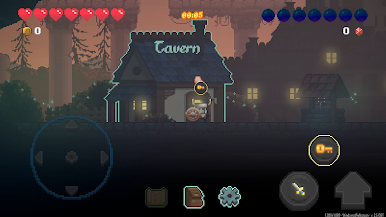
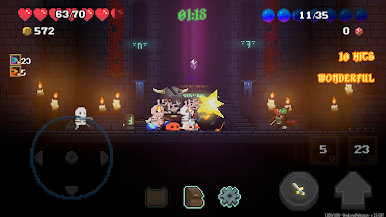
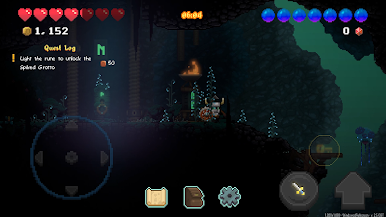
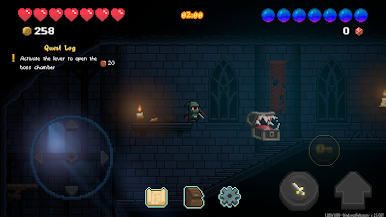
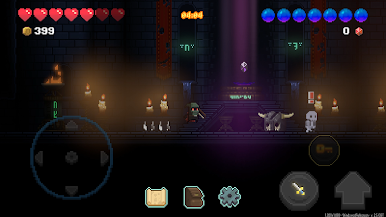
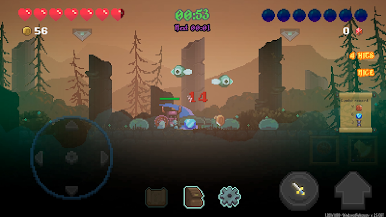
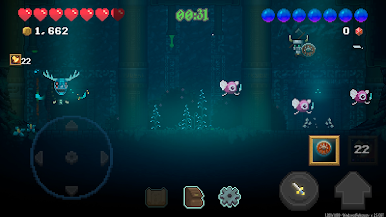
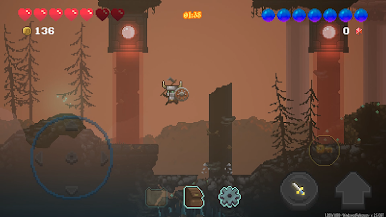
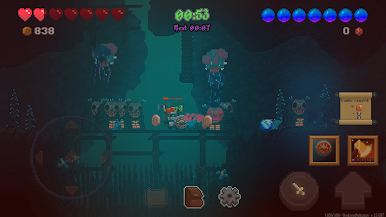
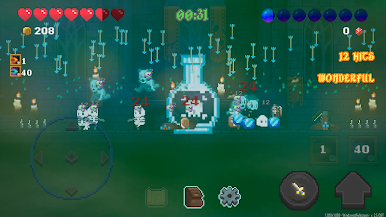
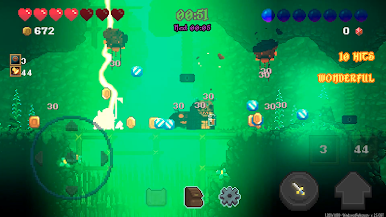
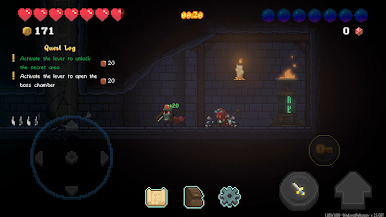
Xevorel, the evil itself, threatens the world with his armies swarming from dimensional portals. People packed a bunch of heroes and gently kicked them into the brawl to face the menace. Survive the invasion and slay the root of all evil.
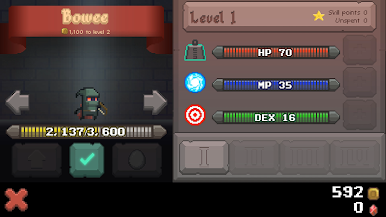
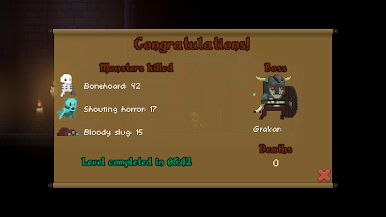
Grow your heroes by upgrading traits. Choose your combat styles by selecting different offensive and defensive skills. Enhance your power by equipping the best items. Customize characters with cool and unique skins. Find your way to fight the evil in story mode, roguelite dungeons and endless wave combats.
Be ready to save the world!
-------------------------------------------------------------
System requirements
64-bit Android Lollipop or more recent
200MB free storage space
2GB RAM or more
GPU Adreno 330 or better
Grow your heroes by upgrading traits. Choose your combat styles by selecting different offensive and defensive skills. Enhance your power by equipping the best items. Customize characters with cool and unique skins. Find your way to fight the evil in story mode, roguelite dungeons and endless wave combats.
Be ready to save the world!
-------------------------------------------------------------
System requirements
64-bit Android Lollipop or more recent
200MB free storage space
2GB RAM or more
GPU Adreno 330 or better


XevorelをPCでプレイ
-
BlueStacksをダウンロードしてPCにインストールします。
-
GoogleにサインインしてGoogle Play ストアにアクセスします。(こちらの操作は後で行っても問題ありません)
-
右上の検索バーにXevorelを入力して検索します。
-
クリックして検索結果からXevorelをインストールします。
-
Googleサインインを完了してXevorelをインストールします。※手順2を飛ばしていた場合
-
ホーム画面にてXevorelのアイコンをクリックしてアプリを起動します。

